5 ERP Software for Freelancers Worth Shortlisting in 2026
5 best ERP software for freelancers, compared on pricing, free plans and best-fit use. Where a tool struggles is spelled out. Reviewed in November 2026.

- Editor's choice
 Wave
Straightforward invoicing and online payments
Starts at$19 per monthVisit waveapps.comFull review - Great alternative
 Xero
Freelancers working with an accountant
Starts at$7 a monthVisit xero.comFull review - Also consider
 FreshBooks
Service freelancers billing by time
Starts at$23.00 per monthVisit freshbooks.comFull review
Direct answer
Wave leads the list, best for simple invoicing and online payments. Listed starting prices: Wave from $19 per month, Xero from $7 a month and FreshBooks from $23.00 per month. If your case is different, Xero suits freelancers working with an accountant and FreshBooks suits service freelancers billing by time. The other 2 tools in the list cover narrower or pricier cases.
TL;DR:
- Wave is the opening pick, best for straightforward invoicing and online payments.
- Wave is the only tool of the 5 with a free plan.
- Xero is the lowest-priced starter here at $7 per month.
- A fair warning about FreshBooks: accounting depth may trail broader suites.
Last checked November 2026. Prices and plan details were read from the vendors' own pages in November 2026; vendors change plans often, so confirm the current price on the vendor site before you buy.
Quick comparison
| Tool | Best for | Starts at | Free plan? | |
|---|---|---|---|---|
| Wave | Straightforward invoicing and online payments | $19 per month | Yes | Visit |
| Xero | Freelancers working with an accountant | $7 a month | Free trial | Visit |
| FreshBooks | Service freelancers billing by time | $23.00 per month | Free trial | Visit |
 Zoho Books | All-around freelance accounting and invoicing | See website | Not stated | Visit |
 QuickBooks Online | Freelancers planning to grow | $11.40 per month | Free trial | Visit |
Every option for ERP software for freelancers explained
Choosing ERP software for freelancers usually comes down to price, fit and limits. This LinkVetted guide sets 5 tools side by side on those three points, with the facts kept short and checkable.
In short, Wave is for straightforward invoicing and online payments. Freelancers who want a clean, straightforward way to bill clients and track entry-level finances may find it a good fit.
From a buyer's view, freelancers with complicated books should look at broader systems. The starting price for Wave: $19 per month. You can start on Wave without paying.
What to check first: May not suit expanding teams.
- Money management tools in one place
- Invoice creation and online payments
- Less depth for complicated accounting
Think of Xero for freelancers working with an accountant. Xero is accounting software for small firms that links you to your bank, accountant, bookkeeper, and other business apps.
Also, freelancers who work with a bookkeeper or want to link tools they already use may find that connectivity useful. From a buyer's view, very straightforward freelance work may not need the connections Xero emphasizes. Xero cost at the entry level: $7 per month. Trial and free access: Free trial.
Downsides: Not a full ERP for complicated operations.
- Links to bank and accountant
- Links to other business apps
- May need setup time for app connections
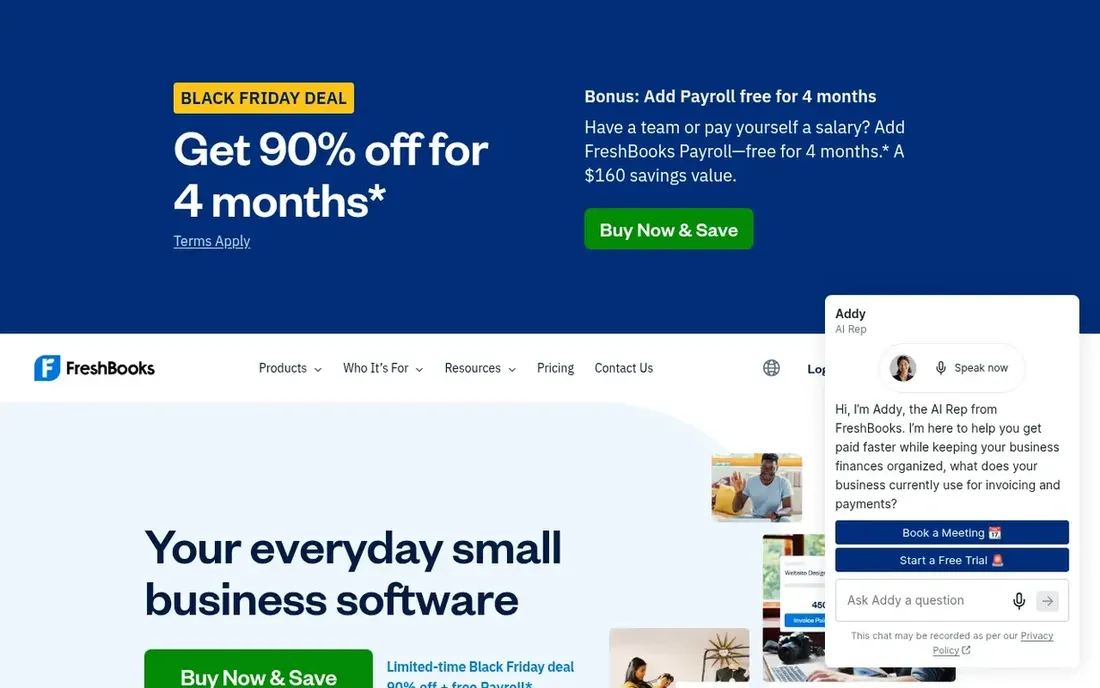
FreshBooks targets service freelancers billing by time. Also, pick FreshBooks when time tracking and client invoicing are the center of your work.
More specifically, freelancers with very straightforward billing may also find more tool than they need. If your work involves inventory, complicated tax handling, or deep financial reporting, a broader system may serve you better. Price to start with FreshBooks: $23.00 per month. Free access: Free trial.
Where it falls short: Accounting depth may trail broader suites. Where it shines: Invoices.
- Expense and credit card payment support
- Receipts together
- Less suited to product or inventory work
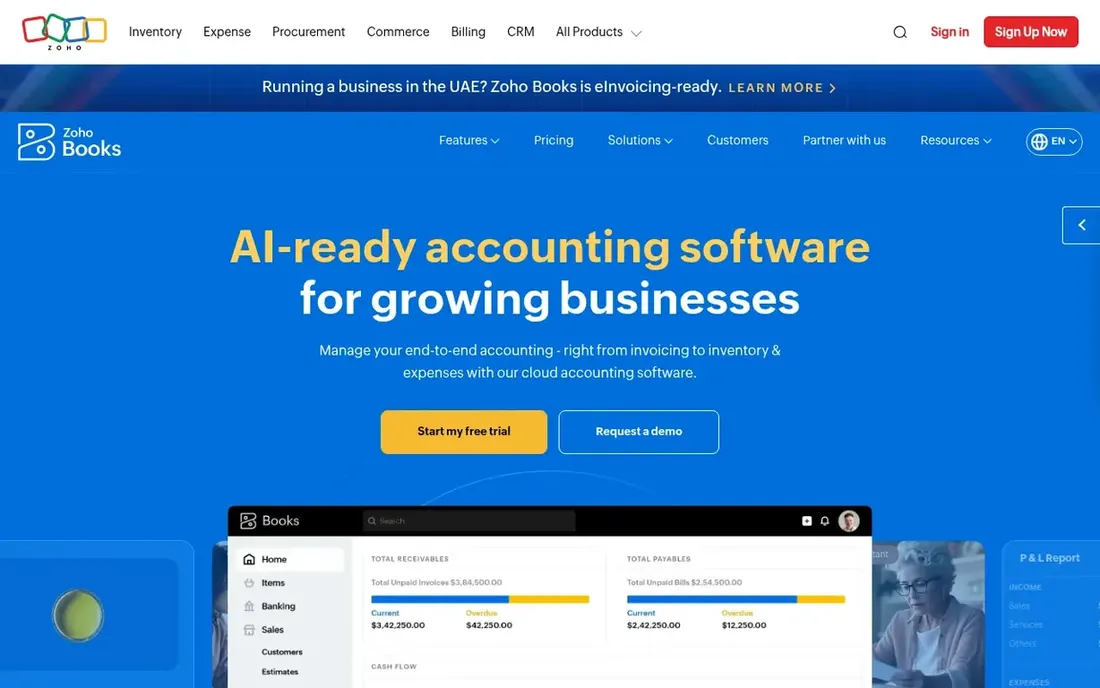
Zoho Books serves all-around freelance accounting and invoicing. Zoho Books is cloud accounting software that eases invoicing, expenses, tax management, bank reconciliation, and financial reporting.
It suits solo operators who prefer a structured system and expect to grow into more reporting over time. No starting price is listed for Zoho Books here; confirm pricing on the vendor site. Trial and free access: Not stated.
Trade-offs to know: May feel feature-heavy for straightforward solo work.
- Invoicing and expense tracking in one tool
- Financial reporting included
- Advanced needs may push you to other Zoho apps
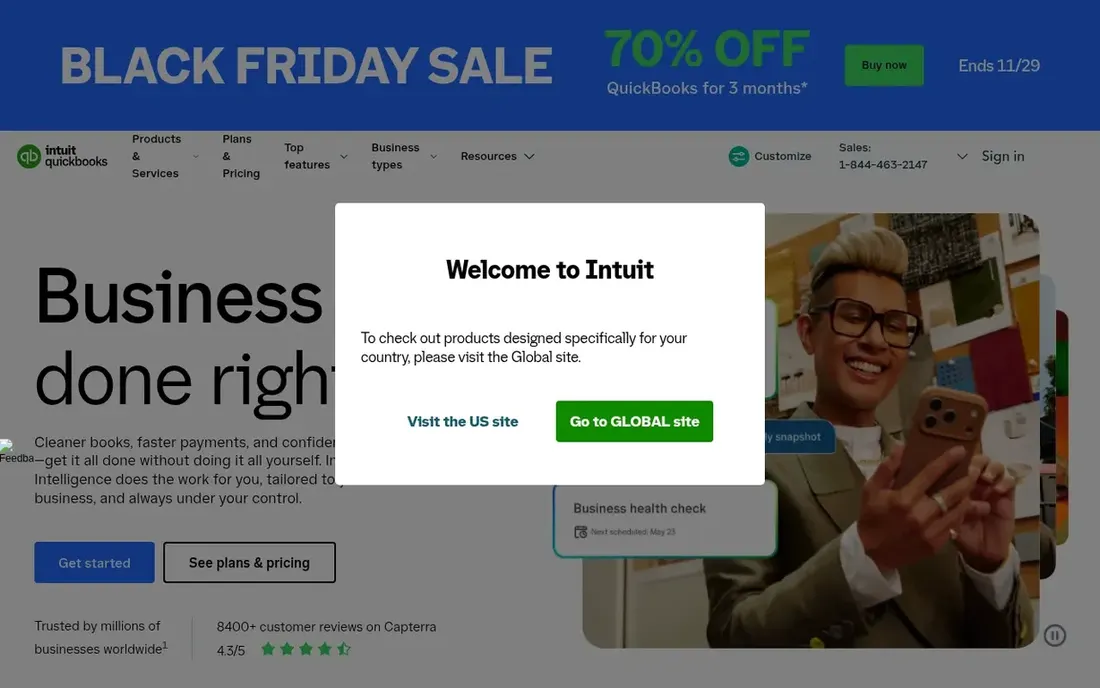
QuickBooks Online is designed for freelancers planning to grow. For freelancers who expect to add staff, contractors, or more complicated books later, it provides room to grow. Choose QuickBooks Online when growth and accountant familiarity matter more than simplicity.
As for the details, if you only need entry-level invoices and expenses, a lighter choice may be quicker to run. The breadth of features can feel heavy for a one-person operation with straightforward invoicing. QuickBooks Online cost at the entry level: $11.40 per month. Free access: Free trial.
Honest limits: Can be more than a solo freelancer needs.
- Well known among accountants
- Wide business management tools
- Feature breadth may add complexity
What went into this list
Before you commit
- Confirm the entry price on the vendor page. For Zoho Books that means a quote rather than a fixed price.
- Look at the free plan from Wave closely: its caps decide whether it is usable for real work.
- Run a trial of Xero, FreshBooks and QuickBooks Online with real work before paying for a year; your own workflow is the best test.
- Before choosing Wave, weigh its main limit: less depth for complicated accounting.
- Look at the help docs and support options for FreshBooks before you commit.
- Get the contract term, renewal terms and any onboarding fees from Xero in writing.
FAQ
Which options for ERP software for freelancers have a free plan?
Wave is the only tool in this list with a free plan. Free plans usually cap users, projects or features, so check the limits on the vendor page. Several others offer a trial instead. Prices, free plan details and limits for all 5 tools in this ERP software for freelancers roundup sit on the individual cards above.
Can I switch tools as my freelance business grows?
QuickBooks Online and Xero offer room to grow and link with accountants. In practice, plan the move before your books become complicated to cut rework.
Which tool is a good match for invoicing and time tracking?
Wave is the pick this page puts first, mainly for straightforward invoicing and online payments. If your situation differs, Xero suits freelancers working with an accountant, and FreshBooks suits service freelancers billing by time. Compare price and limits before you decide.
What should I check before choosing?
Confirm how you bill clients, whether you need bank connections, and what reporting or tax features your situation needs. Verify current details on each vendor site before deciding.
What is the cheapest option for ERP software for freelancers in this list?
On published monthly entry prices, Xero is the lowest here at $7 per month. Entry price is only part of the cost, because seats, add-ons and billing terms can change the total. Each of the 5 options in this ERP software for freelancers guide has its own card above with the price, free plan and limits.
Do these tools publish their prices?
Not all of them. Zoho Books publishes no starting price, so expect a quote request for it. The rest, Wave included, show a starting price, though seats and billing terms still change the final cost. All 5 picks in this ERP software for freelancers comparison list a starting price, free plan details and the main limits on their cards above.
Sources
- https://www.waveapps.com
- https://www.xero.com
- https://www.freshbooks.com
- https://www.zoho.com/books
- https://quickbooks.intuit.com