Best Event Planning Software for Freelancers for 2026: Our 6 Vetted Picks
6 best event planning software for freelancers, compared on pricing, free plans and best-fit use. Every pick gets a straight assessment. Reviewed this month.
- Editor's choice
 Airmeet
AI-powered video events and content
Starts at$167 a monthVisit airmeet.comFull review - Great alternative
 Bizzabo
B2B conferences and professional events
Starts atSee websiteVisit bizzabo.comFull review - Also consider
 Whova
Event apps with networking and engagement
Starts atSee websiteVisit whova.comFull review
Direct answer
Start with Airmeet if you need AI-powered video events and content. Listed starting prices: Airmeet from $167 a month and Eventbrite from $15 per month. Alternatives: Bizzabo for B2B conferences and professional events, and Whova for event apps with networking and engagement. All 6 tools are compared below on price, free plan and limits.
TL;DR:
- Airmeet is the opening pick, best for AI-powered video events and content.
- For the cheapest start, look at Eventbrite: $15 per month.
- Eventbrite stands alone as the one tool in this list with a free plan.
- Check the limits for Airmeet before you commit: focus on video instead of full event management.
Last checked November 2026. Prices and plan details were read from the vendors' own pages in November 2026; vendors change plans often, so confirm the current price on the vendor site before you buy.
Quick comparison
| Tool | Best for | Starts at | Free plan? | |
|---|---|---|---|---|
| Airmeet | AI-powered video events and content | $167 a month | Free trial | Visit |
| Bizzabo | B2B conferences and professional events | See website | Not stated | Visit |
| Whova | Event apps with networking and engagement | See website | Not stated | Visit |
 Eventbrite | Public ticketed events and discovery | $15 per month | Yes | Visit |
 Cvent | Thorough event management and marketing | See website | Not stated | Visit |
 Planning Pod | Venue and logistics management | See website | Not stated | Visit |
The full event planning software for freelancers list
Short on time? The summary and table above give the quick view of 6 event planning software for freelancers, and the profiles that follow give the detail behind each entry.
Where Airmeet fits: AI-powered video events and content. It helps host events, record podcasts, stream videos, and build AI clips and ads. Freelancers who produce virtual events or content-heavy sessions may appreciate Airmeet's video-first approach.
It also bundles tools to boost AI search visibility, which could benefit those looking to expand their reach. More specifically, freelancers who need an all-in-one event system might have to integrate other tools. Airmeet starts at: $167 per month. Free access: Free trial.
Trade-offs to know: Focus on video instead of full event management.
- AI video suite for events and podcasts
- AI clips and ads generation
- May not deal with ticketing or logistics
Bizzabo is aimed squarely at B2B conferences and professional events. Bizzabo is positioned as an event management software for B2B conferences. It gives you tools to handle conferences, from registration to attendee engagement.
Bizzabo's specialization in B2B conferences means it may not be the best fit for freelancers who run public festivals, workshops, or social events. It might also be more complicated than necessary for very small events. Worth adding: freelancers who specialize in business-to-business events, like industry summits or professional gatherings, may find Bizzabo's focus aligns with their needs. It aims to raise the conference experience for both organizers and attendees. Bizzabo shows no starting price here, so confirm the cost on the vendor site. Free access: Not stated.
Drawbacks to consider: May be overkill for small events.
- Integrated event management features
- Focus on attendee experience
- Less suited to public ticketed events
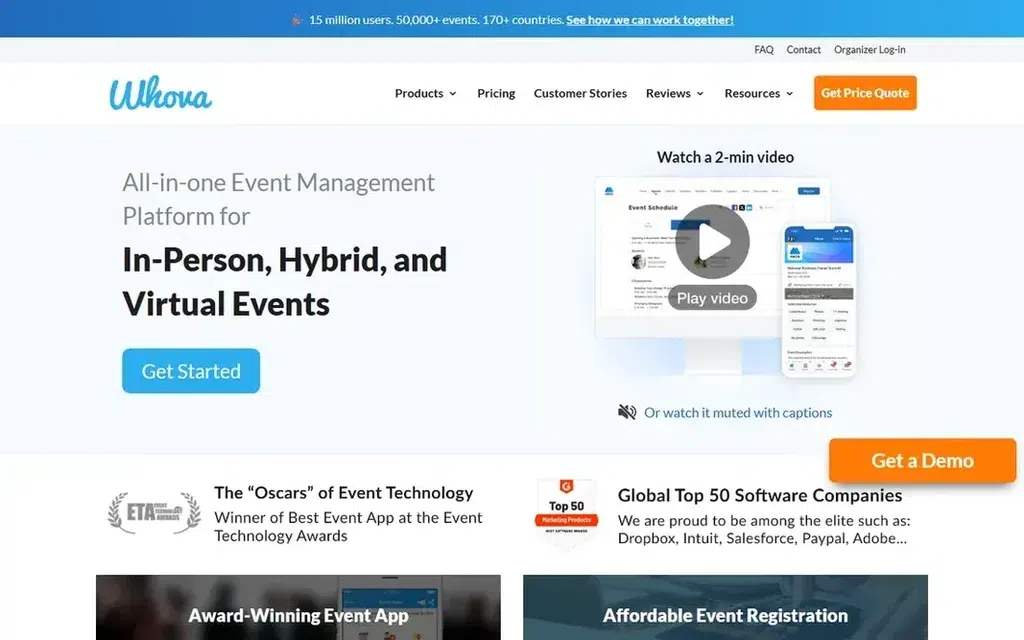
Whova is aimed squarely at event apps with networking and engagement. Choose Whova when attendee engagement and networking are top priorities, and you already have other systems for registration and planning.
Freelancers who organize events that benefit from a dedicated app, like multi-day conferences or networking events, may find Whova valuable. This comparison lists no price for Whova; ask the vendor. On free options: Not stated.
Limits to weigh: May need setup time.
- Feature-rich event app
- Capable networking and engagement tools
- Less focus on ticketing or venue sourcing
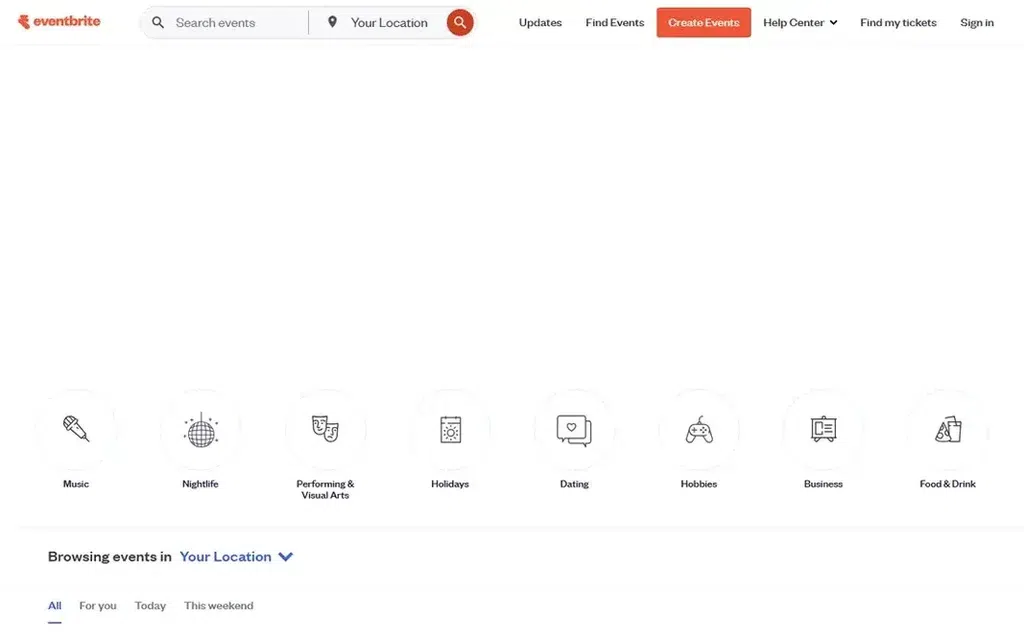
Think of Eventbrite for public ticketed events and discovery. Eventbrite is well-known for ticketing and event discovery, making it a natural choice for freelancers who run public events for example workshops, classes, or social gatherings. It lets you to build event pages, sell tickets, and reach a broader audience through its discovery product.
Strengths: Event discovery for attendees.
Beyond that, the tool is straightforward to use, which fits freelancers who want to focus on promotion instead of complicated logistics. If your events are primarily public and ticketed, Eventbrite is a capable choice. Eventbrite is less suited to events that need in-depth attendee management, sourcing, or hybrid capabilities. It may lack the depth needed for multi-session conferences or private corporate events. What you pay to start with Eventbrite: $15 per month. A free plan is available with Eventbrite. What to check first: Restricted advanced event management tools.
- Approachable for fast setup
- Capable ticketing and registration features
- May not suit private or complex events
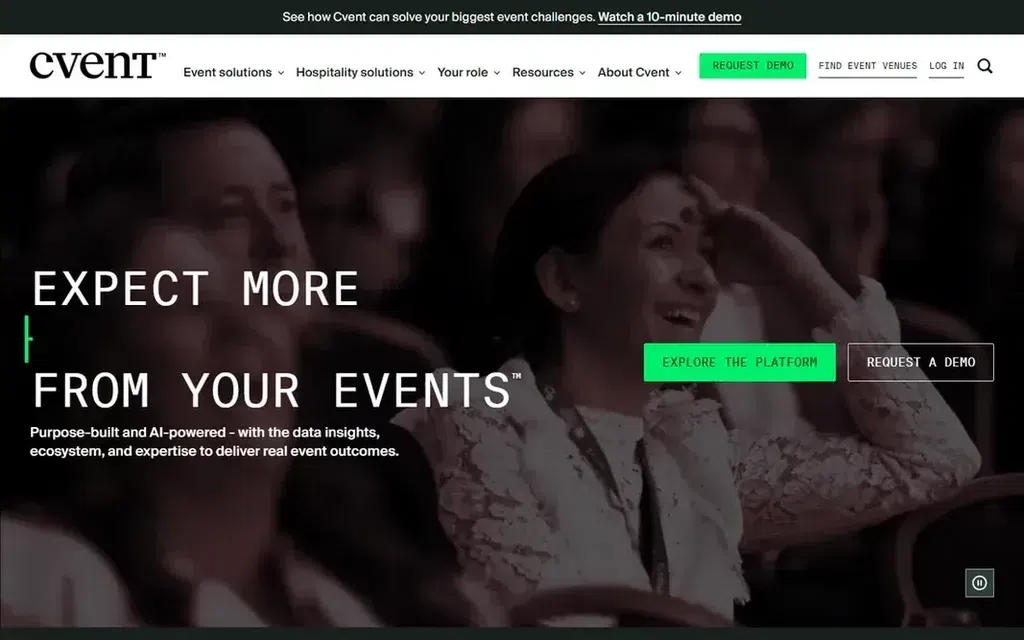
Cvent was built for full event management and marketing. Cvent is a full-featured event product that supports in-person, virtual, and hybrid events. It comes with tools for event management, marketing, attendee engagement, and venue sourcing.
Watch-outs: May be complicated for small-scale freelancers.
On top of that, if you primarily need ticketing for public events, a lighter tool like Eventbrite could be a better fit. Also, the product's broad capabilities can be overwhelming for freelancers who only run occasional small events. It may also be more than needed for straightforward gatherings. Cvent shows no starting price here, so confirm the cost on the vendor site. On free options: Not stated.
- All-in-one system for in-person, virtual
- Solid attendee engagement and marketing tools
- Potentially higher ramp-up time
Where Planning Pod fits: venue and logistics management. Planning Pod is venue management software that offers tools for leads, BEOs (banquet event orders), floor plans, payments, and reporting. It is built to replace patchwork apps with a single product for venues.
Honest limits: May be less suited to public ticketed events.
Best features of Planning Pod: Venue-built tools for leads, BEOs. Beyond that, freelancers who run events without a venue focus might find it less comprehensive. Also, for broader event needs, consider other tools. This comparison lists no price for Planning Pod; ask the vendor. Free plan details: Not stated.
- Floor plans
- Payment and reporting features
- Focus on venues instead of general event planning
How we chose
Selection started from tools commonly considered for event planning software for freelancers, then narrowed to 6 that have clear pricing information or a clear quote process. Seat minimums, billing terms and add-ons can move the real cost, so the starting prices here are a guide and not a quote. The order reflects how well each tool fits the most common buying scenario for event planning software for freelancers, then price clarity, then free plan access. It is a starting point, not a verdict.
Before you commit
- Confirm the entry price on the vendor page. For Bizzabo, Whova, Cvent and Planning Pod that means a quote rather than a fixed price.
- Test the free plan from Eventbrite against your real workload before relying on it.
- Run a trial of Airmeet with real work before paying for a year; your own workflow is the best test.
- Read the limits listed for Airmeet first: focus on video instead of full event management.
- Compare total cost, not headline price: for Planning Pod, add extra seats, add-ons and any usage-based charges.
- Make sure Airmeet lets you export your data in a format another tool can read.
FAQ
Which options for event planning software for freelancers have a free plan?
Eventbrite is the only tool in this list with a free plan. Free plans usually cap users, projects or features, so check the limits on the vendor page. One other tool offers a trial instead. For the full picture, the cards above cover all 6 entries of this event planning software for freelancers list, including price, free plan and limits.
Do these tools publish their prices?
Not all of them. Bizzabo, Whova, Cvent and Planning Pod publish no starting price, so expect a quote request for those. The rest, Airmeet included, show a starting price, though seats and billing terms still change the final cost.
How are the tools for event planning software for freelancers ordered?
Airmeet sits first and Planning Pod last because the order follows typical fit for event planning software for freelancers, then price clarity and free access. It is a judgement call, so read each profile for fit and limits.
What should freelancers look for in event planning software?
Freelancers should prioritize simplicity, features that match their event types, and scalability. Consider whether you need ticketing, attendee engagement, or venue logistics, and choose a tool that suits your primary use case without unnecessary complexity.
Is Airmeet the right pick for everyone comparing event planning software for freelancers?
No single tool suits every team. Airmeet comes first because it fits AI-powered video events and content, while Bizzabo suits B2B conferences and professional events and Whova suits event apps with networking and engagement. Match the tool to your own size, budget and workflow before deciding.
Sources
- https://www.airmeet.com
- https://www.bizzabo.com
- https://whova.com
- https://www.eventbrite.com
- https://www.cvent.com
- https://www.planningpod.com