Best Event Apps for Conferences in 2026: 8 Apps Compared
Searching for the best event apps for conferences? We compared 8 conference and event apps on schedules, networking, and ticketing for organizers in 2026.
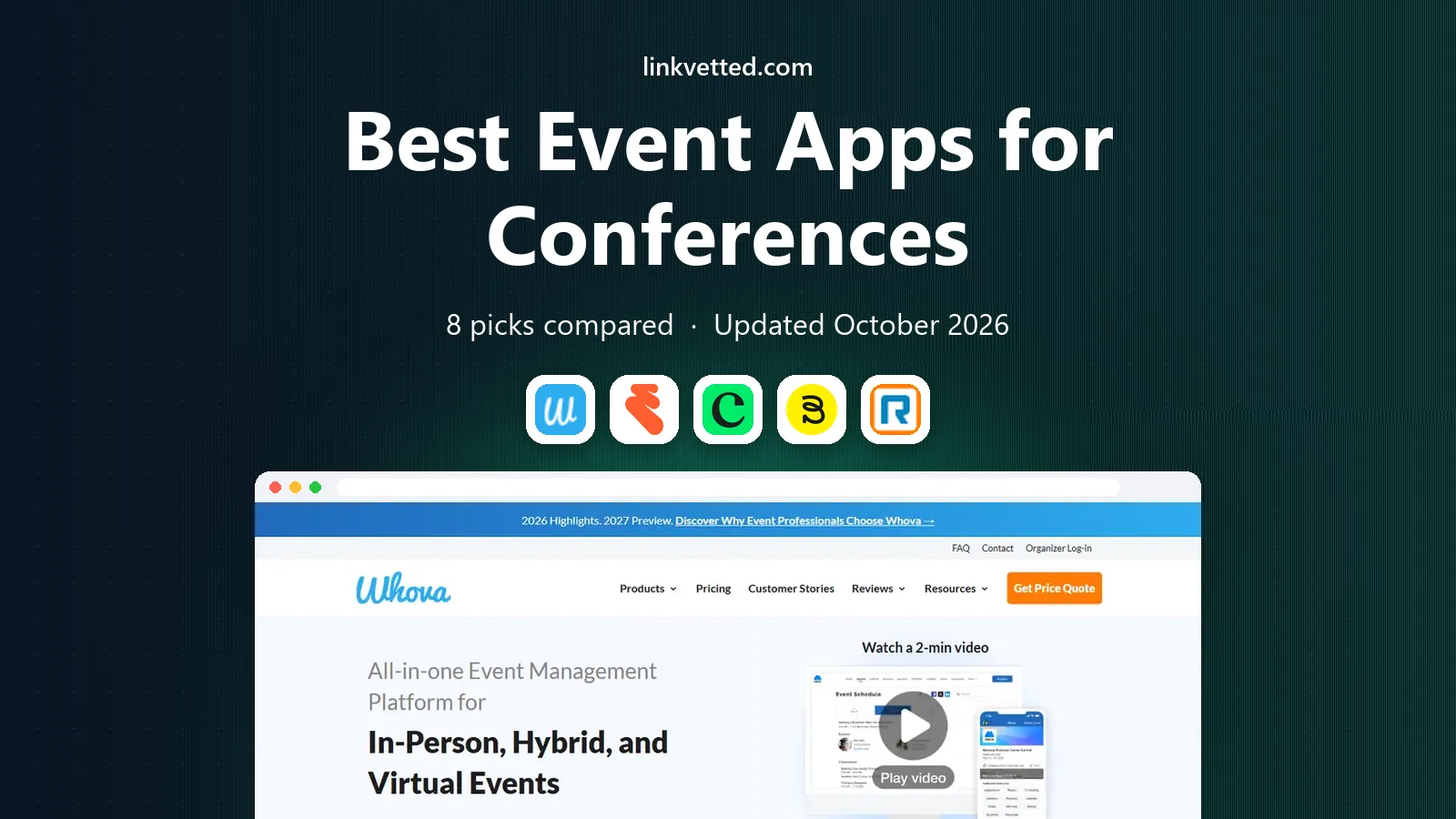
- Editor's choice
 Whova
All-round conferences
Starts atSee websiteVisit whova.comFull review - Great alternative
 Eventbrite
Ticketing-led events
Starts atSee websiteVisit eventbrite.comFull review - Also consider
 Cvent
Large professional conferences
Starts atSee websiteVisit cvent.comFull review
TL;DR:
- Whova and Cvent are strong all-round choices for in-person conferences that need schedules, networking, and attendee engagement in one app.
- Eventbrite is the simplest path for smaller events that need ticketing first and conference features second.
- Bizzabo and Swapcard suit larger events with sponsors, exhibitors, and complex agendas.
- The best event app for your conference depends on event size, budget, and whether sessions are in person, virtual, or hybrid.
- Check attendee app reviews and onboarding support before committing, since adoption by attendees decides whether the app succeeds.
Quick comparison
| Tool | Best for | Starts at | Free plan? | |
|---|---|---|---|---|
| Whova | All-round conferences | See website | Free trial | Visit |
| Eventbrite | Ticketing-led events | See website | Free trial | Visit |
| Cvent | Large professional conferences | See website | Free trial | Visit |
 Bizzabo | Sponsor and exhibitor events | See website | Free trial | Visit |
 RingCentral Events | Virtual and hybrid events | See website | Free trial | Visit |
 Sched | Simple schedules | See website | Free trial | Visit |
 EventMobi | Branded attendee apps | See website | Free trial | Visit |
 Swapcard | Networking-led events | See website | Free trial | Visit |
The best event apps for conferences
We compared conference apps on schedules, attendee networking, ticketing, exhibitor tools, analytics, and ease of use for both organizers and attendees. These eight cover small meetups through large professional conferences.

Whova is our pick for organizers who want one app to cover most conference needs. Attendees can view the agenda, build a personal schedule, message other attendees, and join discussions. Organizers can send announcements, run polls, and track engagement without adding several separate tools.
The platform works well for multi-day conferences with parallel sessions. Attendees can filter by track or speaker, which reduces confusion during a busy program. The main catch is cost for small events, and organizers should allow time to set up networking and engagement features properly before the event opens.
- Strong agenda and networking features
- Attendee messaging and meetups
- Event analytics for organizers
- Pricing can be high for small events
- Some features need setup time
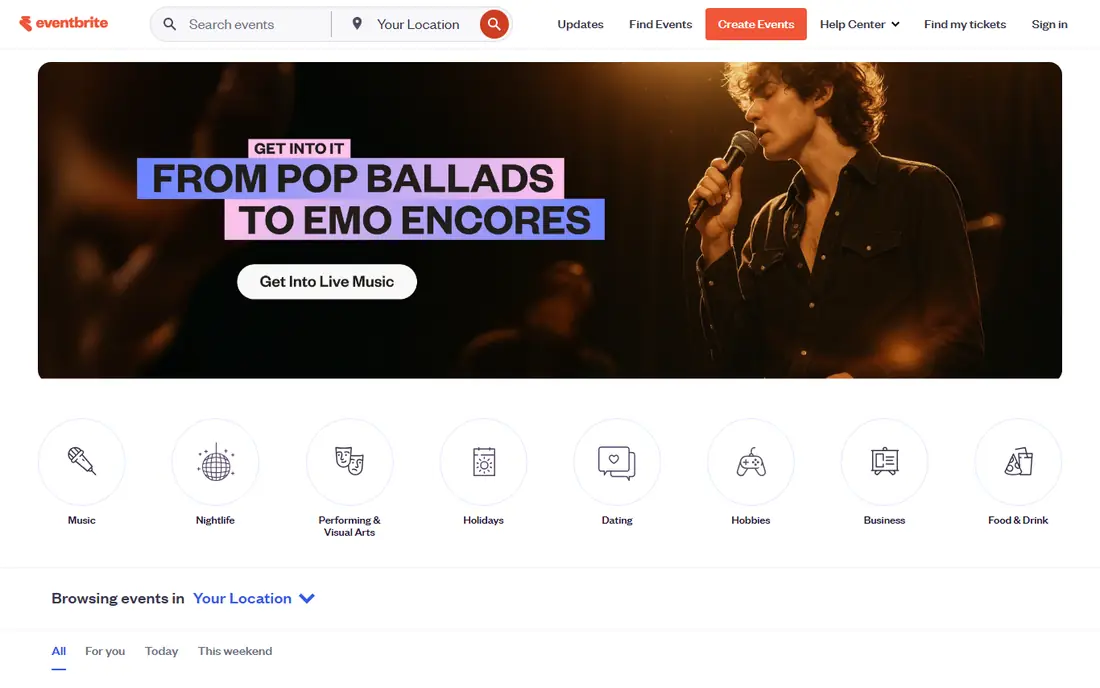
Eventbrite is best known for ticketing, and that familiarity is an advantage. Attendees already know how to buy a ticket and find event details, which lowers friction for smaller conferences. Organizers can create an event page, sell tickets, and manage check-in with limited technical skill.
Where Eventbrite is thinner is in advanced conference features such as structured networking, exhibitor lead capture, and detailed session engagement. For a one-day conference with a simple agenda, that may not matter. For a large multi-track event, organizers may pair Eventbrite with a dedicated conference app.
- Easy ticketing and registration
- Widely recognised by attendees
- Useful event discovery
- Fewer deep conference networking tools
- Fees and feature limits vary by plan
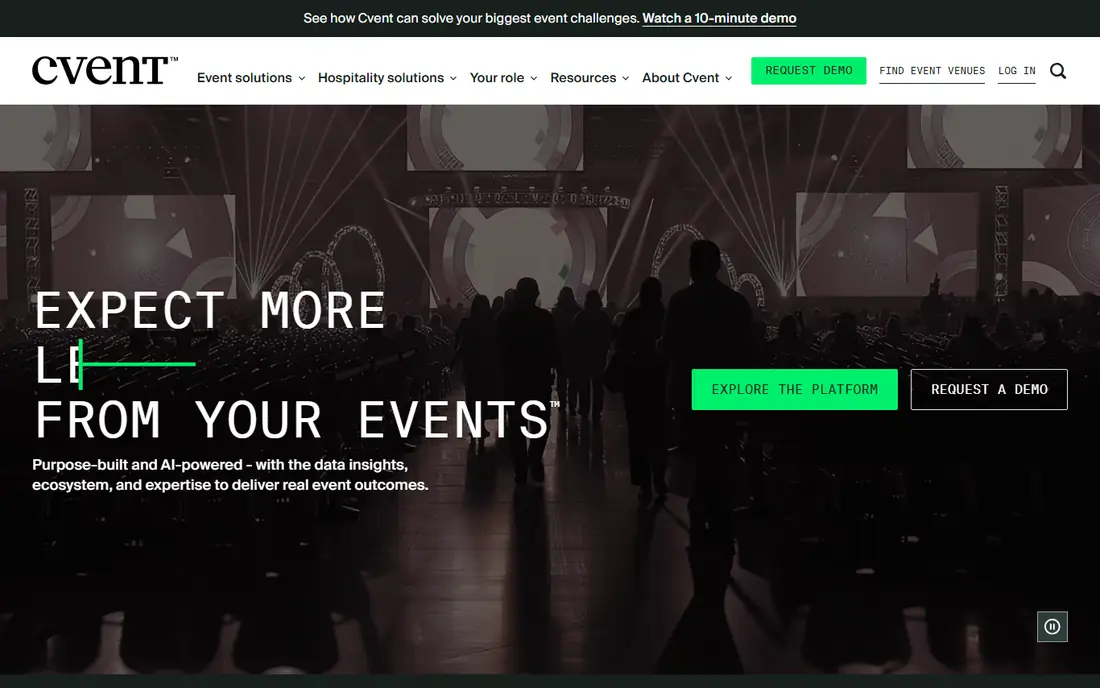
Cvent suits large organizations that run conferences as part of a wider events program. Registration, housing, agenda building, and the attendee app sit in one system, which helps teams manage complex events. Reporting is also strong, giving organizers clear data on attendance, session popularity, and engagement.
That depth comes with enterprise pricing and a longer setup process. Small teams may find it heavier than they need. For a large professional conference with sponsors, exhibitors, and multiple venues, however, Cvent is one of the most complete options among the best conference apps.
- Full registration and event management suite
- Strong attendee app
- Detailed reporting
- Enterprise pricing and complexity
- Overkill for small events
Bizzabo focuses on the full event experience, from registration and branded websites to the attendee app and post-event data. Sponsors and exhibitors get dedicated tools for visibility and lead capture, which matters when sponsor revenue supports the conference. Attendees get agendas, networking, and session interaction in a branded app.
Smaller events may find the price hard to justify. Organizers who need strong sponsor tools and a polished brand presence, though, will get clear value. Plan branding and exhibitor setup early, since custom work takes longer than a basic agenda upload.
- Strong sponsor and exhibitor tools
- Branded event websites and apps
- Attendee engagement features
- Pricing suits mid to large events better
- Setup needs planning for custom branding
RingCentral Events, formerly Hopin, is built for virtual and hybrid conferences. It handles live sessions, networking rooms, virtual expo booths, and chat in a way that suits remote attendees. Organizers can run a fully online event or add a virtual layer to an in-person conference.
For a purely in-person event, some virtual features may go unused. For hybrid events, though, the platform helps remote attendees feel part of the conference rather than watching a stream on the side. Check audience limits and session formats before choosing a plan, since costs rise with attendee numbers.
- Strong virtual and hybrid session tools
- Networking and expo features
- Built for online audiences
- In-person-only events may not need all features
- Pricing varies by audience size
Sched does one job well: it publishes a clear conference schedule. Attendees can browse sessions, save favourites, and build a personal agenda without learning a complex app. Organizers can update times and rooms quickly, which is useful when a program changes at short notice.
It is not a full event platform. Ticketing, deep networking, and exhibitor tools are limited compared with Whova or Cvent. For conferences where the schedule is the main app need, Sched is a clean and affordable choice, and it pairs well with a separate ticketing tool such as Eventbrite.
- Simple agenda publishing
- Easy for attendees to build personal schedules
- Affordable for many events
- Fewer networking and ticketing features
- Less suited to very large expos
EventMobi lets organizers build a branded app that matches the conference identity. Attendees see the event brand, not a generic app shell, which helps larger conferences feel polished. The app includes agendas, speaker profiles, networking, polls, and surveys.
Recurring events benefit most, since the setup can be reused and refined each year. One-off small events may find the cost and setup time harder to justify. Organizers should also test the app on both major phone platforms before launch, as attendee adoption depends on a smooth first open.
- Custom branded attendee apps
- Agenda, networking, and engagement tools
- Good for recurring events
- Pricing can be high for one-off small events
- Feature setup takes time
Swapcard puts networking at the centre of the conference app. Attendees can discover relevant contacts, book meetings, and receive suggestions based on interests and roles. That focus suits trade conferences and business events where meetings are a core reason to attend.
The quality of matches depends on the data attendees provide, so organizers should encourage complete profiles. Exhibitors also get tools for lead capture and meetings. For events where networking matters less than a simple agenda, a lighter tool such as Sched may be enough, but for meeting-led conferences Swapcard is a strong contender.
- Strong AI-assisted networking and matchmaking
- Exhibitor and sponsor tools
- Hybrid event support
- Networking features need good attendee data to work well
- Pricing suits larger events
How we picked these
We compared official feature pages, pricing pages, app store listings, and public reviews for conference and event apps, with attention to agenda tools, networking, ticketing, and attendee adoption. We included tools for in-person, virtual, and hybrid events, and we balanced well-known platforms with simpler options for smaller organizers. Prices are listed as See website where we could not verify a stable public starting price.
How to choose for your conference
Start with your event format and size. A 100-person workshop needs different tools from a 5,000-person trade conference, and paying for enterprise features you will not use wastes budget that could go to speakers or venue costs. List your must-have features, such as ticketing, networking, exhibitor booths, or live polling, and shortlist only apps that cover them well.
Test with real attendees
Run a small pilot with a few attendees and speakers before launch. Ask them to build a schedule, message another attendee, and find a session room using only the app. If they struggle, add onboarding help such as a short guide email or a help desk at registration. The best mobile event apps for conferences fail when attendees do not download them or cannot find basic information quickly.
Budget for the full cost
Check ticketing fees, per-attendee charges, and costs for extra features such as branded apps or lead capture. Some apps look affordable until ticketing fees and add-ons are included. Get a written quote for your expected attendee count, and confirm what happens if attendance grows beyond that number.
FAQ
What are the best event apps?
Whova, Cvent, and Bizzabo are among the best event apps for full conferences, while Eventbrite leads for ticketing-led events and Sched leads for simple schedules. The best choice depends on size, format, and budget. Shortlist two or three options and test them with real agenda data before deciding.
What is the best free event app?
Free options are limited for full conference features. Eventbrite offers free ticketing for free events in many cases, and Sched has lower-cost plans for simple schedules. Check current pricing pages carefully, since free tiers often limit attendees, branding, or support, and may not suit a paid conference.
What is the best app for local events?
Eventbrite works well for local events because attendees already know the platform and can discover nearby events. For a local conference with networking, Whova adds agenda and attendee connection tools. Choose based on whether ticketing or in-event networking matters more to your audience.
Do conference apps work for virtual events?
Yes, RingCentral Events and Swapcard are built for virtual and hybrid formats, with live sessions, networking rooms, and virtual exhibitor areas. Whova and Bizzabo also support hybrid events. Test video quality, chat moderation, and time zone display before a virtual conference, since those details affect remote attendees most.
How do attendees use a conference app?
Attendees usually download the app, view the agenda, save sessions, find speakers, and message other attendees. Organizers can send announcements and run polls during sessions. Clear onboarding, such as a welcome email with download steps, greatly increases adoption.
Should I use one app or separate ticketing and conference apps?
One app is simpler for attendees and organizers when it covers ticketing, agenda, and networking well. Separate tools can work if each is best in its area, such as Eventbrite for ticketing plus Sched for the agenda. The risk with separate tools is confusion, so make clear which app does what in all attendee messages.