Best Event Registration Software for Universities in 2026: Prices, Free Plans and 6 Picks
Best event registration software for universities, compared. 6 tools with published prices, free plans and limits. The catches are listed up front. Plain facts.
- Editor's choiceCertain
Enterprise event intelligence
Starts atSee websiteVisit certain.comFull review - Great alternative
 Eventbrite
Public campus and community events
Starts at$15 a monthVisit eventbrite.comFull review - Also consider
 Swoogo
Adaptable departmental event setups
Starts at$11,800 a yearVisit swoogo.eventsFull review
Direct answer
If you need enterprise event intelligence, Certain is the first tool to look at here. Listed starting prices: Eventbrite from $15 a month, Swoogo from $11,800 a year and Eventzilla from $1.50 per registration. Eventbrite is the stronger choice for public campus and community events, while Swoogo suits adaptable departmental event setups. All 6 tools are compared below on price, free plan and limits.
TL;DR:
- The list opens with Certain, aimed at enterprise event intelligence.
- The lowest published monthly entry price here is $15 per month, from Eventbrite.
- Free plans exist at 2 of 6 tools (Eventbrite, Eventzilla).
- What to know about Cvent first: wide feature set may overwhelm small teams.
Last checked November 2026. Prices and plan details were read from the vendors' own pages in November 2026; vendors change plans often, so confirm the current price on the vendor site before you buy.
Quick comparison
| Tool | Best for | Starts at | Free plan? | |
|---|---|---|---|---|
| Certain | Enterprise event intelligence | See website | Not stated | Visit |
| Eventbrite | Public campus and community events | $15 a month | Yes | Visit |
| Swoogo | Adaptable departmental event setups | $11,800 a year | Not stated | Visit |
 Cvent | Large hybrid university events | See website | Not stated | Visit |
 Eventzilla | All-in-one campus registration | $1.50 per registration | Yes | Visit |
 Whova | Conference attendee apps | See website | Not stated | Visit |
Tool-by-tool breakdown
This LinkVetted guide covers 6 event registration software for universities. Each profile lists a starting price, free plan details, strengths and drawbacks, so you can drop poor fits quickly.
Certain
Best for: Enterprise event intelligence
Certain is built with enterprise event intelligence in mind. Certain is an AI-powered event intelligence system that turns every attendee interaction into a high-fidelity sales signal, geared toward enterprise marketers. From a buyer's view, smaller units may not need the intelligence layer.
The main drawbacks: Marketing-oriented instead of academic.
Certain is positioned around marketing and sales signals, so academic departments concentrated on straightforward registration may find it a mismatch. If your goal is entry-level event sign-up, a lighter product may be more appropriate. Worth adding: universities with advancement, recruitment, or corporate engagement teams may find the intelligence angle handy for understanding attendee interest. No starting price is listed for Certain here; confirm pricing on the vendor site. On free options: Not stated.
- Turns attendee interactions into signals
- AI-powered event intelligence product
- May be more than small departments need
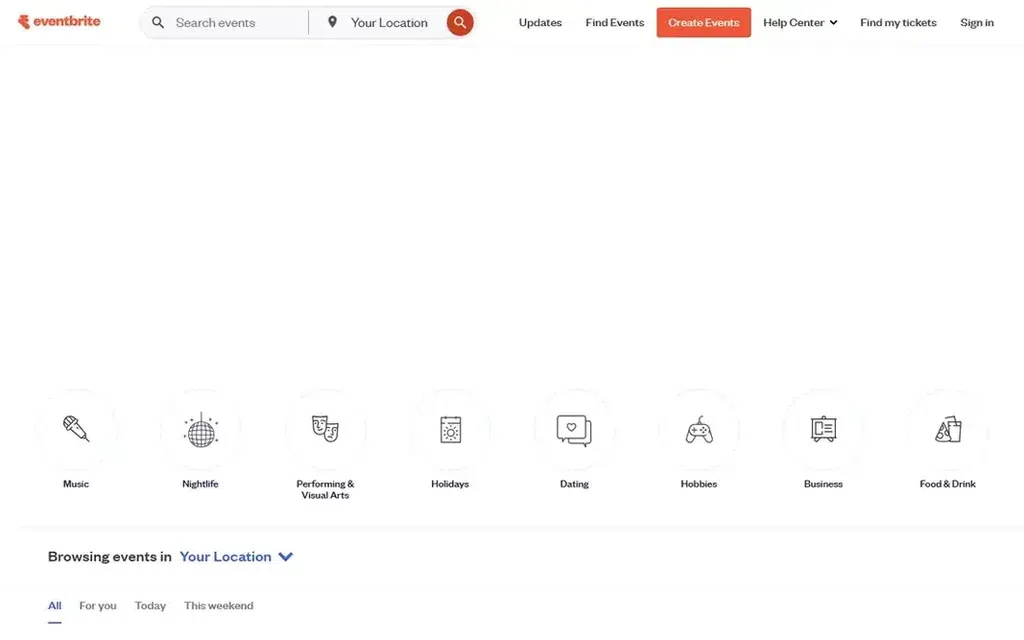
Eventbrite makes the most sense for public campus and community events. It suits teams that want a straightforward registration page and an attendee experience that feels familiar to the public.
Eventbrite is oriented toward public event discovery, so it may not match the internal coordination that academic conferences or multi-department events need. Eventbrite starts at: $15 per month. Eventbrite includes a free tier.
Trade-offs to know: May not suit complicated multi-session conferences.
- Works for public-facing events
- Straightforward registration flow for attendees
- Less centred on internal university workflows
Swoogo is aimed squarely at adaptable departmental event setups. Swoogo is an adaptable event management system made for event professionals, supporting in-person or virtual events from conferences to field marketing. Since Swoogo is aimed at event pros, smaller departments may need time to configure it for university processes.
It is less oriented toward public event discovery than consumer-facing systems. Choose Swoogo when adaptability and varied event formats matter most. More specifically, if you need a straightforward public registration page, a lighter choice may be simpler. The starting price for Swoogo: $11,800 per year. Trial and free access: Not stated.
Trade-offs to know: May need configuration for university workflows.
- Suited to event professionals
- Supports in-person and virtual events
- Less public discoverability than consumer products

Cvent is built with large hybrid university events in mind. The product is wide, so smaller departments may find the feature set heavier than needed for straightforward workshops or info sessions. Cvent is an event system made for planners who handle in-person, virtual, and hybrid events.
Upsides: Contains marketing and attendee engagement tools.
For everyday use, choose Cvent when you need a unified system across formats and audiences. Worth adding: if your events are largely public and low-friction, a lighter registration tool may be simpler to adopt. Check the vendor site for Cvent pricing; none is listed in this comparison. As for free access: Not stated.
Honest limits: Setup can need training.
- Supports in-person, virtual
- Sourcing systems for venue and hotel needs
- Wide feature set may overwhelm small teams
For all-in-one campus registration, Eventzilla is a natural candidate. For universities, it can serve departments that want a single tool for registration and attendee communication without a complicated setup.
More specifically, Eventzilla is general-purpose, so it may not offer the depth that large academic conferences or enterprise marketing teams need. The starting price for Eventzilla: $1.50 per registration. Eventzilla includes a free tier.
Where it is weaker: Less specialized for academic conferences.
- Merges registration and attendee engagement
- All-in-one event management product
- May lack deep enterprise features
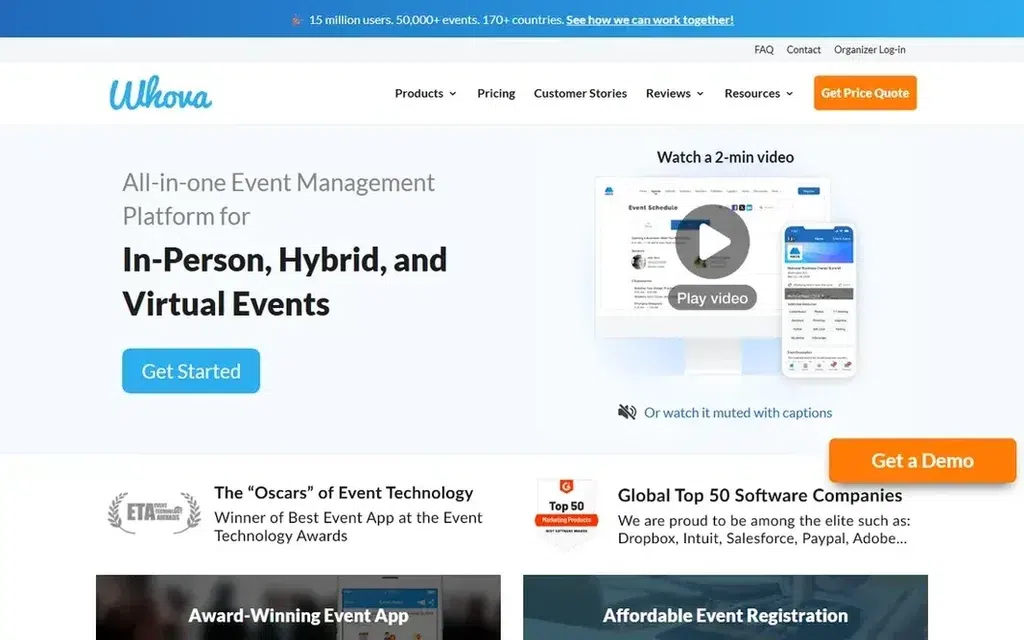
For Conference attendee apps, Whova is a natural candidate. Whova is widely known for its conference attendee app, which helps organizers engage participants across sessions and multi-day programs.
Where it falls short: Best value for conference-style events.
For everyday use, Whova is commonly chosen for the attendee app instead of as a standalone registration system, so straightforward campus events may not need it. Universities hosting academic conferences, research symposia, or student events with numerous sessions can use it to keep attendees informed and connected. Check the vendor site for Whova pricing; none is listed in this comparison. Free plan details: Not stated.
- Known for conference attendee apps
- Handy for multi-day events
- Registration may not be the core focus
How we compared the tools
LinkVetted looked at what each vendor publishes: pricing, plan limits, feature coverage for event registration software for universities and stated drawbacks. No hands-on testing is claimed. Treat prices as a snapshot: vendors change plans often, so check the vendor site for the figure that applies today. The sequence is a judgement call: typical use case first, then pricing transparency, then free access. Use the profiles to check fit.
Questions to settle before buying
- Get a written quote from Certain, Cvent and Whova; the list shows no starting price for them.
- Check what the free option really includes: Eventbrite and Eventzilla offer a free plan, and usage caps differ.
- Read the limits listed for Certain first: marketing-oriented instead of academic.
- Check how data leaves Whova: formats, limits and whether exports are available on every plan.
- Ask whether Swoogo integrates with your current software, and whether that comes standard or as an add-on.
FAQ
Is Certain the right pick for everyone comparing event registration software for universities?
No single tool suits every team. Certain comes first because it fits enterprise event intelligence, while Eventbrite suits public campus and community events and Swoogo suits flexible departmental event setups. Match the tool to your own size, budget and workflow before deciding.
Do these tools publish their prices?
Not all of them. Certain, Cvent and Whova publish no starting price, so expect a quote request for those. The rest, Eventbrite included, show a starting price, though seats and billing terms still change the final cost.
Can these tools deal with hybrid university events?
Hybrid support varies, so confirm the specific features you need, for example streaming integration or virtual attendee management, on the vendor site.
Which options for event registration software for universities have a free plan?
Eventbrite and Eventzilla offer a free plan in this list. Free plans usually cap users, projects or features, so check the limits on the vendor page.
Can I try these tools before paying?
Often, yes. Eventbrite and Eventzilla have a free plan. Use your own data and a real task during the test, and check what the free tier or trial limits before you rely on it. All 6 picks in this event registration software for Universities comparison list a starting price, free plan details and the main limits on their cards above.
Sources
- https://www.certain.com
- https://www.eventbrite.com
- https://swoogo.events
- https://www.cvent.com
- https://www.eventzilla.net
- https://whova.com