6 Best Event Management Software for Universities for 2026, Vetted and Compared
Shortlisting the best event management software for universities? 6 products compared on cost, free access and ideal buyer. Each pick lists its main limit.
- Editor's choice
 Eventbrite
Public listings and straightforward registration
Starts at$15 a monthVisit eventbrite.comFull review - Great alternativeStova
Simplified planning across event formats
Starts at$1,995 per registrationVisit stova.ioFull review - Also consider
 Cvent
Wide in-person, virtual and hybrid programs
Starts atSee websiteVisit cvent.comFull review
Direct answer
Start with Eventbrite if you need public listings and simple registration. Listed starting prices: Eventbrite from $15 a month, Stova from $1,995 per registration and Swoogo from $11,800 per year. If your case is different, Stova suits simplified planning across event formats and Cvent suits wide in-person, virtual and hybrid programs. All 6 tools are compared below on price, free plan and limits.
TL;DR:
- This list starts with Eventbrite, which is built for public listings and straightforward registration.
- Whova is the one to check for Conference apps and attendee engagement.
- Starting prices begin at $15 per month with Eventbrite.
- Eventbrite is the only tool of the 6 with a free plan.
Last checked November 2026. Prices and plan details were read from the vendors' own pages in November 2026; vendors change plans often, so confirm the current price on the vendor site before you buy.
Quick comparison
| Tool | Best for | Starts at | Free plan? | |
|---|---|---|---|---|
| Eventbrite | Public listings and straightforward registration | $15 a month | Yes | Visit |
| Stova | Simplified planning across event formats | $1,995 per registration | No | Visit |
| Cvent | Wide in-person, virtual and hybrid programs | See website | Not stated | Visit |
 Swoogo | Adaptable conferences and field marketing | $11,800 per year | Not stated | Visit |
 Bizzabo | B2B-style conferences and large gatherings | See website | Not stated | Visit |
 Whova | Conference apps and attendee engagement | See website | Not stated | Visit |
Our 6 event management software for universities
Choosing event management software for universities usually comes down to price, fit and limits. This LinkVetted guide sets 6 tools side by side on those three points, with the facts kept short and checkable.
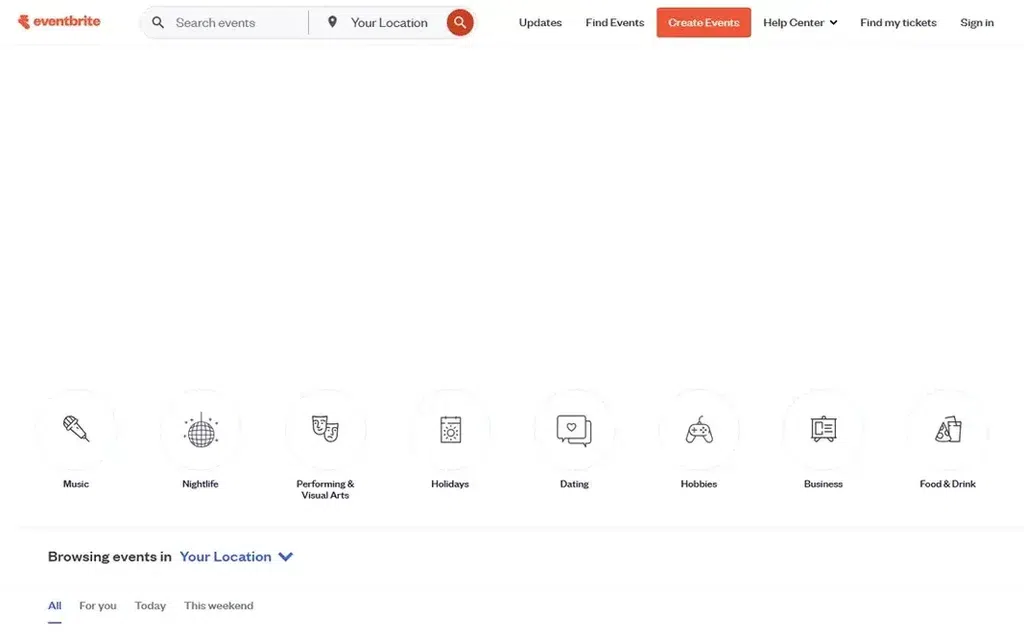
Eventbrite is designed for public listings and straightforward registration. Eventbrite centers on helping people discover local events and things to do, and it is widely recognized by public audiences.
More specifically, pick Eventbrite for straightforward public-facing events. Price to start with Eventbrite: $15 per month. Free access exists with Eventbrite.
Points against: Restricted depth for complicated academic programs.
- A decent match for discoverable public events
- Fast to publish a listing
- Less suited to internal workflows
Stova
Best for: Simplified planning across event formats
Stova is a good fit for simplified planning across event formats. The vendor invites prospective buyers to book a demo, which is a sensible way to check how its workflows map to academic calendars and approvals.
Where it falls short: Details need a vendor conversation.
Public information about the product is oriented toward a demo conversation, so evaluate the specifics straight with the vendor. From a buyer's view, consider Stova when you want a guided evaluation of a planning system for mixed event formats. Starting cost for Stova: $1,995 per registration. Stova has no free plan.
- Focus on simplifying planning
- Supports virtual and in-person events
- Less public information on niche academic needs
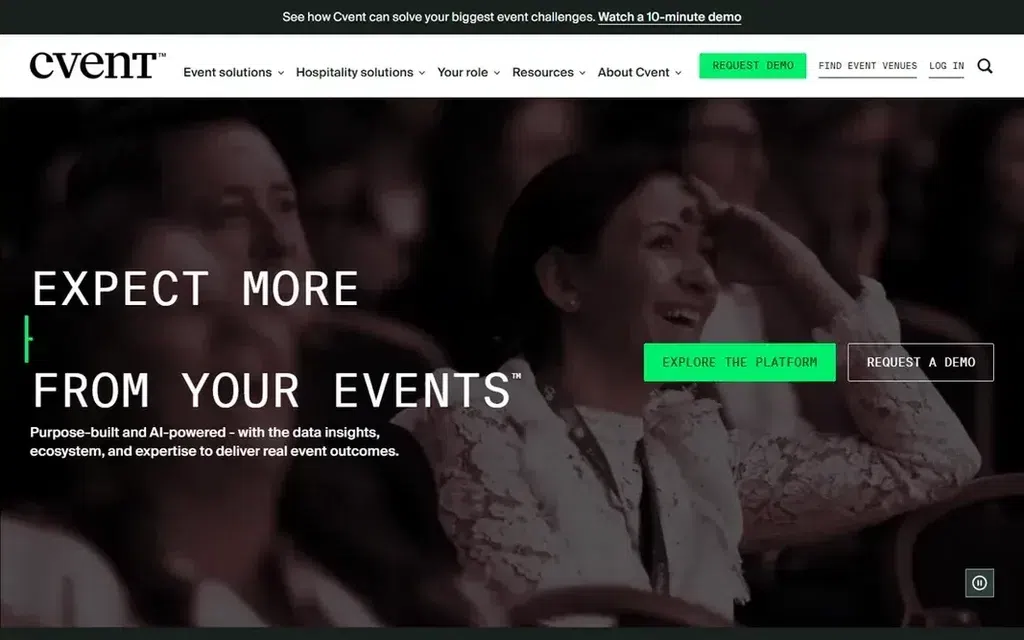
For wide in-person, virtual and hybrid programs, Cvent is a natural candidate. It hands planners software for event management, marketing and attendee engagement, and it also helps hotels win business through sourcing products.
Where it falls short: Large feature set takes time to learn.
If your needs are restricted to a single public lecture series, a lighter registration tool could be more straightforward. In practice, the depth of the product means setup and training take real effort, and smaller departments with occasional events may find it heavy. Pricing for Cvent is not stated here, so ask the vendor for current figures. Trial and free access: Not stated.
- Spans in-person
- Also supports venue sourcing
- May be more than small departments need
Swoogo is built with adaptable conferences and field marketing in mind. For university events teams that operate like professional planners, handling conferences, recruitment fairs and departmental programs, that adaptability can cut the need for separate tools. For everyday use, pick Swoogo when your team runs a varied calendar and wants an adaptable management product.
Also, if your events are straightforward and infrequent, a lighter registration tool may be enough. As for the details, the system is positioned around the organizer's workflow instead of public event discovery. Swoogo cost at the entry level: $11,800 per year. As for free access: Not stated.
Honest limits: Occasional event teams may find it deep.
- Manages in-person and virtual events
- Adaptable across event types
- Geared toward professional planners
Bizzabo is designed for B2B-style conferences and large gatherings. Bizzabo positions itself as event management software for B2B conferences, with a focus on raising the conference experience.
Where it is weaker: Conference focus may not handle small campus events.
Universities that run large conferences, research symposia or partner-facing summits can benefit from that conference-first orientation, particularly when attendee experience and program presentation matter. As for the details, the conference focus means it may be more than a department needs for routine meetings or small lectures. Bizzabo does not show a starting price in this comparison, so check the vendor site for current pricing. Trial and free access: Not stated.
- Suited to bigger programs
- Centred on conference experiences
- Evaluation likely involves a vendor conversation
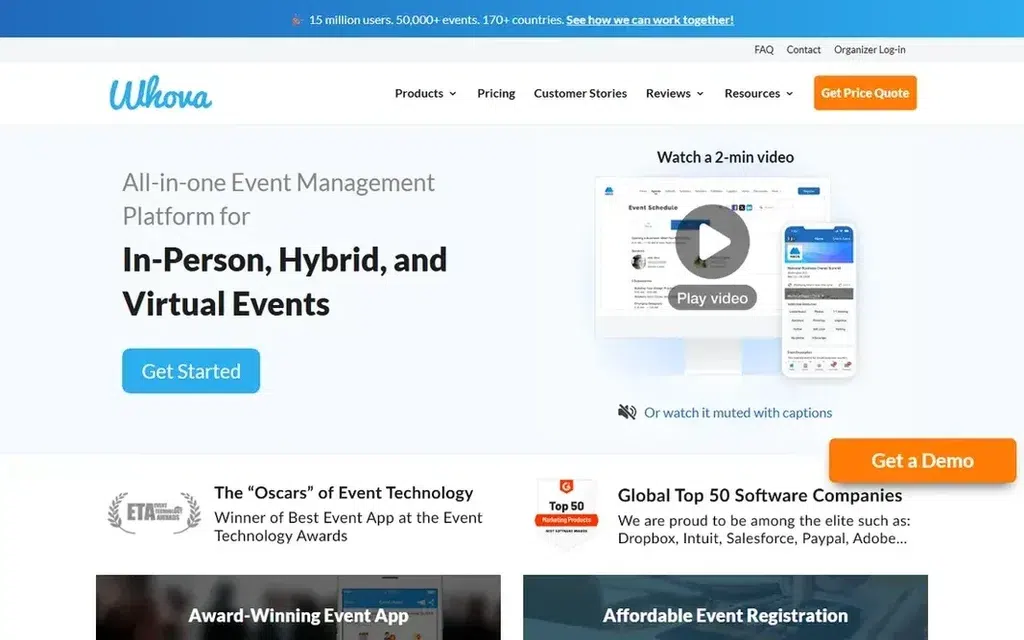
Whova is built with Conference apps and attendee engagement in mind. Choose Whova when the attendee app and networking experience are the priority for your conference.
For universities hosting academic conferences, symposiums and multi-day programs, it helps attendees navigate sessions and link with each other. Whova is widely known as a conference system built around a mobile event app, with agendas, attendee networking and engagement features. This comparison lists no price for Whova; ask the vendor. Trial and free access: Not stated.
Drawbacks to consider: May need pairing with a registration system.
- Encourages attendee interaction
- Well suited to multi-session programs
- Less centred on full event operations
How the list was put together
We compared the tools on published pricing, free plan or trial availability, feature coverage for event management software for universities, and the limits each vendor documents. Plan names, prices and limits change often. Treat the figures here as a starting point and verify them with the vendor. Tools are placed by general fit for event management software for universities, with price clarity and free access as tie-breakers. A different team can reasonably rank them differently.
What to check before you buy
- Confirm the entry price on the vendor page. For Cvent, Bizzabo and Whova that means a quote rather than a fixed price.
- Look at the free plan from Eventbrite closely: its caps decide whether it is usable for real work.
- Read the limits listed for Eventbrite first: restricted depth for complicated academic programs.
- Test how quickly Whova answers a pre-sales question; it hints at how support will feel later.
- Total up the real monthly cost of Swoogo, including add-ons, extra users and usage-based fees.
FAQ
What is the cheapest option for event management software for universities in this list?
On published monthly entry prices, Eventbrite is the lowest here at $15 per month. Entry price is only part of the cost, because seats, add-ons and billing terms can change the total. Prices, free plan details and limits for all 6 tools in this event management software for Universities roundup sit on the individual cards above.
Can these platforms support hybrid university events?
Multiple of the platforms compared here, including Cvent, Stova and Swoogo, describe support for both in-person and virtual events. Confirm the specifics for streaming, recordings and attendee interaction with each vendor before committing.
Can I try these tools before paying?
Often, yes. Eventbrite has a free plan. Use your own data and a real task during the test, and check what the free tier or trial limits before you rely on it. Each of the 6 options in this event management software for Universities guide has its own card above with the price, free plan and limits.
Is Eventbrite the right pick for everyone comparing event management software for universities?
No single tool suits every team. Eventbrite comes first because it fits public listings and simple registration, while Stova suits simplified planning across event formats and Cvent suits broad in-person, virtual and hybrid programs. Match the tool to your own size, budget and workflow before deciding.
How are the tools for event management software for universities ordered?
The order follows typical fit for event management software for universities, with Eventbrite first and Whova last, then price clarity and free access. It is editorial judgement, not a score, so another team could rank the tools differently.
How do conference systems differ from general event tools?
General tools focus on listings and registration. Numerous universities pair the two, using one for sign-up and another for the attendee experience.
Sources
- https://www.eventbrite.com
- https://www.stova.io
- https://www.cvent.com
- https://swoogo.com
- https://www.bizzabo.com
- https://whova.com