Enterprise Monitoring Software for Startups in 2026: The 6 Best Options Side by Side
Searching for the best enterprise monitoring software for startups? Here are 6 options with prices and free plans. Pros and cons for every tool. No filler.
- Editor's choice
 Grafana Cloud
Managed observability on open-source tools
Starts atSee websiteVisit grafana.comFull review - Great alternative
 Dynatrace
AI, automation, and security in one system
Starts at$7 per host per monthVisit dynatrace.comFull review - Also considerSplunk Enterprise
Security and observability at petabyte scale
Starts at$6 a month, per CPU core, billed yearlyVisit splunk.comFull review
Direct answer
If you need managed observability on open-source tools, Grafana Cloud is the first tool to look at here. Listed starting prices: Dynatrace from $7 per host per month, Splunk Enterprise from $6 a month, per CPU core, billed yearly and AppDynamics from $6 a month, per CPU core, billed yearly. Dynatrace is better for AI, automation, and security in one platform, and Splunk Enterprise is better for security and observability at petabyte scale. The other 3 tools in the list cover narrower or pricier cases.
TL;DR:
- Grafana Cloud is the opening pick, best for managed observability on open-source tools.
- For unified cloud monitoring for expanding startups, Datadog is worth a look.
- Dynatrace comes with a trade-off: wide feature set may be more than early startups need.
- 4 of 6 tools offer a free plan: Grafana Cloud, Splunk Enterprise, AppDynamics, New Relic.
- Starting prices begin at $6 per month, per CPU core, billed annually with Splunk Enterprise.
Last checked November 2026. Prices and plan details were read from the vendors' own pages in November 2026; vendors change plans often, so confirm the current price on the vendor site before you buy.
Quick comparison
| Tool | Best for | Starts at | Free plan? | |
|---|---|---|---|---|
| Grafana Cloud | Managed observability on open-source tools | See website | Yes | Visit |
| Dynatrace | AI, automation, and security in one system | $7 per host per month | Free trial | Visit |
| Splunk Enterprise | Security and observability at petabyte scale | $6 a month, per CPU core, billed yearly | Yes | Visit |
 AppDynamics | Unified observability across any environment | $6 a month, per CPU core, billed yearly | Yes | Visit |
 New Relic | AI-driven root cause analysis | $10 per user a month | Yes | Visit |
 Datadog | Unified cloud monitoring for expanding startups | $8 per committer a month | Free trial | Visit |
Tool-by-tool breakdown
Choosing enterprise monitoring software for startups usually comes down to price, fit and limits. This LinkVetted guide sets 6 tools side by side on those three points, with the facts kept short and checkable.
Pick Grafana Cloud if this describes you: managed observability on open-source tools. Grafana Cloud is an AI-powered, completely managed observability product built on leading open-source tools.
Watch-outs: Open-source roots mean some assembly required.
Since it is built on open-source components, some assembly and configuration may be needed compared to more tightly integrated systems. Beyond that, startups wanting a more prescriptive, all-in-one experience may lean toward Datadog or Dynatrace. Grafana Cloud shows no starting price here, so confirm the cost on the vendor site. Grafana Cloud offers a free plan.
- Completely managed service
- Built on leading open-source tools
- May need more configuration than all-in-one SaaS
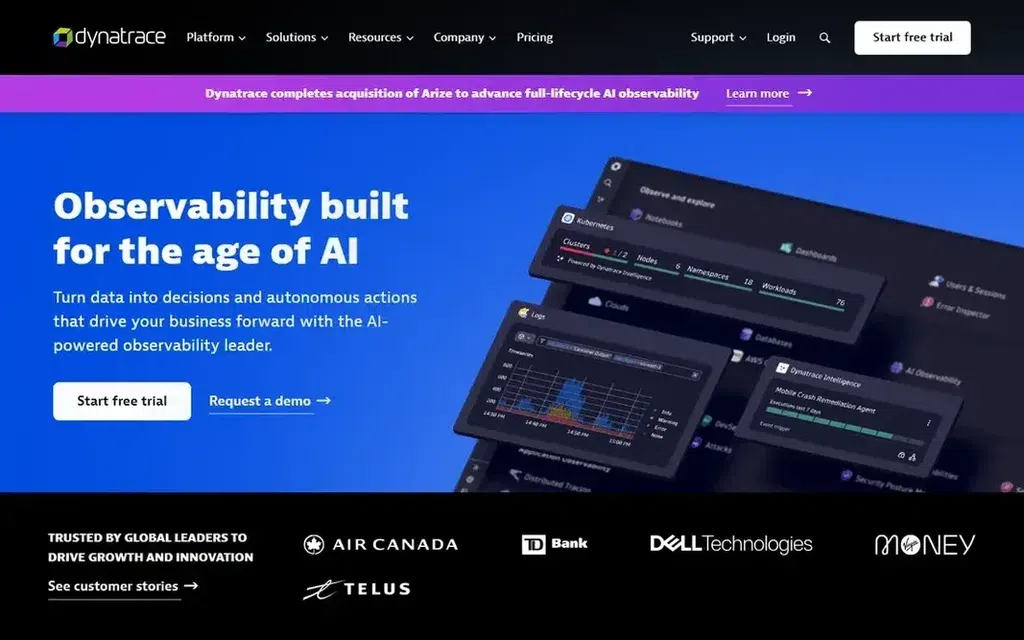
For AI, automation, and security in one system, Dynatrace is a natural candidate. The breadth of capabilities can be excessive for startups still establishing entry-level monitoring practices, and onboarding may take time.
On cost, Dynatrace starts like this: $7 per host per month. Trial and free access: Free trial.
Limits to weigh: Wide feature set may be more than early startups need.
- Comes with application security
- Aims to drive better business outcomes
- Can need significant onboarding effort
Splunk Enterprise
Best for: Security and observability at petabyte scale
Splunk Enterprise targets security and observability at petabyte scale. The product is aimed at large-scale data and can be heavy for startups without dedicated system engineers.
Points against: Needs specialized skills to operate.
Teams focused primarily on application metrics may find Datadog or New Relic more approachable. Splunk Enterprise pricing: $6 per month, per CPU core, billed annually. You can start on Splunk Enterprise without paying.
- Brings together security and observability
- Supports trusted AI initiatives
- Heavy product for early-stage startups
AppDynamics is designed for unified observability across any environment. Since it is now integrated into the Splunk portfolio, teams should confirm the current product direction and support model.
Honest limits: Can be complicated for small teams.
For everyday use, startups wanting a standalone, more straightforward tool may prefer Datadog or Grafana Cloud. It helps ensure resilience of digital systems, identify problems proactively, and find root causes quick. AppDynamics starts at: $6 per month, per CPU core, billed annually. AppDynamics has a free plan.
- Unified observability across any stack
- Quick root cause resolution
- Now part of the Splunk portfolio, which may affect roadmap
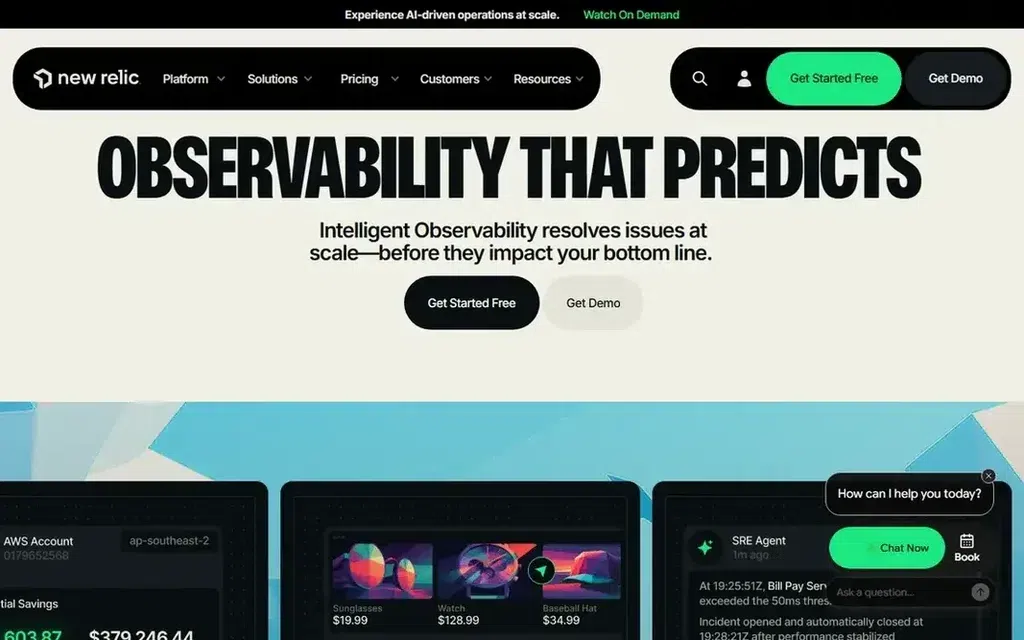
For AI-driven root cause analysis, New Relic is a natural candidate. It fits startups that want to move beyond entry-level monitoring into quicker incident diagnosis.
On cost, New Relic starts like this: $10 per user per month. New Relic offers a free plan.
Trade-offs to know: Can be overwhelming for very small teams.
- Aims to cut MTTR
- Correlates telemetry across the stack
- AI features may need tuning
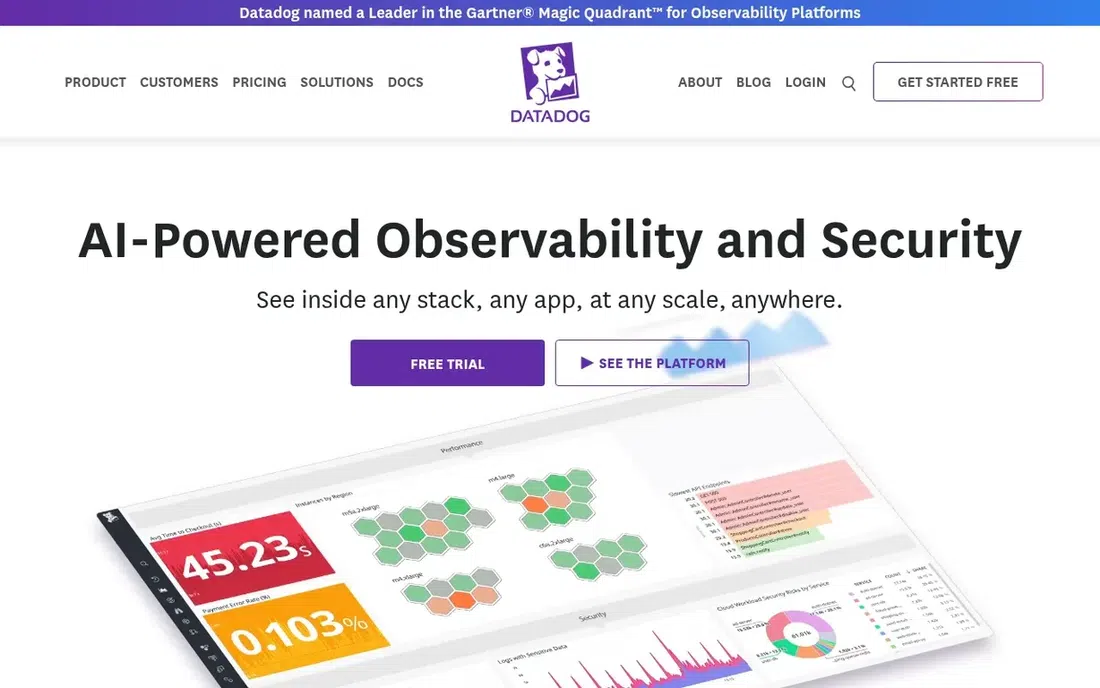
Datadog serves unified cloud monitoring for expanding startups. The service is built to scale with your environment as you add services.
As your environment grows, the number of metrics and integrations can make configuration and cost management more demanding. The starting price for Datadog: $8 per committer per month. Free options: Free trial.
What to check first: Needs planning to control data volume.
- Single place for metrics from apps and services
- Cloud monitoring as a service
- Can become complex as usage grows
Selection criteria
Pre-purchase checklist
- Confirm the entry price on the vendor page. For Grafana Cloud that means a quote rather than a fixed price.
- Read the fine print on the free plans from Grafana Cloud, Splunk Enterprise, AppDynamics and New Relic; seat, project and feature caps differ.
- Use real work to test the free trial from Dynatrace and Datadog, rather than a demo project.
- Read the limits listed for Grafana Cloud first: may need more configuration than all-in-one SaaS.
- Look at the help docs and support options for Dynatrace before you commit.
- Compare total cost, not headline price: for Splunk Enterprise, add extra seats, add-ons and any usage-based charges.
FAQ
Is Grafana Cloud the right pick for everyone comparing enterprise monitoring software for startups?
No single tool suits every team. Grafana Cloud comes first because it fits managed observability on open-source tools, while Dynatrace suits AI, automation, and security in one platform and Splunk Enterprise suits security and observability at petabyte scale. Match the tool to your own size, budget and workflow before deciding.
Can I try these tools before paying?
Often, yes. Grafana Cloud, Splunk Enterprise, AppDynamics and New Relic have a free plan and Dynatrace and Datadog offer a free trial. Use your own data and a real task during the test, and check what the free tier or trial limits before you rely on it.
Which options for enterprise monitoring software for startups have a free plan?
Grafana Cloud, Splunk Enterprise, AppDynamics and New Relic offer a free plan in this list. Free plans usually cap users, projects or features, so check the limits on the vendor page. Several others offer a trial instead.
Do these tools publish their prices?
Not all of them. Grafana Cloud publishes no starting price, so expect a quote request for it. The rest, Dynatrace included, show a starting price, though seats and billing terms still change the final cost.
Sources
- https://grafana.com/products/cloud
- https://www.dynatrace.com
- https://www.splunk.com
- https://www.appdynamics.com
- https://newrelic.com
- https://www.datadoghq.com