Best Enterprise Information Archiving Software in 2026: Prices, Free Plans and 5 Picks
Best enterprise information archiving software: 5 tools compared on price, free plans and fit. Plain-spoken summaries throughout. Budget notes included.
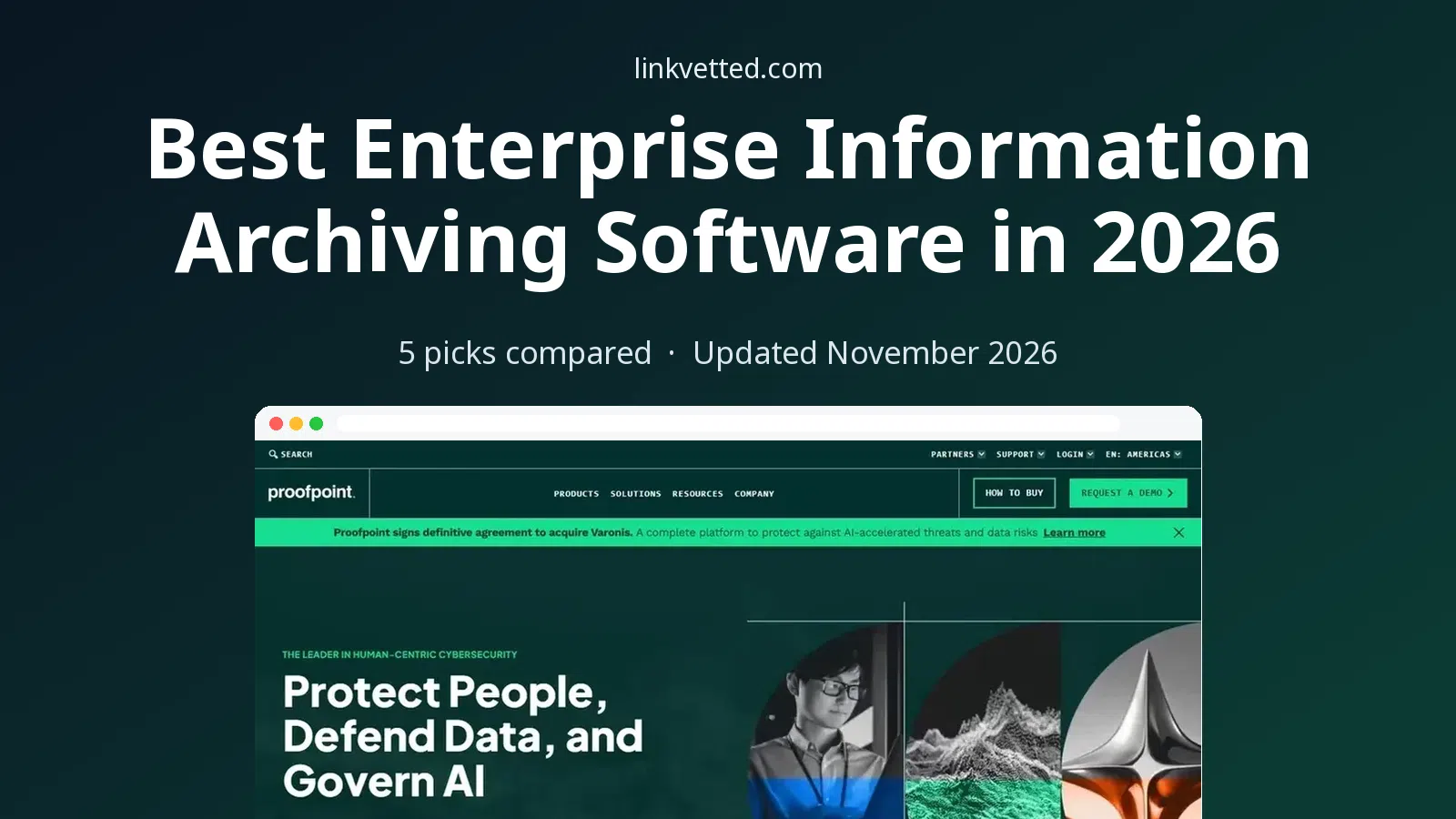
- Editor's choice
 Proofpoint Enterprise Archive
Archiving within a broader security stack
Starts atPricing on requestVisit proofpoint.comFull review - Great alternativeGoogle Vault
Retention and export for Google Workspace
Starts atPricing on requestVisit workspace.google.comFull review - Also considerVeritas Enterprise Vault
Wide enterprise archiving and data management
Starts atPricing on requestVisit veritas.comFull review
Direct answer
If you need archiving within a broader security stack, Proofpoint Enterprise Archive is the first tool to look at here. If your case is different, Google Vault suits retention and export for Google Workspace and Veritas Enterprise Vault suits broad enterprise archiving and data management. Details and limits for the rest of the 5 tools are below. None of these vendors publish plan prices, so pricing is on request for every option.
TL;DR:
- Proofpoint Enterprise Archive sits first on this list: archiving within a broader security stack.
- Barracuda Message Archiver fits straightforward email archiving and retention.
- Every tool from Proofpoint Enterprise Archive to Barracuda Message Archiver works by quote, with no list price shown.
- The main caution on Veritas Enterprise Vault: wide product can be complicated to scope.
- Neither Proofpoint Enterprise Archive nor Barracuda Message Archiver, nor any of the other 3 tools, has a permanent free plan; trials and quotes are the norm.
Last checked November 2026. Pricing on request: vendors did not publish plan prices when this guide was last checked (November 2026), so ask each vendor for a written quote.
Quick comparison
| Tool | Best for | Starts at | Free plan? | |
|---|---|---|---|---|
| Proofpoint Enterprise Archive | Archiving within a broader security stack | Pricing on request | Not stated | Visit |
| Google Vault | Retention and export for Google Workspace | Pricing on request | Not stated | Visit |
| Veritas Enterprise Vault | Wide enterprise archiving and data management | Pricing on request | Not stated | Visit |
| Smarsh Enterprise Archive | Supervision across plenty of communication channels | Pricing on request | Not stated | Visit |
 Barracuda Message Archiver | Straightforward email archiving and retention | Pricing on request | Free trial | Visit |
5 options for enterprise information archiving software in detail
If you are comparing enterprise information archiving software, this page covers 5 tools in one place: what each is best for, what it costs to start, whether it has a free plan, and the main limit to know about.
Proofpoint Enterprise Archive
Best for: Archiving within a broader security stack

Choose Proofpoint Enterprise Archive for archiving within a broader security stack. Proofpoint Enterprise Archive sits within Proofpoint's agentic security approach for people, data and AI.
Downsides: Archiving is one part of a bigger product.
For everyday use, the homepage stresses intent-based protection across collaboration tools and AI agents. Pricing for Proofpoint Enterprise Archive is not stated here, so ask the vendor for current figures. Trial and free access: Not stated.
- Focus on protecting collaboration content
- Fits security-led compliance programs
- Scope relies on the modules you adopt
Google Vault
Best for: Retention and export for Google Workspace
Google Vault is a good fit for retention and export for Google Workspace. Administrators already working in the Google admin console can handle retention rules in a familiar place.
Worth adding: compare it against dedicated archives when review and monitoring of communications is a core requirement. This comparison lists no price for Google Vault; ask the vendor. On free options: Not stated.
Points against: Restricted fit outside Google environments.
- Supports data loss prevention and export
- Native retention for Workspace email and files
- Centred on Google Workspace content
Veritas Enterprise Vault
Best for: Wide enterprise archiving and data management
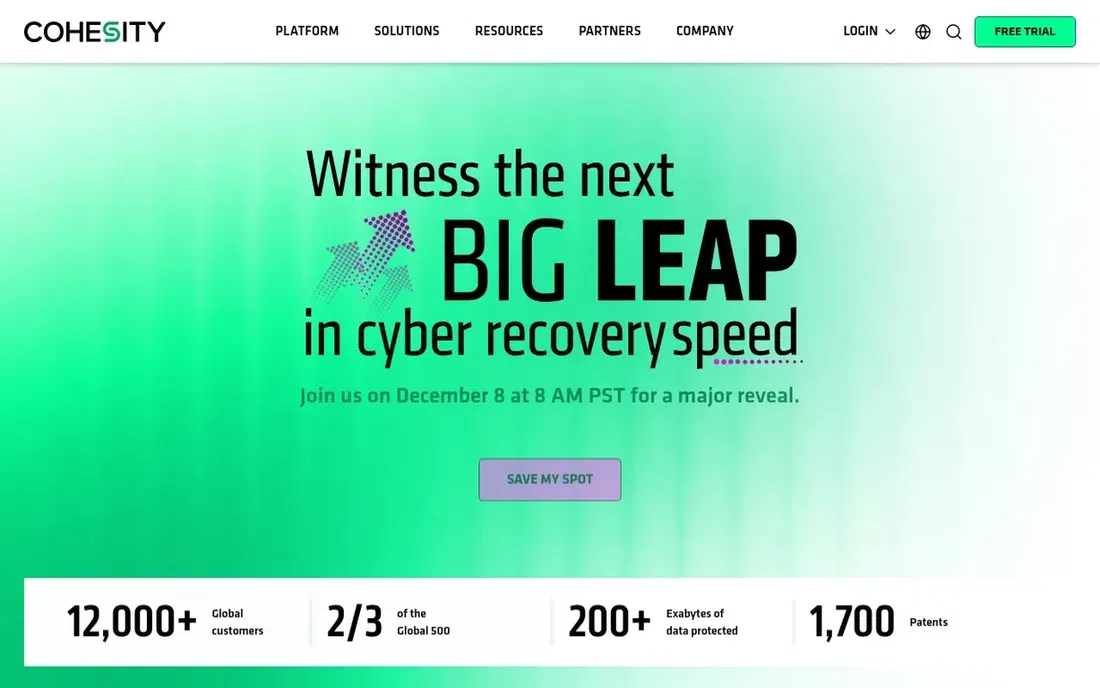
Veritas Enterprise Vault is built with wide enterprise archiving and data management in mind. Veritas Enterprise Vault is presented through Veritas and Cohesity as part of an AI-powered data security and management system. Since the system spans security and management, teams should confirm which archiving capabilities are included for their deployment.
Watch-outs: Wide product can be complicated to scope.
Also, the emphasis is on defending data with immutable backup, AI-based threat detection and rapid recovery alongside archiving. Smaller organizations with straightforward retention needs may find a narrower tool simpler to run. Veritas Enterprise Vault shows no starting price here, so confirm the cost on the vendor site. As for free access: Not stated.
- Pitched at large
- Complicated environments
- Overlap with Cohesity branding needs clarification
Smarsh Enterprise Archive
Best for: Supervision across plenty of communication channels
Smarsh Enterprise Archive was built for supervision across numerous communication channels. Smarsh Enterprise Archive is described as cloud-based capture, archiving and supervision across more than 80 channels, aimed at managing risk in electronic communications.
As for the details, coverage and supervision rules rely on how each channel is connected, so confirm the specific sources you need. Worth adding: organizations that only archive email may find the supervision layer more than required. Smarsh Enterprise Archive shows no starting price here, so confirm the cost on the vendor site. As for free access: Not stated.
Limits to weigh: Channel coverage varies by configuration.
- Aimed at regulated communications
- Supervision and compliance focus
- Supervision workflows need policy setup
Barracuda Message Archiver
Best for: Straightforward email archiving and retention
Barracuda Message Archiver works best for straightforward email archiving and retention. Barracuda Message Archiver is an email archiving product within Barracuda's broader set of email, application, network and data protection options. For everyday use, confirm retention, legal hold and export behavior against your policies before committing.
Where it is weaker: Narrower than multi-channel archives.
In daily use, the company positions itself around email protection and data protection. As for the details, for teams that chiefly have to retain, index and retrieve email messages for compliance or legal requests, a focused archiver can be simpler to explain to stakeholders than a sprawling platform. This comparison lists no price for Barracuda Message Archiver; ask the vendor. Free access: Free trial.
- Suits within Barracuda's protection portfolio
- Dedicated message archiving focus
- Best value when already using Barracuda
How the list was put together
Questions to settle before buying
- Ask each vendor, from Proofpoint Enterprise Archive to Barracuda Message Archiver, for a written quote; none of them publishes a starting price.
- Take the trial from Barracuda Message Archiver and push a live task through it before you pay.
- Before choosing Proofpoint Enterprise Archive, weigh its main limit: archiving is one part of a bigger product.
- Run a one or two week pilot of Google Vault with the people who will use it every day.
- Map your must-have features to a specific Proofpoint Enterprise Archive plan before you compare prices.
FAQ
Is Google Vault enough for compliance archiving?
Google Vault spans retention and export for Google Workspace email and files, which can be sufficient for organizations standardized on Google. If you also have to capture external messaging channels or run supervision workflows, a dedicated archive is typically a better fit.
Is Proofpoint Enterprise Archive the right pick for everyone comparing enterprise information archiving software?
No single tool suits every team. Proofpoint Enterprise Archive comes first because it fits archiving within a broader security stack, while Google Vault suits retention and export for Google Workspace and Veritas Enterprise Vault suits broad enterprise archiving and data management. Match the tool to your own size, budget and workflow before deciding.
Can I try these options before paying?
Often, yes. Barracuda Message Archiver offers a free trial. Use your own data and a real task during the test, and check what the free tier or trial limits before you rely on it. For the full picture, the cards above cover all 5 entries of this enterprise information Archiving software list, including price, free plan and limits.
What should I verify before committing to an archive?
Confirm the exact content sources captured, how retention and legal hold are enforced, and how export to legal teams works.
How are the tools for enterprise information archiving software ordered?
Proofpoint Enterprise Archive sits first and Barracuda Message Archiver last because the order follows typical fit for enterprise information archiving software, then price clarity and free access. It is a judgement call, so read each profile for fit and limits.
Does any tool for enterprise information archiving software here have a free plan?
No tool in this list, Proofpoint Enterprise Archive and Barracuda Message Archiver included, has a permanent free plan. Barracuda Message Archiver offer a trial. Trials and quotes are the usual route, so plan a short evaluation period.
Sources
- https://www.proofpoint.com
- https://workspace.google.com/products/vault
- https://www.veritas.com
- https://www.smarsh.com
- https://www.barracuda.com