Best Enterprise Risk Management Software in 2026: 8 Tools Compared
Find the best enterprise risk management software for 2026, with governance, compliance, and risk reporting tools for large teams. See all eight picks.
- Editor's choice
 LogicGate
Mid-size firms building risk workflows
Starts atSee websiteVisit logicgate.comFull review - Great alternative
 Resolver
Firms that need incident and risk tracking
Starts atSee websiteVisit resolver.comFull review - Also consider
 Riskonnect
Large firms managing many risk types
Starts atSee websiteVisit riskonnect.comFull review
TL;DR:
- Enterprise risk tools are almost always priced by quote, so budget from a demo and a written proposal.
- Shared controls and evidence save the most time when audit, risk, and compliance teams use one system.
- A simple risk register is enough for some firms, while regulated firms need policy and control testing too.
- Implementation time matters as much as the licence price, especially for large deployments.
- Resilience planning is a useful extra when risk work must cover disruption, not just reporting.
Quick comparison
| Tool | Best for | Starts at | Free plan? | |
|---|---|---|---|---|
| LogicGate | Mid-size firms building risk workflows | See website | No | Visit |
| Resolver | Firms that need incident and risk tracking | See website | No | Visit |
| Riskonnect | Large firms managing many risk types | See website | No | Visit |
 AuditBoard | Audit, risk, and compliance teams | See website | No | Visit |
 MetricStream | Regulated firms with complex governance | See website | No | Visit |
 ServiceNow GRC | Firms already on ServiceNow | See website | No | Visit |
 Archer | Enterprises with mature risk programs | See website | No | Visit |
 Fusion Risk Management | Firms focused on resilience and continuity | See website | No | Visit |
The best enterprise risk management software
We compared official feature pages, pricing pages, and public documentation for each option below, then ranked them by fit for the task, ease of use, and value at a realistic starting plan.
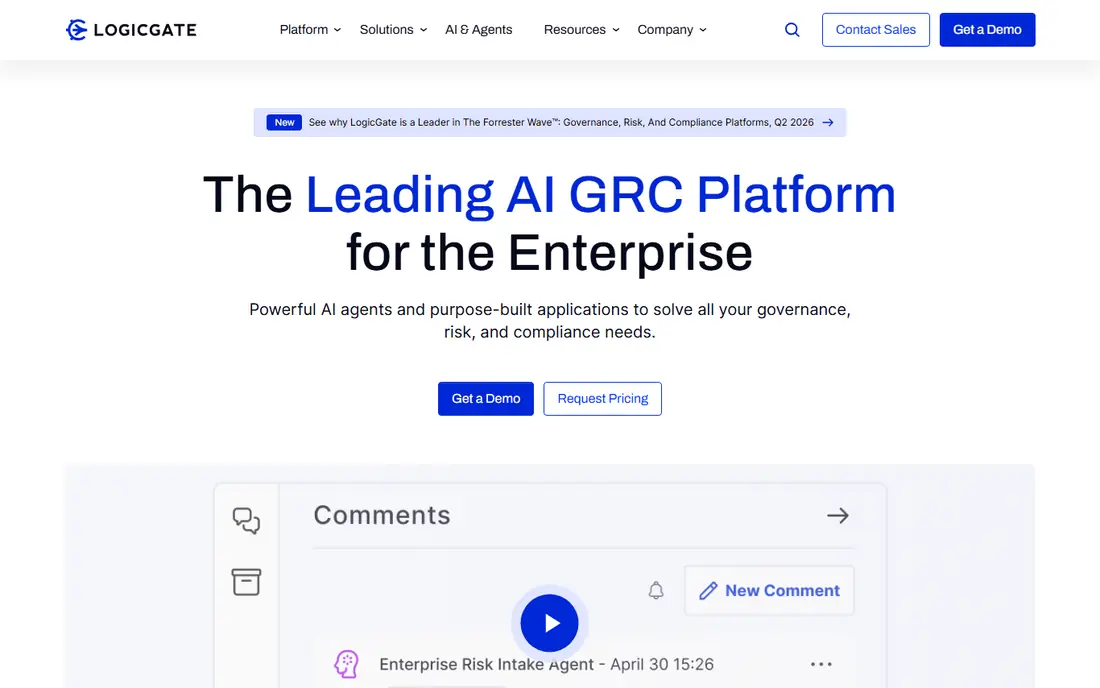
LogicGate is a strong match for mid-size firms that want to build risk workflows without heavy coding. LogicGate lets risk teams design registers, assessments, and approvals with drag-and-drop workflow tools. That focus matters when you want messages, records, or tests to move without constant manual work, and it keeps a small team from stitching together several separate tools. The setup is usually clear enough that a new user can build a first workflow, report, or campaign and see whether the fit is right before committing to a larger plan.
Before you commit, weigh quote-based pricing and setup work for complex frameworks Compare the starting price with what you will pay at your actual volume, and confirm the integrations you rely on are included rather than added later. When the limits line up with your work, LogicGate is worth a short trial with real data.
- No-code workflow builder
- Risk registers
- Control tracking
- Quote-based pricing
- Implementation planning takes time

Resolver is a strong match for firms that need incident, risk, and compliance work in one system. Resolver links incidents to risks and controls, which helps teams see patterns instead of handling cases in isolation. That focus matters when you want messages, records, or tests to move without constant manual work, and it keeps a small team from stitching together several separate tools. The setup is usually clear enough that a new user can build a first workflow, report, or campaign and see whether the fit is right before committing to a larger plan.
The main trade-off is modular pricing that can grow with added products Check the plan limits against your real volume, team size, and integrations before you pay, since entry prices often cover a smaller slice than the full feature set. If those limits fit your daily work, Resolver can be a practical choice that stays useful as your needs grow.
- Incident management
- Risk assessments
- Reporting dashboards
- Enterprise pricing by quote
- Some modules sold separately

Riskonnect is a strong match for large firms that manage insurance, safety, and enterprise risk together. Riskonnect covers a wide set of risk domains, which suits firms that would otherwise run several separate systems. That focus matters when you want messages, records, or tests to move without constant manual work, and it keeps a small team from stitching together several separate tools. The setup is usually clear enough that a new user can build a first workflow, report, or campaign and see whether the fit is right before committing to a larger plan.
Before you commit, weigh implementation time and cost at enterprise scale Compare the starting price with what you will pay at your actual volume, and confirm the integrations you rely on are included rather than added later. When the limits line up with your work, Riskonnect is worth a short trial with real data.
- Broad risk, claims, and safety coverage
- Analytics
- Integrations
- Long implementation for large deployments
- Quote-based pricing
AuditBoard is a strong match for audit and risk teams that want shared evidence and controls. AuditBoard connects risk assessments to audit work and control testing, so evidence is reused across teams. That focus matters when you want messages, records, or tests to move without constant manual work, and it keeps a small team from stitching together several separate tools. The setup is usually clear enough that a new user can build a first workflow, report, or campaign and see whether the fit is right before committing to a larger plan.
The main trade-off is quote-based pricing and a learning curve for new users Check the plan limits against your real volume, team size, and integrations before you pay, since entry prices often cover a smaller slice than the full feature set. If those limits fit your daily work, AuditBoard can be a practical choice that stays useful as your needs grow.
- Connected risk and audit workflows
- Control testing
- Reporting
- Pricing by quote
- Best value for teams that use several modules
MetricStream is a strong match for regulated firms with complex governance and reporting needs. MetricStream supports policy, risk, and compliance processes at scale, with controls for regulated industries. That focus matters when you want messages, records, or tests to move without constant manual work, and it keeps a small team from stitching together several separate tools. The setup is usually clear enough that a new user can build a first workflow, report, or campaign and see whether the fit is right before committing to a larger plan.
Before you commit, weigh complexity for smaller teams that need only a risk register Compare the starting price with what you will pay at your actual volume, and confirm the integrations you rely on are included rather than added later. When the limits line up with your work, MetricStream is worth a short trial with real data.
- Governance, risk, and compliance suite
- Policy management
- Analytics
- Enterprise scope and cost
- Deployment needs planning
ServiceNow GRC is a strong match for firms already using ServiceNow for IT or operations. ServiceNow GRC reuses the same workflow engine and data model as other ServiceNow products, which can cut duplicate work. That focus matters when you want messages, records, or tests to move without constant manual work, and it keeps a small team from stitching together several separate tools. The setup is usually clear enough that a new user can build a first workflow, report, or campaign and see whether the fit is right before committing to a larger plan.
The main trade-off is licensing and implementation effort for new ServiceNow customers Check the plan limits against your real volume, team size, and integrations before you pay, since entry prices often cover a smaller slice than the full feature set. If those limits fit your daily work, ServiceNow GRC can be a practical choice that stays useful as your needs grow.
- Risk, policy, and audit on one platform
- Workflow automation
- Reporting
- Requires ServiceNow licensing
- Implementation is a project
Archer is a strong match for enterprises with mature risk programs and strict reporting needs. Archer is a long-established governance, risk, and compliance platform with a broad control and reporting library. That focus matters when you want messages, records, or tests to move without constant manual work, and it keeps a small team from stitching together several separate tools. The setup is usually clear enough that a new user can build a first workflow, report, or campaign and see whether the fit is right before committing to a larger plan.
Before you commit, weigh extensive configuration and enterprise-level pricing Compare the starting price with what you will pay at your actual volume, and confirm the integrations you rely on are included rather than added later. When the limits line up with your work, Archer is worth a short trial with real data.
- Mature risk framework
- Control library
- Reporting and dashboards
- Enterprise pricing
- Configuration can be extensive
Fusion Risk Management is a strong match for firms that link risk work to business continuity and resilience. Fusion Risk Management pairs risk tracking with continuity planning, so teams can test how a disruption would affect key services. That focus matters when you want messages, records, or tests to move without constant manual work, and it keeps a small team from stitching together several separate tools. The setup is usually clear enough that a new user can build a first workflow, report, or campaign and see whether the fit is right before committing to a larger plan.
The main trade-off is quote-based pricing and depth that smaller teams may not need Check the plan limits against your real volume, team size, and integrations before you pay, since entry prices often cover a smaller slice than the full feature set. If those limits fit your daily work, Fusion Risk Management can be a practical choice that stays useful as your needs grow.
- Risk and resilience planning
- Scenario tools
- Reporting
- Quote-based pricing
- Resilience focus may exceed simple needs
How we picked these
We started with products that are widely used and still actively sold in October 2026, then checked each vendor pricing page and feature page for the plan details shown here. We kept only options that fit the topic directly, and we left out tools that are mainly built for a different job even when they share a few features. Where a vendor prices by quote, we say so rather than guessing a figure. Prices change, so confirm the current plan on the vendor site before you buy.
How to choose enterprise risk software
Define the risk scope first
List the domains you must cover, such as operational risk, third-party risk, safety, or cyber risk. A broad suite helps when several domains share controls, while a focused tool is cheaper when you need only a register and assessments. Bring that list to every demo.
Test reporting with your own framework
Ask each vendor to show reporting using your risk categories, scoring method, and board format. A tool that forces you into its template will create extra work every quarter. Check exports, permissions, and audit trails before you sign.
Plan implementation and ownership
Name the team that will own the data, the controls, and the review cycle. Enterprise tools fail most often when no one owns updates after launch. Ask for a clear timeline, training plan, and support terms in the proposal.
FAQ
What is the best risk management software for enterprises?
The best fit depends on scope. LogicGate and Resolver suit mid-size teams that want flexible workflows, while MetricStream, Archer, and ServiceNow GRC suit large regulated firms. Start from the risks you must report, then shortlist tools that cover those domains.
What is top enterprise risk management software for compliance teams?
AuditBoard and MetricStream are strong for compliance teams because they link risks to controls, evidence, and audit work. That shared evidence reduces duplicate requests during audits. Confirm that policy management and control testing are included in your quoted plan.
How much does enterprise risk management software cost?
Most vendors in this list price by quote, based on users, modules, and implementation. That makes direct comparison hard without a proposal. Ask for licence, implementation, and support costs separately so you can compare total first-year cost.
Do small businesses need enterprise risk software?
Usually not. A spreadsheet or a simple risk register may be enough until reporting, controls, and audit evidence grow complex. Enterprise tools pay off when several teams share controls and leadership needs consistent quarterly reporting.
How long does implementation take?
It varies from weeks for a focused register to months for a full governance suite. Larger deployments need data migration, framework setup, and training. Ask for a phased plan that delivers a working register before wider modules go live.