Best Enterprise AI Search Software in 2026: 8 Tools Compared
The best enterprise AI search software for finding internal docs, tickets and files fast, compared on permissions, connectors and pricing for 2026 now.
- Editor's choice
 Glean
Workplace search across many apps
Starts atSee websiteVisit glean.comFull review - Great alternative
 Coveo
Customer and employee search relevance
Starts atSee websiteVisit coveo.comFull review - Also consider
 Elastic
Building search on your own terms
Starts atSee websiteVisit elastic.coFull review
TL;DR:
- Glean and Coveo lead for large teams, but both are quote-only, so budget for a sales process and an implementation project, not just a subscription.
- Permission-aware search is the key test: the tool must respect the access rules in Google Drive, Slack, Jira and your other systems, not just index everything.
- Microsoft Copilot, at $30 per user per month in recent listings, is the simplest choice for teams already on Microsoft 365.
- Elastic and Algolia suit teams that want to build or control search themselves, while Guru and Sinequa suit teams that need governed, verified knowledge.
Quick comparison
| Tool | Best for | Starts at | Free plan? | |
|---|---|---|---|---|
| Glean | Workplace search across many apps | See website | No | Visit |
| Coveo | Customer and employee search relevance | See website | No | Visit |
| Elastic | Building search on your own terms | See website | Yes | Visit |
 Sinequa | Governed search for regulated teams | See website | No | Visit |
 Lucidworks | Complex relevance tuning | See website | No | Visit |
 Algolia | Fast search inside a product or site | See website | Yes | Visit |
 Guru | Verified knowledge where teams work | See website | Yes | Visit |
 Microsoft Copilot | Search inside Microsoft 365 | $30 per user per month | No | Visit |
The best enterprise AI search software
Enterprise AI search is not a web search box for your company. It connects to your docs, tickets, chats and files, understands a question in plain language, and returns an answer with sources, while respecting who is allowed to see each document. The best enterprise AI search tools differ on connector breadth, on how they handle permissions, and on whether they serve employees, customers or both. We compared tools that are live in 2026, and our pick for most large teams is Glean, because its workplace focus and connector range fit the internal search problem best.
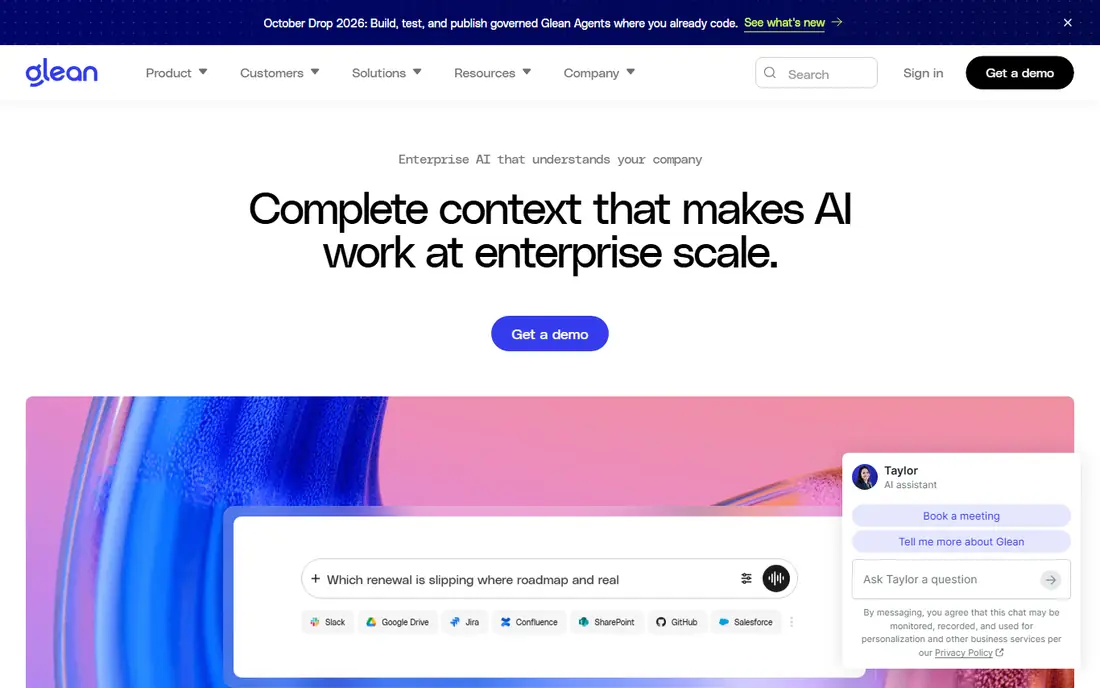
Glean connects to the apps where work actually lives, such as Google Workspace, Slack, Jira, Salesforce and Confluence, and lets an employee ask a question once instead of searching each system in turn. Answers come with source links, so you can check the document rather than trust a summary. Permission awareness is central: a result should only appear if the searcher already has access to that source document in the source system.
The cost is the main barrier. Glean does not publish a standard price, and recent summaries describe custom quotes with seat minimums, so small teams will find it hard to justify. Implementation also takes time, because connectors, permissions and indexing need care. For a mid-sized or large company where staff waste time hunting for policies, past decisions and project docs, that investment can pay back fast. For a team under fifty people, a simpler knowledge tool may be enough.
- Wide connector range across workplace apps
- Permission-aware answers with sources
- Personalised results based on your work
- Quote-only pricing
- Implementation can take weeks
- Seat minimums in recent summaries
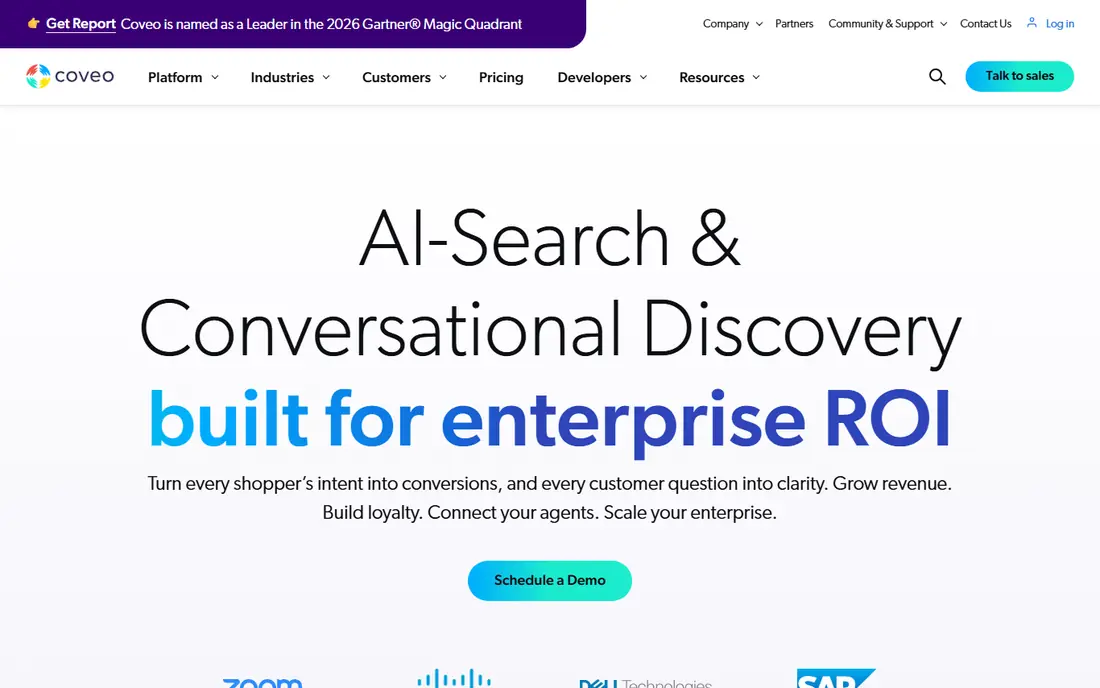
Coveo treats search as a measurable experience, not just as a box. Relevance models learn from clicks, content and user context, personalisation adjusts results for the searcher, and analytics show which searches fail and which content is missing. That matters for customer support portals and commerce sites, where a failed search can mean a support ticket or a lost sale, as well as for employee search.
Like Glean, Coveo is quote-only, with cost shaped by content volume, connectors, AI features and services, so expect a sales conversation and a project plan. Smaller teams may find the setup heavy, and the platform needs tuning and content work to perform well. For a large company that runs customer-facing search and employee search on one platform, and that wants to track search quality over time, Coveo is a strong, proven choice.
- Strong relevance and personalisation models
- Search analytics that show failed searches
- Covers support, commerce and workplace use
- Quote-only pricing
- Enterprise cost and setup time
- Needs tuning to reach its best results

Elastic, built on Elasticsearch, is the platform choice for teams that want control. You can index your own content, build vector search for AI-style retrieval, and tune relevance yourself, in the cloud or self-managed. That flexibility suits product teams, engineering-led companies and organisations with unusual content or strict hosting rules. The free and open starting point also makes it easy to prototype before you commit to cloud spend.
The trade-off is effort. Elastic gives you search infrastructure, not a finished workplace assistant, so you need engineers to build connectors, permissions, ranking and answer generation. Cloud pricing is usage-based, so costs depend on data volume and queries, and should be modelled on the Elastic site for your scale. If you have the engineering capacity and you want control, Elastic is powerful. If you want a tool your staff can use next week with little setup, look at Glean or Guru first.
- Open and flexible search platform with vector search
- Self-hosted or cloud options
- Large developer community
- Needs engineering time to build and run well
- Pricing is usage-based and can grow
- Not a ready-made workplace answer tool on its own
Sinequa suits organisations where governance is not optional: life sciences, finance, manufacturing and other regulated sectors with vast, sensitive document estates. It combines keyword, semantic and AI retrieval, with controls for access, audit and data handling that compliance teams can review. Answers are grounded in indexed company content, which reduces the risk of a confident but invented response.
That strength comes with enterprise weight. Pricing is quote-only, implementation needs planning, and a small team will not need this level of governance. Sinequa also works best when your content is well organised and your permissions are already clean in source systems. For a large, regulated company that needs search it can defend to auditors, Sinequa is a serious candidate. For a general workplace search problem, a lighter tool will move faster.
- Strong security and governance controls
- Broad connectors for large document estates
- AI answers grounded in company content
- Quote-only pricing
- Enterprise implementation
- Best for large, regulated organisations
Lucidworks, built around its Fusion platform, gives search teams detailed control over relevance. You can tune ranking signals, build machine learning models for your content, and adapt search for commerce, support or workplace use. That control appeals to organisations with complex catalogues, many content types or strict relevance goals that a generic tool cannot meet.
The cost is expertise as much as money. Pricing is quote-only, and large deployments often need professional services and specialist search skills. A team without a search owner may struggle to get value from that depth. If your company already runs a search programme and you know exactly where relevance fails, Lucidworks gives you the levers to fix it. If you are buying your first enterprise search tool, start with a more ready-made option and learn your needs first.
- Deep relevance tuning and machine learning controls
- Flexible deployment
- Strong for large, complex search programmes
- Quote-only pricing
- Needs specialist skills
- Professional services often required
Algolia is the developer choice for search inside a product, app or website. Its API-first design delivers fast, typo-tolerant results, and a free tier lets a small team prototype without a sales call. Usage-based pricing scales with search volume, which suits a growing product where search traffic rises with users. For a SaaS product, a docs site or a commerce catalogue, Algolia is a proven, well-documented option.
It is not a direct replacement for Glean or Sinequa for internal knowledge search. Algolia indexes the content you send it and serves fast results, but workplace connectors, permission-aware employee search and grounded AI answers need extra work in your own build. Check the Algolia pricing page for current usage rates, because query and record volumes drive the bill. Pick Algolia when the searcher is your customer, not your employee.
- Very fast, API-first search for apps and sites
- Free tier for starting
- Usage-based scaling
- Built for customer-facing product search, not internal workplace search
- AI answers need your own model in some setups
- Costs scale with queries
Guru solves a different part of the search problem: trust. Knowledge cards are verified by an owner, given an expiry date, and surfaced where people already work, such as Slack or a browser extension. AI search then answers from that verified base, which reduces the risk of acting on an outdated policy or a stale process doc. That model suits support, sales and operations teams that repeat the same answers many times a day.
Guru needs upkeep. If owners do not verify cards, the knowledge base goes stale, and the tool loses its advantage. Paid pricing varies by tier, with recent summaries listing self-serve plans from around $25 per seat per month, so confirm the current price on the Guru site. For a team that wants fast, trusted answers to common questions, Guru is a strong fit. For a team that needs to search a vast, messy archive, Glean or Sinequa may be better.
- Verified, trusted knowledge cards
- AI answers in Slack, browsers and other tools
- Free tier to start
- Works best when knowledge is actively verified
- Paid pricing varies by tier
- Less suited to searching a huge unstructured archive
Microsoft Copilot, including Microsoft 365 Copilot, is the simplest enterprise AI search choice for a company already on Microsoft 365. It searches emails, files, chats and meetings you already have access to, and it can draft, summarise and answer from that content inside the apps staff already open. Because it respects Microsoft 365 permissions, a searcher should only see content they are allowed to see, which is a key governance test.
The price is published at $30 per user per month for the enterprise add-on in recent listings, with a lower business price for smaller organisations in some plans, so check the Microsoft site for your tenant type. That per-user cost adds up for a large workforce, and Copilot is far less useful if your key systems live outside Microsoft, such as Google Drive or Salesforce. For a Microsoft-centred company, it is the fastest path to AI search. For a mixed system estate, a connector-led tool like Glean may cover more ground.
- Works inside Teams, Outlook, Word and SharePoint
- Respects Microsoft 365 permissions
- Simple add-on for existing tenants
- Limited outside the Microsoft system
- $30 per user per month adds up at scale
- AI features vary by plan
How we picked these
We compared official product and pricing pages, plus recent pricing summaries, for enterprise AI search tools that are live in 2026. We kept tools that index multiple company systems, return answers with sources, and respect source permissions, rather than tools that only search one app. We favoured connector breadth, governance controls and a clear use case for employees or customers. Most enterprise pricing is quote-only, so we wrote See website where no reliable public price exists, and we gave the published Microsoft price where it is available.
What to check before you buy enterprise AI search
Start with a permission audit, not a demo. List your key systems, check who can see what in each one, and test the search tool with accounts at different access levels. A tool that leaks a private document in search results is a security incident, not a feature gap. Ask how indexing handles deleted or changed permissions, how long changes take to apply, and what audit logs are kept.
Run a pilot on real questions from real staff, not vendor sample queries. Pick fifty questions your support, sales or operations teams ask each week, and score the tool on correct answers, source quality and time saved. Check connector coverage for your exact systems, data residency options, and what happens to indexed data if you cancel. Quote-only tools need a total cost model: licences, implementation, training and ongoing tuning, not just a per-user figure.
FAQ
What is the best enterprise AI search software?
Glean is a strong pick for internal workplace search, Coveo is strong for customer and employee search with analytics, and Microsoft Copilot is simplest for Microsoft 365 teams. The best AI enterprise search platform for you depends on your systems, your governance needs and whether the searcher is an employee or a customer.
How does enterprise AI search handle permissions?
A good tool inherits permissions from each source system, so a searcher only sees documents they already have access to in that system. Ask the vendor how quickly permission changes apply, how deleted content is removed from the index, and whether you can audit who saw what. Test with low-access accounts before you roll out widely.
Is enterprise AI search the same as a chatbot?
No. A chatbot can answer from general training data, while enterprise AI search should answer from your company content, with source links you can check. If a tool cannot show its sources, treat its answers as drafts, not as facts, and check them against the original document.
How much does enterprise AI search cost?
Most tools in this list are quote-only, with cost shaped by seats, content volume, connectors and services. Microsoft Copilot is published at $30 per user per month for the enterprise add-on in recent listings. Ask for a total annual cost, including implementation and support, before you compare vendors.
Can a small company use enterprise AI search?
Yes, but a full enterprise platform may be more than a small team needs. Guru, Algolia and Microsoft Copilot offer lower entry points, and a well-organised wiki plus a good intranet search may serve a team under fifty people. Move to Glean, Coveo or Sinequa when searching across many systems becomes a daily pain.
What is the difference between keyword search and AI search?
Keyword search matches the exact words in your query, while AI search understands meaning, synonyms and intent, and can summarise an answer from several documents. The best tools combine both, so an exact document title still finds its file, and a plain-language question still finds the right policy.