The 6 Best Employee Training Software for Restaurants in 2026, Ranked
Best employee training software for restaurants, compared. 6 tools with published prices, free plans and limits. Every entry states what it lacks. No filler.
- Editor's choice
 Rippling
Unified HR, IT and finance workforce system
Starts at$8 per employee a monthVisit rippling.comFull review - Great alternative
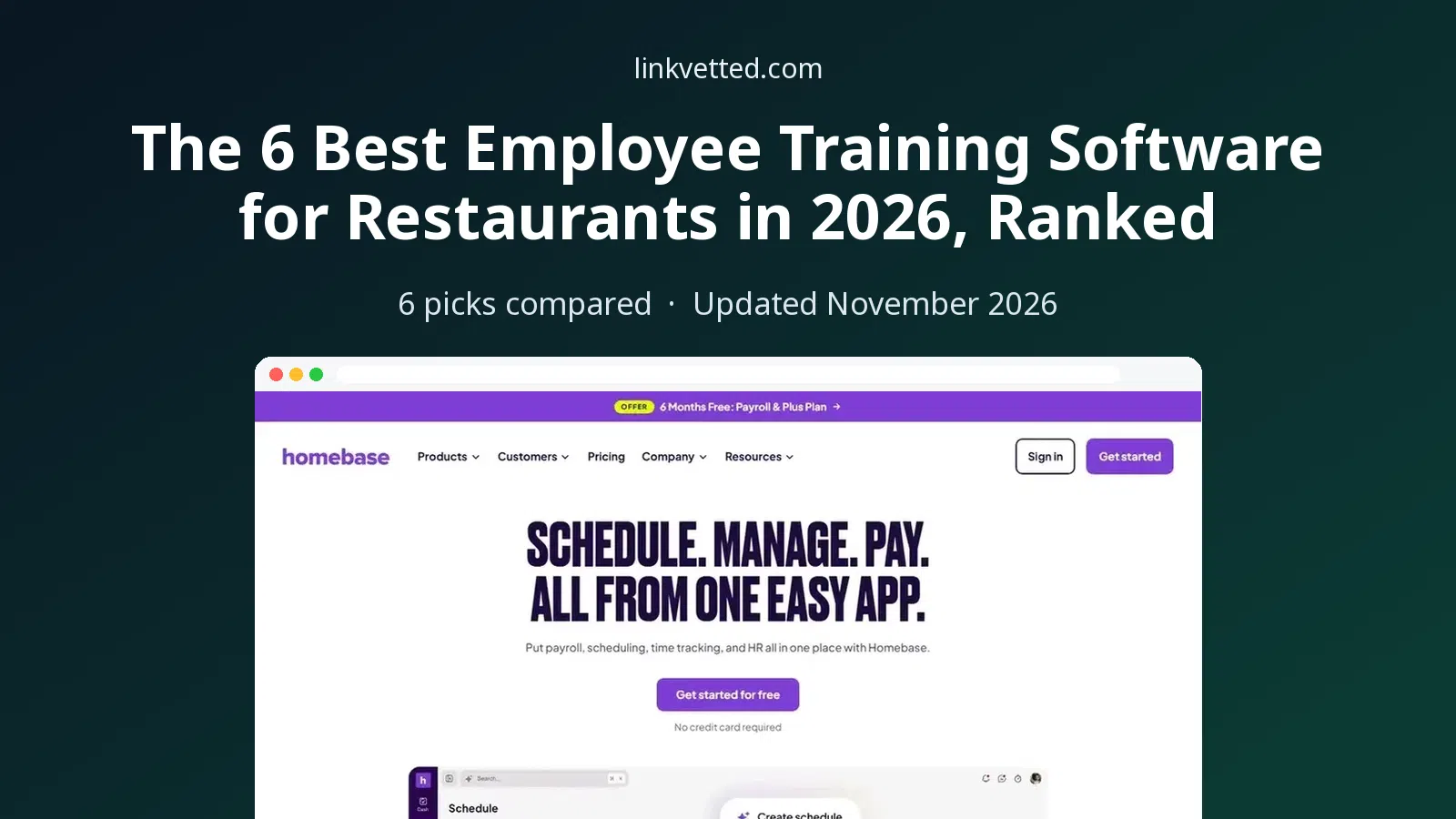
 Homebase
Small hourly teams needing one straightforward app
Starts at$30 per location per monthVisit joinhomebase.comFull review - Also consider
 Lightspeed Restaurant
Restaurants wanting POS plus management tools
Starts atSee websiteVisit lightspeedhq.comFull review
Direct answer
Rippling comes first here, mainly for unified HR, IT and finance workforce product. Listed starting prices: Rippling from $8 per employee a month, Homebase from $30 per location per month and TouchBistro from $69 per month. For a different need, Homebase covers small hourly teams needing one straightforward app and Lightspeed Restaurant covers restaurants wanting POS plus management tools. The other 3 tools in the list cover narrower or pricier cases.
TL;DR:
- Top of the list is Rippling, which targets unified HR, IT and finance workforce product.
- Only Homebase offers a free plan among these 6 tools.
- Before buying Lightspeed Restaurant, weigh this: training is secondary to POS focus.
- TouchBistro suits all-in-one POS and restaurant management.
- Rippling is the lowest-priced starter here at $8 per employee per month.
Last checked November 2026. Prices and plan details were read from the vendors' own pages in November 2026; vendors change plans often, so confirm the current price on the vendor site before you buy.
Quick comparison
| Tool | Best for | Starts at | Free plan? | |
|---|---|---|---|---|
| Rippling | Unified HR, IT and finance workforce system | $8 per employee a month | Not stated | Visit |
| Homebase | Small hourly teams needing one straightforward app | $30 per location per month | Yes | Visit |
| Lightspeed Restaurant | Restaurants wanting POS plus management tools | See website | Not stated | Visit |
| HotSchedules | Hospitality scheduling and team engagement | See website | Not stated | Visit |
 Restaurant365 | Restaurant operators wanting one management suite | See website | Not stated | Visit |
 TouchBistro | All-in-one POS and restaurant management | $69 per month | Not stated | Visit |
The 6 tools in detail
Short on time? The summary and table above give the quick view of 6 employee training software for restaurants, and the profiles that follow give the detail behind each entry.
Choose Rippling for unified HR, IT and finance workforce system. More straightforward apps may be simpler to adopt for single locations.
Downsides: May be complicated for small restaurants.
From a buyer's view, choose Rippling when unified workforce management across departments is the priority. On cost, Rippling starts like this: $8 per employee per month. Free options: Not stated. What works well: Unified data product.
- Scales across numerous workforce tasks
- Merges HR
- Wide system beyond training
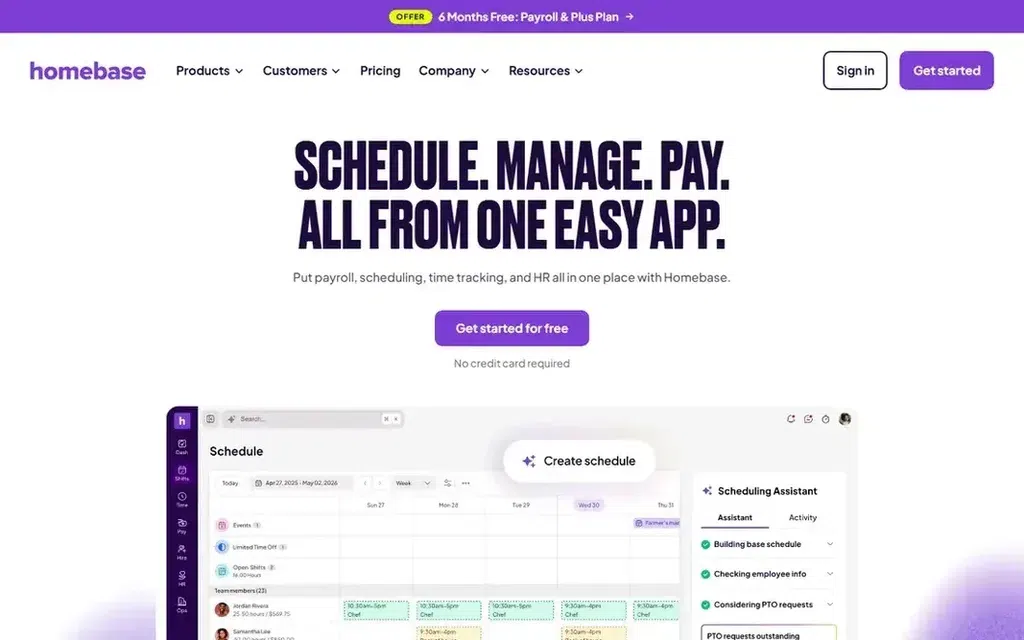
Homebase was built for small hourly teams needing one simple app. Homebase is oriented toward hourly teams and small firms, so very large or complicated training programs may need a dedicated learning product.
On cost, Homebase starts like this: $30 per location per month. Homebase includes a free tier.
Trade-offs to know: Training is one piece of a broader tool.
Upsides: time clocks and hiring together.
- Simple all-in-one approach
- Scheduling
- May suit smaller operations better
Lightspeed Restaurant
Best for: Restaurants wanting POS plus management tools
Lightspeed Restaurant targets restaurants wanting POS plus management tools. Lightspeed Restaurant is an adaptable, configurable point of sale, payments and restaurant management product with industry insights.
The main drawbacks: Training is secondary to POS focus.
In practice, training and staff management sit within a system centered on service and sales operations, which helps restaurants keep front-of-house and back-of-house workflows connected. Lightspeed Restaurant shows no starting price here, so confirm the cost on the vendor site. Free options: Not stated.
- Configurable POS product
- Industry insights alongside operations
- Customization may need planning
HotSchedules
Best for: Hospitality scheduling and team engagement
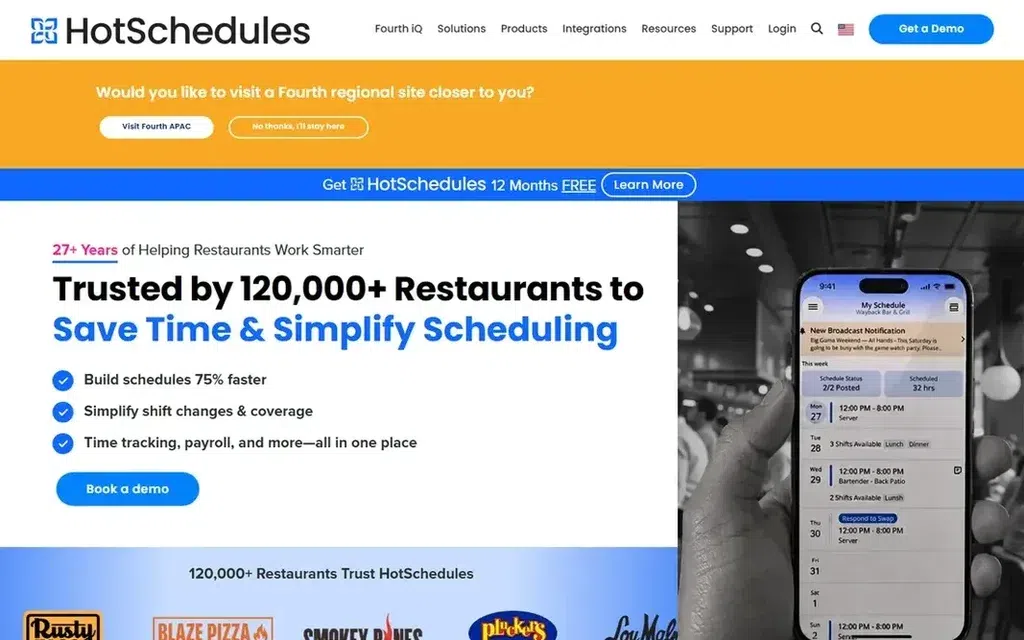
For hospitality scheduling and team engagement, HotSchedules is a natural candidate. Pick something else if your priority is a standalone training library with advanced content building instead of scheduling-led workflows.
Limits to weigh: Less depth for non-hospitality teams.
HotSchedules shows no starting price here, so confirm the cost on the vendor site. Free plan details: Not stated.
- Supports onboarding and team communication
- Merges scheduling with engagement
- Training is part of a wider suite
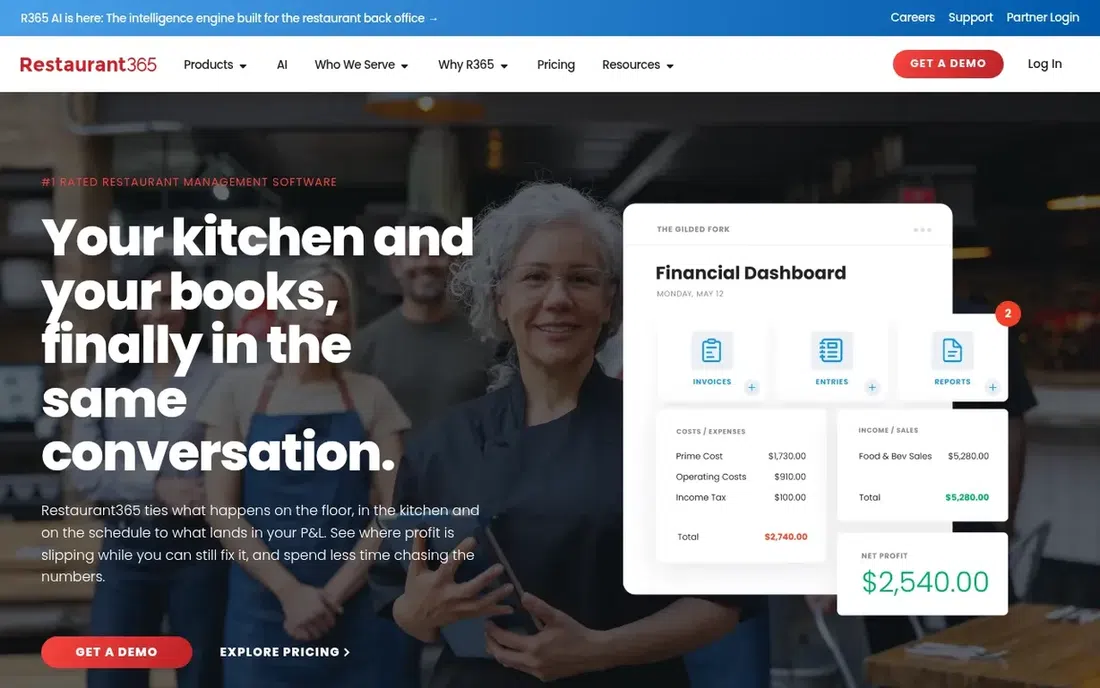
Restaurant365 is built with Restaurant operators wanting one management suite in mind. The breadth of the suite can feel heavy for a single small location that primarily needs straightforward training delivery.
Strengths: operations and workforce.
If you want a light app concentrated on hourly staff, a more straightforward choice may be simpler to adopt. No starting price is listed for Restaurant365 here; confirm pricing on the vendor site. Free plan details: Not stated. Watch-outs: Setup can involve several modules.
- Designed specifically for restaurants
- Includes accounting
- Wide suite may be more than small shops need
Choose TouchBistro for all-in-one POS and restaurant management. TouchBistro is an all-in-one POS and restaurant management system built to help restaurants increase sales, serve guests and save time.
For everyday use, staff training and team management fit within that operational system, so managers can align training with how the restaurant runs day to day. Training is a supporting feature instead of the primary event, so teams with complicated learning needs may outgrow it. Price to start with TouchBistro: $69 per month. On free options: Not stated.
Downsides: Training is not the core feature.
- Merges POS with management tools
- Focus on saving time and money
- Best value for POS-led operations
How the list was put together
The comparison looks at four things: starting price, free access, how well the feature set matches employee training software for restaurants, and the main limit of each tool. Figures are shown as the vendors publish them. Billing terms, seat minimums and add-ons can change the real cost. We ordered the tools by general fit, then by how clearly pricing is shown, then by free access. A buyer with unusual needs may reorder them.
Before you commit
- Ask Lightspeed Restaurant, HotSchedules and Restaurant365 for a written quote, since no starting price is shown.
- Look at the free plan from Homebase closely: its caps decide whether it is usable for real work.
- Read the limits listed for Rippling first: wide product beyond training.
- Find out what support Rippling includes on your plan, and whether onboarding help costs extra.
- Before rolling out Restaurant365, verify the integrations your workflow depends on.
FAQ
Do these tools publish their prices?
Not all of them. Lightspeed Restaurant, HotSchedules and Restaurant365 publish no starting price, so expect a quote request for those. The rest, Rippling included, show a starting price, though seats and billing terms still change the final cost.
Which options for employee training software for restaurants have a free plan?
Homebase is the only tool in this list with a free plan. Free plans usually cap users, projects or features, so check the limits on the vendor page. For the full picture, the cards above cover all 6 entries of this employee training software for restaurants list, including price, free plan and limits.
How are the tools for employee training software for restaurants ordered?
The order follows typical fit for employee training software for restaurants, with Rippling first and TouchBistro last, then price clarity and free access. It is editorial judgement, not a score, so another team could rank the tools differently.
Can I try these tools before paying?
Often, yes. Homebase has a free plan. Use your own data and a real task during the test, and check what the free tier or trial limits before you rely on it. Prices, free plan details and limits for all 6 tools in this employee training software for restaurants roundup sit on the individual cards above.
How does training fit into scheduling tools?
Products that combine scheduling and training let managers onboard new hires within the same app used to plan shifts. That cuts switching between systems and helps keep training current as schedules change.
Sources
- https://www.rippling.com
- https://joinhomebase.com
- https://www.lightspeedhq.com/restaurant
- https://www.hotschedules.com
- https://www.restaurant365.com
- https://www.touchbistro.com