Employee Scheduling Software for MSPs in 2026: The 5 Best Options Side by Side
Best employee scheduling software for MSPs in 2026: 5 tools with starting prices, free plans and limits. Hidden costs and gaps are flagged. Read before you buy.
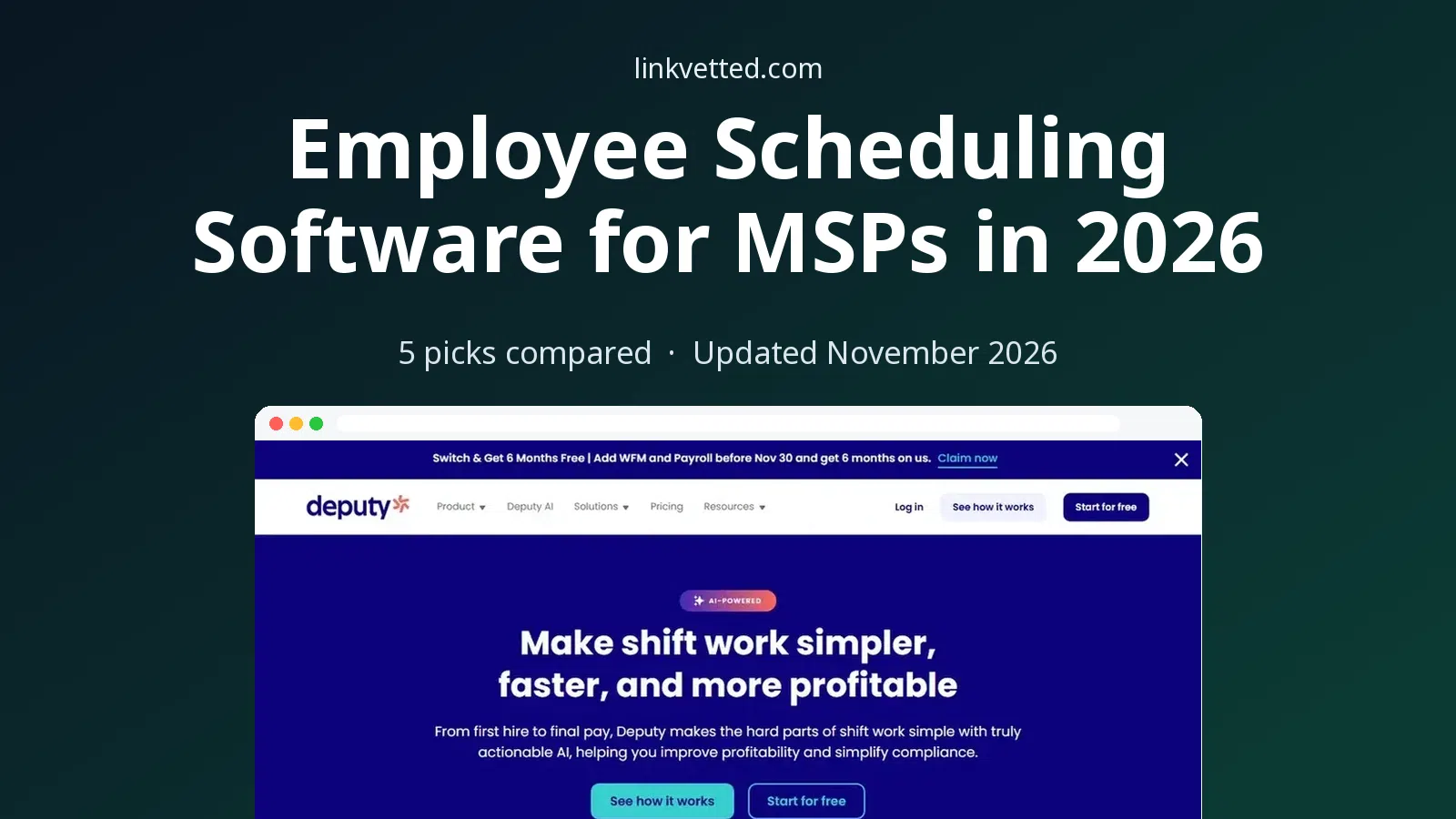
- Editor's choice
 Deputy
Shift-based MSPs with forecasting needs
Starts at$5 per user a monthVisit deputy.comFull review - Great alternative
 Sling
Simple shift planning and communication
Starts at$1.70 per user per monthVisit getsling.comFull review - Also consider
 Homebase
Hourly teams needing payroll and hiring
Starts at$30 per location per monthVisit joinhomebase.comFull review
Direct answer
For shift-based MSPs with forecasting needs, Deputy is where this list starts. Listed starting prices: Deputy from $5 per user a month, Sling from $1.70 per user per month and Homebase from $30 per location per month. Sling fits simple shift planning and communication; Homebase fits hourly teams needing payroll and hiring. The full list of 5 tools follows, with prices and free plan facts.
TL;DR:
- Deputy sits first on this list: shift-based MSPs with forecasting needs.
- Check the limits for Sling before you commit: payroll and HR features may be restricted.
- Sling is the lowest-priced starter here at $1.70 per user per month.
- For frontline teams needing one app, Connecteam is worth a look.
Last checked November 2026. Prices and plan details were read from the vendors' own pages in November 2026; vendors change plans often, so confirm the current price on the vendor site before you buy.
Quick comparison
| Tool | Best for | Starts at | Free plan? | |
|---|---|---|---|---|
| Deputy | Shift-based MSPs with forecasting needs | $5 per user a month | Free trial | Visit |
| Sling | Simple shift planning and communication | $1.70 per user per month | Yes | Visit |
| Homebase | Hourly teams needing payroll and hiring | $30 per location per month | Yes | Visit |
 When I Work | Straightforward shift scheduling and messaging | $2.50 per user per month | Free trial | Visit |
 Connecteam | Frontline teams needing one app | $29 per month | Yes | Visit |
Tool-by-tool breakdown
Choosing employee scheduling software for MSPs usually comes down to price, fit and limits. This LinkVetted guide sets 5 tools side by side on those three points, with the facts kept short and checkable.
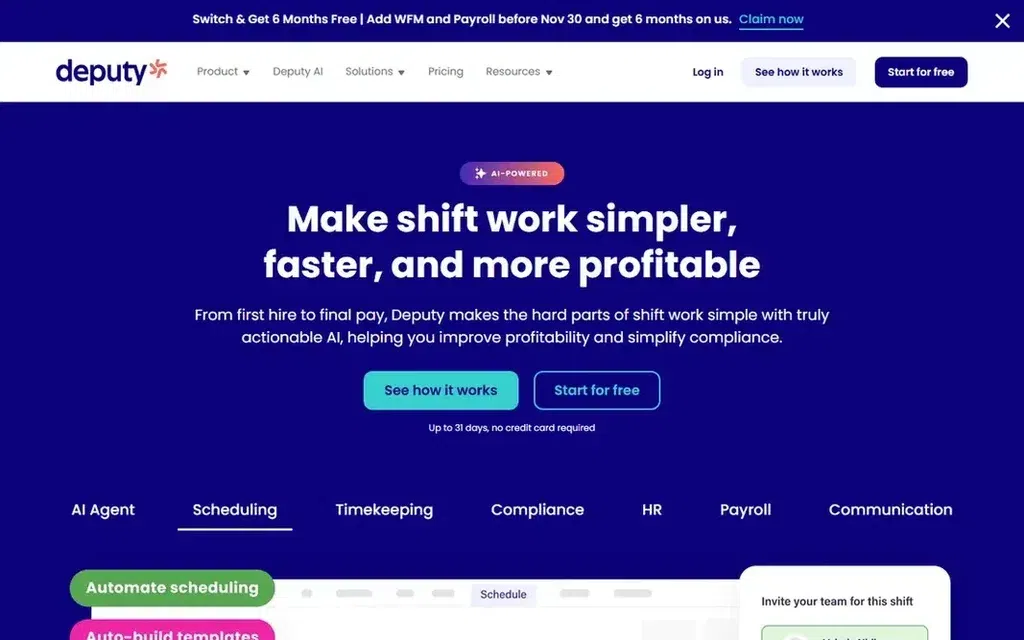
Choose Deputy for shift-based MSPs with forecasting needs. Teams should confirm that payroll and HR features are available in their region before committing.
Honest limits: Advanced features may need setup time.
From a buyer's view, Deputy supplies employee scheduling, HR, AI labor forecasting, and payroll software. Worth adding: Deputy's forecasting and payroll modules may be more than a small MSP needs if scheduling is the only requirement. On cost, Deputy starts like this: $5 per user per month. Free plan details: Free trial.
- HR and payroll features
- AI labor forecasting
- Payroll availability can rely on region
Where Sling fits: simple shift planning and communication. Sling is free employee scheduling and shift planning software that helps firms handle shifts and communicate with employees.
In daily use, Sling may not include payroll, HR, or advanced labor forecasting, so MSPs with those needs should look at broader products. The tool emphasizes simplicity for shift-based teams. Sling cost at the entry level: $1.70 per user per month. A free plan is available with Sling.
Where it is weaker: Advanced integrations may be sparse.
- Free employee scheduling
- Shift planning made simple
- Payroll and HR features may be restricted
Homebase is built with hourly teams needing payroll and hiring in mind. Homebase is an all-in-one employee scheduling, time clock, payroll, and hiring app for hourly teams. On top of that, teams should verify that payroll and hiring features work in their location and plug into existing accounting systems.
Downsides: Payroll features can vary by state.
On top of that, the app is built for small firms managing hourly staff. Homebase may be broader than a MSP needs if scheduling is the primary goal. Price to start with Homebase: $30 per location per month. You can start on Homebase without paying.
- Hiring tools included
- All-in-one scheduling
- May be more than needed for scheduling only
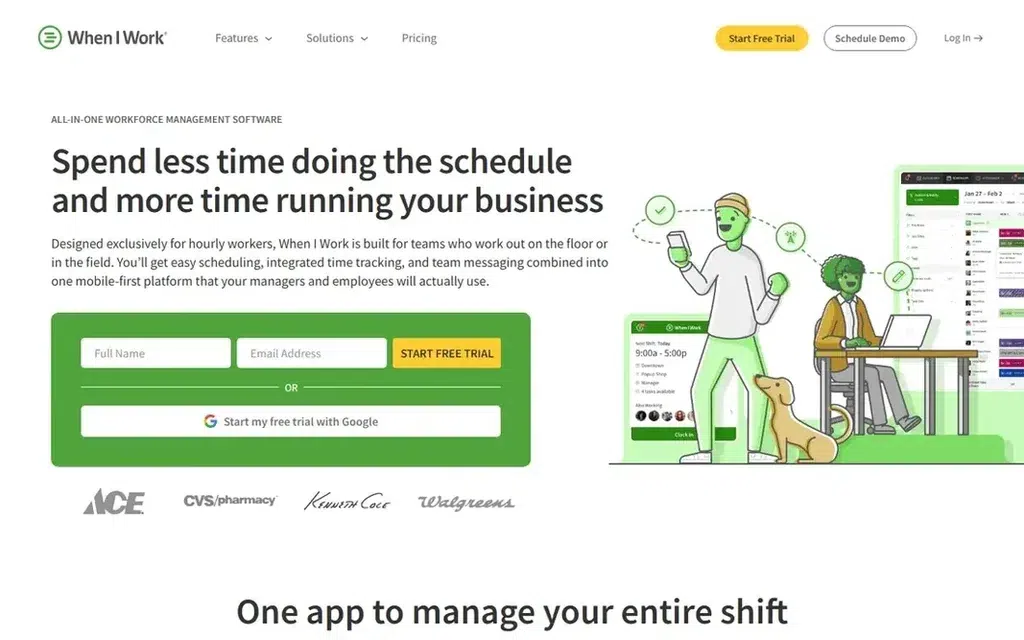
When I Work is a good fit for straightforward shift scheduling and messaging. It suits MSPs that want a focused tool for hourly or shift-based staff without a large HR suite.
What to check first: Advanced reporting may require extras.
It is best for teams that prioritize scheduling and communication over broader workforce management. When I Work pricing: $2.50 per user per month. Free access: Free trial.
- Track time and message the team
- Straightforward employee scheduling
- Payroll and HR depth may be restricted
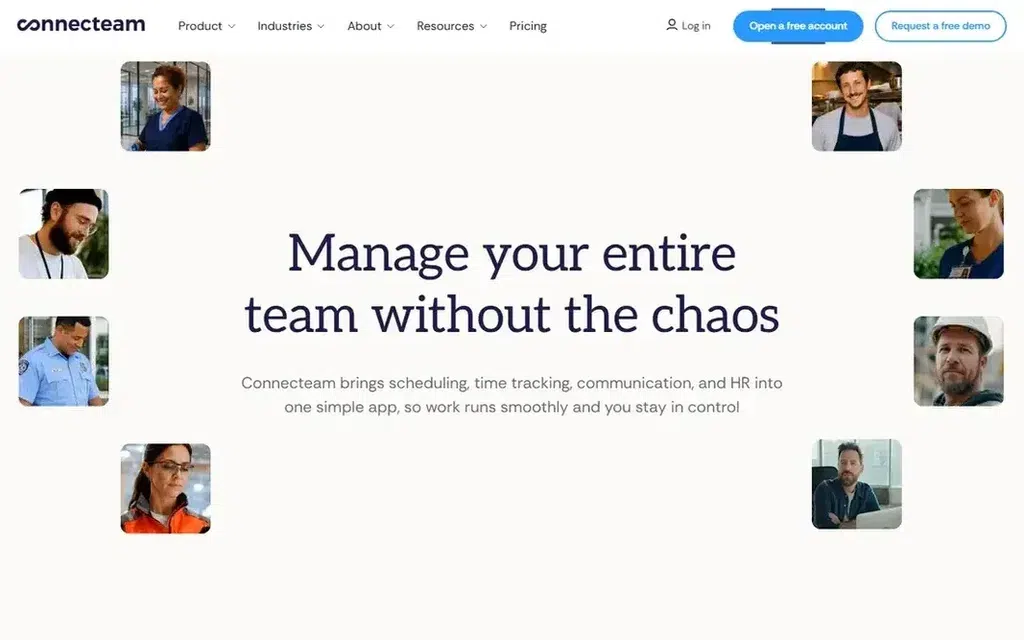
Connecteam makes the most sense for frontline teams needing one app. The app aims to replace scattered processes with a single interface for managers and employees.
Honest limits: Feature depth varies by module.
Strengths: Aimed at frontline teams.
On top of that, MSPs with highly specialized payroll or HR requirements should check integration choices or consider a tool concentrated on those areas. Price to start with Connecteam: $29 per month. Connecteam has a free plan.
- Merges scheduling
- Time tracking, communication
- May be more than needed for straightforward shift scheduling
Our selection method
LinkVetted looked at what each vendor publishes: pricing, plan limits, feature coverage for employee scheduling software for MSPs and stated drawbacks. No hands-on testing is claimed. Prices and plan limits come from vendor pages and can change, so confirm them on the vendor site before you buy. Tools are placed by general fit for employee scheduling software for MSPs, with price clarity and free access as tie-breakers. A different team can reasonably rank them differently.
A buyer's checklist
- Check the vendor page for the current price: Sling starts at $1.70 per user per month here, and seats or billing terms can move it.
- Check what the free option really includes: Sling, Homebase and Connecteam offer a free plan, and usage caps differ.
- Run a trial of Deputy and When I Work with real work before paying for a year; your own workflow is the best test.
- Read the limits listed for Deputy first: advanced features may need setup time.
- Ask the daily users to test Deputy on a live task before you roll it out to everyone.
- Total up the real monthly cost of When I Work, including add-ons, extra users and usage-based fees.
FAQ
Which employee scheduling software for MSPs have a free plan?
Sling, Homebase and Connecteam offer a free plan in this list. Free plans usually cap users, projects or features, so check the limits on the vendor page. Several others offer a trial instead.
Do these tools publish their prices?
Yes. Every tool from Deputy to Connecteam shows a starting price, though seats, add-ons and billing terms still change the final cost.
What should MSPs look for in employee scheduling software?
MSPs should prioritize scheduling, time tracking, and communication that work for frontline and shift-based staff.
Is Deputy the right pick for everyone comparing employee scheduling software for MSPs?
No single tool suits every team. Deputy comes first because it fits shift-based MSPs with forecasting needs, while Sling suits easy shift planning and communication and Homebase suits hourly teams needing payroll and hiring. Match the tool to your own size, budget and workflow before deciding.
What is the cheapest option for employee scheduling software for MSPs in this list?
On published monthly entry prices, Sling is the lowest here at $1.70 per user per month. Entry price is only part of the cost, because seats, add-ons and billing terms can change the total. Prices, free plan details and limits for all 5 tools in this employee scheduling software for MSPs roundup sit on the individual cards above.
Sources
- https://www.deputy.com
- https://getsling.com
- https://www.joinhomebase.com
- https://wheniwork.com
- https://connecteam.com