Employee Scheduling Software Benefits in 2026: The 6 Best Options Side by Side
Searching for the best employee scheduling software benefits? Here are 6 options with prices and free plans. Caveats come with every verdict. Details below.
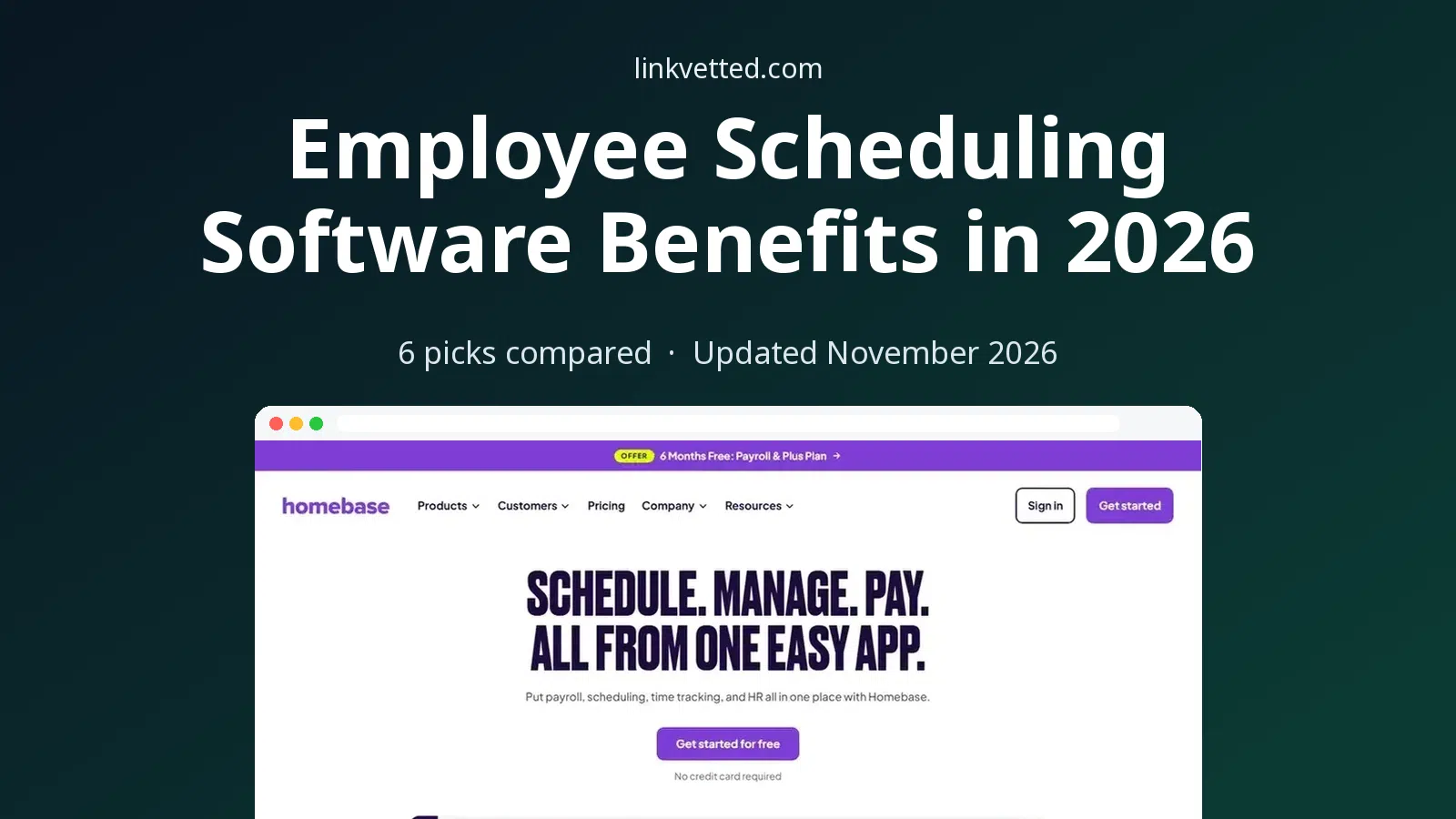
- Editor's choice
 Connecteam
Frontline teams needing an all-in-one app
Starts at$29 a monthVisit connecteam.comFull review - Great alternative
 Shiftboard
Workforce scheduling for complicated operations
Starts atSee websiteVisit shiftboard.comFull review - Also consider
 Sling
Free shift scheduling and communication
Starts at$1.70 per user a monthVisit getsling.comFull review
Direct answer
For frontline teams needing an all-in-one app, Connecteam is where this list starts. Listed starting prices: Connecteam from $29 a month, Sling from $1.70 per user a month and Homebase from $30 per location a month. Shiftboard is the stronger choice for workforce scheduling for complicated operations, while Sling suits free shift scheduling and communication. Details, prices and limits for the rest of the 6 tools are below.
TL;DR:
- This list starts with Connecteam, which is built for frontline teams needing an all-in-one app.
- Connecteam, Sling, Homebase: these are the 3 tools out of 6 that offer a free plan.
- When I Work is the one to check for all-in-one scheduling and team messaging.
- For the cheapest start, look at Sling: $1.70 per user per month.
Last checked November 2026. Prices and plan details were read from the vendors' own pages in November 2026; vendors change plans often, so confirm the current price on the vendor site before you buy.
Quick comparison
| Tool | Best for | Starts at | Free plan? | |
|---|---|---|---|---|
| Connecteam | Frontline teams needing an all-in-one app | $29 a month | Yes | Visit |
| Shiftboard | Workforce scheduling for complicated operations | See website | Not stated | Visit |
| Sling | Free shift scheduling and communication | $1.70 per user a month | Yes | Visit |
 Homebase | Hourly teams needing payroll and hiring | $30 per location a month | Yes | Visit |
 Deputy | Scheduling with HR and payroll integration | $5 per user a month | Free trial | Visit |
 When I Work | All-in-one scheduling and team messaging | $2.50 per user a month | Free trial | Visit |
The best employee scheduling software benefits
LinkVetted put together this guide to employee scheduling software benefits for readers who want a clear shortlist without reading every vendor page. It compares 6 tools on starting price, free plans, who each one suits and where each one falls short.
Pick Connecteam if this describes you: frontline teams needing an all-in-one app. It aims to replace scattered tools with a single app that hands managers clarity and control. Worth adding: Connecteam is right for firms with deskless workers who require to stay connected.
Connecteam's deep feature set might be more than a small team needs, and the interface could take time to learn. As for the details, Connecteam is a capable option for frontline teams that want an integrated management app. Connecteam pricing: $29 per month. Connecteam has a free plan.
Downsides: Pricing not transparent on homepage.
- Time tracking, communication
- Merges scheduling
- May be overwhelming for small teams
Shiftboard is a good fit for workforce scheduling for complex operations. Shiftboard is a workforce scheduling software that supports complicated scheduling needs for large organizations. It is meant to manage intricate shift patterns and compliance requirements.
Shiftboard is right for firms with demanding scheduling environments, like manufacturing or healthcare. Shiftboard may be more costly and complicated than needed for small businesses. More specifically, for more straightforward needs, consider Sling or When I Work. From a buyer's view, Following UKG's acquisition, support and resources are now provided through UKG. Shiftboard shows no starting price here, so confirm the cost on the vendor site. Free options: Not stated.
Trade-offs to know: May be expensive for small companies.
- Supports complicated scheduling needs
- Used by large organizations
- Support resources now under UKG
Sling is aimed squarely at free shift scheduling and communication. Sling is a free employee shift scheduling and planning software that helps firms handle shifts and communicate with employees. It is built for teams that require a straightforward, no-cost option for scheduling and entry-level communication.
Downsides: May not connect with payroll.
In daily use, Sling can be a decent starting point for small businesses or those new to scheduling software. As for the details, Sling's free offering may lack advanced features like payroll integration or labor forecasting. Entry price for Sling: $1.70 per user per month. Sling includes a free tier.
- Contains employee communication tools
- Free shift scheduling and planning
- Restricted advanced features
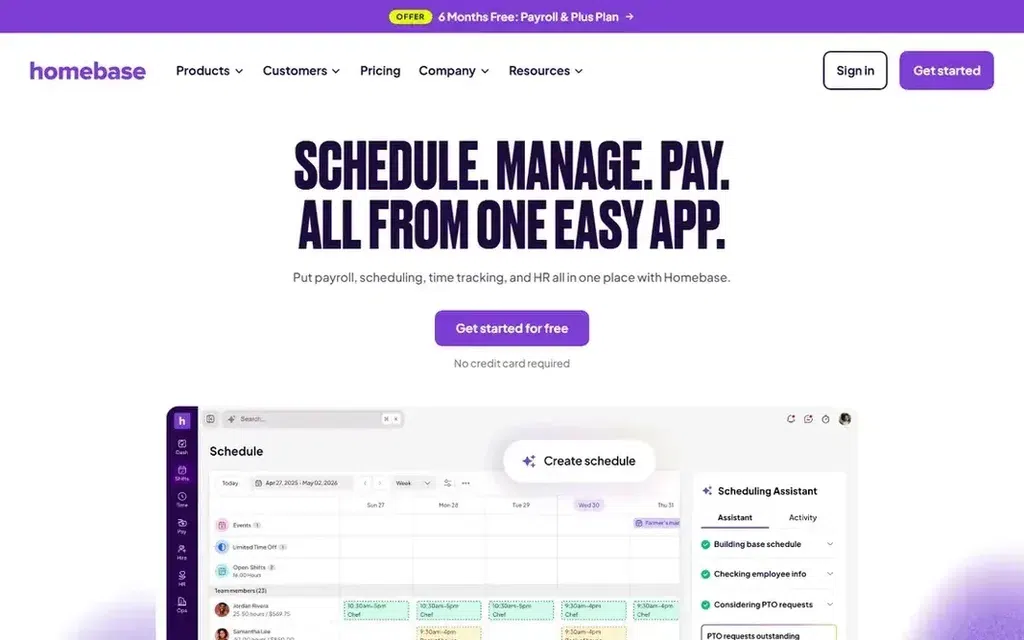
In short, Homebase is for hourly teams needing payroll and hiring. Homebase is an all-in-one employee scheduling, time clock, payroll, and hiring app aimed at hourly teams. It lets small firms run schedules, track hours, run payroll, and hire in one place.
What to check first: Not ideal for salaried or remote teams.
In daily use, if you need more advanced HR tools, consider Deputy or Connecteam. Homebase is especially suited to restaurants, retail, and other firms with shift-based hourly workers. Entry price for Homebase: $30 per location per month. You can start on Homebase without paying.
- All-in-one app for scheduling
- Made for hourly teams
- May need upgrade for advanced features
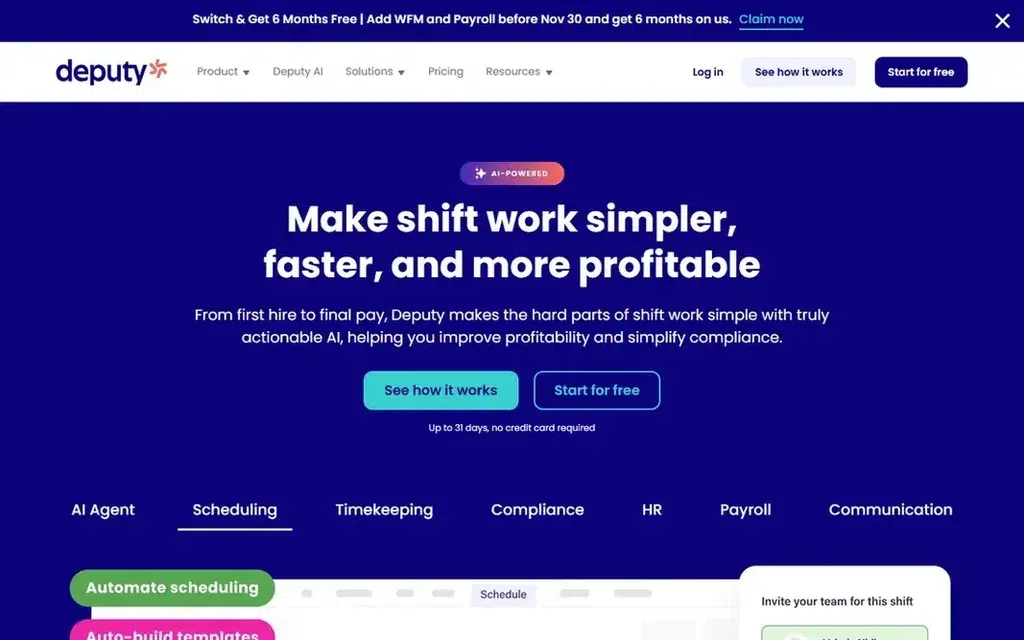
Deputy is aimed squarely at scheduling with HR and payroll integration. Deputy is an employee scheduling, HR, and payroll software that also gives you AI labor forecasting.
Limits to weigh: May be complex for very small teams.
Also, for more straightforward scheduling without HR or payroll, a tool like Sling may be a better fit. Starting cost for Deputy: $5 per user per month. As for free access: Free trial.
- Bundles HR and payroll features
- AI labor forecasting
- Pricing not listed on homepage
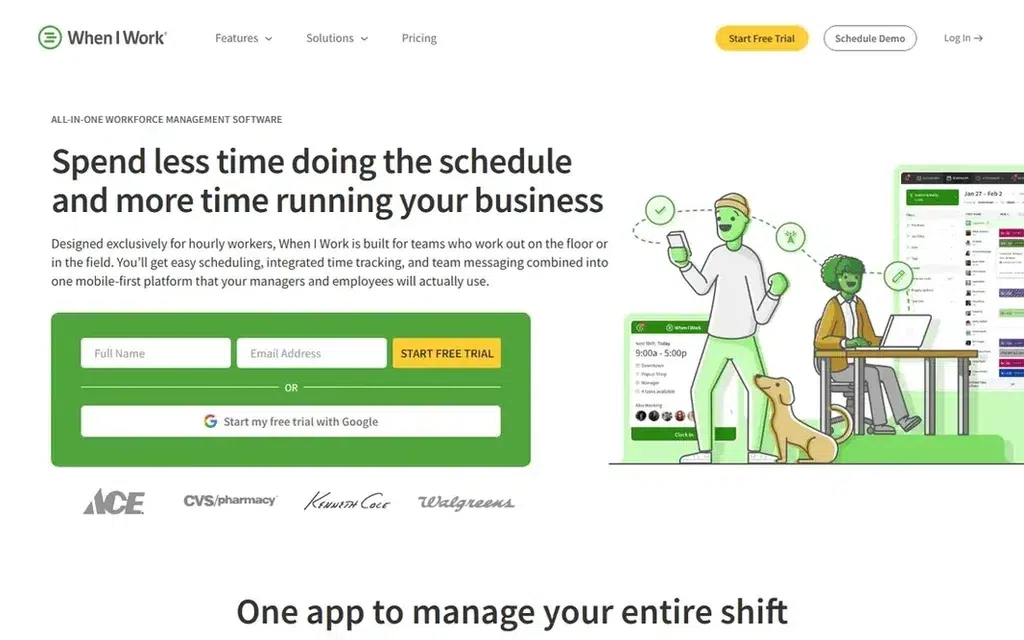
When I Work targets all-in-one scheduling and team messaging. When I Work is an employee scheduling and management app that lets you schedule shifts, track time, and message your team in one place.
What to check first: May lack advanced HR features.
The product is built for managers who require to fill shifts rapidly and keep everyone informed. Worth adding: When I Work fits best for teams focused primarily on scheduling and communication. When I Work starts at: $2.50 per user per month. Trial and free access: Free trial.
- Straightforward app for employees and managers
- Combines scheduling
- Payroll integration is restricted
How these tools were picked
LinkVetted used vendor pricing pages and product documentation as the base, then compared plans, free access and documented limits for 6 tools. Figures are shown as the vendors publish them. Billing terms, seat minimums and add-ons can change the real cost. The order reflects how well each tool fits the most common buying scenario for employee scheduling software benefits, then price clarity, then free plan access. It is a starting point, not a verdict.
What to check before you buy
- Get a written quote from Shiftboard; the list shows no starting price for them.
- Check what the free option really includes: Connecteam, Sling and Homebase offer a free plan, and usage caps differ.
- Take the trial from Deputy and When I Work and push a live task through it before you pay.
- Before choosing Connecteam, weigh its main limit: may be overwhelming for small teams.
- Check how data leaves Connecteam: formats, limits and whether exports are available on every plan.
- Read the plan comparison for When I Work carefully; key features often start on a higher tier.
FAQ
What is the cheapest option for employee scheduling software benefits in this list?
On published monthly entry prices, Sling is the lowest here at $1.70 per user per month. Entry price is only part of the cost, because seats, add-ons and billing terms can change the total. All 6 picks in this employee scheduling software benefits comparison list a starting price, free plan details and the main limits on their cards above.
Which employee scheduling software benefits have a free plan?
On this list, Connecteam, Sling and Homebase include a free plan. Caps on seats, usage or features are common, so test the free plan against your real workload. Several others offer a trial instead.
Do these tools publish their prices?
Not all of them. Shiftboard publishes no starting price, so expect a quote request for it. The rest, Connecteam included, show a starting price, though seats and billing terms still change the final cost.
Is Connecteam the right pick for everyone comparing employee scheduling software benefits?
No single tool suits every team. Connecteam comes first because it fits frontline teams needing an all-in-one app, while Shiftboard suits workforce scheduling for complex operations and Sling suits free shift scheduling and communication. Match the tool to your own size, budget and workflow before deciding.
What are the key benefits of employee scheduling software?
It frequently bundles features like shift swapping, time tracking, and mobile access for employees. These benefits can result in better coverage and higher employee satisfaction.
Sources
- https://connecteam.com
- https://www.shiftboard.com
- https://getsling.com
- https://joinhomebase.com
- https://www.deputy.com
- https://wheniwork.com