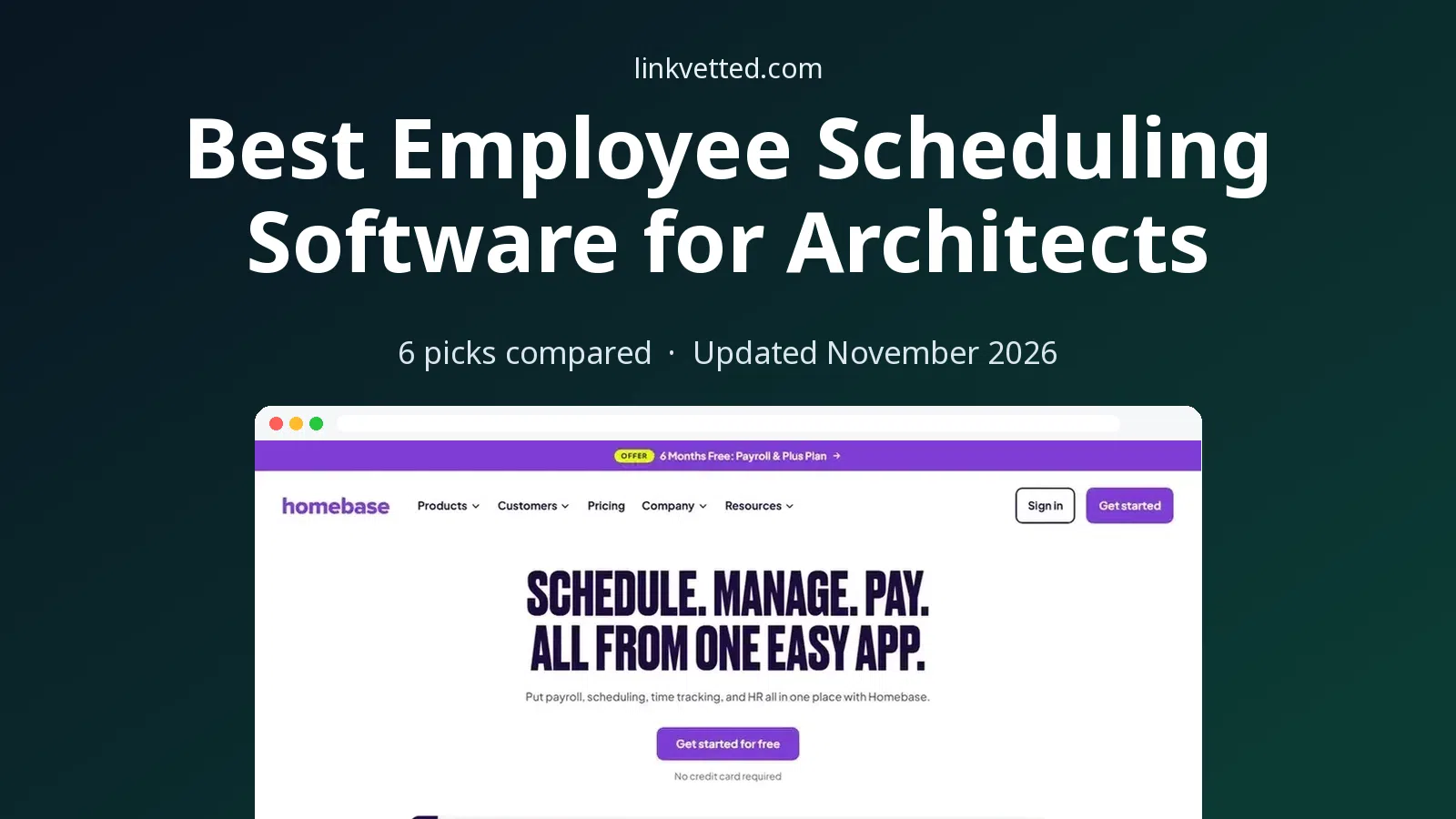
Best Employee Scheduling Software for Architects (2026): 6 Picks Checked on Vendor Pages
Best employee scheduling software for architects, compared. 6 tools with published prices, free plans and limits. Short verdicts, no fluff. See which fits.
- Editor's choice
 Shiftboard
Workforce scheduling under UKG
Starts atSee websiteVisit shiftboard.comFull review - Great alternative
 Sling
Straightforward shift planning and communication
Starts at$1.70 per user a monthVisit getsling.comFull review - Also consider
 Connecteam
Frontline team scheduling and communication
Starts at$29 per monthVisit connecteam.comFull review
Direct answer
Shiftboard comes first here, mainly for workforce scheduling under UKG. Listed starting prices: Sling from $1.70 per user a month, Connecteam from $29 per month and Homebase from $30 per location per month. For a different need, Sling covers straightforward shift planning and communication and Connecteam covers frontline team scheduling and communication. The full list of 6 tools follows, with prices and free plan facts.
TL;DR:
- Top of the list is Shiftboard, which targets workforce scheduling under UKG.
- Deputy suits scheduling with labor forecasting.
- Sling, Connecteam, Homebase: these are the 3 tools out of 6 that offer a free plan.
- What to know about Shiftboard first: acquisition transition may affect new evaluations.
- The lowest published monthly entry price here is $1.70 per user per month, from Sling.
Last checked November 2026. Prices and plan details were read from the vendors' own pages in November 2026; vendors change plans often, so confirm the current price on the vendor site before you buy.
Quick comparison
| Tool | Best for | Starts at | Free plan? | |
|---|---|---|---|---|
| Shiftboard | Workforce scheduling under UKG | See website | Not stated | Visit |
| Sling | Straightforward shift planning and communication | $1.70 per user a month | Yes | Visit |
| Connecteam | Frontline team scheduling and communication | $29 per month | Yes | Visit |
 Homebase | Small teams needing scheduling plus payroll | $30 per location per month | Yes | Visit |
 When I Work | Straightforward shift scheduling and messaging | $2.50 per user a month | Free trial | Visit |
 Deputy | Scheduling with labor forecasting | $5 per user per month | Free trial | Visit |
Every option for employee scheduling software for architects explained
LinkVetted compared 6 employee scheduling software for architects. The goal is a practical shortlist: published prices, free plan facts, best-fit use cases and honest limits for every entry.
Shiftboard is built with workforce scheduling under UKG in mind. Shiftboard is a workforce scheduling product that is now part of UKG. Its site directs customers to support, login links and next steps.
Also, architecture businesses evaluating it should treat it as part of the broader UKG offering. It may suit practices already using UKG products or those wanting a scheduling system backed by a bigger workforce management provider. More specifically, businesses wanting a standalone scheduling tool with a straightforward path may prefer another choice. From a buyer's view, since the product is in transition under UKG ownership, current details and roadmaps are best confirmed straight with the vendor. No starting price is listed for Shiftboard here; confirm pricing on the vendor site. Free access: Not stated.
Drawbacks to consider: Details best confirmed with the vendor.
- Suited to shift-based operations
- Support and login resources for existing customers
- Acquisition transition may affect new evaluations
Sling was built for straightforward shift planning and communication. Pick Sling when the goal is clear shift planning and team communication instead of a full workforce product. Sling keeps its scope narrow, so HR, payroll and deeper reporting are not its strength.
Also, Sling is an employee shift scheduling and planning tool that also supports communication with employees. From a buyer's view, larger practices with complicated staffing rules may outgrow it. Price to start with Sling: $1.70 per user per month. You can start on Sling without paying.
Downsides: May feel entry-level for bigger practices.
- Straightforward setup for small teams
- Shift scheduling and planning focus
- Restricted broader HR functionality
Connecteam makes the most sense for frontline team scheduling and communication. Businesses wanting a minimal scheduling tool may find it heavy. Connecteam is an employee management app made for frontline teams, combining scheduling, time tracking, communication and more with the aim of replacing scattered tools.
Its frontline orientation may be more than a purely desk-based studio needs, and the broad scope needs setup to match your workflows. In practice, pick Connecteam when communication and time tracking for mobile teams matter alongside scheduling. Connecteam pricing: $29 per month. Free access exists with Connecteam.
Where it falls short: Frontline focus may not fit desk-based studio work.
- Consolidates scattered tools
- Time tracking and communication in one app
- Wide scope needs configuration
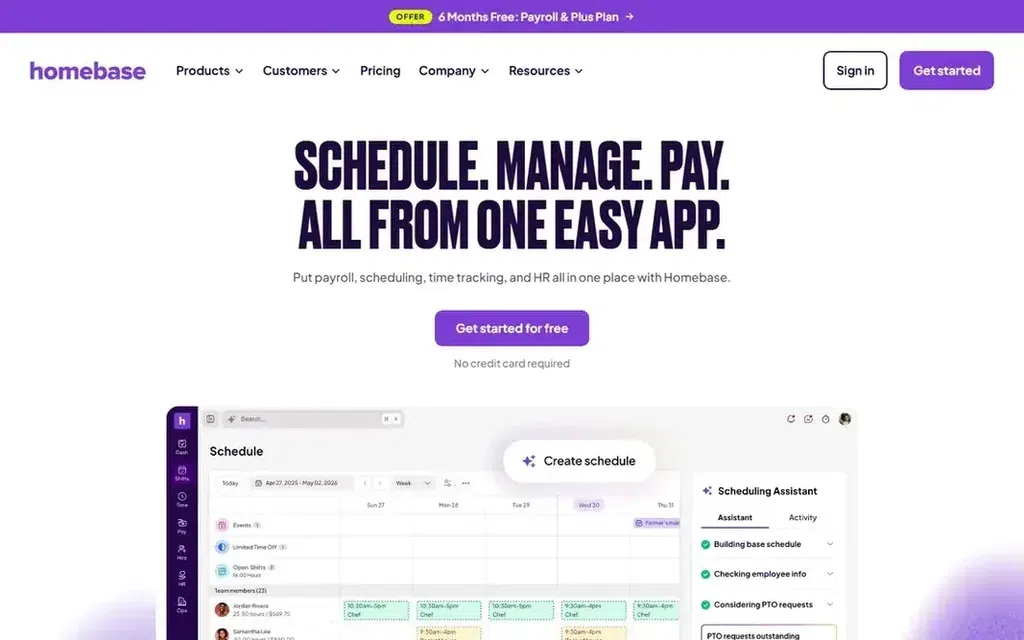
Choose Homebase for small teams needing scheduling plus payroll. An architecture studio with support staff, interns or site crews can use it to build schedules and track hours without separate tools.
Trade-offs to know: Feature depth varies by module.
It suits smaller practices that want core workforce functions in a single, approachable place. What you pay to start with Homebase: $30 per location per month. Homebase has a free plan.
Main advantages: Scheduling.
- Made for hourly teams
- Time clocks and payroll together
- Targeted at small companies instead of project-based studios
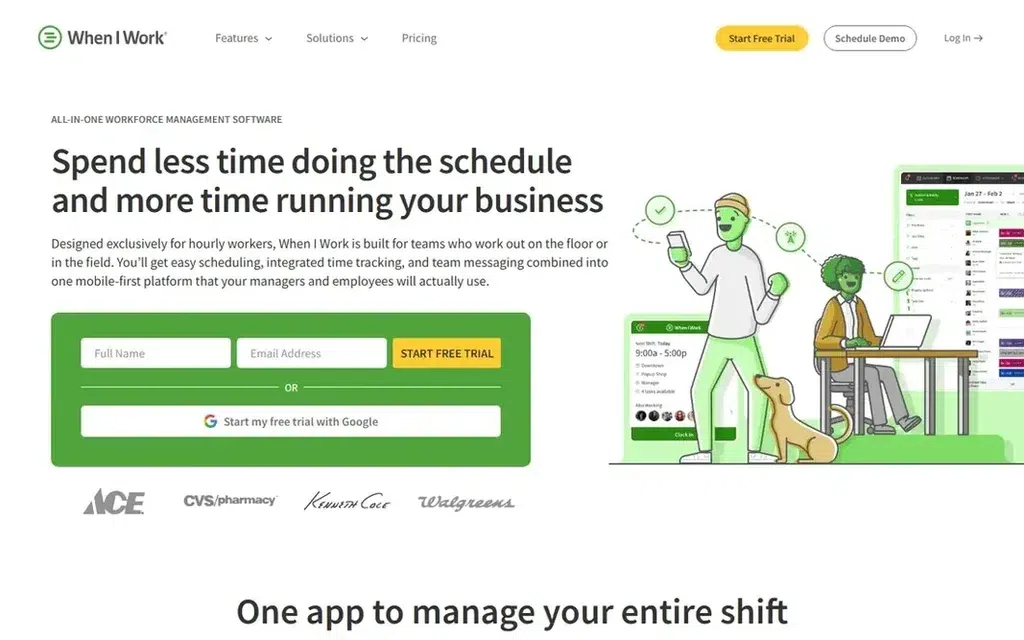
For straightforward shift scheduling and messaging, When I Work is a natural candidate. It fits businesses that want a clean, easy-to-learn scheduling tool without a large HR suite attached.
As for the details, pick When I Work when scheduling speed and clear team communication are the priority and payroll is handled separately. Price to start with When I Work: $2.50 per user per month. On free options: Free trial.
Points against: Advanced needs may need extras.
- Straightforward employee-facing interface
- Team messaging built in
- Less depth in HR and payroll
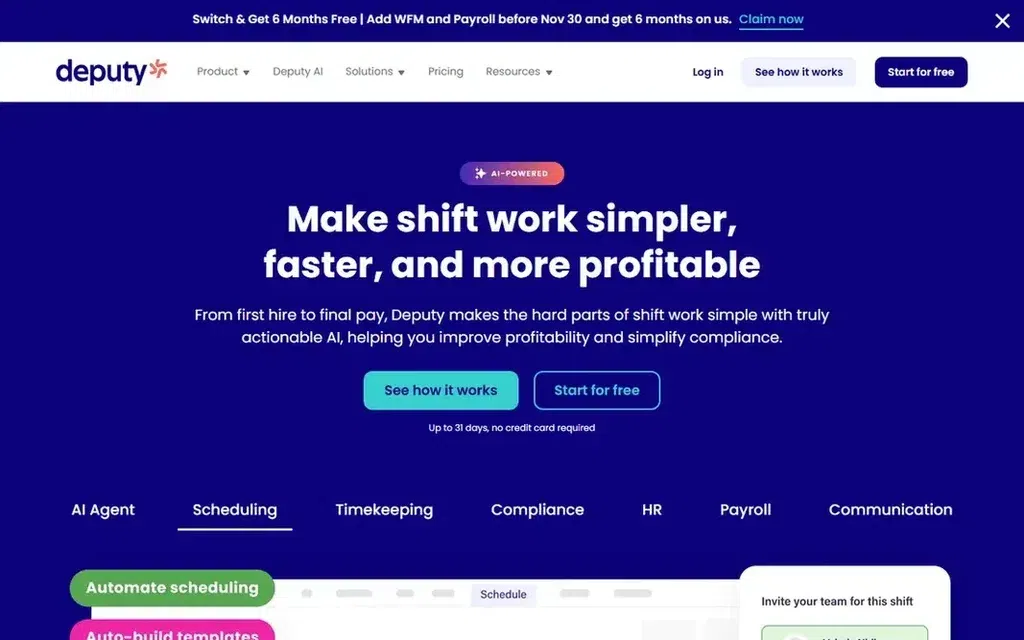
Where Deputy fits: scheduling with labor forecasting. For architecture firms, that means you can build shifts for studio staff and site teams whereas keeping time and payroll data in one place.
Deputy is an employee scheduling system that also handles HR, AI labor forecasting and payroll. The starting price for Deputy: $5 per user per month. As for free access: Free trial.
Points against: Wide feature set may feel heavy for small studios.
- Payroll features included
- Employee scheduling and HR in one product
- Setup needs time to configure
Our selection method
LinkVetted looked at what each vendor publishes: pricing, plan limits, feature coverage for employee scheduling software for architects and stated drawbacks. No hands-on testing is claimed. Where a vendor does not publish a price, the entry says quote. Where a price depends on seats or billing term, the entry says so. Tools are placed by general fit for employee scheduling software for architects, with price clarity and free access as tie-breakers. A different team can reasonably rank them differently.
Pre-purchase checklist
- Get a written quote from Shiftboard; the list shows no starting price for them.
- Check what the free option really includes: Sling, Connecteam and Homebase offer a free plan, and usage caps differ.
- Use real work to test the free trial from When I Work and Deputy, rather than a demo project.
- Read the limits listed for Shiftboard first: acquisition transition may affect new evaluations.
- Ask Sling which support channels and response times come with the plan you would buy.
- Before rolling out Shiftboard, verify the integrations your workflow depends on.
FAQ
How are the tools for employee scheduling software for architects ordered?
The order follows typical fit for employee scheduling software for architects, with Shiftboard first and Deputy last, then price clarity and free access. It is editorial judgement, not a score, so another team could rank the tools differently.
Is team communication important in scheduling software for architects?
It helps, since studio and site staff commonly need fast updates when client meetings or site visits shift. Tools for example When I Work and Connecteam combine scheduling with messaging so changes reach the team in one place.
What is the cheapest option for employee scheduling software for architects in this list?
On published monthly entry prices, Sling is the lowest here at $1.70 per user per month. Entry price is only part of the cost, because seats, add-ons and billing terms can change the total. Prices, free plan details and limits for all 6 tools in this employee scheduling software for Architects roundup sit on the individual cards above.
Is Shiftboard the right pick for everyone comparing employee scheduling software for architects?
No single tool suits every team. Shiftboard comes first because it fits workforce scheduling under UKG, while Sling suits straightforward shift planning and communication and Connecteam suits frontline team scheduling and communication. Match the tool to your own size, budget and workflow before deciding.
How do I choose between a straightforward scheduler and a full workforce suite?
If you primarily have to publish shifts and communicate changes, a focused tool for example When I Work or Sling may be enough. If you also want payroll, HR or labor forecasting, a broader system like Deputy or Homebase is worth evaluating.
Can general scheduling tools work for project-based architecture work?
Yes, but check how well each tool maps to project phases instead of fixed hourly shifts. In practice, tools like Deputy and Connecteam offer broader workforce features, whereas more straightforward choices focus on shift planning and messaging.
Sources
- https://www.shiftboard.com
- https://getsling.com
- https://connecteam.com
- https://www.joinhomebase.com
- https://wheniwork.com
- https://www.deputy.com