Best Employee Scheduling Software for Large Enterprises in 2026: Prices, Free Plans and 6 Picks
Best employee scheduling software for large enterprises in 2026: 6 contenders with entry costs and free tiers. Strengths and gaps are listed per tool. No hype.
- Editor's choiceSAP SuccessFactors Time and Attendance
SAP-centric enterprise HR landscapes
Starts atSee websiteVisit sap.comFull review - Great alternativeInfor Workforce Management
Industry-specific cloud deployments
Starts atSee websiteVisit infor.comFull review - Also consider
 Verint Workforce Management
CX-aligned workforce scheduling
Starts atSee websiteVisit verint.comFull review
Direct answer
SAP SuccessFactors Time and Attendance leads the list, best for SAP-centric enterprise HR landscapes. Listed starting prices: NICE Workforce Management from $110 per agent per month. Infor Workforce Management fits industry-specific cloud deployments; Verint Workforce Management fits CX-aligned workforce scheduling. The other 3 tools in the list cover narrower or pricier cases.
TL;DR:
- SAP SuccessFactors Time and Attendance sits first on this list: SAP-centric enterprise HR landscapes.
- The cheapest monthly starting price in the list is $110 per agent per month, offered by NICE Workforce Management.
- The main caution on SAP SuccessFactors Time and Attendance: tied closely to the SAP ecosystem.
- A permanent free plan is missing from all 6 tools, SAP SuccessFactors Time and Attendance and Workday Workforce Management included; plan for a trial or a premium start.
Last checked November 2026. Prices and plan details were read from the vendors' own pages in November 2026; vendors change plans often, so confirm the current price on the vendor site before you buy.
Quick comparison
| Tool | Best for | Starts at | Free plan? | |
|---|---|---|---|---|
| SAP SuccessFactors Time and Attendance | SAP-centric enterprise HR landscapes | See website | Not stated | Visit |
| Infor Workforce Management | Industry-specific cloud deployments | See website | Not stated | Visit |
| Verint Workforce Management | CX-aligned workforce scheduling | See website | Not stated | Visit |
 NICE Workforce Management | Contact center agent scheduling | $110 per agent per month | Not stated | Visit |
| UKG Pro Workforce Management | Wide workforce management at scale | See website | Not stated | Visit |
| Workday Workforce Management | Enterprises already on Workday | See website | Not stated | Visit |
Tool-by-tool breakdown
If you are comparing employee scheduling software for large enterprises, this page covers 6 tools in one place: what each is best for, what it costs to start, whether it has a free plan, and the main limit to know about.
SAP SuccessFactors Time and Attendance
Best for: SAP-centric enterprise HR landscapes
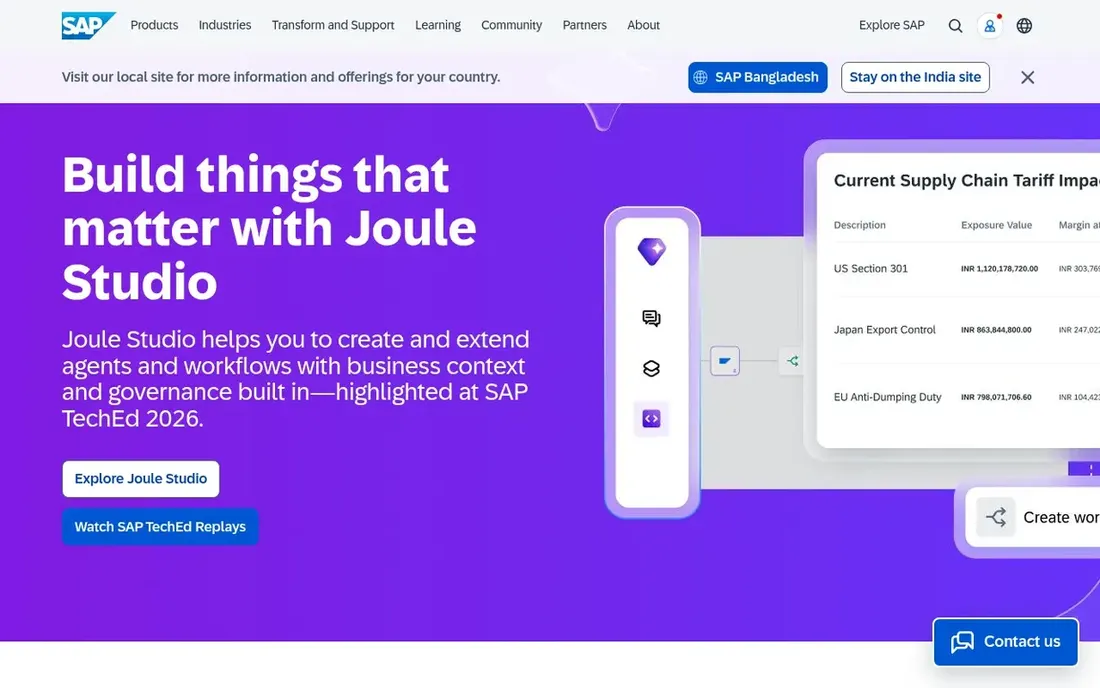
SAP SuccessFactors Time and Attendance is built with SAP-centric enterprise HR landscapes in mind. Organizations outside the SAP ecosystem may find integration and administration more effort than a standalone scheduling tool would need.
Where it is weaker: Tied closely to the SAP ecosystem.
It is also one component of a bigger suite, so the scope of an implementation extends beyond scheduling alone. SAP SuccessFactors Time and Attendance spans time tracking and attendance as part of SAP's broader cloud software portfolio. Check the vendor site for SAP SuccessFactors Time and Attendance pricing; none is listed in this comparison. Trial and free access: Not stated.
- Suits SAP cloud and product strategies
- Time and attendance within the SuccessFactors suite
- Suite configuration needs planning
Infor Workforce Management
Best for: Industry-specific cloud deployments
Infor Workforce Management is built with industry-specific cloud deployments in mind. Infor Workforce Management is part of Infor's cloud enterprise software line, which emphasizes industry-specific options combined with purpose-built AI.
Beyond that, since Infor positions its products around industry fit, organizations outside its core sectors may see less benefit from the specialization. For everyday use, buyers should confirm that the scheduling capabilities they need are covered for their specific industry configuration. This comparison lists no price for Infor Workforce Management; ask the vendor. Free plan details: Not stated.
Where it falls short: Implementation scope can be wide.
- Cloud delivery with purpose-built AI
- Industry-specific enterprise software focus
- Industry fit matters more than generic scheduling
Choose Verint Workforce Management for CX-aligned workforce scheduling. Its focus is customer engagement operations instead of enterprise-wide shift scheduling, so non-contact-center teams are better served elsewhere.
Honest limits: Centered on customer engagement operations.
Verint Workforce Management does not show a starting price in this comparison, so check the vendor site for current pricing. On free options: Not stated.
- Open system approach to AI
- Scheduling connected to customer experience workflows
- Needs alignment with the broader product
NICE Workforce Management works best for contact center agent scheduling. It is not designed as a general-purpose scheduler for field, retail, or back-office teams, so organizations with mixed workforces may need a second tool.
NICE Workforce Management cost at the entry level: $110 per agent per month. Trial and free access: Not stated.
Watch-outs: Concentrated on contact center instead of all staff.
- Part of a customer experience AI system
- Forecasting and scheduling for service teams
- Value tied to the wider CX platform
UKG Pro Workforce Management
Best for: Wide workforce management at scale
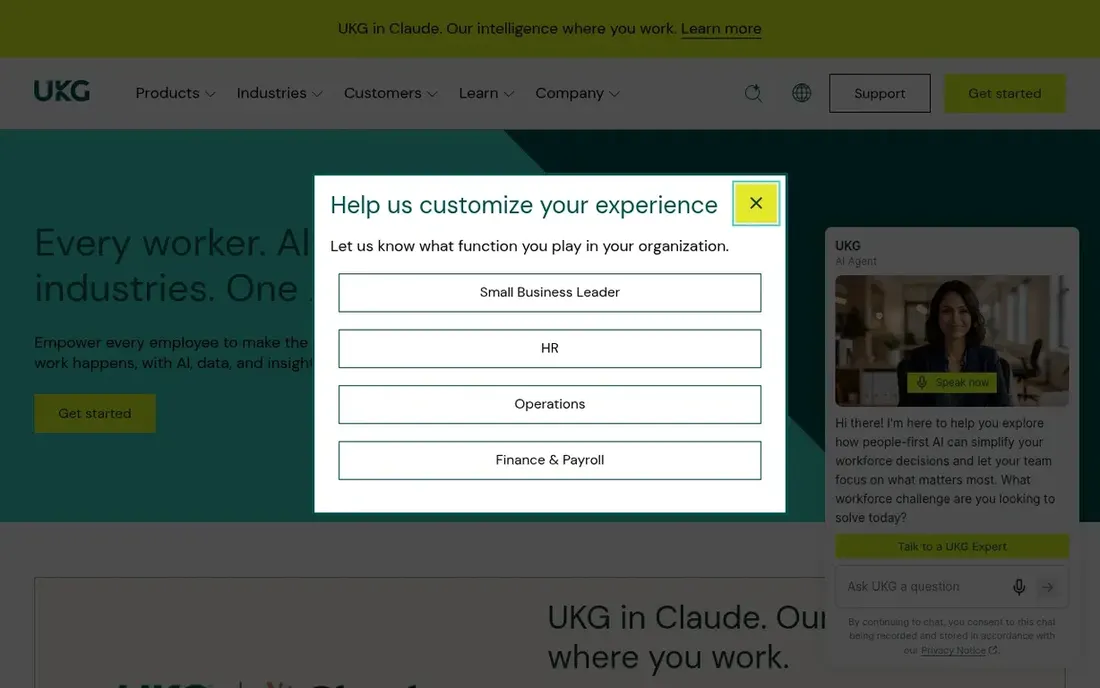
UKG Pro Workforce Management makes the most sense for wide workforce management at scale. Since it spans multiple functional areas, setup and administration can be substantial, and organizations with straightforward shift patterns may find it more than they need.
In daily use, if scheduling is the only requirement and payroll is handled elsewhere, a narrower tool may be easier to run. UKG Pro Workforce Management does not show a starting price in this comparison, so check the vendor site for current pricing. Free plan details: Not stated.
What to check first: Configuration can be involved for complicated rules.
- Merges HR, payroll
- Workforce intelligence aimed at modern operations
- Full value relies on adopting the wider product
Workday Workforce Management
Best for: Enterprises already on Workday

Choose Workday Workforce Management for enterprises already on Workday. Organizations without Workday in place may prefer a standalone scheduling product or one that links up with their current HR stack.
Also, Workday Workforce Management places scheduling and time tracking within Workday's enterprise AI product for HR, finance, and IT. Workday Workforce Management does not show a starting price in this comparison, so check the vendor site for current pricing. As for free access: Not stated.
Limits to weigh: Most solid fit for existing Workday customers.
- Enterprise AI capabilities across workflows
- Scheduling inside a unified HR and finance system
- Broader system scope than scheduling alone
How these tools were picked
For each of the 6 tools we noted price, free plan or trial, fit for employee scheduling software for large enterprises and the main limit, using vendor pages and documentation. Treat prices as a snapshot: vendors change plans often, so check the vendor site for the figure that applies today. The ranking is editorial: typical fit first, then clear pricing, then free access. If your needs are unusual, read the profiles rather than relying on position.
Before you commit
- Confirm the entry price on the vendor page. For SAP SuccessFactors Time and Attendance, Infor Workforce Management, Verint Workforce Management and others that means a quote rather than a fixed price.
- Read the limits listed for SAP SuccessFactors Time and Attendance first: tied closely to the SAP ecosystem.
- Involve the people who will use Workday Workforce Management daily; a short pilot beats a long feature checklist.
- Look at the help docs and support options for SAP SuccessFactors Time and Attendance before you commit.
- Verify that exporting from Verint Workforce Management is possible on your plan and covers all your records.
FAQ
Do these tools publish their prices?
Not all of them. SAP SuccessFactors Time and Attendance, Infor Workforce Management, Verint Workforce Management and others publish no starting price, so expect a quote request for those. The rest, NICE Workforce Management included, show a starting price, though seats and billing terms still change the final cost.
How are the tools for employee scheduling software for large enterprises ordered?
The order follows typical fit for employee scheduling software for large enterprises, with SAP SuccessFactors Time and Attendance first and Workday Workforce Management last, then price clarity and free access. It is editorial judgement, not a score, so another team could rank the tools differently.
What should we verify before selecting a system?
Check documented scheduling rules, payroll data flow, integrations with your HR and finance systems, and how forecasting manages peak periods. Also confirm how much internal administration the product needs after go live.
What is the cheapest option for employee scheduling software for large enterprises in this list?
On published monthly entry prices, NICE Workforce Management is the lowest here at $110 per agent per month. Entry price is only part of the cost, because seats, add-ons and billing terms can change the total. Prices, free plan details and limits for all 6 tools in this employee scheduling software for large enterprises roundup sit on the individual cards above.
Does any tool for employee scheduling software for large enterprises here have a free plan?
No tool in this list, SAP SuccessFactors Time and Attendance and Workday Workforce Management included, has a permanent free plan. Trials and quotes are the usual route, so plan a short evaluation period.
Sources
- https://www.sap.com
- https://www.infor.com
- https://www.verint.com
- https://www.nice.com
- https://www.ukg.com
- https://www.workday.com