Best Employee Scheduling Software for Nonprofits in 2026: Prices, Free Plans and 5 Picks
Need the best employee scheduling software for nonprofits? We compare 5 tools on cost, free access and who each suits. Real limits included. Jump to the table.
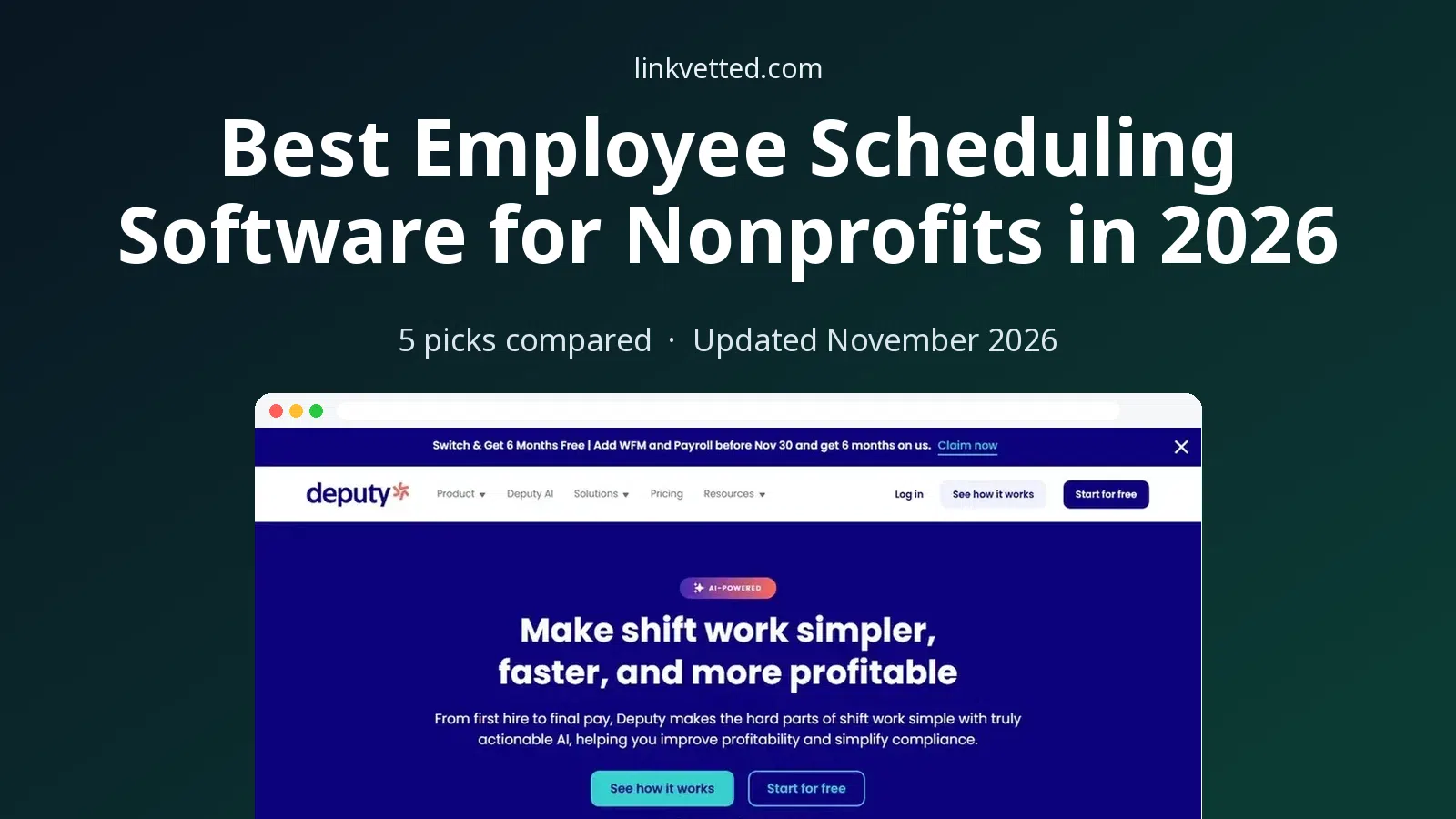
- Editor's choice
 Deputy
Scheduling with HR and payroll features
Starts at$5 per user a monthVisit deputy.comFull review - Great alternative
 Connecteam
Frontline team management and communication
Starts at$29 per monthVisit connecteam.comFull review - Also consider
 Shiftboard
Complicated scheduling for large or multi-site teams
Starts atSee websiteVisit shiftboard.comFull review
Direct answer
Our first pick is Deputy, best for scheduling with HR and payroll features. Listed starting prices: Deputy from $5 per user a month, Connecteam from $29 per month and Homebase from $30 per location a month. Connecteam fits frontline team management and communication; Shiftboard fits complex scheduling for large or multi-site teams. Prices, free plans and limits for all 5 tools follow.
TL;DR:
- Number one here is Deputy, a fit for scheduling with HR and payroll features.
- Starting prices begin at $2.50 per user per month with When I Work.
- Check the limits for Homebase before you commit: may be more than needed for small nonprofits.
- Connecteam, Homebase: these are the 2 tools out of 5 that offer a free plan.
- When I Work fits straightforward shift scheduling and team messaging.
Last checked November 2026. Prices and plan details were read from the vendors' own pages in November 2026; vendors change plans often, so confirm the current price on the vendor site before you buy.
Quick comparison
| Tool | Best for | Starts at | Free plan? | |
|---|---|---|---|---|
| Deputy | Scheduling with HR and payroll features | $5 per user a month | Free trial | Visit |
| Connecteam | Frontline team management and communication | $29 per month | Yes | Visit |
| Shiftboard | Complicated scheduling for large or multi-site teams | See website | Not stated | Visit |
 Homebase | All-in-one scheduling, time clocks, and payroll | $30 per location a month | Yes | Visit |
 When I Work | Straightforward shift scheduling and team messaging | $2.50 per user per month | Free trial | Visit |
The best employee scheduling software for nonprofits
This LinkVetted guide covers 5 employee scheduling software for nonprofits. Each profile lists a starting price, free plan details, strengths and drawbacks, so you can drop poor fits quickly.
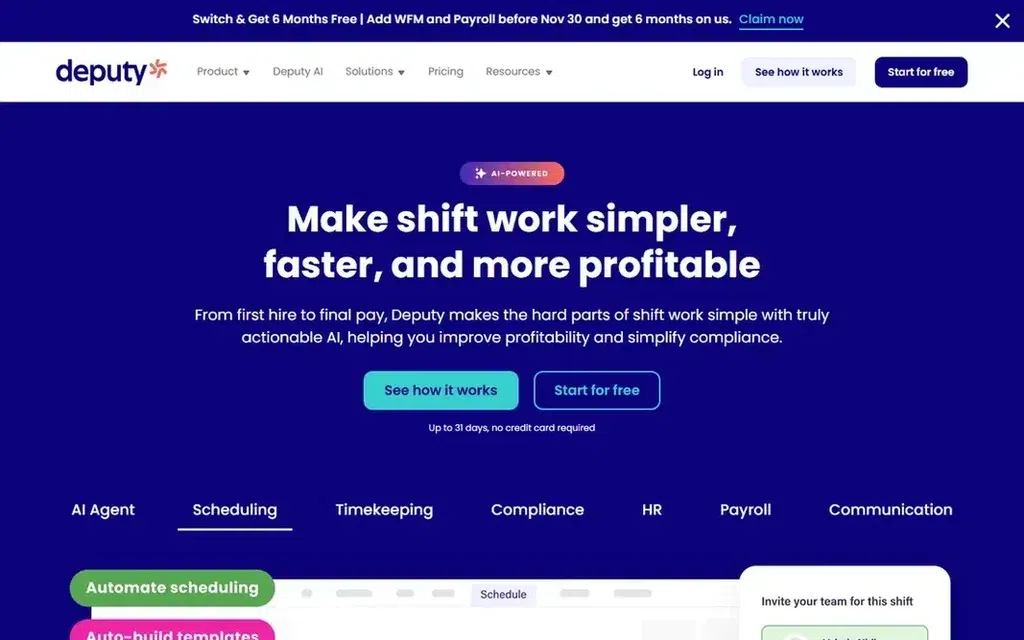
Deputy is a good fit for scheduling with HR and payroll features. Deputy is an employee scheduling, HR, and payroll software that includes AI labor forecasting. It is designed for companies that require to handle shifts alongside HR tasks and payroll.
Downsides: May be complicated for very small teams.
The AI forecasting and payroll integrations may need time to configure. Since Deputy provides numerous features, smaller nonprofits might find it overwhelming or more than they need. The starting price for Deputy: $5 per user per month. Free access: Free trial.
- HR tools included
- Integrated payroll choices
- Advanced features can need setup
Connecteam serves frontline team management and communication. Nonprofits with field staff or volunteers working in different locations may find its communication features especially handy.
It aims to replace scattered tools with a single app for clarity and control. Connecteam pricing: $29 per month. You can start on Connecteam without paying.
Limits to weigh: May be overwhelming for small teams.
- Communication tools included
- All-in-one app for frontline teams
- Needs setup for full features
Shiftboard works best for complicated scheduling for large or multi-site teams. It is built to handle large teams and customizable rules.
Trade-offs to know: Transition may need planning.
On top of that, the product is now part of UKG, and customers may have to plan for transitions. Shiftboard shows no starting price here, so confirm the cost on the vendor site. Free access: Not stated.
- Customizable for different roles
- Handles complicated scheduling needs
- May be overkill for small nonprofits
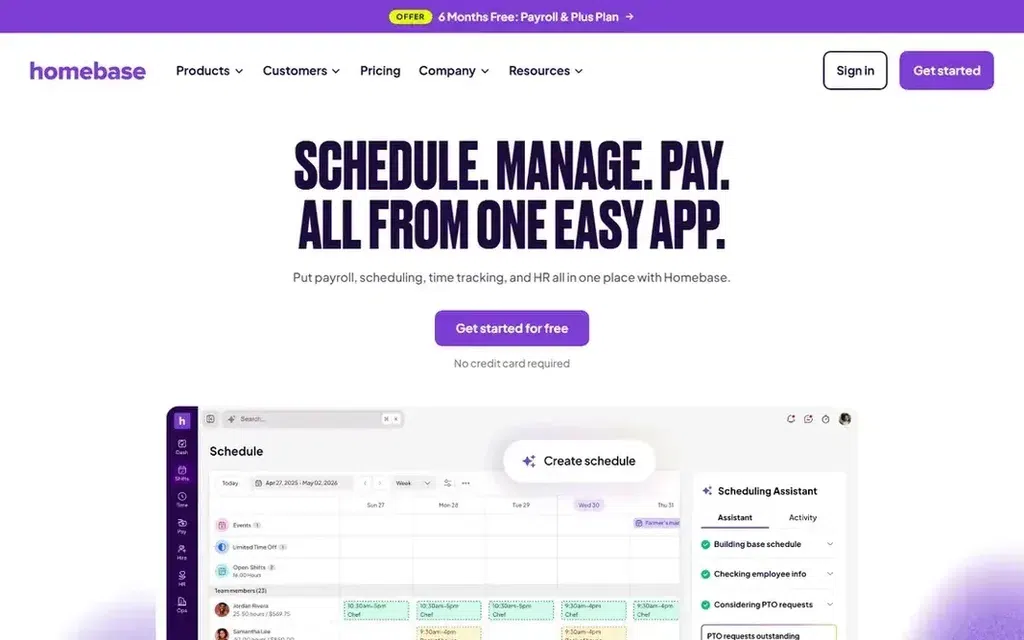
Homebase is designed for all-in-one scheduling, time clocks, and payroll. It is aimed at small firms managing hourly teams, and nonprofits with hourly staff can use it to centralize scheduling and time tracking.
Price to start with Homebase: $30 per location per month. A free plan is available with Homebase.
Where it falls short: May be more than needed for small nonprofits.
- Built for hourly teams
- Payroll and hiring tools
- Some features need setup
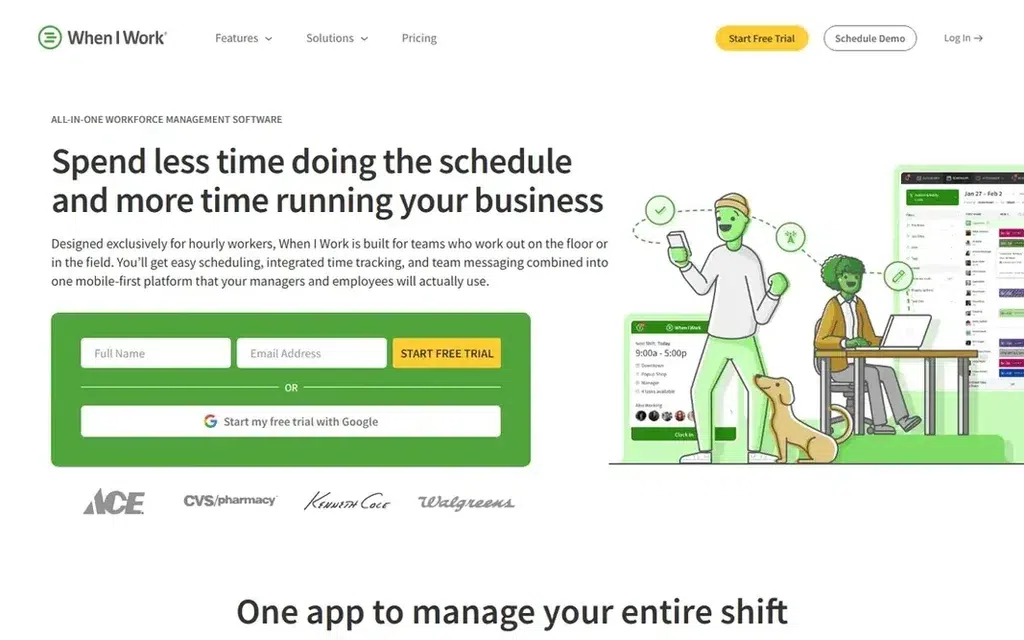
When I Work works best for straightforward shift scheduling and team messaging. The system centres on scheduling and time tracking, so it may not include deeper HR or payroll needs. It is built for workplaces with hourly staff and supplies a clean interface that is simple to pick up.
For everyday use, nonprofits that need volunteer hour tracking or complicated certification management might need a more specialized tool. In daily use, consider When I Work if your central goal is straightforward shift scheduling with built-in communication. When I Work pricing: $2.50 per user per month. Trial and free access: Free trial.
Honest limits: Restricted HR features.
- Built-in time tracking
- Easy-to-use mobile app
- May lack advanced volunteer management
Selection criteria
For each of the 5 tools we noted price, free plan or trial, fit for employee scheduling software for nonprofits and the main limit, using vendor pages and documentation. Prices and plan limits come from vendor pages and can change, so confirm them on the vendor site before you buy. Position on the page reflects fit for a typical buyer first, with price clarity and free access breaking ties. Treat it as a guide, not a ruling.
A buyer's checklist
- Ask Shiftboard for a written quote, since no starting price is shown.
- Look at free plan limits closely: Connecteam and Homebase have one, and the caps decide whether it is usable for real work.
- Take the trial from Deputy and When I Work and push a live task through it before you pay.
- Read the limits listed for Deputy first: may be complicated for very small teams.
- Look at the help docs and support options for Connecteam before you commit.
- Check whether the features you need in Deputy sit on the entry plan or only on higher tiers.
FAQ
Do these tools publish their prices?
Not all of them. Shiftboard publishes no starting price, so expect a quote request for it. The rest, Deputy included, show a starting price, though seats and billing terms still change the final cost. For the full picture, the cards above cover all 5 entries of this employee scheduling software for nonprofits list, including price, free plan and limits.
How are the tools for employee scheduling software for nonprofits ordered?
Deputy sits first and When I Work last because the order follows typical fit for employee scheduling software for nonprofits, then price clarity and free access. It is a judgement call, so read each profile for fit and limits.
What features should nonprofits look for in scheduling software?
Nonprofits should prioritize simplicity, mobile access, and communication tools to coordinate staff and volunteers. Consider whether you need volunteer-specific features or just employee scheduling.
Which options for employee scheduling software for nonprofits have a free plan?
Connecteam and Homebase offer a free plan in this list. Free plans usually cap users, projects or features, so check the limits on the vendor page. Several others offer a trial instead.
Is Deputy the right pick for everyone comparing employee scheduling software for nonprofits?
No single tool suits every team. Deputy comes first because it fits scheduling with HR and payroll features, while Connecteam suits frontline team management and communication and Shiftboard suits complex scheduling for large or multi-site teams. Match the tool to your own size, budget and workflow before deciding.
Sources
- https://www.deputy.com
- https://connecteam.com
- https://www.shiftboard.com
- https://www.joinhomebase.com
- https://wheniwork.com