Best Employee Training Software for Nonprofits (2026): 5 Picks Checked on Vendor Pages
Best employee training software for nonprofits: 5 tools compared on price, free plans and fit. Trade-offs are spelled out for each entry. Prices included.
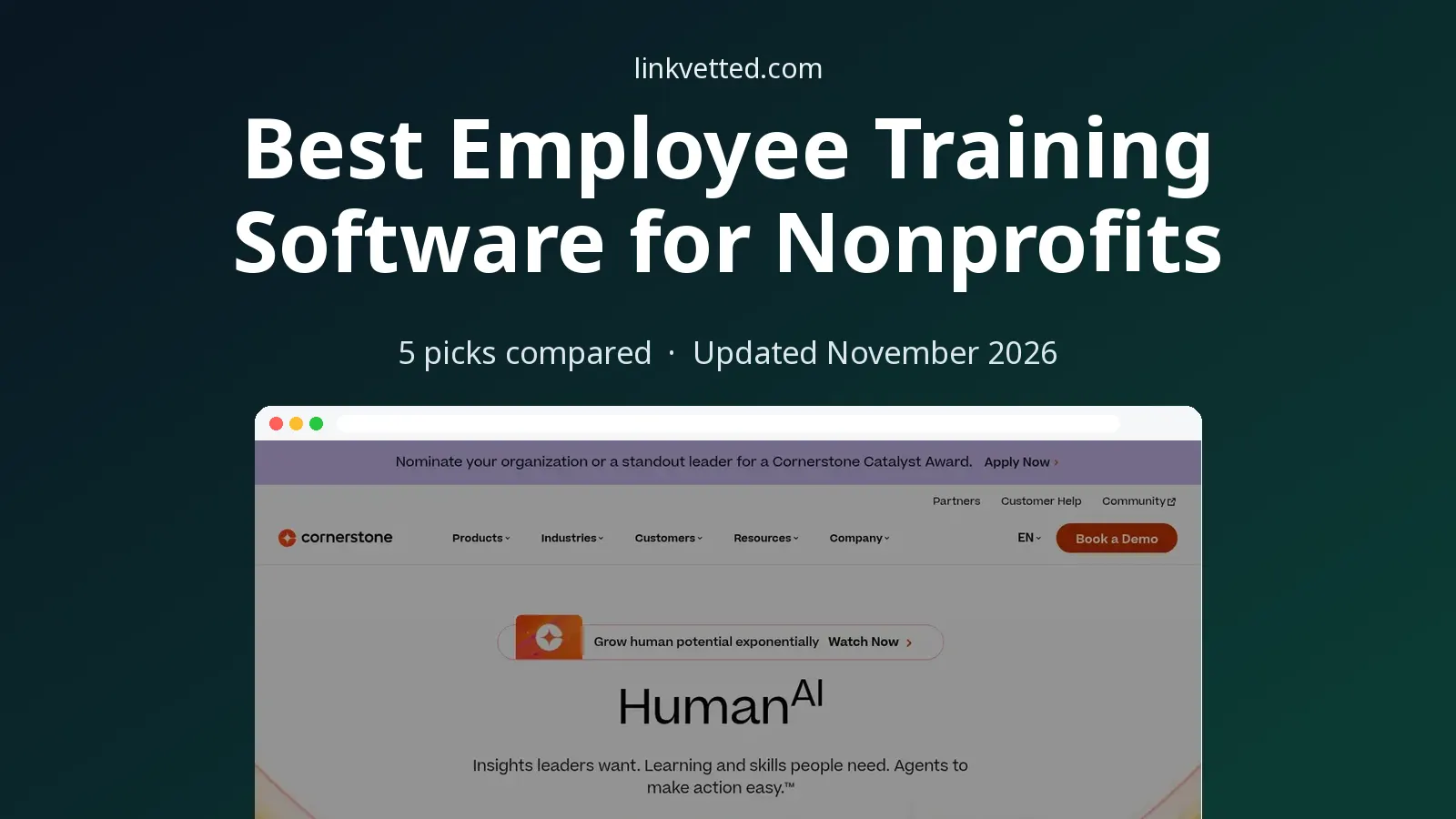
- Editor's choice
 Cornerstone OnDemand
Workforce readiness with AI-assisted action
Starts atSee websiteVisit cornerstoneondemand.comFull review - Great alternative
 TalentLMS
Straightforward cloud course creation and management
Starts at$119 per monthVisit talentlms.comFull review - Also consider
 Docebo
Skills intelligence and readiness tracking
Starts atSee websiteVisit docebo.comFull review
Direct answer
Cornerstone OnDemand comes first here, mainly for workforce readiness with AI-assisted action. Listed starting prices: TalentLMS from $119 per month. Alternatives: TalentLMS for straightforward cloud course creation and management, and Docebo for skills intelligence and readiness tracking. Details, prices and limits for the rest of the 5 tools are below.
TL;DR:
- Number one here is Cornerstone OnDemand, a fit for workforce readiness with AI-assisted action.
- For the cheapest start, look at TalentLMS: $119 per month.
- One limit worth knowing about Docebo: readiness focus may be more than needed.
- TalentLMS is the only tool of the 5 with a free plan.
Last checked November 2026. Prices and plan details were read from the vendors' own pages in November 2026; vendors change plans often, so confirm the current price on the vendor site before you buy.
Quick comparison
| Tool | Best for | Starts at | Free plan? | |
|---|---|---|---|---|
| Cornerstone OnDemand | Workforce readiness with AI-assisted action | See website | Not stated | Visit |
| TalentLMS | Straightforward cloud course creation and management | $119 per month | Yes | Visit |
| Docebo | Skills intelligence and readiness tracking | See website | Not stated | Visit |
 Absorb LMS | AI-powered training tied to performance | See website | Not stated | Visit |
 Litmos | Wide employee, customer and partner training | See website | Not stated | Visit |
Employee Training Software for Nonprofits profiles
This LinkVetted guide covers 5 employee training software for nonprofits. Each profile lists a starting price, free plan details, strengths and drawbacks, so you can drop poor fits quickly.
Cornerstone OnDemand
Best for: Workforce readiness with AI-assisted action
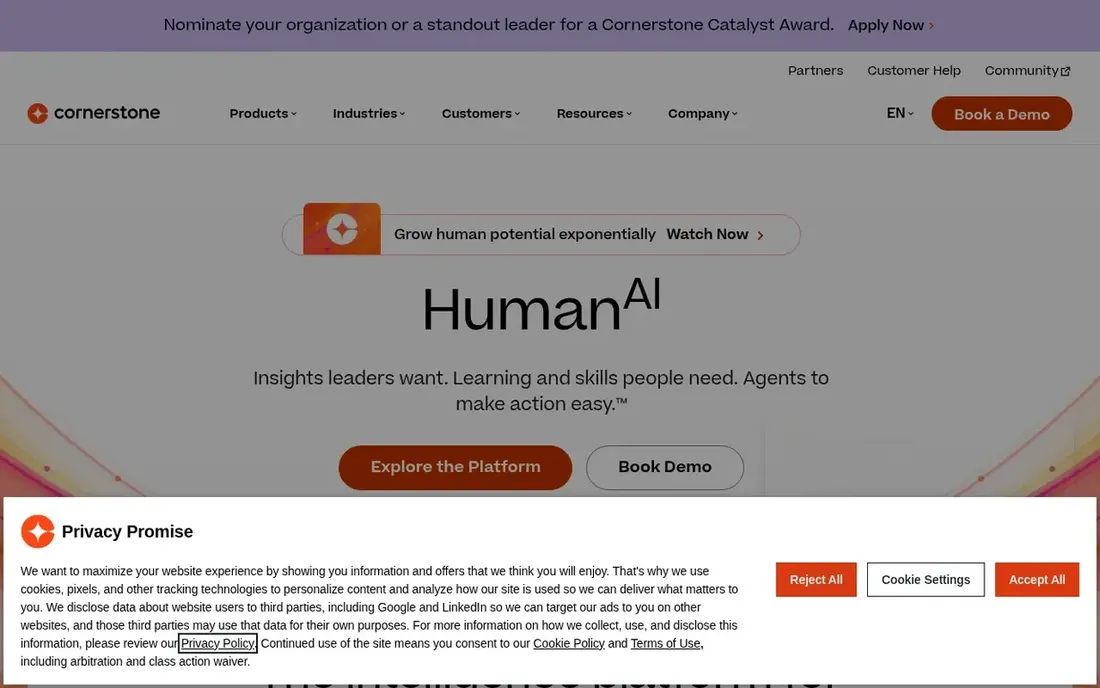
Cornerstone OnDemand targets workforce readiness with AI-assisted action. Cornerstone OnDemand positions its intelligence system around workforce readiness, delivering insights for leaders, skills and learning for people, and AI agents that make action simpler.
Where it falls short: Needs clear internal ownership.
On top of that, the system leans toward bigger, structured organizations. So a small nonprofit may have to assign clear ownership to get value from it. Pricing for Cornerstone OnDemand is not stated here, so ask the vendor for current figures. Free options: Not stated. Main advantages: AI agents support follow-through.
- Learning and insights
- Merges skills
- Enterprise orientation may feel heavy
TalentLMS is aimed squarely at straightforward cloud course creation and management. TalentLMS presents itself as a cloud learning system for moving training online, centered on creating and managing online courses.
As for the details, since the emphasis sits on course creation and management, organizations seeking deep skills intelligence or readiness modeling should look at other choices here. TalentLMS pricing: $119 per month. TalentLMS has a free plan.
Downsides: Advanced readiness features are restricted.
- Made for creating and managing courses
- Straightforward training focus
- Less emphasis on skills intelligence
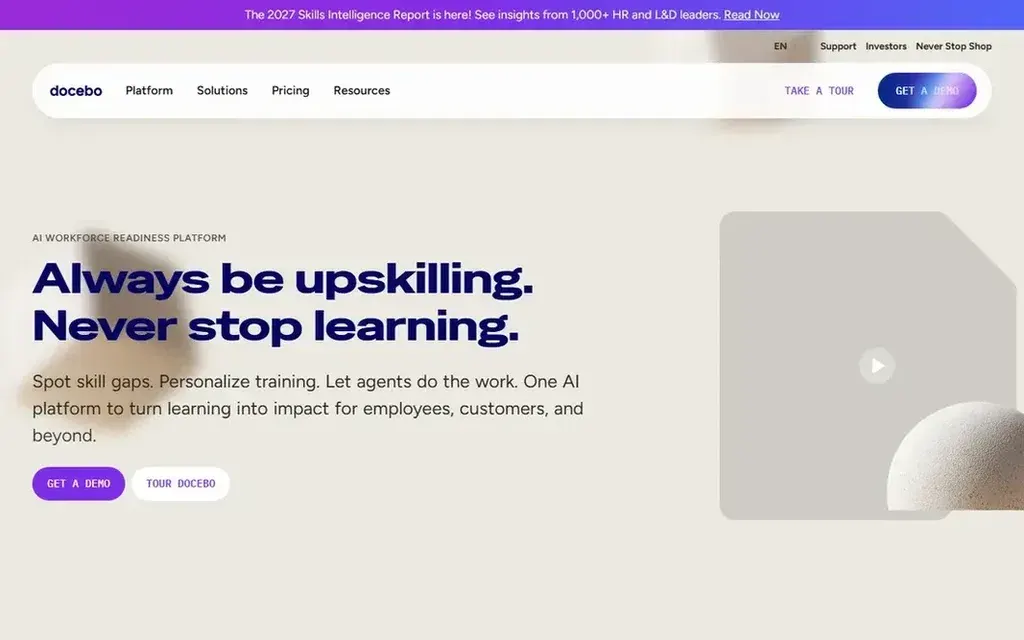
Think of Docebo for skills intelligence and readiness tracking. Worth adding: the readiness and skills framing assumes a level of planning structure that some small nonprofits have not built yet.
Where it falls short: Readiness focus may be more than needed.
Pick Docebo when skills visibility across roles is a real goal. No starting price is listed for Docebo here; confirm pricing on the vendor site. Free access: Not stated.
- Concentrates on workforce readiness
- Bundles knowledge and AI agents
- Feature depth takes time to learn
Absorb LMS is aimed squarely at AI-powered training tied to performance. Nonprofits with measurable training goals, for example compliance completion or program quality, can use that performance orientation.
For everyday use, choose Absorb when performance evidence matters to funders or leadership. If you need entry-level course delivery with minimal overhead, a more straightforward product may be the better fit. This comparison lists no price for Absorb LMS; ask the vendor. Trial and free access: Not stated.
Downsides: Enterprise framing may overwhelm small teams.
- AI-powered training emphasis
- Enterprise-oriented learning management
- Performance proof needs measurement setup
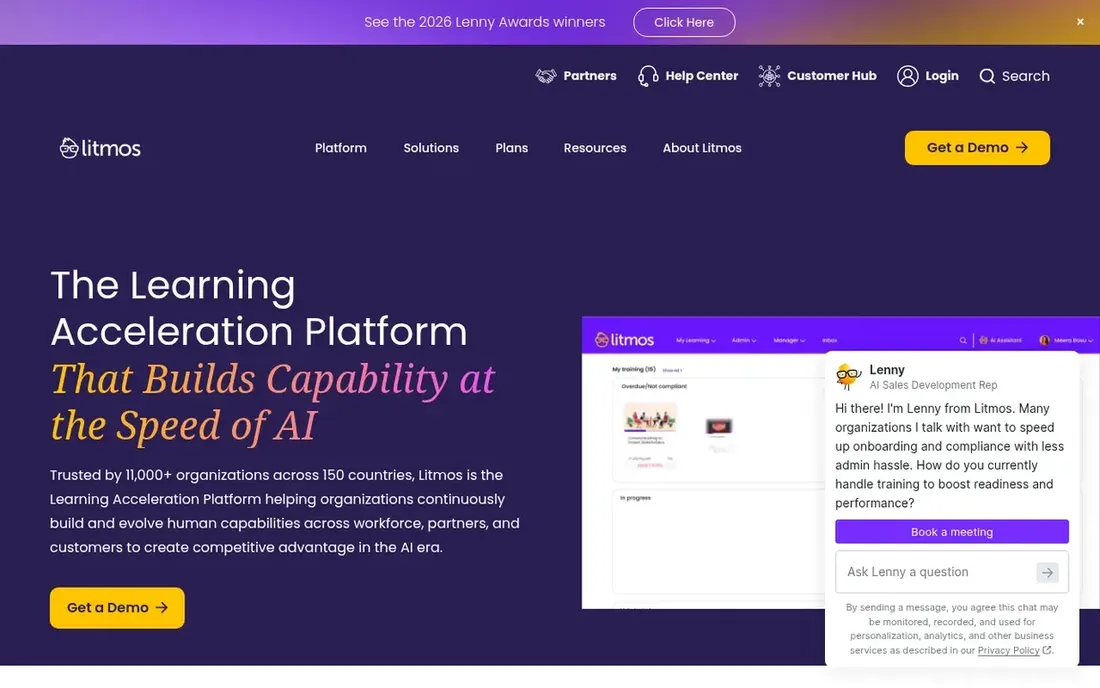
Litmos works best for wide employee, customer and partner training. For a nonprofit that trains premium staff, volunteers and external partner organizations, that single-platform scope can cut the number of systems to handle.
In daily use, the system's breadth means more configuration choices, which can slow a very small team without dedicated learning staff. In practice, choose Litmos when multi-audience training is part of the plan. Pricing for Litmos is not stated here, so ask the vendor for current figures. Free plan details: Not stated.
Drawbacks to consider: Setup needs planning across audiences.
Where Litmos stands out: Built for building human capability.
- Spans employees
- Customers and partners
- Wide scope may exceed small team needs
How we built this list
Selection started from tools commonly considered for employee training software for nonprofits, then narrowed to 5 that have clear pricing information or a clear quote process. Figures are shown as the vendors publish them. Billing terms, seat minimums and add-ons can change the real cost. We ordered the tools by general fit, then by how clearly pricing is shown, then by free access. A buyer with unusual needs may reorder them.
Things to verify first
- Ask Cornerstone OnDemand, Docebo, Absorb LMS and Litmos for a written quote, since no starting price is shown.
- Test the free plan from TalentLMS against your real workload before relying on it.
- Before choosing Cornerstone OnDemand, weigh its main limit: enterprise orientation may feel heavy.
- Involve the people who will use Litmos daily; a short pilot beats a long feature checklist.
- Compare total cost, not headline price: for Docebo, add extra seats, add-ons and any usage-based charges.
FAQ
Do these tools publish their prices?
Not all of them. Cornerstone OnDemand, Docebo, Absorb LMS and Litmos publish no starting price, so expect a quote request for those. The rest, TalentLMS included, show a starting price, though seats and billing terms still change the final cost.
How do we compare products without a long trial process?
Map your must-have workflows first, then check each vendor's documented features against them. Beyond that, confirm configuration and support details straight with vendors, since public pages describe focus areas instead of every choice.
Can I try these tools before paying?
Often, yes. TalentLMS has a free plan. Use your own data and a real task during the test, and check what the free tier or trial limits before you rely on it. For the full picture, the cards above cover all 5 entries of this employee training software for nonprofits list, including price, free plan and limits.
How are the tools for employee training software for nonprofits ordered?
The order follows typical fit for employee training software for nonprofits, with Cornerstone OnDemand first and Litmos last, then price clarity and free access. It is editorial judgement, not a score, so another team could rank the tools differently.
What is the cheapest option for employee training software for nonprofits in this list?
On published monthly entry prices, TalentLMS is the lowest here at $119 per month. Entry price is only part of the cost, because seats, add-ons and billing terms can change the total. Prices, free plan details and limits for all 5 tools in this employee training software for nonprofits roundup sit on the individual cards above.
Do nonprofits need skills intelligence features?
Only if you plan development around roles and readiness instead of straightforward course completion. Docebo and Cornerstone OnDemand emphasize skills and readiness, which helps structured workforce planning.
Sources
- https://www.cornerstoneondemand.com
- https://www.talentlms.com
- https://www.docebo.com
- https://www.absorblms.com
- https://www.litmos.com