7 Time Tracking Software for Nonprofits Ranked for 2026
Need the best time tracking software for nonprofits? We compare 7 tools on cost, free access and who each suits. Verdicts stay brief and factual. Start here.

- Editor's choice
 Paymo
Nonprofits that want time tracking, project management, and invoicing in one tool
Starts at$0 (Free plan, unlimited users); Starter $5.90/user/month billed yearlyVisit paymoapp.comFull review - Great alternative
 actiTIME
Nonprofits that require project cost tracking to support grant reporting
Starts at$0 (Free plan, up to 3 users); $6/user/month for 1 to 40 usersVisit actitime.comFull review - Also consider
 Toggl Track
Nonprofits that want straightforward, privacy-friendly time tracking staff will actually use
Starts at$0 (Free plan, up to 5 users); Starter $9/user/month billed annuallyVisit toggl.comFull review
TL;DR:
- Paymo sits first on this list: nonprofits that want time tracking, project management, and invoicing in one tool.
- Timely is the lowest-priced starter here at $9/user/month.
- Free plans exist at 5 of 7 tools (Paymo, actiTIME, Toggl Track, TimeCamp, Clockify).
- The main caution on Toggl Track: free plan capped at 5 users.
Direct answer
This list puts Paymo first for nonprofits that want time tracking, project management, and invoicing in one tool. actiTIME is the stronger choice for nonprofits that require project cost tracking to support grant reporting, while Toggl Track suits nonprofits that want straightforward, privacy-friendly time tracking staff will actually use. Prices, free plans and limits for all 7 tools follow.
Quick comparison
| Tool | Best for | Starts at | Free plan? | |
|---|---|---|---|---|
| Paymo | Nonprofits that want time tracking, project management, and invoicing in one tool | $0 (Free plan, unlimited users); Starter $5.90/user/month billed yearly | Yes | Visit |
| actiTIME | Nonprofits that require project cost tracking to support grant reporting | $0 (Free plan, up to 3 users); $6/user/month for 1 to 40 users | Yes | Visit |
| Toggl Track | Nonprofits that want straightforward, privacy-friendly time tracking staff will actually use | $0 (Free plan, up to 5 users); Starter $9/user/month billed annually | Yes | Visit |
 Timely | Nonprofits that want automatic time capture without manual timers | $9/user/month (Starter plan) | Free trial (14 days) | Visit |
 TimeCamp | Nonprofits that want an ample free plan with automatic time tracking | $0 (Free plan, unlimited users and projects); Starter $3.99/user/month billed yearly | Yes | Visit |
 Clockify | Nonprofits that want a capable free tracker for a small team | $0 (Free plan, up to 5 users); Basic $3.99/user/month billed yearly | Yes | Visit |
 QuickBooks Time | Nonprofits already running QuickBooks for payroll and accounting | $20/month plus $10/user/month (Premium plan) | Free trial | Visit |
The best time tracking software for nonprofits
Short on time? The summary and table above give the quick view of 7 time tracking software for nonprofits, and the profiles that follow give the detail behind each entry.
Paymo
Best for: Nonprofits that want time tracking, project management, and invoicing in one tool
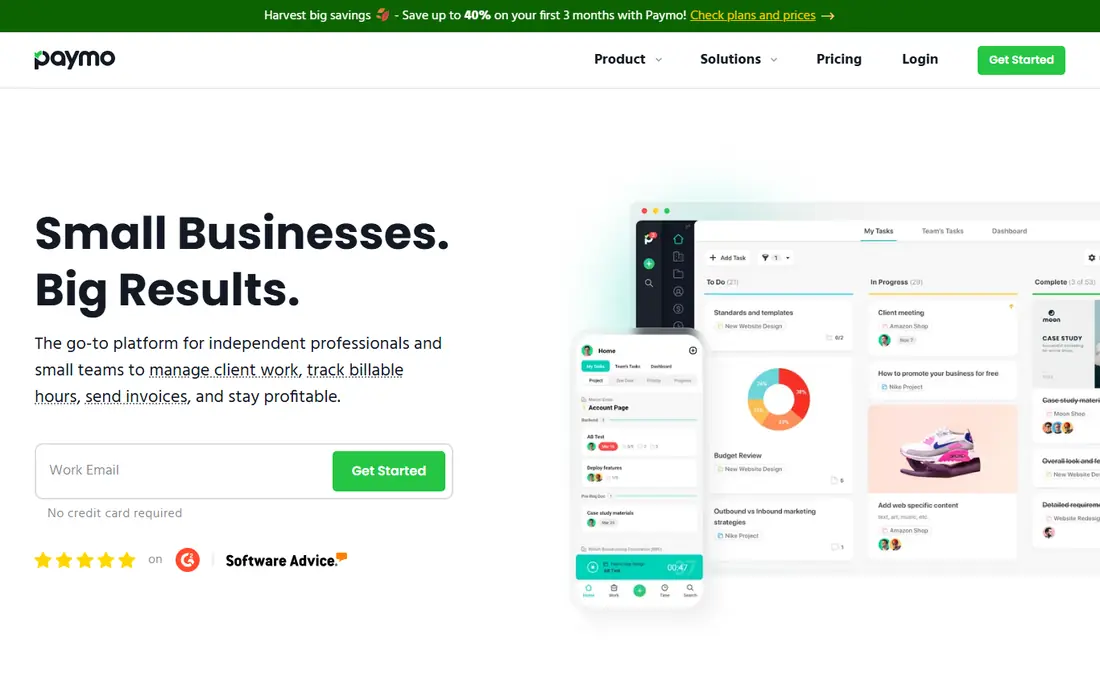
Choose Paymo for nonprofits that want time tracking, project management, and invoicing in one tool. Paymo bundles project management with time tracking, which appeals to nonprofits running programs as projects. More specifically, the free plan's project limits mean expanding organizations will hit the premium level eventually, but at $5.90 per user it remains budget-friendly.
Where Paymo stands out: time tracking, invoicing.
What to check first: Advanced project features need higher levels.
Starter costs $5.90 per user a month billed yearly and removes those limits whereas adding task views, guest access, and more storage. From a buyer's view, the free plan permits unlimited users with time tracking and invoicing, restricted to a set number of clients and projects. From a buyer's view, a 15-day free trial handles all premium features. Starting cost for Paymo: $0. Free access exists with Paymo.
- Merges tasks
- Free plan with unlimited users
- Free plan limits clients and projects
actiTIME
Best for: Nonprofits that require project cost tracking to support grant reporting
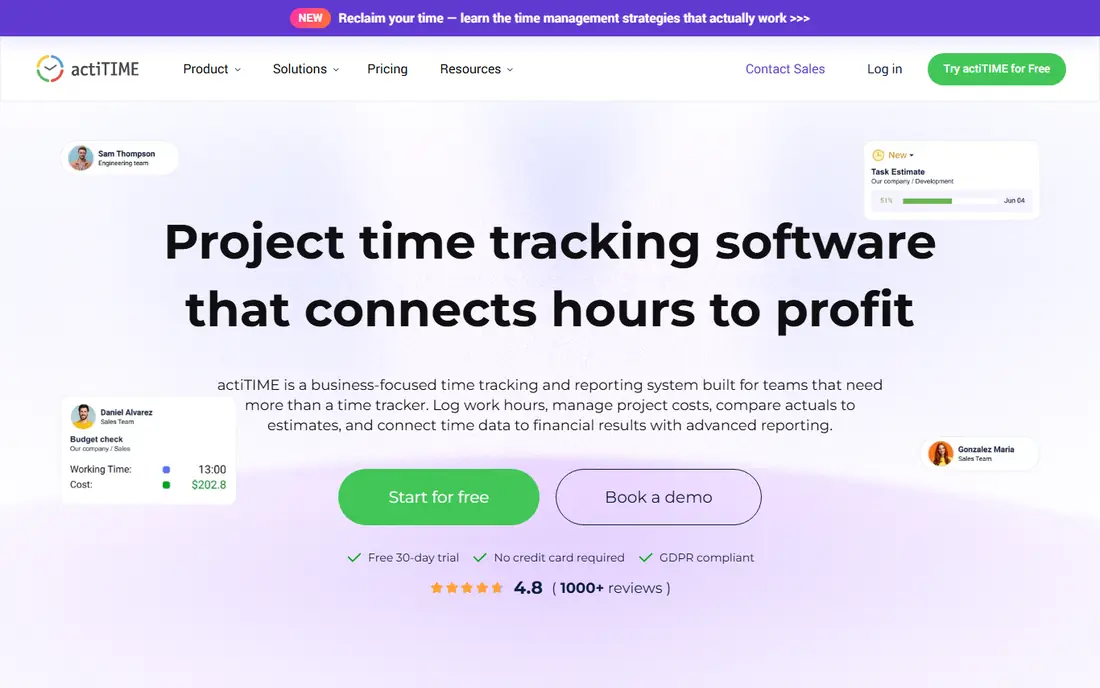
Choose actiTIME for nonprofits that require project cost tracking to support grant reporting. actiTIME approaches time tracking as a cost-management problem, which aligns well with grant-funded work. Estimated-versus-actual reports are especially useful for grant managers who must explain variances to funders.
Downsides: Interface is utilitarian.
You assign cost rates to staff, log hours against programs and tasks. The reporting presents what each program actually cost compared with what was budgeted. The free plan handles up to 3 users permanently, premium plans run $6 per user a month for teams of 1 to 40. A 30-day trial opens up every feature with no credit card required. The interface will not win design awards, and the 3-user free cap limits its no-cost use to very small teams. But for nonprofits that require to link hours to program costs, actiTIME's reporting is purpose-built for the job. Entry price for actiTIME: $0. actiTIME includes a free tier.
- Estimated-vs-actual reporting
- Cost and billing rates turn hours into program cost data
- No built-in volunteer scheduling
Toggl Track
Best for: Nonprofits that want straightforward, privacy-friendly time tracking staff will actually use

Toggl Track targets nonprofits that want simple, privacy-friendly time tracking staff will actually use. Toggl publicly rules out screenshots, keystroke logging, and location monitoring, positioning itself as a trust-based tool. That matters when your team contains volunteers and part-time staff who may bristle at surveillance-style tracking.
Watch-outs: Reporting depth is lighter than enterprise tools.
For everyday use, the privacy stance is a real differentiator for mission-driven organizations. From a buyer's view, Toggl Track wins on adoption, which matters more than most feature lists admit. For everyday use, if your priority is getting everyone to log hours consistently, Toggl Track's simplicity is the point. What you pay to start with Toggl Track: $0. Free access exists with Toggl Track.
- Nonprofit discounts available on premium plans
- Very simple to pick up
- Timesheet approvals need Premium
Timely
Best for: Nonprofits that want automatic time capture without manual timers
Timely makes the most sense for nonprofits that want automatic time capture without manual timers. For nonprofit staff who forget to start timers, which is nearly everyone, this produces more complete and accurate records with less effort. Plans start at $9 per user a month for Starter, with Premium at $16 and Unlimited at $22.
As for the details, the downsides are the absence of a free plan and per-user pricing that scales linearly with headcount, so bigger nonprofits should budget carefully. But if timesheet compliance is your chronic problem, automatic capture may be worth more than any feature list. A 14-day trial needs no credit card. Worth adding: Timely takes a different approach: rather than timers, its Memory feature automatically records what you worked on and drafts your timesheet for one-click approval. The starting price for Timely: $9/user/month. Free options: Free trial (14 days).
What Timely does well: AI-powered automatic tracking eliminates forgotten timesheets.
The main drawbacks: Reporting templates are less adaptable than some rivals.
- Clean
- Privacy-first design with no screenshots or keystroke logging
- Per-user pricing with no team discounts
TimeCamp
Best for: Nonprofits that want an ample free plan with automatic time tracking
TimeCamp is a good fit for nonprofits that want an ample free plan with automatic time tracking. Automatic tracking is the other headline. The free plan does not contain invoicing, so grant-billing nonprofits will need a premium level.
Highlights: Free plan lets unlimited users.
But for pure hour tracking across a large, mixed team at zero cost, TimeCamp is unmatched. The desktop app can record application and website activity and suggest time entries, reducing the end-of-day scramble to reconstruct hours. Starting cost for TimeCamp: $0. TimeCamp has a free plan. Points against: Free plan lacks invoicing.
- Rare in this category
- Automatic tracking cuts manual entry
- Interface can feel busy
For nonprofits that want a capable free tracker for a small team, Clockify is a natural candidate. If your needs are straightforward and your team is small, start here.
Downsides: Free plan now capped at 5 users.
On top of that, for a small nonprofit tracking staff hours by program and grant, that may be all you ever need. What you pay to start with Clockify: $0. A free plan is available with Clockify.
- A kiosk mode for shared devices
- Unlimited projects and clients
- Invoicing and approvals need premium levels
QuickBooks Time
Best for: Nonprofits already running QuickBooks for payroll and accounting
QuickBooks Time targets nonprofits already running QuickBooks for payroll and accounting. When time data flows straight into QuickBooks payroll, you eliminate the manual re-entry that eats hours every pay period. More specifically, an Elite level at $40 plus $12 per user brings project tracking and geofencing.
More specifically, there is no free plan, only a trial. But if your finance team already runs payroll through QuickBooks, the integration value is real: accurate timesheets, fewer payroll errors, and clean labor-cost data by program for grant reporting. QuickBooks Time starts at: $20/month plus $10/user/month. Free plan details: Free trial.
What to check first: Needs a QuickBooks Online account.
- Includes time-off tracking
- GPS and scheduling for field staff
- No free plan
Selection criteria
For each of the 7 tools we noted price, free plan or trial, fit for time tracking software for nonprofits and the main limit, using vendor pages and documentation. Prices and plan limits come from vendor pages and can change, so confirm them on the vendor site before you buy. Order on the page follows fit for the typical buyer first, then price transparency and free access. Your own requirements should decide the final pick.
Pre-purchase checklist
- Prices are a starting point; Timely shows $9/user/month to start, so verify what your seat count would cost.
- Check what the free option really includes: Paymo, actiTIME, Toggl Track and others offer a free plan, and usage caps differ.
- Use real work to test the free trial from Timely and QuickBooks Time, rather than a demo project.
- Before choosing Paymo, weigh its main limit: free plan limits clients and projects.
- Run a one or two week pilot of Paymo with the people who will use it every day.
- Check the integration list for Timely against the tools you run today, and note which ones need a higher plan.
FAQ
How are the tools for time tracking software for nonprofits ordered?
Paymo sits first and QuickBooks Time last because the order follows typical fit for time tracking software for nonprofits, then price clarity and free access. It is a judgement call, so read each profile for fit and limits.
How should nonprofits track volunteer hours?
Use a tool with a kiosk mode or straightforward timer that volunteers can operate without training, for example Clockify's kiosk or TimeCamp's free plan. Record volunteer hours consistently even though they are free: the data supports grant applications and demonstrates community support.
What is the best free time tracking software for nonprofits?
The first pick on this list is Paymo, because it suits nonprofits that want time tracking, project management, and invoicing in one tool. actiTIME is better for nonprofits that require project cost tracking to support grant reporting, and Toggl Track for nonprofits that want straightforward, privacy-friendly time tracking staff will actually use. Check price and limits against your own needs before choosing.
Do these tools publish their prices?
Yes. Every tool from Paymo to QuickBooks Time shows a starting price, though seats, add-ons and billing terms still change the final cost.
What is the cheapest option for time tracking software for nonprofits in this list?
On published monthly entry prices, Timely is the lowest here at $9/user/month. Entry price is only part of the cost, because seats, add-ons and billing terms can change the total.
Which options for time tracking software for nonprofits have a free plan?
Paymo, actiTIME, Toggl Track, TimeCamp and Clockify offer a free plan in this list. Free plans usually cap users, projects or features, so check the limits on the vendor page. Several others offer a trial instead.