Best Employee Scheduling Software for IT Service Providers for 2026: Our 6 Vetted Picks
Need the best employee scheduling software for IT service providers? We compare 6 tools on cost, free access and who each suits. Full profiles inside.
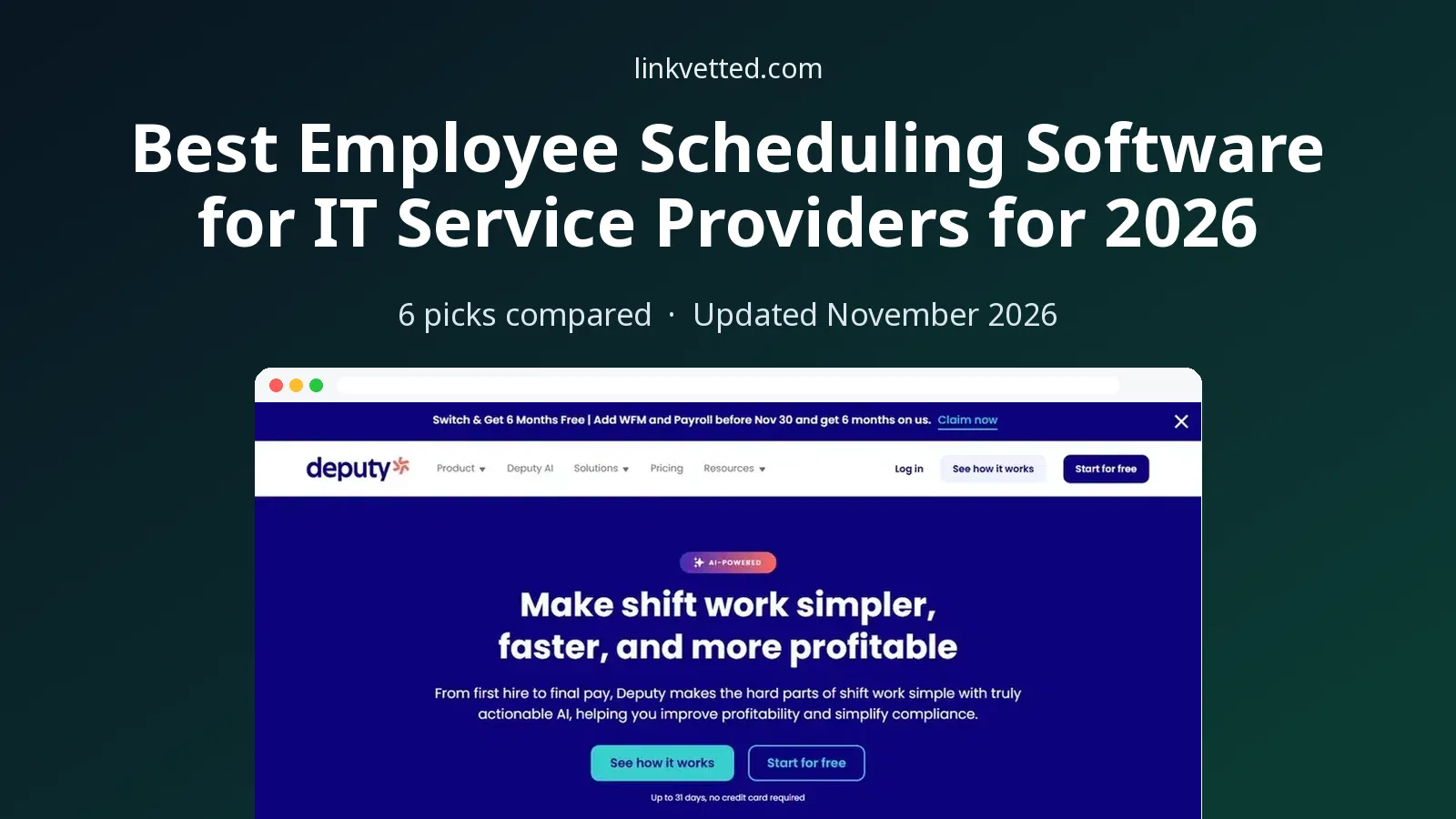
- Editor's choice
 Deputy
Labor forecasting and HR extras
Starts at$5 per user a monthVisit deputy.comFull review - Great alternative
 Shiftboard
Complicated, continuous coverage operations
Starts atSee websiteVisit shiftboard.comFull review - Also considerHotSchedules
Hospitality-style scheduling and engagement
Starts atSee websiteVisit hotschedules.comFull review
Direct answer
Deputy comes first here, mainly for labor forecasting and HR extras. Listed starting prices: Deputy from $5 per user a month, Connecteam from $29 per month and Sling from $1.70 per user a month. If your case is different, Shiftboard suits complicated, continuous coverage operations and HotSchedules suits hospitality-style scheduling and engagement. All 6 tools are compared below on price, free plan and limits.
TL;DR:
- Deputy is the opening pick, best for labor forecasting and HR extras.
- Sling has the lowest monthly starting price in this list: $1.70 per user per month.
- When I Work fits quick shift scheduling with team messaging.
- One limit worth knowing about Shiftboard: existing customers are directed to support and transition information.
- A free plan is available from 2 of the 6 tools: Connecteam, Sling.
Last checked November 2026. Prices and plan details were read from the vendors' own pages in November 2026; vendors change plans often, so confirm the current price on the vendor site before you buy.
Quick comparison
| Tool | Best for | Starts at | Free plan? | |
|---|---|---|---|---|
| Deputy | Labor forecasting and HR extras | $5 per user a month | Free trial | Visit |
| Shiftboard | Complicated, continuous coverage operations | See website | Not stated | Visit |
| HotSchedules | Hospitality-style scheduling and engagement | See website | Not stated | Visit |
 Connecteam | Mobile-first frontline team management | $29 per month | Yes | Visit |
 Sling | Straightforward shift planning and communication | $1.70 per user a month | Yes | Visit |
 When I Work | Quick shift scheduling with team messaging | $2.50 per user a month | Free trial | Visit |
Our 6 employee scheduling software for IT service providers
Short on time? The summary and table above give the quick view of 6 employee scheduling software for IT service providers, and the profiles that follow give the detail behind each entry.
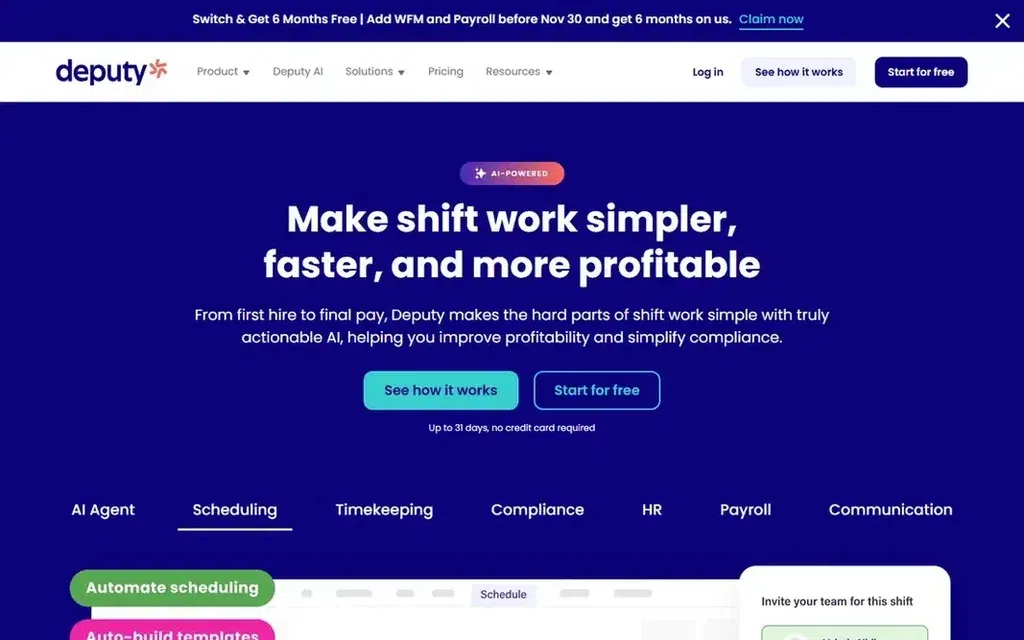
Deputy targets labor forecasting and HR extras. Deputy is an employee scheduling, HR and payroll system with AI labor forecasting.
More specifically, if you want a leaner scheduling-first tool, When I Work or Sling may be a better fit. Worth adding: forecasting is only as handy as the demand data you feed it. Entry price for Deputy: $5 per user per month. Free options: Free trial.
Downsides: Feature depth may overwhelm small teams.
- Scheduling with HR and payroll features
- Handy for variable coverage needs
- Setup takes more planning
Shiftboard targets complicated, continuous coverage operations. Shiftboard is scheduling software historically used for complex, continuous operations where coverage planning needs more structure than an entry-level shift calendar.
For straightforward team scheduling, When I Work or Sling involves less uncertainty. No starting price is listed for Shiftboard here; confirm pricing on the vendor site. Free plan details: Not stated.
Limits to weigh: Existing customers are directed to support and transition information.
- Supports structured coverage planning
- Suited to continuous operations
- Fit should be confirmed with the vendor
HotSchedules
Best for: Hospitality-style scheduling and engagement
Pick HotSchedules if this describes you: hospitality-style scheduling and engagement. IT service providers with shift-based support desks or field coverage can evaluate it for publishing schedules and keeping staff engaged. But the product framing is hospitality instead of IT services.
Points against: Fit for IT service workflows needs checking.
It is worth a look when engagement and shift communication matter. If IT-specific scheduling logic is the priority, compare Deputy or Shiftboard instead. In daily use, providers should confirm fit before committing. No starting price is listed for HotSchedules here; confirm pricing on the vendor site. Free options: Not stated.
- Online scheduling with employee engagement
- Shift communication features
- Positioned toward hospitality operations
Connecteam is aimed squarely at mobile-first frontline team management. Connecteam is an employee management app aimed at frontline teams, combining scheduling, time tracking and communication in one place. On top of that, since it handles numerous frontline functions, teams may have to configure it to match their workflows instead of getting a narrow scheduling tool from day one.
Honest limits: Wide scope may need configuration.
Worth adding: providers whose work is largely desk-based project scheduling may prefer a lighter choice. The design goal is to replace scattered tools with a single hub for frontline staff. What you pay to start with Connecteam: $29 per month. You can start on Connecteam without paying.
- Communication and clarity in one place
- Single app for scheduling and time tracking
- Less specialized for desk-based project teams
Pick Sling if this describes you: straightforward shift planning and communication. Complicated coverage rules or labor forecasting are also outside its primary focus.
It suits IT service providers that want a clear, uncomplicated way to publish shifts and keep staff informed, notably when the team is small and scheduling changes are frequent. Sling pricing: $1.70 per user per month. Free access exists with Sling.
Watch-outs: Fewer surrounding HR features.
- Simple to use for small teams
- Employee communication built in
- Not targeted at complicated coverage rules
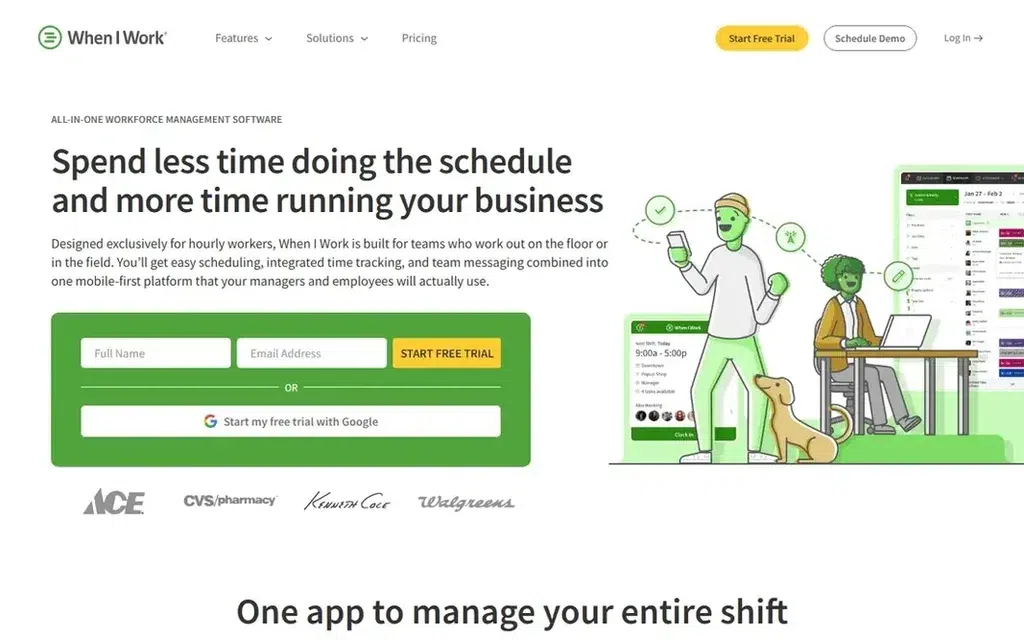
When I Work serves quick shift scheduling with team messaging. It suits IT service providers that schedule technicians, help desk staff or on-call coverage and want a single app rather than separate scheduling and timekeeping tools.
It also does not position itself as a full HR or payroll suite. When I Work cost at the entry level: $2.50 per user per month. On free options: Free trial.
The main drawbacks: Advanced HR features are not the focus.
Main advantages: Scheduling.
- Employee-facing app for shift visibility
- Time tracking and messaging in one app
- Restricted depth for complicated project work
How we chose
Pre-purchase checklist
- Ask Shiftboard and HotSchedules for a written quote, since no starting price is shown.
- Check what the free option really includes: Connecteam and Sling offer a free plan, and usage caps differ.
- Run a trial of Deputy and When I Work with real work before paying for a year; your own workflow is the best test.
- Before choosing Deputy, weigh its main limit: feature depth may overwhelm small teams.
- Test the integrations you rely on with Sling before committing; some connectors sit on upper tiers.
- Confirm the exact When I Work plan that includes your must-have features.
FAQ
Is Deputy the right pick for everyone comparing employee scheduling software for IT service providers?
No single tool suits every team. Deputy comes first because it fits labor forecasting and HR add-ons, while Shiftboard suits complex, continuous coverage operations and HotSchedules suits hospitality-style scheduling and engagement. Match the tool to your own size, budget and workflow before deciding.
Can I try these tools before paying?
Often, yes. Connecteam and Sling have a free plan and Deputy and When I Work offer a free trial. Use your own data and a real task during the test, and check what the free tier or trial limits before you rely on it.
Which options for employee scheduling software for IT service providers have a free plan?
On this list, Connecteam and Sling include a free plan. Caps on seats, usage or features are common, so test the free plan against your real workload. Several others offer a trial instead.
What should IT service providers look for in scheduling software?
Prioritize shift and on-call handling, mobile access for field staff, and time tracking that exports cleanly. Team messaging and coverage visibility also matter when support runs across time zones or client sites.
How are the tools for employee scheduling software for IT service providers ordered?
Deputy sits first and When I Work last because the order follows typical fit for employee scheduling software for IT service providers, then price clarity and free access. It is a judgement call, so read each profile for fit and limits.
Sources
- https://www.deputy.com
- https://www.shiftboard.com
- https://www.hotschedules.com
- https://connecteam.com
- https://getsling.com
- https://wheniwork.com