Best Employee Scheduling Software for Engineering Firms (2026): 5 Picks Checked on Vendor Pages
5 products for the best employee scheduling software for engineering firms, ranked by fit, with starting costs and free tiers. With pricing notes and limits.
- Editor's choiceHotSchedules
Hospitality-oriented scheduling and engagement
Starts atSee websiteVisit hotschedules.comFull review - Great alternative
 Homebase
Small teams needing scheduling plus payroll
Starts at$30 per location a monthVisit joinhomebase.comFull review - Also consider
 Sling
Straightforward shift planning and communication
Starts at$1.70 per user per monthVisit getsling.comFull review
Direct answer
Start with HotSchedules if you need hospitality-oriented scheduling and engagement. Listed starting prices: Homebase from $30 per location a month, Sling from $1.70 per user per month and Deputy from $5 per user per month. For a different need, Homebase covers small teams needing scheduling plus payroll and Sling covers straightforward shift planning and communication. Prices, free plans and limits for all 5 tools follow.
TL;DR:
- HotSchedules sits first on this list: hospitality-oriented scheduling and engagement.
- The cheapest monthly starting price in the list is $1.70 per user per month, offered by Sling.
- Only 2 of the 5 tools have a free plan (Homebase, Sling), so check the caps.
- What to know about Deputy first: wide feature set may feel heavy for small teams.
- When I Work suits straightforward shift scheduling with team messaging.
Last checked November 2026. Prices and plan details were read from the vendors' own pages in November 2026; vendors change plans often, so confirm the current price on the vendor site before you buy.
Quick comparison
| Tool | Best for | Starts at | Free plan? | |
|---|---|---|---|---|
| HotSchedules | Hospitality-oriented scheduling and engagement | See website | Not stated | Visit |
| Homebase | Small teams needing scheduling plus payroll | $30 per location a month | Yes | Visit |
| Sling | Straightforward shift planning and communication | $1.70 per user per month | Yes | Visit |
 Deputy | Scheduling with labor forecasting and payroll | $5 per user per month | Free trial | Visit |
 When I Work | Straightforward shift scheduling with team messaging | $2.50 per user per month | Free trial | Visit |
5 employee scheduling software for engineering firms in detail
Choosing employee scheduling software for engineering firms usually comes down to price, fit and limits. This LinkVetted guide sets 5 tools side by side on those three points, with the facts kept short and checkable.
HotSchedules
Best for: Hospitality-oriented scheduling and engagement
HotSchedules works best for hospitality-oriented scheduling and engagement. Engineering businesses with shift-based support or facilities teams may still find its scheduling and engagement approach handy.
Where it is weaker: Fit for technical project teams may be restricted.
Its hospitality orientation means features tuned to engineering projects, certifications or billable resource planning may be missing. More specifically, businesses with complicated technical staffing should compare it against tools aimed at broader workforce management. No starting price is listed for HotSchedules here; confirm pricing on the vendor site. Free access: Not stated.
- Gives you a demo and trial path
- Long-standing scheduling focus
- Positioned toward hospitality instead of engineering
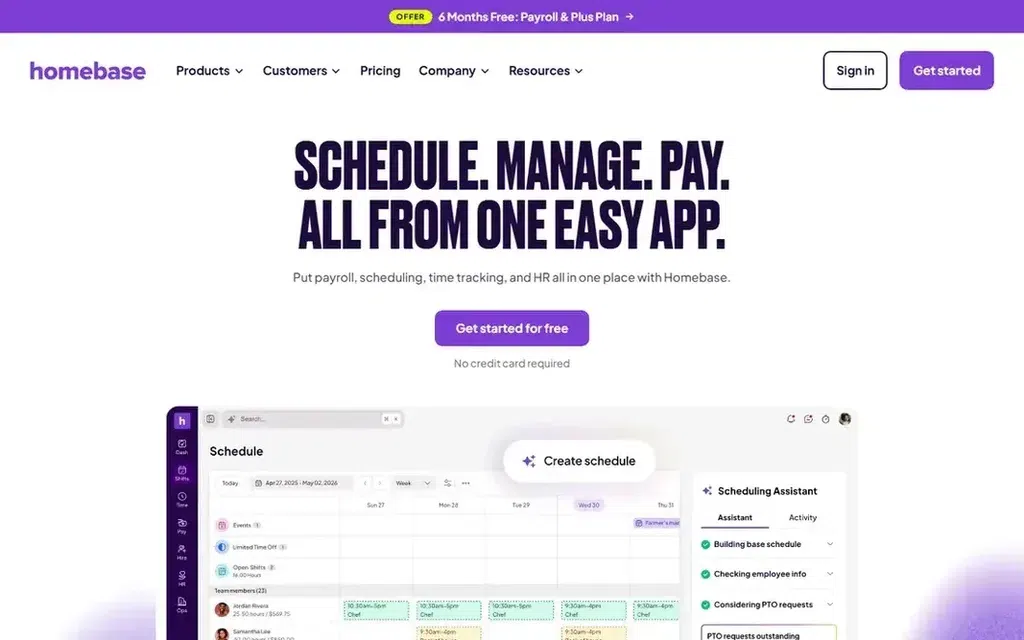
In short, Homebase is for small teams needing scheduling plus payroll. It suits smaller operations that want core workforce functions together without a complicated setup.
Its positioning is toward small companies and hourly teams, so large engineering organizations with salaried staff and layered approvals may outgrow it. On cost, Homebase starts like this: $30 per location per month. Free access exists with Homebase.
Where it falls short: Pitched at small companies instead of large engineering departments.
Where it shines: Straightforward all-in-one positioning.
- Built for hourly teams
- Scheduling
- Hourly focus may not suit salaried project engineers
For straightforward shift planning and communication, Sling is a natural candidate. It fits teams that want a focused scheduling tool instead of a wide management product.
From a buyer's view, since it concentrates on scheduling and communication, businesses needing payroll, HR records or in-depth labor cost analysis may have to pair it with other systems. Price to start with Sling: $1.70 per user per month. Free access exists with Sling.
Watch-outs: Narrower feature set than full HR suites.
Strengths: Bundles employee communication.
- Straightforward
- Easy-to-use positioning
- May lack deeper project or cost tracking
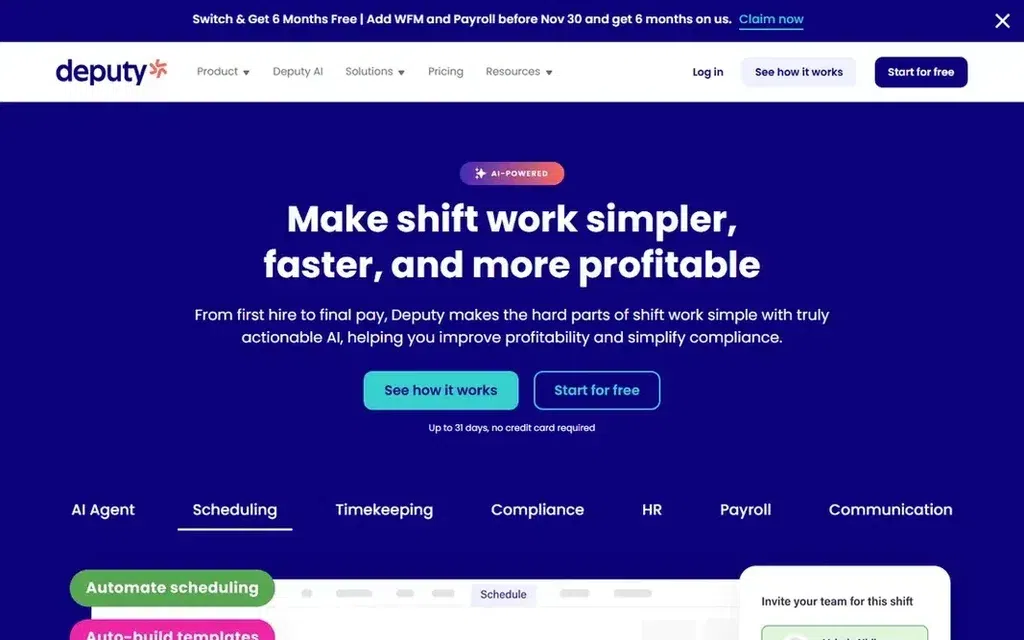
Deputy is designed for scheduling with labor forecasting and payroll. Deputy is employee scheduling, HR and payroll software that also advertises AI labor forecasting.
Entry price for Deputy: $5 per user per month. Free options: Free trial.
What works well: fast setup. What to check first: Wide feature set may feel heavy for small teams.
- Contains AI labor forecasting
- Positioned for simple
- Payroll features may overlap with existing systems
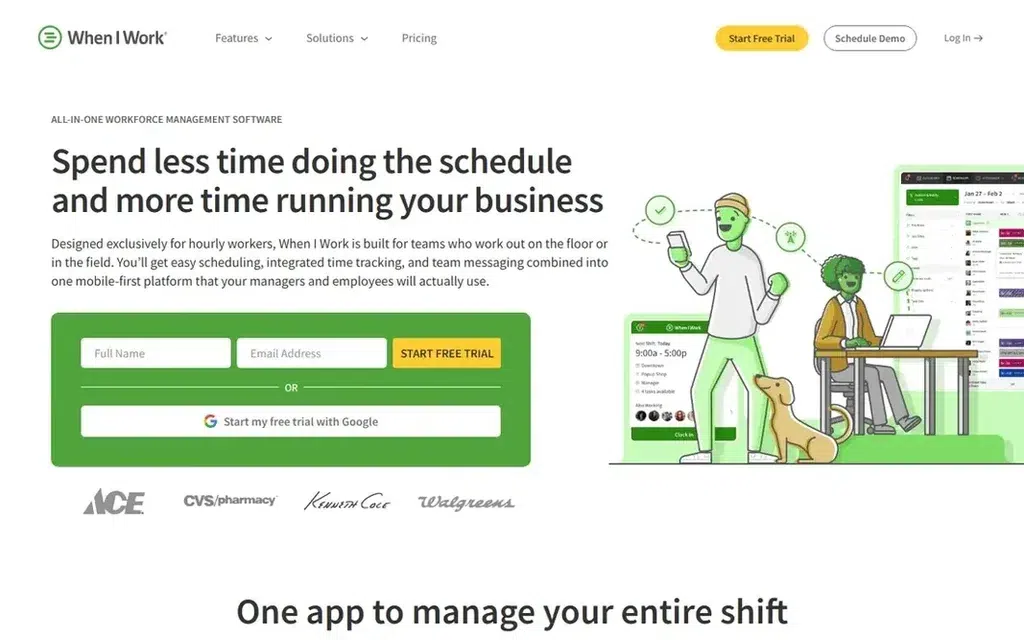
When I Work was built for straightforward shift scheduling with team messaging. Consider a broader platform if scheduling must link tightly to payroll and HR records.
What to check first: Payroll depth may be restricted compared to broader suites.
On top of that, the product is oriented toward general shift work, so businesses needing deep project costing or engineering-specific resource planning may find it restricted. Worth adding: engineering businesses with mixed office and site staff can use it to publish schedules and keep everyone informed. Price to start with When I Work: $2.50 per user per month. On free options: Free trial.
Where When I Work stands out: Mobile-friendly team communication.
- Track time and message in one app
- Schedule shifts
- Less emphasis on project or engineering-specific workflows
How these tools were picked
The comparison looks at four things: starting price, free access, how well the feature set matches employee scheduling software for engineering firms, and the main limit of each tool. Plan names, prices and limits change often. Treat the figures here as a starting point and verify them with the vendor. The order reflects how well each tool fits the most common buying scenario for employee scheduling software for engineering firms, then price clarity, then free plan access. It is a starting point, not a verdict.
A buyer's checklist
- Confirm the entry price on the vendor page. For HotSchedules that means a quote rather than a fixed price.
- Look at free plan limits closely: Homebase and Sling have one, and the caps decide whether it is usable for real work.
- Take the trial from Deputy and When I Work and push a live task through it before you pay.
- Read the limits listed for HotSchedules first: positioned toward hospitality instead of engineering.
- Ask Deputy which support channels and response times come with the plan you would buy.
- Look at the renewal terms for Homebase: auto-renewal, notice periods and price changes can matter more than the first-year price.
FAQ
Do these tools publish their prices?
Not all of them. HotSchedules publishes no starting price, so expect a quote request for it. The rest, Homebase included, show a starting price, though seats and billing terms still change the final cost. Prices, free plan details and limits for all 5 tools in this employee scheduling software for engineering firms roundup sit on the individual cards above.
Which options for employee scheduling software for engineering firms have a free plan?
On this list, Homebase and Sling include a free plan. Caps on seats, usage or features are common, so test the free plan against your real workload. Several others offer a trial instead. Each of the 5 options in this employee scheduling software for engineering firms guide has its own card above with the price, free plan and limits.
What should an engineering firm look for in scheduling software?
Look for a tool that manages both project-based and shift-based work, provides field crews mobile access, and links scheduling to time tracking.
How are the tools for employee scheduling software for engineering firms ordered?
The order follows typical fit for employee scheduling software for engineering firms, with HotSchedules first and When I Work last, then price clarity and free access. It is editorial judgement, not a score, so another team could rank the tools differently.
Can I try these tools before paying?
Often, yes. Homebase and Sling have a free plan and Deputy and When I Work offer a free trial. Use your own data and a real task during the test, and check what the free tier or trial limits before you rely on it. All 5 picks in this employee scheduling software for engineering firms comparison list a starting price, free plan details and the main limits on their cards above.
Sources
- https://www.hotschedules.com
- https://www.joinhomebase.com
- https://getsling.com
- https://www.deputy.com
- https://wheniwork.com