Choosing Onboarding Software for MSPs in 2026: 5 Options Compared
Need the best onboarding software for MSPs? We compare 5 tools on cost, free access and who each suits. Plain-spoken summaries throughout. Straight answers.
- Editor's choicePulseway
Complete RMM with automation and remote control
Starts atSee websiteVisit pulseway.comFull review - Great alternative
 NinjaOne
Unified endpoint management and patching
Starts at$1.50 per device per monthVisit ninjaone.comFull review - Also considerConnectWise Automate
Automating technical work for IT teams
Starts atSee websiteVisit connectwise.comFull review
Direct answer
This list puts Pulseway first for complete RMM with automation and remote control. Listed starting prices: NinjaOne from $1.50 per device per month. NinjaOne is the stronger choice for unified endpoint management and patching, while ConnectWise Automate suits automating technical work for IT teams. Prices, free plans and limits for all 5 tools follow.
TL;DR:
- Top of the list is Pulseway, which targets complete RMM with automation and remote control.
- For unified endpoint management at scale, N-able N-central is worth a look.
- SuperOps comes with a trade-off: newer approach may need validation.
- The lowest published monthly entry price here is $1.50 per device per month, from NinjaOne.
- Only SuperOps offers a free plan among these 5 tools.
Last checked November 2026. Prices and plan details were read from the vendors' own pages in November 2026; vendors change plans often, so confirm the current price on the vendor site before you buy.
Quick comparison
| Tool | Best for | Starts at | Free plan? | |
|---|---|---|---|---|
| Pulseway | Complete RMM with automation and remote control | See website | Not stated | Visit |
| NinjaOne | Unified endpoint management and patching | $1.50 per device per month | Free trial | Visit |
| ConnectWise Automate | Automating technical work for IT teams | See website | Not stated | Visit |
| SuperOps | AI-assisted autonomous endpoint management | See website | Yes | Visit |
| N-able N-central | Unified endpoint management at scale | See website | Not stated | Visit |
Every option for onboarding software for MSPs explained
LinkVetted compared 5 onboarding software for MSPs. The goal is a practical shortlist: published prices, free plan facts, best-fit use cases and honest limits for every entry.
Pulseway
Best for: Complete RMM with automation and remote control
Think of Pulseway for complete RMM with automation and remote control. Pulseway is a complete remote monitoring and management software with automation, patching, remote control and network discovery.
Drawbacks to consider: Feature set may be wide for some.
Whereas wide, the system may not match every specialized requirement for very large or complicated environments. For everyday use, teams with advanced scale needs should compare with systems explicitly aimed at large-scale operations. Check the vendor site for Pulseway pricing; none is listed in this comparison. As for free access: Not stated.
- Remote control included
- Automation and patching
- Needs review for enterprise scale
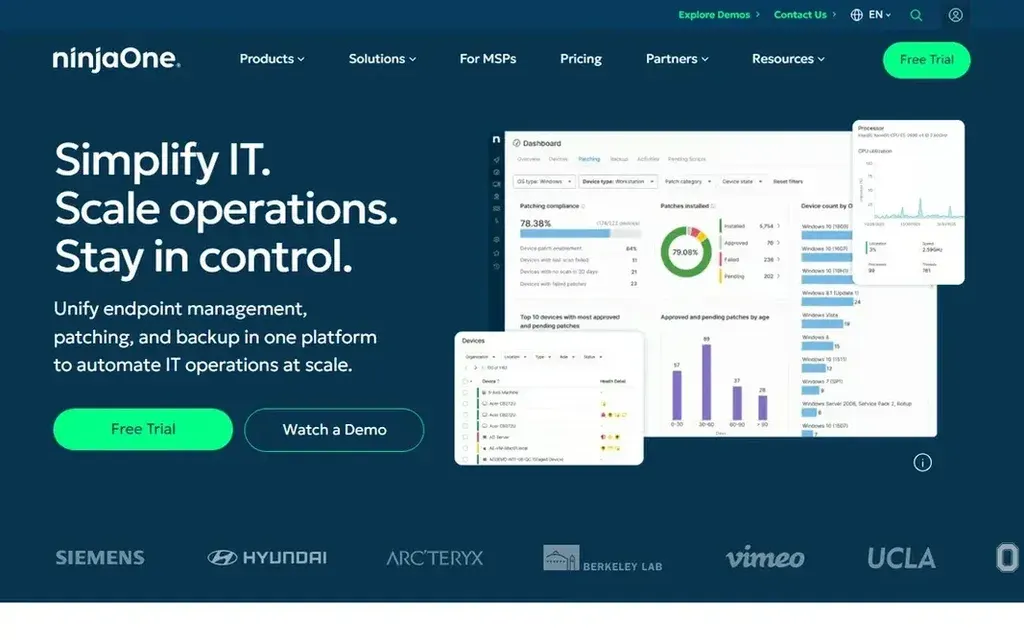
NinjaOne is designed for unified endpoint management and patching. NinjaOne is described as a unified IT operations product for endpoint management, autonomous patching, backup and remote access, geared toward IT teams and MSPs.
Downsides: Needs evaluation for complicated environments.
The starting price for NinjaOne: $1.50 per device per month. Free options: Free trial.
- Unified IT operations system
- Includes patching and backup
- May be wide for narrow needs
ConnectWise Automate
Best for: Automating technical work for IT teams
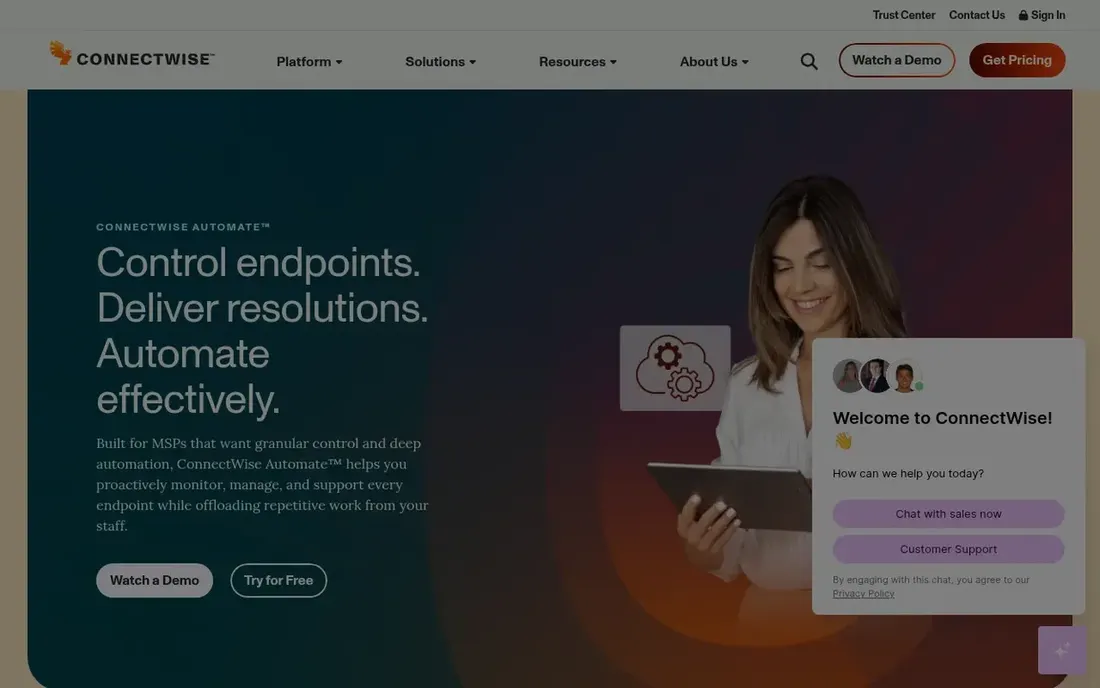
ConnectWise Automate is built with automating technical work for IT teams in mind. ConnectWise Automate is positioned as capable RMM software that automates technical work and aims to boost ROI for IT teams.
Where it is weaker: Feature depth may overwhelm small teams.
The system may demand time to configure and tune automations, which can be a hurdle for lean teams. If you need a more straightforward, faster-to-deploy onboarding experience, a lighter RMM or a unified product with less configuration overhead could be a better match. ConnectWise Automate shows no starting price here, so confirm the cost on the vendor site. Free access: Not stated.
- Solid automation focus
- Aimed at RMM workflows
- Can need setup effort
SuperOps
Best for: AI-assisted autonomous endpoint management
SuperOps serves AI-assisted autonomous endpoint management. SuperOps is an autonomous endpoint management system for IT teams and MSPs in which AI agents patch, fix and secure every device under your control.
Where it is weaker: AI reliance may not fit all.
For everyday use, as an AI-centric approach, it may warrant careful evaluation against your compliance and control requirements. Pricing for SuperOps is not stated here, so ask the vendor for current figures. A free plan is available with SuperOps.
- Made for MSP teams
- AI agents for patching and fixes
- Newer approach may need validation
N-able N-central
Best for: Unified endpoint management at scale
N-able N-central works best for unified endpoint management at scale. N-able N-central is described as unified endpoint management with RMM at scale, built to secure endpoints and automate IT operations in complicated environments.
It suits bigger MSPs or those with demanding client environments that require advanced RMM capabilities and scalability from the start of onboarding. No starting price is listed for N-able N-central here; confirm pricing on the vendor site. On free options: Not stated.
Honest limits: Complexity needs expertise.
- Fits complicated environments
- Advanced RMM capabilities
- May be heavy for small MSPs
How we compared the tools
A buyer's checklist
- Ask Pulseway, ConnectWise Automate, SuperOps and N-able N-central for a written quote, since no starting price is shown.
- Look at the free plan from SuperOps closely: its caps decide whether it is usable for real work.
- Use real work to test the free trial from NinjaOne, rather than a demo project.
- Before choosing Pulseway, weigh its main limit: feature set may be wide for some.
- Before you load data into NinjaOne, check what an export looks like and who can run it.
- Add up seats, add-ons and usage charges for SuperOps before comparing it with cheaper entries.
FAQ
Is Pulseway the right pick for everyone comparing onboarding software for MSPs?
No single tool suits every team. Pulseway comes first because it fits complete RMM with automation and remote control, while NinjaOne suits unified endpoint management and patching and ConnectWise Automate suits automating technical work for IT teams. Match the tool to your own size, budget and workflow before deciding.
What is the cheapest option for onboarding software for MSPs in this list?
On published monthly entry prices, NinjaOne is the lowest here at $1.50 per device per month. Entry price is only part of the cost, because seats, add-ons and billing terms can change the total. Each of the 5 options in this onboarding software for MSPs guide has its own card above with the price, free plan and limits.
Do these tools publish their prices?
Not all of them. Pulseway, ConnectWise Automate, SuperOps and N-able N-central publish no starting price, so expect a quote request for those. The rest, NinjaOne included, show a starting price, though seats and billing terms still change the final cost.
Can I try these tools before paying?
Often, yes. SuperOps has a free plan and NinjaOne offers a free trial. Use your own data and a real task during the test, and check what the free tier or trial limits before you rely on it. All 5 picks in this onboarding software for MSPs comparison list a starting price, free plan details and the main limits on their cards above.
Can AI-assisted systems help with MSP onboarding?
Products like SuperOps describe AI agents that patch, fix and secure devices, which can cut manual onboarding effort. Evaluate how much control and visibility you retain, and whether the approach suits your compliance and service commitments.
Sources
- https://www.pulseway.com
- https://www.ninjaone.com
- https://www.connectwise.com/platform/automate
- https://superops.com
- https://www.n-able.com/products/n-central