Ecommerce Software for Restaurants in 2026: The 5 Best Options Side by Side
Need the best ecommerce software for restaurants? We compare 5 tools on cost, free access and who each suits. Prices and drawbacks included. Jump to the table.
- Editor's choiceUpserve
All-in-one restaurant management
Starts at$59 a monthVisit upserve.comFull review - Great alternativeOlo
Digital ordering at scale
Starts atSee websiteVisit olo.comFull review - Also consider
 Square for Restaurants
All-in-one ordering and payments
Starts atSee websiteVisit squareup.comFull review
Direct answer
Start with Upserve if you need all-in-one restaurant management. Listed starting prices: Upserve from $59 a month. Olo is better for digital ordering at scale, and Square for Restaurants is better for all-in-one ordering and payments. The full list of 5 tools follows, with prices and free plan facts.
TL;DR:
- Upserve is the opening pick, best for all-in-one restaurant management.
- Clover is the one to check for point of sale and card readers.
- Upserve is the only tool of the 5 with a free plan.
- Starting prices begin at $59 per month with Upserve.
- Check the limits for Olo before you commit: oriented toward bigger operations.
Last checked November 2026. Prices and plan details were read from the vendors' own pages in November 2026; vendors change plans often, so confirm the current price on the vendor site before you buy.
Quick comparison
| Tool | Best for | Starts at | Free plan? | |
|---|---|---|---|---|
| Upserve | All-in-one restaurant management | $59 a month | Yes | Visit |
| Olo | Digital ordering at scale | See website | Not stated | Visit |
| Square for Restaurants | All-in-one ordering and payments | See website | Not stated | Visit |
 BentoBox | Restaurant websites and online ordering | See website | Not stated | Visit |
 Clover | Point of sale and card readers | See website | Not stated | Visit |
Tool-by-tool breakdown
Short on time? The summary and table above give the quick view of 5 ecommerce software for restaurants, and the profiles that follow give the detail behind each entry.
Upserve
Best for: All-in-one restaurant management
Think of Upserve for all-in-one restaurant management. If you only need an online ordering storefront, a narrower tool may be enough.
Where Upserve stands out: online ordering together; POS, payments.
It suits restaurants that want to consolidate daily operations and see sales and inventory data together rather than juggling separate systems. Starting cost for Upserve: $59 per month. Free access exists with Upserve.
Where it is weaker: Setup needs coordinating multiple functions.
- Inventory and analytics in one system
- Designed for restaurant operations
- Consolidated system may limit mixing tools
Olo
Best for: Digital ordering at scale
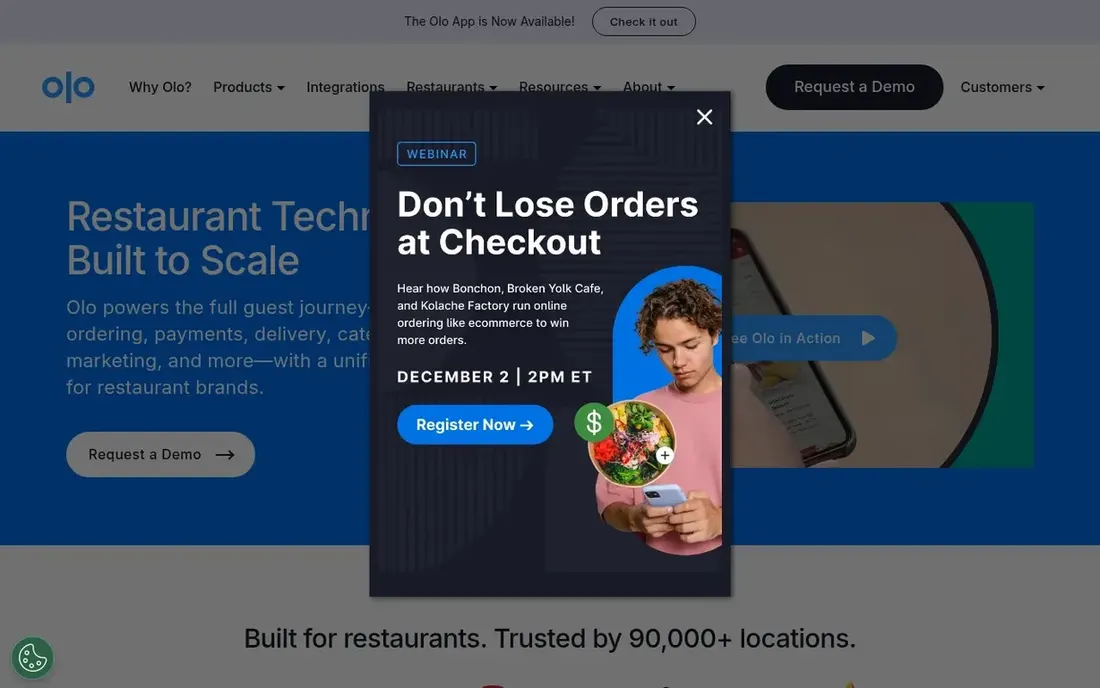
Olo was built for digital ordering at scale. Its scope includes integrated digital ordering, catering, payments, marketing, and loyalty, which fits multi-location brands juggling multiple order channels at once.
Points against: Oriented toward bigger operations.
As for the details, the system's breadth can be more than a small restaurant needs, and implementation demands planning across teams. Olo does not show a starting price in this comparison, so check the vendor site for current pricing. Free plan details: Not stated.
- Loyalty in one product
- Payments, marketing
- Complicated setup for small single-site restaurants
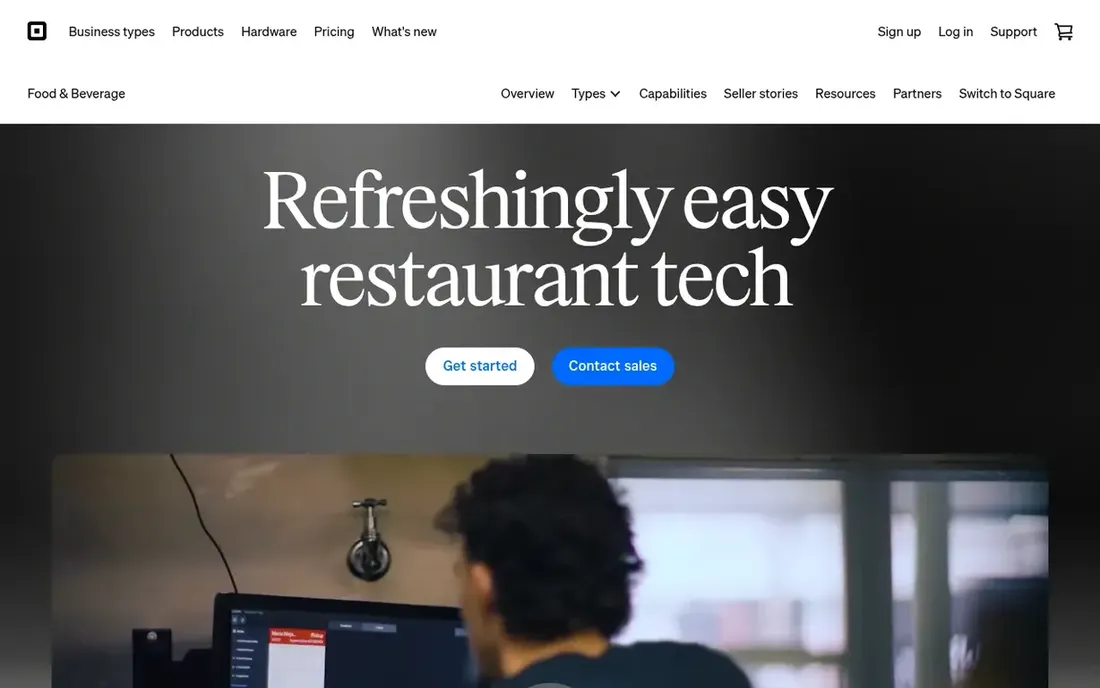
Square for Restaurants is a good fit for all-in-one ordering and payments. Since the system spans numerous functions, setup and staff training can take effort, and very specialized workflows may need additional services.
What to check first: Advanced needs may need add-on services.
Check the vendor site for Square for Restaurants pricing; none is listed in this comparison. As for free access: Not stated.
- Designed specifically for restaurant workflows
- Order tracking and payment tools in one system
- Wide ecosystem may take time to configure
BentoBox serves Restaurant websites and online ordering. Pick a full management product if back-of-house control is your primary requirement.
As for the details, BentoBox is a restaurant marketing and commerce platform handling website design, online ordering, and reservations. Pricing for BentoBox is not stated here, so ask the vendor for current figures. Free plan details: Not stated.
What to check first: Not a full point-of-sale system.
- Website design designed for restaurants
- Online ordering and reservations together
- Less depth in back-office operations
Think of Clover for point of sale and card readers. Clover gives you point-of-sale systems and credit card readers for companies, including restaurants that require to take payments and run sales at the counter or tableside.
It fits operators who want a general-purpose POS foundation and are prepared to configure restaurant features around it. Check the vendor site for Clover pricing; none is listed in this comparison. Trial and free access: Not stated.
Drawbacks to consider: Not built solely for restaurants.
- Widely used across service companies
- Wide set of business tools around payments
- Restaurant-specific depth varies by setup
Selection criteria
Selection started from tools commonly considered for ecommerce software for restaurants, then narrowed to 5 that have clear pricing information or a clear quote process. Prices and plan limits come from vendor pages and can change, so confirm them on the vendor site before you buy. The order reflects how well each tool fits the most common buying scenario for ecommerce software for restaurants, then price clarity, then free plan access. It is a starting point, not a verdict.
What to confirm before you sign up
- Get a written quote from Olo, Square for Restaurants, BentoBox and Clover; the list shows no starting price for them.
- Look at the free plan from Upserve closely: its caps decide whether it is usable for real work.
- Before choosing Upserve, weigh its main limit: consolidated platform may limit mixing tools.
- Check the integration list for Clover against the tools you run today, and note which ones need a higher plan.
- Check whether BentoBox bills monthly or annually, and what cancelling early costs.
FAQ
Is Upserve the right pick for everyone comparing ecommerce software for restaurants?
No single tool suits every team. Upserve comes first because it fits all-in-one restaurant management, while Olo suits digital ordering at scale and Square for Restaurants suits all-in-one ordering and payments. Match the tool to your own size, budget and workflow before deciding.
What is the cheapest option for ecommerce software for restaurants in this list?
On published monthly entry prices, Upserve is the lowest here at $59 per month. Entry price is only part of the cost, because seats, add-ons and billing terms can change the total.
Can I try these tools before paying?
Often, yes. Upserve has a free plan. Use your own data and a real task during the test, and check what the free tier or trial limits before you rely on it.
Do these tools publish their prices?
Not all of them. Olo, Square for Restaurants, BentoBox and Clover publish no starting price, so expect a quote request for those. The rest, Upserve included, show a starting price, though seats and billing terms still change the final cost.
What should restaurant ecommerce software bundle?
Most restaurants need online ordering, payment processing, and a way to handle menus and orders in one flow. Marketing, reservations, loyalty, and inventory tools are handy additions based on your service style.
Sources
- https://upserve.com
- https://www.olo.com
- https://squareup.com/us/en/restaurants
- https://getbento.com
- https://www.clover.com