Top 5 E-Signature Software for IT Service Providers for 2026 (Prices and Free Plans)
Best E-Signature software for IT service providers: 5 contenders ranked by fit, with entry costs and free tiers. Real limits included. Straight answers.
- Editor's choice
 Adobe Acrobat Sign
PDF-centric workflows and payments
Starts atSee websiteVisit adobe.comFull review - Great alternative
 Dropbox Sign
Straightforward and approachable e-signatures
Starts at$15 USD / moVisit sign.dropbox.comFull review - Also consider
 OneSpan Sign
Security and identity assurance
Starts atSee websiteVisit onespan.comFull review
Direct answer
For PDF-centric workflows and payments, Adobe Acrobat Sign is where this list starts. Listed starting prices: Dropbox Sign from $15 USD / mo and DocuSign from $45 per user per month. Alternatives: Dropbox Sign for straightforward and approachable e-signatures, and OneSpan Sign for security and identity assurance. All 5 tools are compared below on price, free plan and limits.
TL;DR:
- Top of the list is Adobe Acrobat Sign, which targets PDF-centric workflows and payments.
- DocuSign suits thorough agreement management.
- Adobe Acrobat Sign, DocuSign and the 3 others all need a premium plan or a trial, since no free plan is listed.
- Starting prices begin at $45 per user per month with DocuSign.
Last checked November 2026. Prices and plan details were read from the vendors' own pages in November 2026; vendors change plans often, so confirm the current price on the vendor site before you buy.
Quick comparison
| Tool | Best for | Starts at | Free plan? | |
|---|---|---|---|---|
| Adobe Acrobat Sign | PDF-centric workflows and payments | See website | Not stated | Visit |
| Dropbox Sign | Straightforward and approachable e-signatures | $15 USD / mo | Free trial | Visit |
| OneSpan Sign | Security and identity assurance | See website | Not stated | Visit |
 SignNow | Custom eSignature workflows | See website | Not stated | Visit |
 DocuSign | Thorough agreement management | $45 per user per month | Not stated | Visit |
E-Signature Software for IT Service Providers compared in detail
LinkVetted put together this guide to E-Signature software for IT service providers for readers who want a clear shortlist without reading every vendor page. It compares 5 tools on starting price, free plans, who each one suits and where each one falls short.
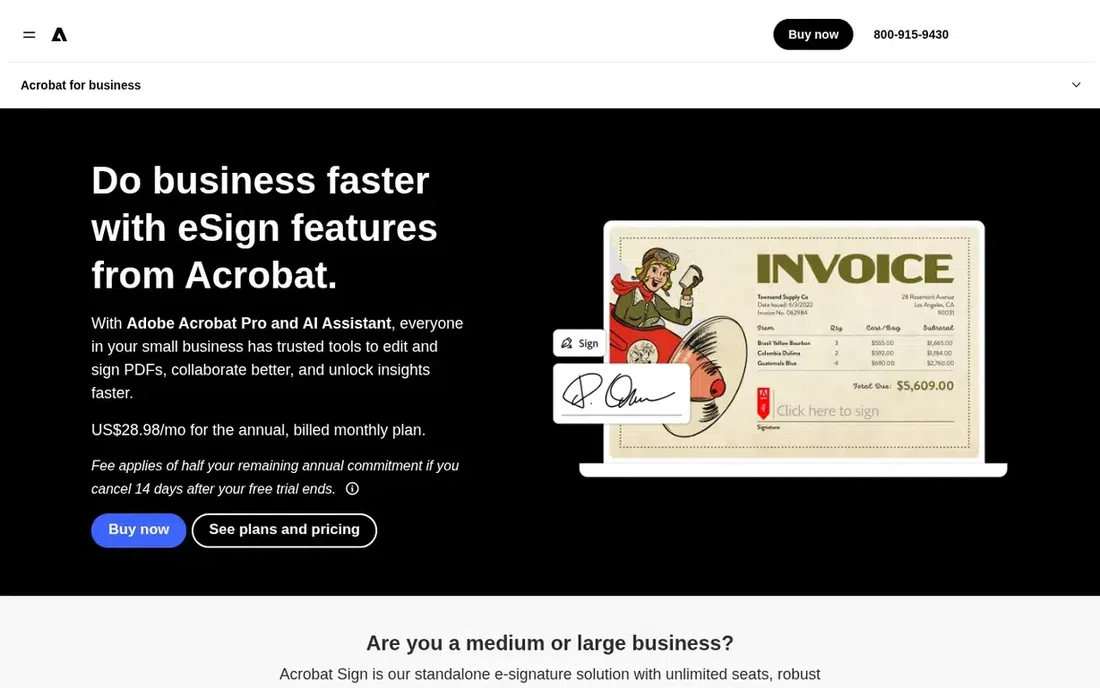
In short, Adobe Acrobat Sign is for PDF-centric workflows and payments. Adobe Acrobat Sign is an e-signature option that integrates closely with Adobe's PDF software, enabling users to sign documents, collect digital payments, and accept electronic signatures on websites. It is well-suited for IT service providers who often work with PDFs and need a cohesive experience across document creation and signing.
In daily use, teams not already invested in Adobe products may find the integration less compelling. The interface might not be as straightforward as dedicated e-signature tools. In practice, the product is built for business use and provides a range of features to simplify agreement workflows. Pricing for Adobe Acrobat Sign is not stated here, so ask the vendor for current figures. Free plan details: Not stated.
Points against: Interface may feel less easy-to-learn to some.
- Smooth integration with Adobe PDF tools
- Permits e-signatures on websites
- Best value if already using Adobe ecosystem
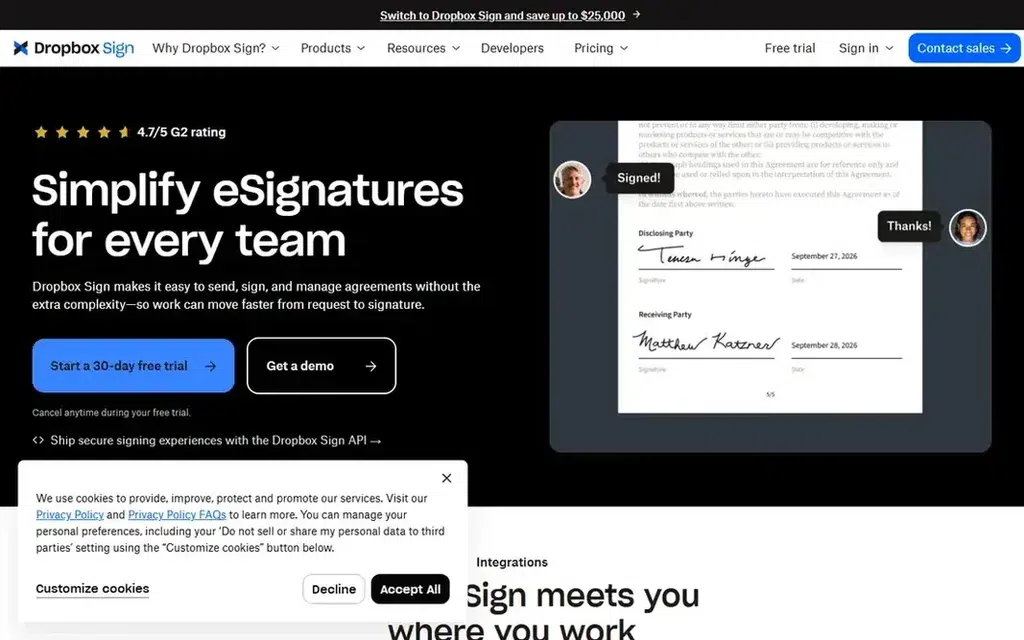
Dropbox Sign is built with straightforward and approachable e-signatures in mind. The product emphasizes simplicity and efficiency, making it accessible for teams of all sizes.
Points against: Fewer advanced features compared with enterprise tools.
More specifically, if your workflows demand deep customization or integration with specialized systems, a more solid platform might be necessary. The starting price for Dropbox Sign: $15 USD / mo. Free options: Free trial.
- Legally binding electronic signatures
- Straightforward sending and managing of signatures
- May lack deep customization choices
Think of OneSpan Sign for security and identity assurance. It is especially suitable for IT service providers that deal with sensitive client information and need solid security measures.
Organizations with entry-level signing needs might find it excessive. OneSpan Sign shows no starting price here, so confirm the cost on the vendor site. Trial and free access: Not stated.
Watch-outs: Geared toward higher-security use cases.
- Supports smart forms and automation
- Capable focus on identity verification
- May be more complicated to implement
Think of SignNow for custom eSignature workflows. The customization choices are beneficial for complicated workflows but could introduce complexity for straightforward tasks.
Consider SignNow if you need tailored signing processes and are willing to invest time in setup and training. Also, SignNow, part of airSlate, provides electronic signature capabilities with a focus on configurable workflows. SignNow shows no starting price here, so confirm the cost on the vendor site. Free plan details: Not stated.
Honest limits: Interface can feel busy for new users.
- Accessible on any device
- Legally binding signatures
- Advanced features may need a learning period
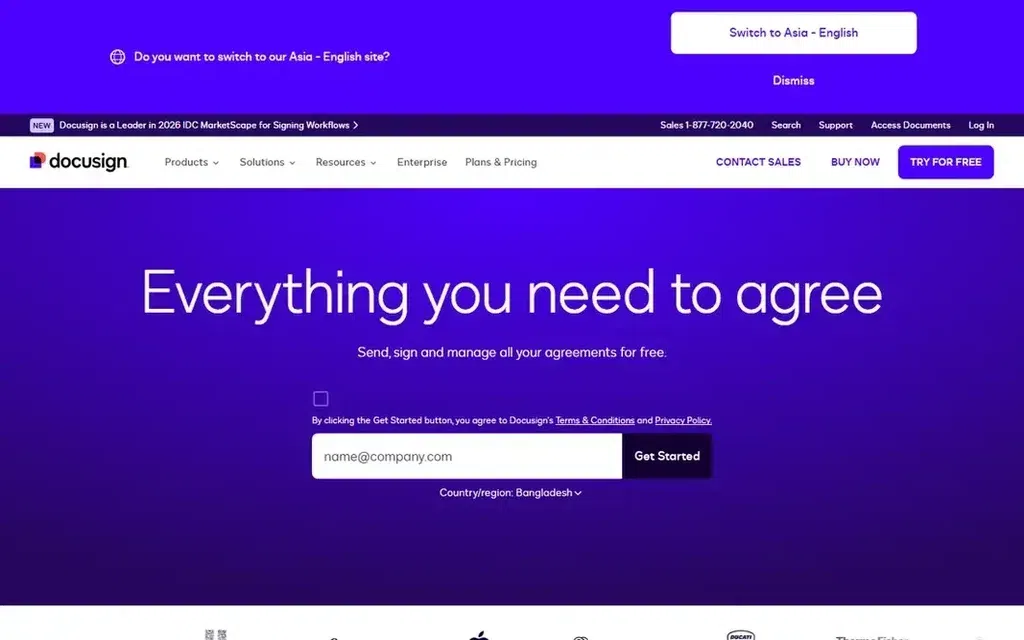
DocuSign is built with full agreement management in mind. DocuSign is a widely adopted e-signature system that goes beyond signing to contain agreement management with its IAM offering. It lets users to build, commit to, and handle agreements in one place, making it a good match for IT service providers that deal with a high volume of contracts and need a centralized system.
In daily use, the product supports electronic signing and offers tools for workflow automation and collaboration. As for the details, Whereas DocuSign is capable, its broad features might be overkill for small IT businesses with entry-level signing requirements. DocuSign pricing: $45 per user per month. As for free access: Not stated.
Drawbacks to consider: May need training for full utilization.
- Wide feature set for end-to-end agreement workflows
- Scalable for expanding firms
- Can be complicated for straightforward signing needs
Selection criteria
A buyer's checklist
- Ask Adobe Acrobat Sign, OneSpan Sign and SignNow for a written quote, since no starting price is shown.
- Take the trial from Dropbox Sign and push a live task through it before you pay.
- Before choosing Adobe Acrobat Sign, weigh its main limit: best value if already using Adobe ecosystem.
- Test how quickly Adobe Acrobat Sign answers a pre-sales question; it hints at how support will feel later.
- Run a one or two week pilot of DocuSign with the people who will use it every day.
FAQ
What should IT service providers look for in e-signature software?
IT service providers should prioritize security, compliance, and integration capabilities. Look for features like identity verification, audit trails, and the capacity to link with existing tools for example CRMs or helpdesk systems. On top of that, workflow automation and simplicity for clients are also important.
Does any tool for E-Signature software for IT service providers here have a free plan?
No tool in this list, Adobe Acrobat Sign and DocuSign included, has a permanent free plan. Dropbox Sign offer a trial. Trials and quotes are the usual route, so plan a short evaluation period.
Do these tools publish their prices?
Not all of them. Adobe Acrobat Sign, OneSpan Sign and SignNow publish no starting price, so expect a quote request for those. The rest, Dropbox Sign included, show a starting price, though seats and billing terms still change the final cost.
What is the cheapest option for E-Signature software for IT service providers in this list?
On published monthly entry prices, DocuSign is the lowest here at $45 per user per month. Entry price is only part of the cost, because seats, add-ons and billing terms can change the total. For the full picture, the cards above cover all 5 entries of this E-Signature software for IT service providers list, including price, free plan and limits.
How are the tools for E-Signature software for IT service providers ordered?
The order follows typical fit for E-Signature software for IT service providers, with Adobe Acrobat Sign first and DocuSign last, then price clarity and free access. It is editorial judgement, not a score, so another team could rank the tools differently.
Sources
- https://www.adobe.com/sign.html
- https://sign.dropbox.com
- https://www.onespan.com/products/esignature
- https://www.signnow.com
- https://www.docusign.com