Best E-Signature Software for Gyms for 2026: Our 5 Vetted Picks
Comparing the best E-Signature software for gyms? 5 contenders, each with entry cost, free tier and best-fit buyer. Short verdicts, no fluff. Facts only.
- Editor's choice
 Zoho Sign
Digital signature workflows within Zoho ecosystem
Starts atSee websiteVisit zoho.comFull review - Great alternative
 Adobe Acrobat Sign
Gyms already using Adobe PDF tools
Starts atSee websiteVisit adobe.comFull review - Also consider
 Dropbox Sign
Straightforward, legally binding e-signatures
Starts at$15 USD / moVisit sign.dropbox.comFull review
Direct answer
Start with Zoho Sign if you need digital signature workflows within Zoho ecosystem. Listed starting prices: Dropbox Sign from $15 USD / mo and DocuSign from $45 per user a month. If your case is different, Adobe Acrobat Sign suits gyms already using Adobe PDF tools and Dropbox Sign suits straightforward, legally binding e-signatures. Details, prices and limits for the rest of the 5 tools are below.
TL;DR:
- Zoho Sign sits first on this list: digital signature workflows within Zoho ecosystem.
- OneSpan Sign suits secure e-signatures with identity assurance.
- A permanent free plan is missing from all 5 tools, Zoho Sign and OneSpan Sign included; plan for a trial or a premium start.
- The lowest published monthly entry price here is $45 per user per month, from DocuSign.
Last checked November 2026. Prices and plan details were read from the vendors' own pages in November 2026; vendors change plans often, so confirm the current price on the vendor site before you buy.
Quick comparison
| Tool | Best for | Starts at | Free plan? | |
|---|---|---|---|---|
| Zoho Sign | Digital signature workflows within Zoho ecosystem | See website | Not stated | Visit |
| Adobe Acrobat Sign | Gyms already using Adobe PDF tools | See website | Not stated | Visit |
| Dropbox Sign | Straightforward, legally binding e-signatures | $15 USD / mo | Free trial | Visit |
 DocuSign | Thorough agreement management for gyms | $45 per user a month | Not stated | Visit |
 OneSpan Sign | Secure e-signatures with identity assurance | See website | Not stated | Visit |
Our 5 E-Signature software for gyms
Short on time? The summary and table above give the quick view of 5 E-Signature software for gyms, and the profiles that follow give the detail behind each entry.
In short, Zoho Sign is for digital signature workflows within Zoho ecosystem. Zoho Sign is a complete digital signature option for firms, enabling online signing and automation of paperwork with secure signature collection. Worth adding: consider Zoho Sign if you want automatic digital signature workflows and are open to or already using Zoho applications.
Drawbacks to consider: Best value within Zoho ecosystem.
More specifically, gyms using other Zoho products can benefit from integrated workflows for membership forms and staff documents. Those outside it might find integration less smooth. This comparison lists no price for Zoho Sign; ask the vendor. Free plan details: Not stated.
- Workflow automation
- Secure signature collection
- May lack some advanced agreement features
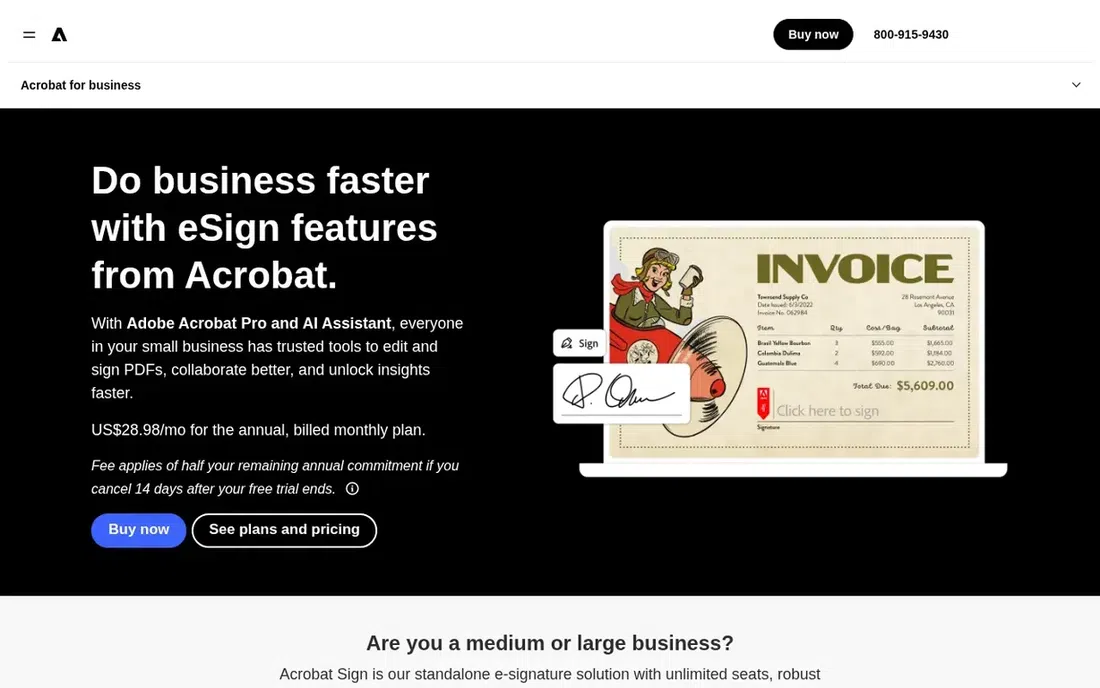
Pick Adobe Acrobat Sign if this describes you: gyms already using Adobe PDF tools. Adobe Acrobat Sign is described as e-sign software for business, allowing users to sign documents, collect digital payments, and accept electronic signatures on a website.
For straightforward signing without payment or website integration, a lighter choice may be simpler. This comparison lists no price for Adobe Acrobat Sign; ask the vendor. Free plan details: Not stated.
Trade-offs to know: May need familiarity with Adobe ecosystem.
- Collect digital payments
- Accept signatures on your website
- Advanced features could overwhelm beginners
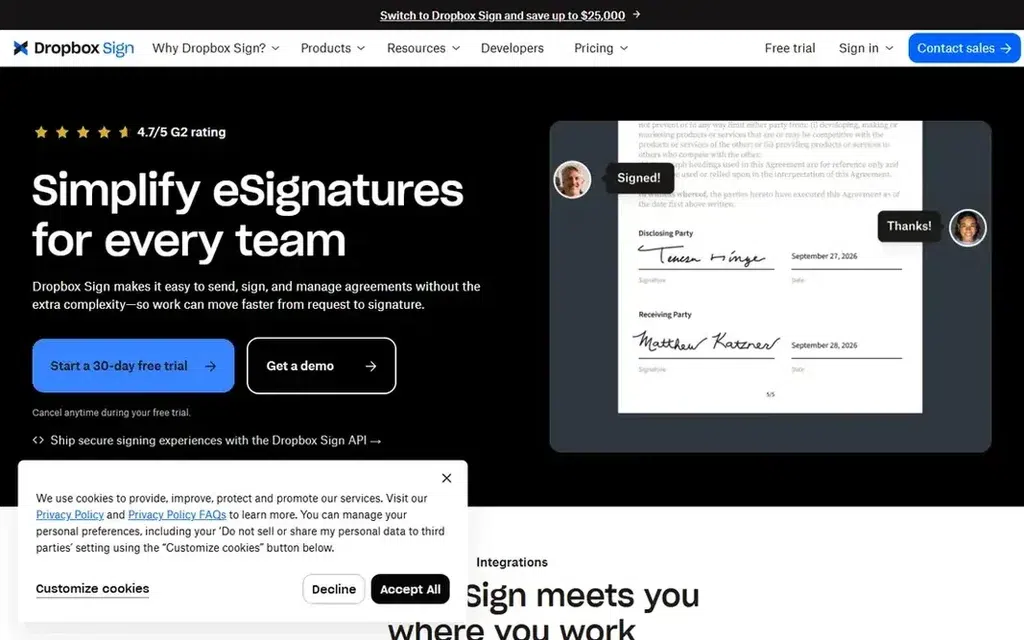
Dropbox Sign is built with straightforward, legally binding e-signatures in mind. Dropbox Sign, formerly HelloSign, is presented as the easiest way to send, receive, and run legally binding electronic signatures.
What to check first: May lack advanced workflow automation.
In daily use, pick Dropbox Sign if simplicity and Dropbox storage are priorities and you do not need a full agreement product. Dropbox Sign pricing: $15 USD / mo. Free plan details: Free trial.
- Simple to send and handle signatures
- Legally binding e-signatures
- Restricted agreement management features
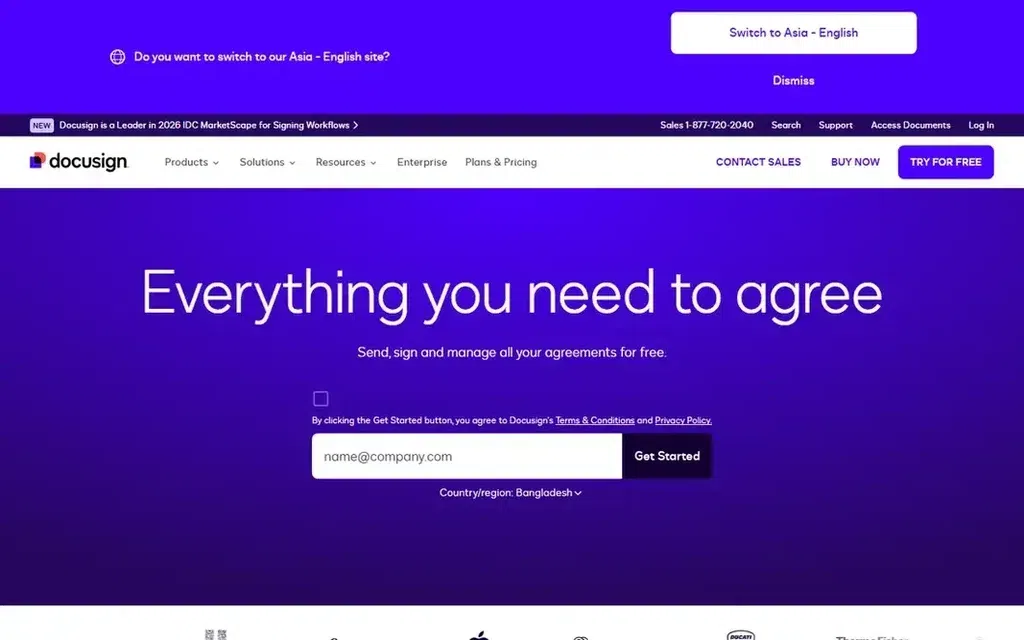
DocuSign works best for full agreement management for gyms. If you only have to send the occasional waiver, a more straightforward tool could be sufficient.
Since DocuSign emphasizes full agreement management, smaller gyms with occasional signing needs might find it more elaborate than necessary. On cost, DocuSign starts like this: $45 per user per month. Trial and free access: Not stated.
What to check first: Feature depth could need a ramp-up time.
- Electronic signature capability
- Intelligent agreement management features
- May be more than needed for straightforward signing
Where OneSpan Sign fits: secure e-signatures with identity assurance. OneSpan Sign is an e-signature product for customer agreements that simplifies digital agreement workflows with secure eSignatures, identity assurance, automation, smart forms, and integrations.
As for the details, pick OneSpan Sign when security, identity verification, and automation are critical for your agreements. This comparison lists no price for OneSpan Sign; ask the vendor. Free plan details: Not stated.
Honest limits: May need technical setup.
- Identity assurance features
- Deep feature set
- Complicated for straightforward gym needs
How the list was put together
Selection started from tools commonly considered for E-Signature software for gyms, then narrowed to 5 that have clear pricing information or a clear quote process. Treat prices as a snapshot: vendors change plans often, so check the vendor site for the figure that applies today. Order on the page follows fit for the typical buyer first, then price transparency and free access. Your own requirements should decide the final pick.
Pre-purchase checklist
- Confirm the entry price on the vendor page. For Zoho Sign, Adobe Acrobat Sign and OneSpan Sign that means a quote rather than a fixed price.
- Take the trial from Dropbox Sign and push a live task through it before you pay.
- Read the limits listed for Zoho Sign first: best value within Zoho ecosystem.
- Look at the help docs and support options for OneSpan Sign before you commit.
- Check how data leaves Adobe Acrobat Sign: formats, limits and whether exports are available on every plan.
FAQ
What is the cheapest option for E-Signature software for gyms in this list?
On published monthly entry prices, DocuSign is the lowest here at $45 per user per month. Entry price is only part of the cost, because seats, add-ons and billing terms can change the total. For the full picture, the cards above cover all 5 entries of this E-Signature software for gyms list, including price, free plan and limits.
How are the tools for E-Signature software for gyms ordered?
Zoho Sign sits first and OneSpan Sign last because the order follows typical fit for E-Signature software for gyms, then price clarity and free access. It is a judgement call, so read each profile for fit and limits.
Does any tool for E-Signature software for gyms here have a free plan?
No tool in this list, Zoho Sign and OneSpan Sign included, has a permanent free plan. Dropbox Sign offer a trial. Trials and quotes are the usual route, so plan a short evaluation period.
Do these tools publish their prices?
Not all of them. Zoho Sign, Adobe Acrobat Sign and OneSpan Sign publish no starting price, so expect a quote request for those. The rest, Dropbox Sign included, show a starting price, though seats and billing terms still change the final cost.
Is e-signature software secure for gym member data?
Reputable e-signature providers implement security measures for example encryption and audit trails to protect signed documents. Always review the vendor's security documentation to ensure it meets your standards.
Sources
- https://www.zoho.com/sign
- https://www.adobe.com/sign.html
- https://sign.dropbox.com
- https://www.docusign.com
- https://www.onespan.com/products/esignature