5 Drag-and-Drop Design Software Worth Shortlisting in 2026
5 options for the best Drag-and-Drop design software, with entry costs, free tiers and the buyer each one serves. Real limits included. Decide faster.

- Editor's choice
 Webflow
Visually built production websites
Starts at$15 a monthVisit webflow.comFull review - Great alternative
 Squarespace
Template-driven, design-focused websites
Starts at$12 per monthVisit squarespace.comFull review - Also consider
 Sketch
Mac-based interface design and handoff
Starts at$12 per editor a monthVisit sketch.comFull review
Direct answer
Start with Webflow if you need visually built production websites. Listed starting prices: Webflow from $15 a month, Squarespace from $12 per month and Sketch from $12 per editor a month. Squarespace is the stronger choice for template-driven, design-focused websites, while Sketch suits Mac-based interface design and handoff. Details, prices and limits for the rest of the 5 tools are below.
TL;DR:
- Top of the list is Webflow, which targets visually built production websites.
- A fair warning about Webflow: ramp-up time for advanced features.
- Just one of the 5 tools, Webflow, has a free plan.
- For fast, template-based visual design, Canva is worth a look.
Last checked November 2026. Prices and plan details were read from the vendors' own pages in November 2026; vendors change plans often, so confirm the current price on the vendor site before you buy.
Quick comparison
| Tool | Best for | Starts at | Free plan? | |
|---|---|---|---|---|
| Webflow | Visually built production websites | $15 a month | Yes | Visit |
| Squarespace | Template-driven, design-focused websites | $12 per month | Free trial | Visit |
| Sketch | Mac-based interface design and handoff | $12 per editor a month | Free trial | Visit |
 Figma | Collaborative UI and product design | $3 per month | Not stated | Visit |
 Canva | Fast, template-based visual design | See website | Not stated | Visit |
Drag-and-Drop Design Software compared in detail
Choosing Drag-and-Drop design software usually comes down to price, fit and limits. This LinkVetted guide sets 5 tools side by side on those three points, with the facts kept short and checkable.
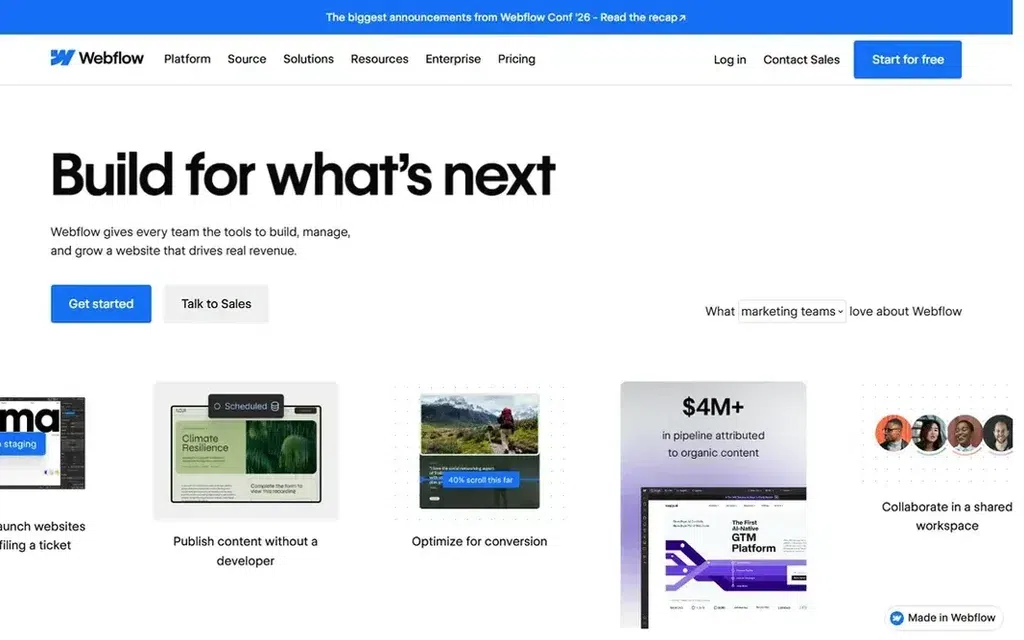
Webflow makes the most sense for visually built production websites. Webflow is a web product for designing, building, optimizing, and hosting modern websites. From a buyer's view, if your goal is a quick, template-based site, a more straightforward website builder may be more appropriate.
Webflow's power includes complexity, and beginners may need time to learn its model. It is not the right tool for standalone graphics or fast print materials. Price to start with Webflow: $15 per month. Webflow offers a free plan.
Where it is weaker: Less suited to pure graphic design.
- Visual design with CMS and hosting
- Enterprise-grade security features
- Ramp-up time for advanced features
Squarespace works best for template-driven, design-focused websites. If you need full layout freedom or complicated integrations, another product may be better.
Where it falls short: Less adaptable for unconventional layouts.
On top of that, pick Squarespace when capable visual templates and simplicity matter most. The template-driven approach keeps setup efficient. Squarespace starts at: $12 per month. Trial and free access: Free trial.
- AI website builder tools
- Configurable website templates
- Restricted drag-and-drop precision
Sketch is built with Mac-based interface design and handoff in mind. Sketch is a design tool made by designers for designers, with a focus on interface design, prototyping, collaboration, and handoff. In daily use, if you need wide template libraries or in-browser collaboration across operating systems, another tool may be a better fit.
Choose Sketch for dedicated UI design on Apple hardware. Sketch is available only on Mac, which limits cross-platform teams, and it is less oriented toward general graphic design or website building. The starting price for Sketch: $12 per editor per month. As for free access: Free trial.
Limits to weigh: Mac-only product.
- Handoff features for developers
- Centred on designer workflows
- Less suited to non-UI graphic work
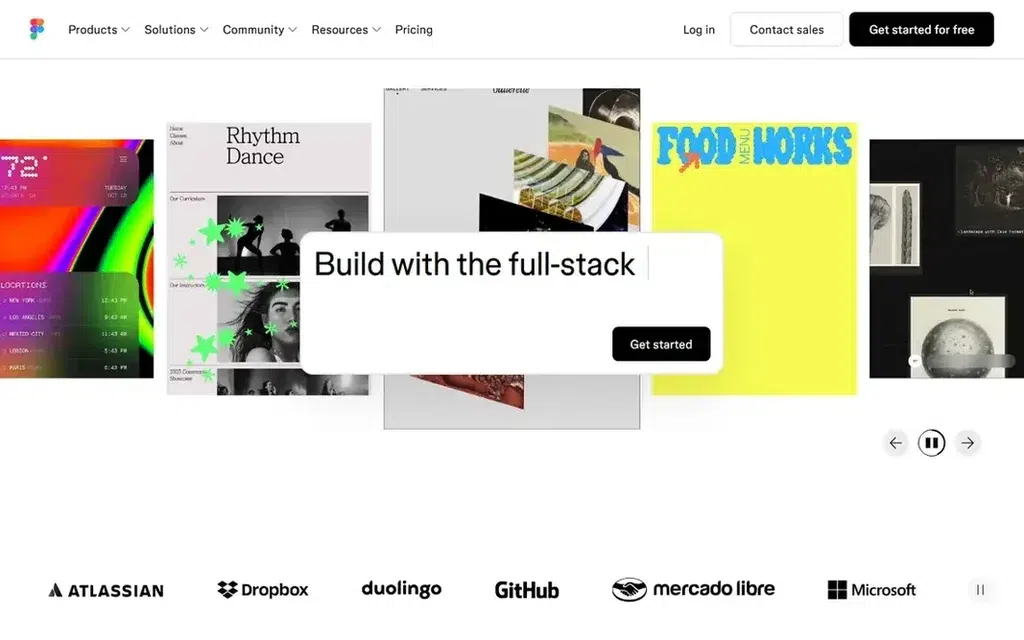
Figma is built with collaborative UI and product design in mind. Figma describes itself as a collaborative canvas where design, code, and AI come together. It is designed for teams that move from concept to production in one place, with shared files and live input from designers and stakeholders.
Limits to weigh: Steeper ramp-up time for beginners.
Where Figma stands out: Design and prototyping in one canvas.
More specifically, choose Figma when shared, iterative product design is the core need. Beyond that, Figma's depth can feel overwhelming for straightforward graphic tasks, and its collaborative model assumes dependable connectivity. For fast social graphics or template-driven layouts, a lighter tool may be quicker. Figma cost at the entry level: $3 per month. Free plan details: Not stated.
- Live team collaboration
- Links design with code and AI
- Needs internet access for full collaboration
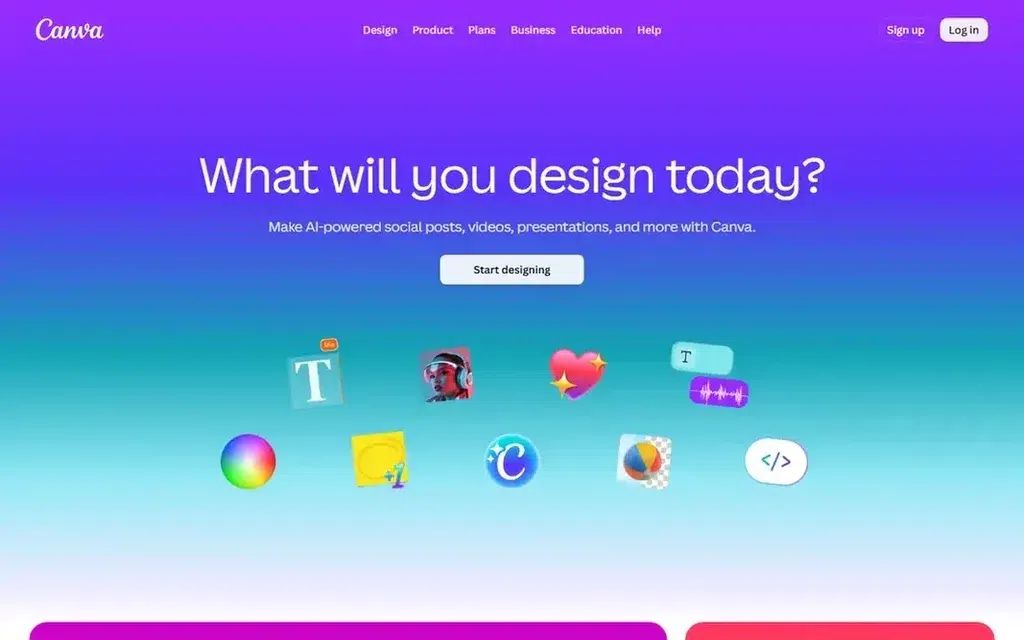
Canva makes the most sense for fast, template-based visual design. If you need advanced prototyping, component systems, or code-level output, a dedicated design or web system will serve you better. It spans social media posts, presentations, posters, videos, and logos, making it a practical choice for marketers, small companies, and anyone who needs refined visuals without a design background.
As for the details, choose Canva when speed and simplicity outweigh fine-grained control. For everyday use, Canva is less suited to in-depth interface design or highly custom layouts where precise control matters. Check the vendor site for Canva pricing; none is listed in this comparison. Free access: Not stated.
Points against: Restricted precision for complex UI work.
- Large template library
- Straightforward drag-and-drop editor
- Less control over custom code
How we compared the tools
LinkVetted looked at what each vendor publishes: pricing, plan limits, feature coverage for Drag-and-Drop design software and stated drawbacks. No hands-on testing is claimed. Seat minimums, billing terms and add-ons can move the real cost, so the starting prices here are a guide and not a quote. The ranking is editorial: typical fit first, then clear pricing, then free access. If your needs are unusual, read the profiles rather than relying on position.
What to check before you buy
- Confirm the entry price on the vendor page. For Canva that means a quote rather than a fixed price.
- Look at the free plan from Webflow closely: its caps decide whether it is usable for real work.
- Run a trial of Squarespace and Sketch with real work before paying for a year; your own workflow is the best test.
- Read the limits listed for Webflow first: ramp-up time for advanced features.
- Total up the real monthly cost of Figma, including add-ons, extra users and usage-based fees.
- Look at which plan of Squarespace unlocks the features you need; entry tiers are often cut down.
FAQ
What is drag-and-drop design software?
It is software that lets you build layouts and visuals by moving elements on a canvas rather than writing code. Tools in this category range from straightforward graphic editors to full website builders.
How are the tools for Drag-and-Drop design software ordered?
Webflow sits first and Canva last because the order follows typical fit for Drag-and-Drop design software, then price clarity and free access. It is a judgement call, so read each profile for fit and limits.
Which tool is a good match for beginners?
Webflow is the pick this page puts first, mainly for visually built production websites. If your situation differs, Squarespace suits template-driven, design-focused websites, and Sketch suits Mac-based interface design and handoff. Compare price and limits before you decide.
Which options for Drag-and-Drop design software have a free plan?
Webflow is the only tool in this list with a free plan. Free plans usually cap users, projects or features, so check the limits on the vendor page. Several others offer a trial instead. All 5 picks in this Drag-and-Drop design software comparison list a starting price, free plan details and the main limits on their cards above.
What is the cheapest option for Drag-and-Drop design software in this list?
On published monthly entry prices, Figma is the lowest here at $3 per month. Entry price is only part of the cost, because seats, add-ons and billing terms can change the total. For the full picture, the cards above cover all 5 entries of this Drag-and-Drop design software list, including price, free plan and limits.
Is Webflow the right pick for everyone comparing Drag-and-Drop design software?
No single tool suits every team. Webflow comes first because it fits visually built production websites, while Squarespace suits template-driven, design-focused websites and Sketch suits Mac-based interface design and handoff. Match the tool to your own size, budget and workflow before deciding.
Sources
- https://webflow.com
- https://www.squarespace.com
- https://www.sketch.com
- https://www.figma.com
- https://www.canva.com