The 5 Best Document Workflow Automation Software for Nonprofits in 2026, Ranked
Best document workflow automation software for nonprofits: 5 contenders ranked by fit, with entry costs and free tiers. Real limits included. Updated for 2026.
- Editor's choice
 Dropbox Sign
Straightforward electronic signature management
Starts at$15 USD / moVisit sign.dropbox.comFull review - Great alternative
 Adobe Acrobat Sign
E-signatures with digital payment collection
Starts atSee websiteVisit adobe.comFull review - Also consider
 M-Files
Contextual document management and workflow automation
Starts at€65 per seat per monthVisit m-files.comFull review
Direct answer
Dropbox Sign is the first pick on this list for straightforward electronic signature management. Listed starting prices: Dropbox Sign from $15 USD / mo, M-Files from €65 per seat per month and DocuSign from $45 per user per month. Look at Adobe Acrobat Sign for E-signatures with digital payment collection, and at M-Files for contextual document management and workflow automation. All 5 tools are compared below on price, free plan and limits.
TL;DR:
- Dropbox Sign is the opening pick, best for straightforward electronic signature management.
- M-Files comes with a trade-off: may have a ramp-up time.
- Neither Dropbox Sign nor Laserfiche, nor any of the other 3 tools, has a permanent free plan; trials and quotes are the norm.
- Laserfiche is the lowest-priced starter here at $42 per user per month.
Last checked November 2026. Prices and plan details were read from the vendors' own pages in November 2026; vendors change plans often, so confirm the current price on the vendor site before you buy.
Quick comparison
| Tool | Best for | Starts at | Free plan? | |
|---|---|---|---|---|
| Dropbox Sign | Straightforward electronic signature management | $15 USD / mo | Free trial | Visit |
| Adobe Acrobat Sign | E-signatures with digital payment collection | See website | Not stated | Visit |
| M-Files | Contextual document management and workflow automation | €65 per seat per month | Not stated | Visit |
 DocuSign | Electronic signature and agreement management | $45 per user per month | Not stated | Visit |
 Laserfiche | Document management with process automation | $42 per user a month | Not stated | Visit |
The full document workflow automation software for nonprofits list
Choosing document workflow automation software for nonprofits usually comes down to price, fit and limits. This LinkVetted guide sets 5 tools side by side on those three points, with the facts kept short and checkable.
Dropbox Sign was built for straightforward electronic signature management. Dropbox Sign, formerly HelloSign, is an e-signature tool for sending, receiving and managing legally binding electronic signatures.
Honest limits: May lack advanced automation.
It is meant to be straightforward, making it accessible for nonprofits that require a straightforward way to collect signatures on documents like volunteer waivers or donation agreements. Dropbox Sign cost at the entry level: $15 USD / mo. Trial and free access: Free trial.
- Formerly known as HelloSign
- Simple to send and receive signatures
- Restricted to signature workflows
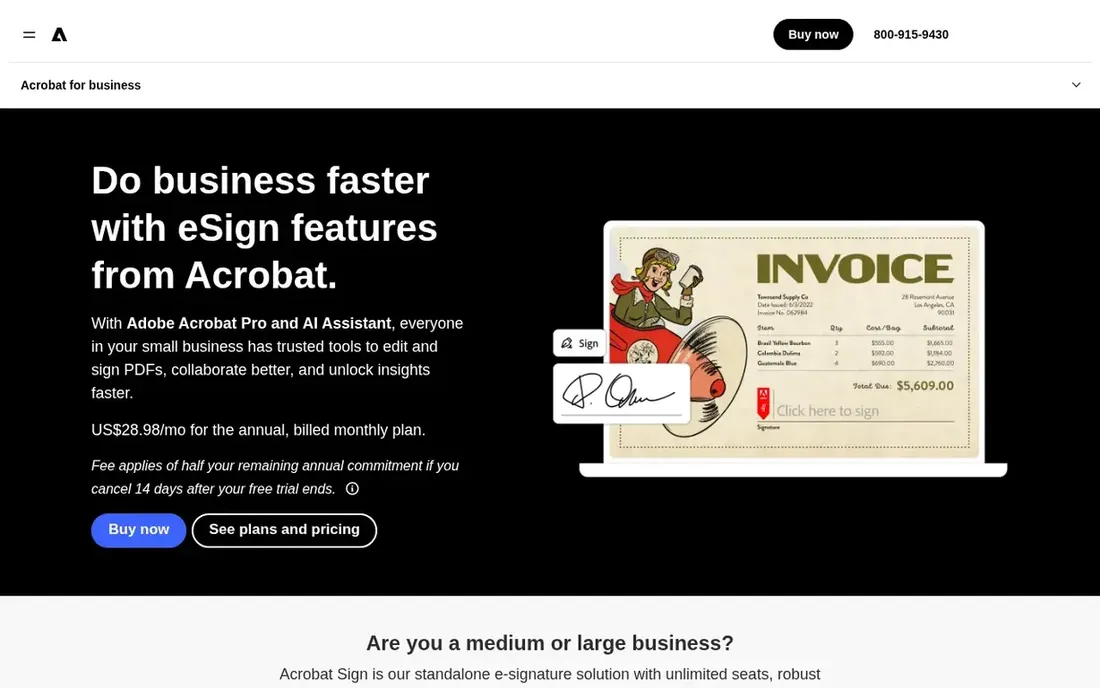
In short, Adobe Acrobat Sign is for E-signatures with digital payment collection. Adobe Acrobat Sign is an e-signature tool that lets organizations send documents for signature and collect digital payments.
It is part of Adobe Acrobat for business and can be used to accept electronic signatures on a website. From a buyer's view, nonprofits that already use Adobe products may appreciate the integration and the capacity to deal with signatures alongside other document tasks. No starting price is listed for Adobe Acrobat Sign here; confirm pricing on the vendor site. Free access: Not stated.
What to check first: May need Adobe ecosystem familiarity.
- Supports digital payments
- Makes it possible for electronic signatures
- Payment features may not suit all nonprofits
For contextual document management and workflow automation, M-Files is a natural candidate. M-Files is an AI-powered document management system that helps organizations organize documents in context, automate workflows and cut risk. For everyday use, M-Files may present a ramp-up time for staff unfamiliar with metadata-driven systems.
Smaller nonprofits with straightforward document needs might find it more complicated than necessary. It is most useful for organizations that value structured document organization and automatic workflows across departments. Nonprofits that require to handle documents based on metadata and relationships, instead of just folders, may benefit from its approach. Price to start with M-Files: €65 per seat per month. Free access: Not stated.
Limits to weigh: May have a ramp-up time.
- Automates workflows
- Centres on reducing risk
- Could be overkill for small teams
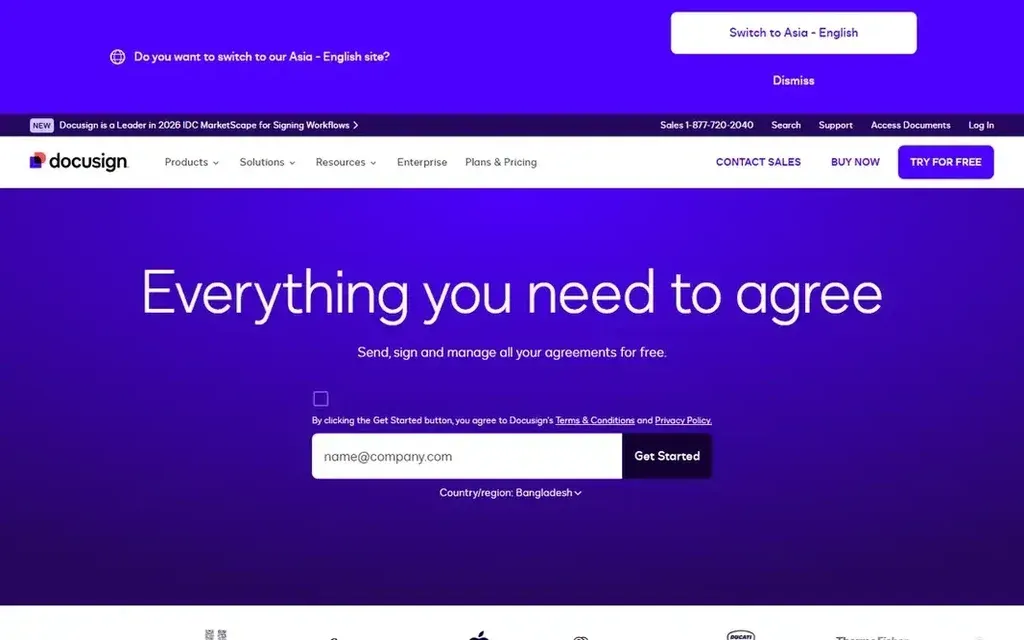
DocuSign is aimed squarely at electronic signature and agreement management. It lets users build, commit to and handle agreements in one place.
Also, nonprofits that manage contracts, consent forms or vendor agreements may find it handy for simplifying signature processes. The starting price for DocuSign: $45 per user per month. Free access: Not stated.
Honest limits: Focuses heavily on signature workflows.
- Handles agreements in one product
- Supports electronic signatures
- May be complicated for straightforward signing needs
Pick Laserfiche if this describes you: document management with process automation. Smaller organizations might find the feature set deep for entry-level needs. It is a solid fit when document management and process automation are both priorities, but groups focused solely on e-signatures may prefer a more straightforward tool.
Where it is weaker: Can be expensive for small organizations.
Beyond that, nonprofits that need to organize records, automate document-centric processes and gain insights from their data may find Laserfiche suitable. It is frequently used by organizations that deal with large volumes of documents and need structured retention and retrieval. Its system comes with workflows, electronic forms, document management and analytics. What you pay to start with Laserfiche: $42 per user per month. Free plan details: Not stated.
- Provides analytics
- AI-powered document management
- May need training to use completely
Selection criteria
Selection started from tools commonly considered for document workflow automation software for nonprofits, then narrowed to 5 that have clear pricing information or a clear quote process. Where a vendor does not publish a price, the entry says quote. Where a price depends on seats or billing term, the entry says so. The order reflects how well each tool fits the most common buying scenario for document workflow automation software for nonprofits, then price clarity, then free plan access. It is a starting point, not a verdict.
Questions to settle before buying
- Confirm the entry price on the vendor page. For Adobe Acrobat Sign that means a quote rather than a fixed price.
- Use real work to test the free trial from Dropbox Sign, rather than a demo project.
- Before choosing Dropbox Sign, weigh its main limit: limited to signature workflows.
- Test how quickly M-Files answers a pre-sales question; it hints at how support will feel later.
- Make sure Adobe Acrobat Sign lets you export your data in a format another tool can read.
FAQ
What should nonprofits look for in document workflow automation software?
Nonprofits should prioritize simplicity, affordability and features that match their processes, like e-signatures, document routing and secure storage. Integration with existing tools and access to support are also important.
What is the cheapest option for document workflow automation software for nonprofits in this list?
On published monthly entry prices, Laserfiche is the lowest here at $42 per user per month. Entry price is only part of the cost, because seats, add-ons and billing terms can change the total. Each of the 5 options in this document workflow automation software for nonprofits guide has its own card above with the price, free plan and limits.
How are the tools for document workflow automation software for nonprofits ordered?
Dropbox Sign sits first and Laserfiche last because the order follows typical fit for document workflow automation software for nonprofits, then price clarity and free access. It is a judgement call, so read each profile for fit and limits.
How do e-signature tools differ from full workflow automation platforms?
Full workflow automation systems like Nintex and Laserfiche go further by automating multi-step processes, managing documents and integrating with other systems. Nonprofits should choose based on whether they need straightforward signing or broader process automation.
Can I try these tools before paying?
Often, yes. Dropbox Sign offers a free trial. Use your own data and a real task during the test, and check what the free tier or trial limits before you rely on it. All 5 picks in this document workflow automation software for nonprofits comparison list a starting price, free plan details and the main limits on their cards above.
Do these tools publish their prices?
Not all of them. Adobe Acrobat Sign publishes no starting price, so expect a quote request for it. The rest, Dropbox Sign included, show a starting price, though seats and billing terms still change the final cost.
Sources
- https://sign.dropbox.com
- https://www.adobe.com/sign.html
- https://www.m-files.com
- https://www.docusign.com
- https://www.laserfiche.com