The 5 Best Drone Management Software in 2026, Ranked
5 products for the best drone management software, ranked by fit, with starting costs and free tiers. Fit, price and catches for every tool. Jump to the table.

- Editor's choiceAutodesk ReCap
Reality capture and point cloud processing
Starts atSee websiteVisit autodesk.comFull review - Great alternativeAirData UAV
Drone fleet management and flight analysis
Starts at$2.74 a monthVisit airdata.comFull review - Also considerWingtra
Drone hardware and mapping options
Starts atSee websiteVisit wingtra.comFull review
Direct answer
For reality capture and point cloud processing, Autodesk ReCap is where this list starts. Listed starting prices: AirData UAV from $2.74 a month and DroneLogbook from $6.95 per month per user. AirData UAV fits drone fleet management and flight analysis; Wingtra fits drone hardware and mapping options. All 5 tools are compared below on price, free plan and limits.
TL;DR:
- Autodesk ReCap is the opening pick, best for reality capture and point cloud processing.
- Free plans exist at 2 of 5 tools (AirData UAV, DroneLogbook).
- One limit worth knowing about AirData UAV: not a photogrammetry tool.
- For the cheapest start, look at AirData UAV: $2.74 per month.
- Pix4Dmapper is the one to check for professional drone photogrammetry and mapping.
Last checked November 2026. Prices and plan details were read from the vendors' own pages in November 2026; vendors change plans often, so confirm the current price on the vendor site before you buy.
Quick comparison
| Tool | Best for | Starts at | Free plan? | |
|---|---|---|---|---|
| Autodesk ReCap | Reality capture and point cloud processing | See website | Not stated | Visit |
| AirData UAV | Drone fleet management and flight analysis | $2.74 a month | Yes | Visit |
| Wingtra | Drone hardware and mapping options | See website | Not stated | Visit |
| DroneLogbook | Flight logging and compliance management | $6.95 per month per user | Yes | Visit |
| Pix4Dmapper | Professional drone photogrammetry and mapping | See website | Free trial | Visit |
The full drone management software list
LinkVetted put together this guide to drone management software for readers who want a clear shortlist without reading every vendor page. It compares 5 tools on starting price, free plans, who each one suits and where each one falls short.
Autodesk ReCap
Best for: Reality capture and point cloud processing
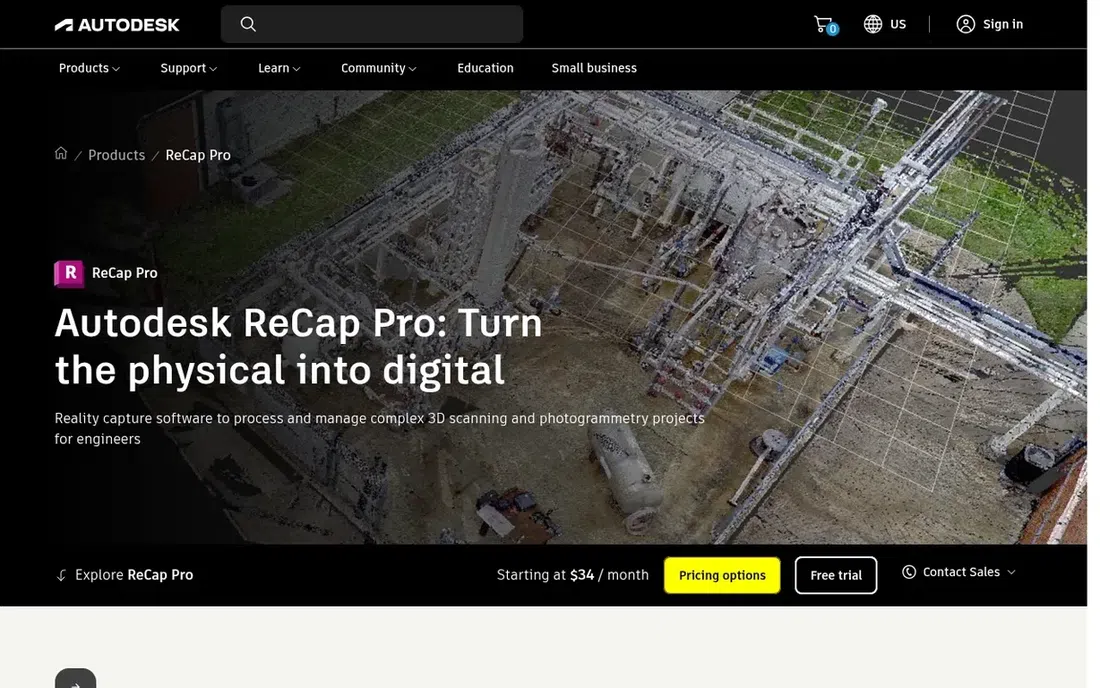
Choose Autodesk ReCap for reality capture and point cloud processing. Autodesk ReCap Pro builds 3D models from laser scans and photos, and helps run reality capture data in the cloud. It is well-suited for architecture, engineering, and construction teams that require to process and visualize point clouds and meshes from several sources, including drones.
It performs best within Autodesk's broader toolset. If your primary need is drone-specific mapping or fleet management, consider Pix4Dmapper or AirData UAV. Pricing for Autodesk ReCap is not stated here, so ask the vendor for current figures. Trial and free access: Not stated.
Honest limits: Not drone-specific.
- Cloud data management
- Visualizes point clouds and meshes
- May need Autodesk ecosystem
AirData UAV
Best for: Drone fleet management and flight analysis
AirData UAV serves drone fleet management and flight analysis. It is a strong match for fleet managers and operators who require to track flights and analyze performance.
It centres on operational data and compliance. The starting price for AirData UAV: $2.74 per month. AirData UAV includes a free tier.
Drawbacks to consider: Not a photogrammetry tool.
- Proves operations with data
- Flight planning and analysis
- Focus on operations, not mapping
Wingtra
Best for: Drone hardware and mapping options
Wingtra serves drone hardware and mapping options. For software-focused operations, consider AirData UAV or DroneLogbook.
Wingtra's offerings are hardware-centric, so it may not be the best choice if you already own drones and need software-only management. It also may not include broader fleet or compliance needs. This comparison lists no price for Wingtra; ask the vendor. Free plan details: Not stated.
Trade-offs to know: May need specific workflows.
- Integrated drone systems
- Known for VTOL drones
- Hardware-centric
DroneLogbook
Best for: Flight logging and compliance management
DroneLogbook is aimed squarely at flight logging and compliance management. For those needs, consider Pix4Dmapper for mapping or AirData UAV for broader flight analysis. On top of that, DroneLogbook is a flight log and compliance management option for UAV operations.
Downsides: Restricted mapping features.
It offers automatic workflow tools to help maintain compliant operations, making it right for commercial drone operators who require to keep detailed records and ensure regulatory adherence. The system is concentrated on logging and compliance instead of data processing or mapping. It may not satisfy teams looking for photogrammetry or advanced analytics. What you pay to start with DroneLogbook: $6.95 per month per user. You can start on DroneLogbook without paying.
- Compliance management
- One-stop flight log option
- Primarily for logging
Pix4Dmapper
Best for: Professional drone photogrammetry and mapping
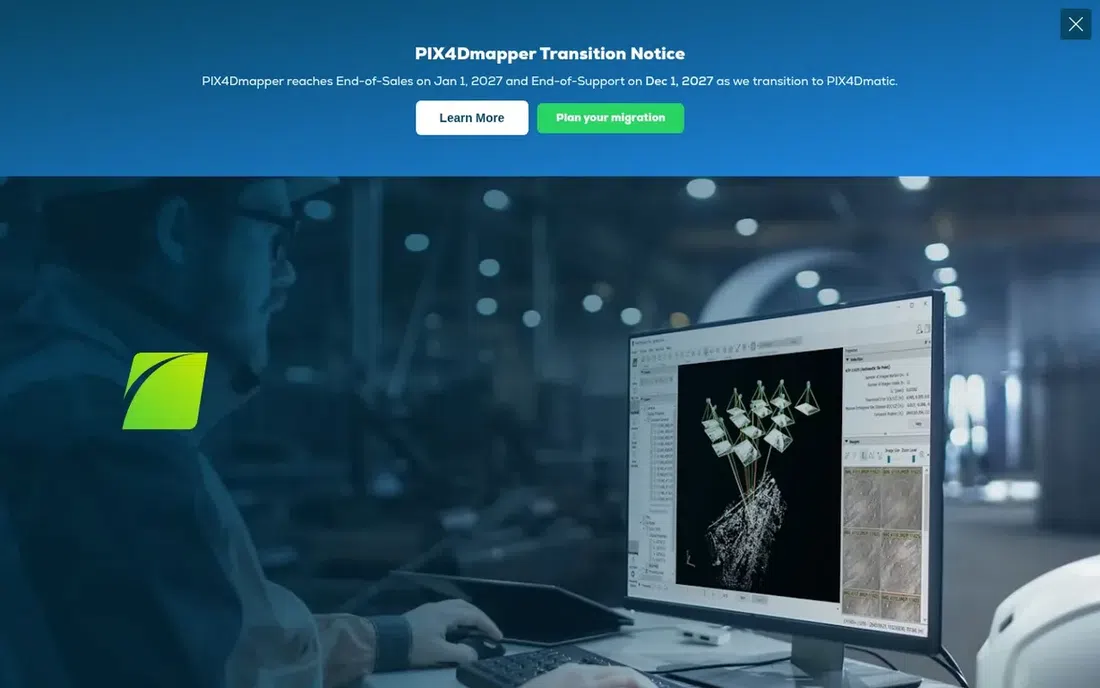
Pix4Dmapper serves professional drone photogrammetry and mapping. The software runs as a desktop application, which may not suit teams seeking cloud collaboration.
If you need an all-in-one operations product, consider AirData UAV or DroneLogbook instead. Pix4Dmapper does not show a starting price in this comparison, so check the vendor site for current pricing. Free access: Free trial.
Honest limits: Desktop-based workflow.
- Manages aerial and ground images
- Accurate georeferenced outputs
- Steeper ramp-up time
How the list was put together
What to check before you buy
- Ask Autodesk ReCap, Wingtra and Pix4Dmapper for a written quote, since no starting price is shown.
- Look at free plan limits closely: AirData UAV and DroneLogbook have one, and the caps decide whether it is usable for real work.
- Run a trial of Pix4Dmapper with real work before paying for a year; your own workflow is the best test.
- Before choosing Autodesk ReCap, weigh its main limit: not drone-specific.
- Confirm minimum seats and billing terms with Pix4Dmapper before you commit to an annual plan.
- Let daily users try AirData UAV on real work; their feedback beats any feature checklist.
FAQ
Is cloud-based drone software better than desktop?
Cloud-based tools like AirData UAV offer accessibility and collaboration, whereas desktop tools like Pix4Dmapper can offer more processing power for large datasets. Consider your team's needs and internet reliability.
Is Autodesk ReCap the right pick for everyone comparing drone management software?
No single tool suits every team. Autodesk ReCap comes first because it fits reality capture and point cloud processing, while AirData UAV suits drone fleet management and flight analysis and Wingtra suits drone hardware and mapping solutions. Match the tool to your own size, budget and workflow before deciding.
What is drone management software?
Drone management software helps plan flights, process imagery, log operations, and ensure compliance. It can range from photogrammetry tools like Pix4Dmapper to fleet management products like AirData UAV.
Can I use these tools with any drone?
Compatibility varies. AirData UAV states it works with numerous drone types and flight apps. Others, like Pix4Dmapper, accept images from most drones but may have specific requirements. Always check vendor documentation for your model.
What is the cheapest option for drone management software in this list?
On published monthly entry prices, AirData UAV is the lowest here at $2.74 per month. Entry price is only part of the cost, because seats, add-ons and billing terms can change the total.
How are the tools for drone management software ordered?
Autodesk ReCap sits first and Pix4Dmapper last because the order follows typical fit for drone management software, then price clarity and free access. It is a judgement call, so read each profile for fit and limits.
Sources
- https://www.autodesk.com/products/recap/overview
- https://airdata.com
- https://wingtra.com
- https://www.dronelogbook.com
- https://www.pix4d.com/product/pix4dmapper-photogrammetry-software