6 Best Document Management Software for Retail Stores for 2026, Vetted and Compared
Best document management software for retail stores: 6 tools compared on price, free plans and fit. Each pick comes with its main catch. Skim the table first.
- Editor's choice
 Dropbox Business
Straightforward storage, sharing and eSignature
Starts atSee websiteVisit dropbox.comFull review - Great alternative
 Google Drive
Everyday cloud file sharing
Starts atSee websiteVisit workspace.google.comFull review - Also consider
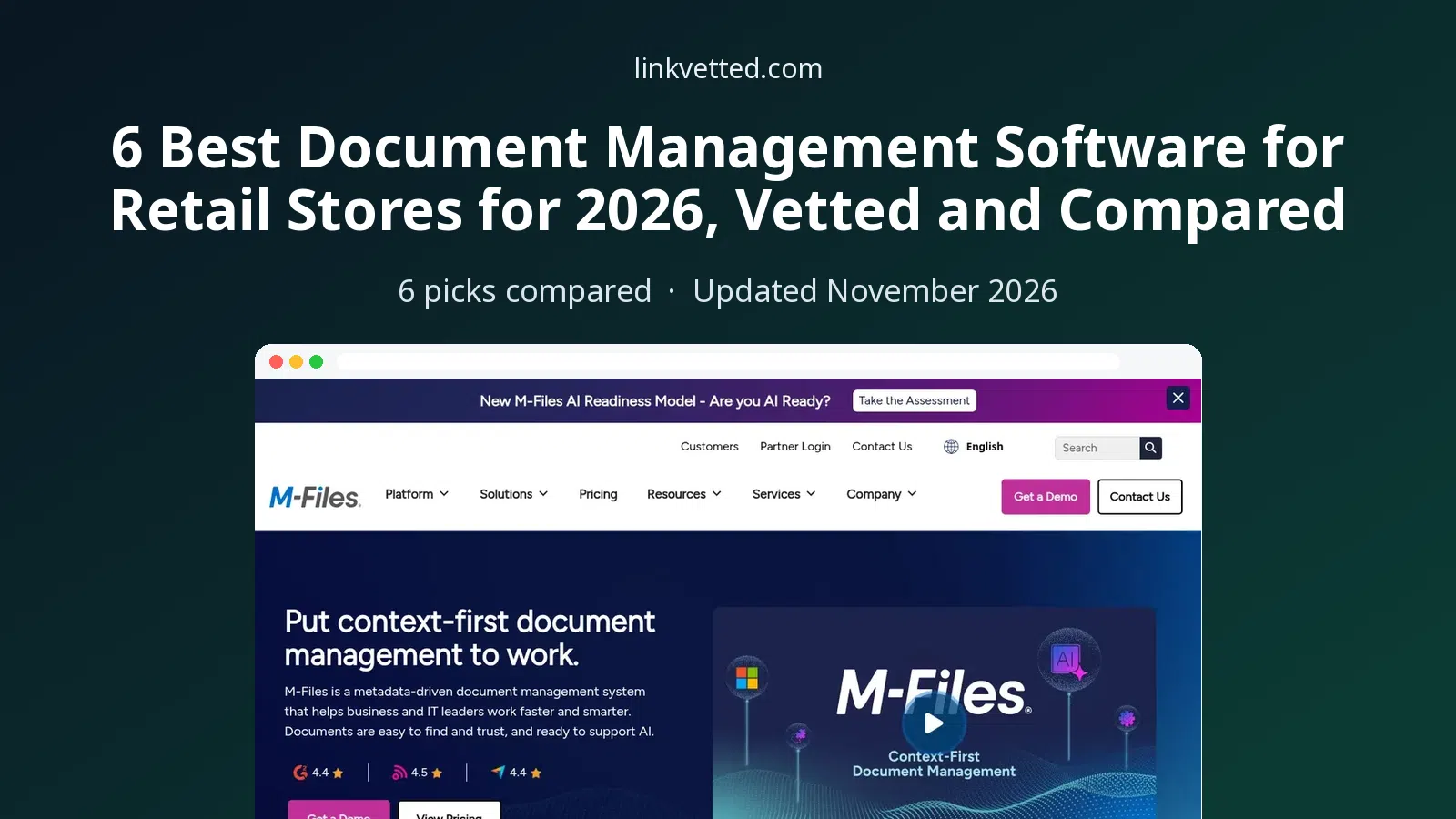
 M-Files
Organizing documents in context
Starts at€65 per seat a monthVisit m-files.comFull review
Direct answer
Dropbox Business comes first here, mainly for straightforward storage, sharing and eSignature. Listed starting prices: M-Files from €65 per seat a month and Laserfiche from $42 per user a month. If your case is different, Google Drive suits everyday cloud file sharing and M-Files suits organizing documents in context. The remaining 3 options are covered below with prices and limits.
TL;DR:
- Dropbox Business takes the first slot, best suited to straightforward storage, sharing and eSignature.
- One limit worth knowing about Google Drive: limited document workflow depth.
- Laserfiche suits process automation with electronic forms.
- Neither Dropbox Business nor Laserfiche, nor any of the other 4 tools, has a permanent free plan; trials and quotes are the norm.
Last checked November 2026. Prices and plan details were read from the vendors' own pages in November 2026; vendors change plans often, so confirm the current price on the vendor site before you buy.
Quick comparison
| Tool | Best for | Starts at | Free plan? | |
|---|---|---|---|---|
| Dropbox Business | Straightforward storage, sharing and eSignature | See website | Not stated | Visit |
| Google Drive | Everyday cloud file sharing | See website | Not stated | Visit |
| M-Files | Organizing documents in context | €65 per seat a month | Not stated | Visit |
 DocuWare | Workflow-driven retail document processing | See website | Not stated | Visit |
 Box | External sharing with content controls | See website | Not stated | Visit |
 Laserfiche | Process automation with electronic forms | $42 per user a month | Not stated | Visit |
Our 6 document management software for retail stores
Choosing document management software for retail stores usually comes down to price, fit and limits. This LinkVetted guide sets 6 tools side by side on those three points, with the facts kept short and checkable.
Dropbox Business serves straightforward storage, sharing and eSignature. Dropbox Business is built around files and sharing instead of deep document governance or complicated process automation.
Watch-outs: Structured workflows are restricted.
No starting price is listed for Dropbox Business here; confirm pricing on the vendor site. Trial and free access: Not stated.
- ESignature and document tracking
- Cloud storage and sharing
- Less deep document governance
In short, Google Drive is for everyday cloud file sharing. Retail keeps can use it to keep store manuals, schedules and supplier files in shared drives that staff open from any device, which makes it a practical starting point for teams moving away from local folders.
Beyond that, keeps with straightforward needs will find it sufficient, but those handling regulated records or heavy invoice processing should consider DocuWare, M-Files or Laserfiche. No starting price is listed for Google Drive here; confirm pricing on the vendor site. Trial and free access: Not stated.
Drawbacks to consider: Restricted document workflow depth.
- Familiar and simple for store staff
- Works with Google Workspace
- Governance relies on disciplined folder habits
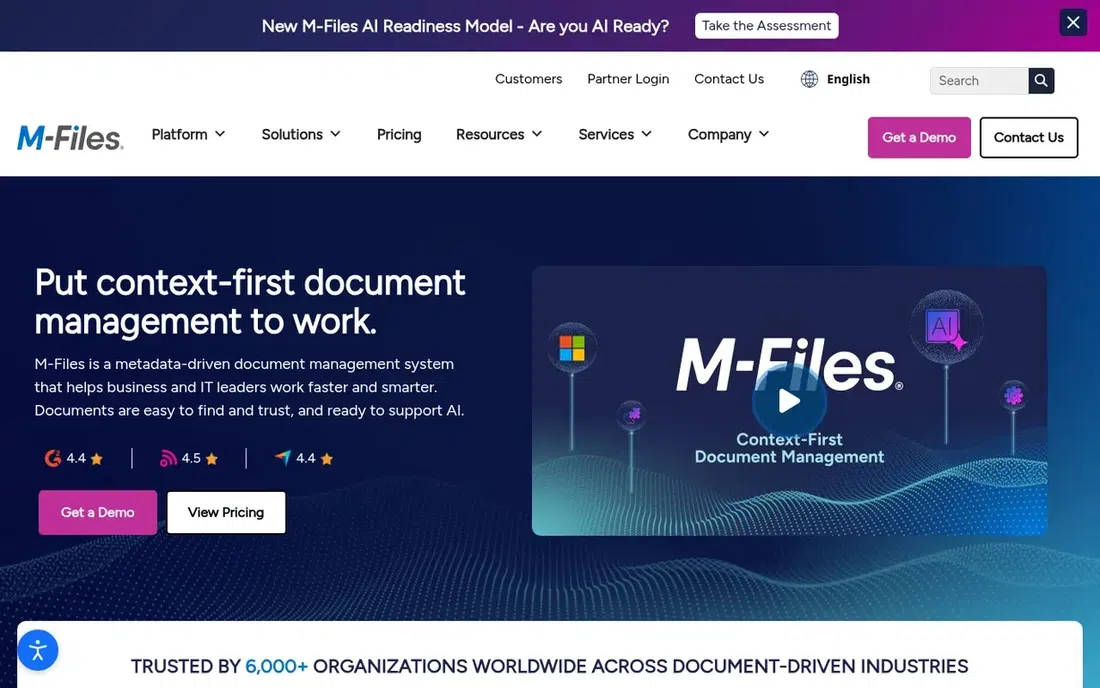
Pick M-Files if this describes you: organizing documents in context. M-Files is an AI-powered document management system that organizes documents in context, automates workflows and aims to cut risk through secure access.
Watch-outs: Metadata-driven model needs user adjustment.
- Focus on secure access and risk reduction
- Documents organized by context instead of folders
- Configuration can take time to learn
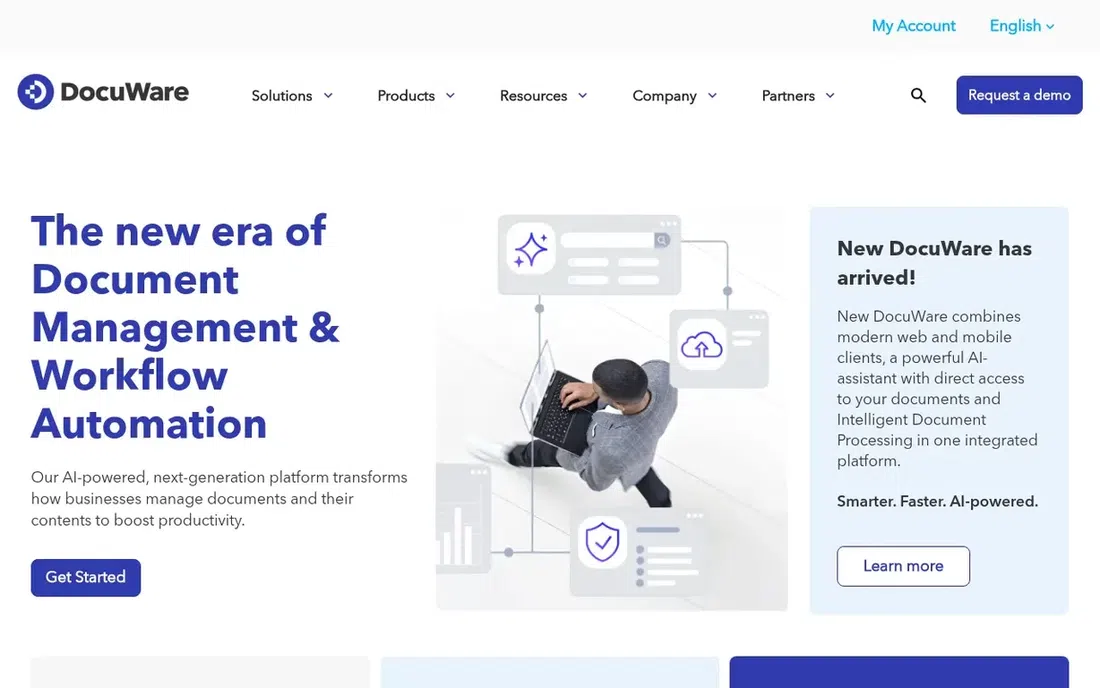
In short, DocuWare is for workflow-driven retail document processing. Keeps with multiple locations or back-office teams that want documents routed and approved electronically are the natural fit.
Since it is workflow-centered, DocuWare asks for configuration effort before it runs smoothly, and very small shops may find it heavier than needed. DocuWare shows no starting price here, so confirm the cost on the vendor site. As for free access: Not stated.
Limits to weigh: May be more than small shops need.
- Suited to processing invoices and store paperwork
- Document management with workflow automation
- Setup and configuration take planning
Choose Box for external sharing with content controls. That fits retail keeps working with suppliers, distributors and external partners who need shared access to purchase orders, contracts and product documents without losing control.
Drawbacks to consider: Advanced controls add configuration work.
For everyday use, the control features that make Box handy for external sharing also mean more configuration than an entry-level storage tool. Check the vendor site for Box pricing; none is listed in this comparison. Free plan details: Not stated.
- Protection for sensitive data
- AI-powered content management
- Best value for teams with real sharing needs

Laserfiche was built for process automation with electronic forms. The breadth of the product means implementation needs planning, and smaller keeps may not use all of it. More specifically, retail keeps can use it to move paper-heavy processes for example supplier onboarding or store audits into structured electronic flows.
The analytics side helps managers see how work is progressing. If your needs are largely storage and sharing, a more straightforward tool for example Google Drive will be simpler to adopt, whereas process-heavy operations will find Laserfiche a better match. Price to start with Laserfiche: $42 per user per month. Free plan details: Not stated.
Where it is weaker: Needs planning to map retail processes.
- Workflows pitched at speeding up work
- Document management plus process automation
- Wide feature set can feel complicated
How we compared the tools
Before you commit
- Ask Dropbox Business, Google Drive, DocuWare and Box for a written quote, since no starting price is shown.
- Before choosing Dropbox Business, weigh its main limit: less deep document governance.
- Look at the renewal terms for DocuWare: auto-renewal, notice periods and price changes can matter more than the first-year price.
- Check the integration list for Laserfiche against the tools you run today, and note which ones need a higher plan.
- Look at the help docs and support options for Box before you commit.
FAQ
What should a retail store look for in document management software?
Look for quick search across invoices and supplier records, clear permissions for store and head-office staff, and workflow tools that route documents for approval. External sharing controls matter if you work with distributors, and retention settings help with compliance paperwork.
Does any tool for document management software for retail stores here have a free plan?
A permanent free plan is not offered by Dropbox Business, Laserfiche or the other tools here. Plan a short evaluation period instead.
Can these tools support several store locations?
Most of the systems listed are cloud-accessible and support users across locations, though permissions and structure need planning. SharePoint and Box are solid for governed collaboration, whereas DocuWare and Laserfiche focus on routing documents through defined processes.
What is the cheapest option for document management software for retail stores in this list?
On published monthly entry prices, Laserfiche is the lowest here at $42 per user per month. Entry price is only part of the cost, because seats, add-ons and billing terms can change the total. For the full picture, the cards above cover all 6 entries of this document management software for retail stores list, including price, free plan and limits.
Can I try these tools before paying?
Not by default. None of the tools, from Dropbox Business to Laserfiche, lists a free plan or a free trial here, so ask each vendor for a demo before committing.
Is a dedicated system better than cloud storage for retail documents?
Cloud storage for example Google Drive or Dropbox Business performs well for straightforward sharing of manuals and schedules. Dedicated systems for example DocuWare, M-Files or Laserfiche add workflow automation, forms and governance that help when document volumes and approval steps grow.
Sources
- https://www.dropbox.com/business
- https://workspace.google.com/products/drive
- https://www.m-files.com
- https://start.docuware.com
- https://www.box.com
- https://www.laserfiche.com