Best Digital Work Instructions Software in 2026: 8 Tools Compared
Compare the best digital work instructions software for 2026, from Dozuki and Tulip to Poka and VKS, and give frontline teams clear, current daily steps.
- Editor's choice
 Dozuki
Versioned SOPs and training
Starts atSee websiteVisit dozuki.comFull review - Great alternative
 Tulip
No-code frontline apps
Starts at$100 per interface per monthVisit tulip.coFull review - Also consider
 Poka
Connected worker knowledge
Starts atSee websiteVisit poka.ioFull review
TL;DR:
- Dozuki leads for versioned procedures and training records, while Tulip suits teams that want instructions inside broader frontline apps.
- Poka and SwipeGuide suit frontline knowledge sharing and visual, mobile-first instructions for operators on the floor.
- VKS stands out for visual assembly instructions with in-step data capture and a free Lite option to start.
- Augmentir adds adaptive guidance based on operator skill, which helps mixed teams of new and experienced workers.
- Offline access, language support, and approval control matter as much as authoring, so test those on the floor before buying.
Quick comparison
| Tool | Best for | Starts at | Free plan? | |
|---|---|---|---|---|
| Dozuki | Versioned SOPs and training | See website | No | Visit |
| Tulip | No-code frontline apps | $100 per interface per month | Free trial | Visit |
| Poka | Connected worker knowledge | See website | No | Visit |
 SwipeGuide | Visual mobile instructions | See website | Free trial | Visit |
 VKS | Visual assembly instructions | See website | Yes | Visit |
 Augmentir | Adaptive operator guidance | See website | No | Visit |
 Azumuta | Shop floor instructions and audits | See website | Free trial | Visit |
 Operations1 | Process documentation and variants | See website | No | Visit |
The best digital work instructions software
Digital work instructions replace paper binders and scattered PDFs with step-by-step guidance on a tablet or workstation, with photos, video, checklists, and data capture. The tools below serve manufacturing, assembly, food production, and field service, with different strengths for authoring, training, and execution.
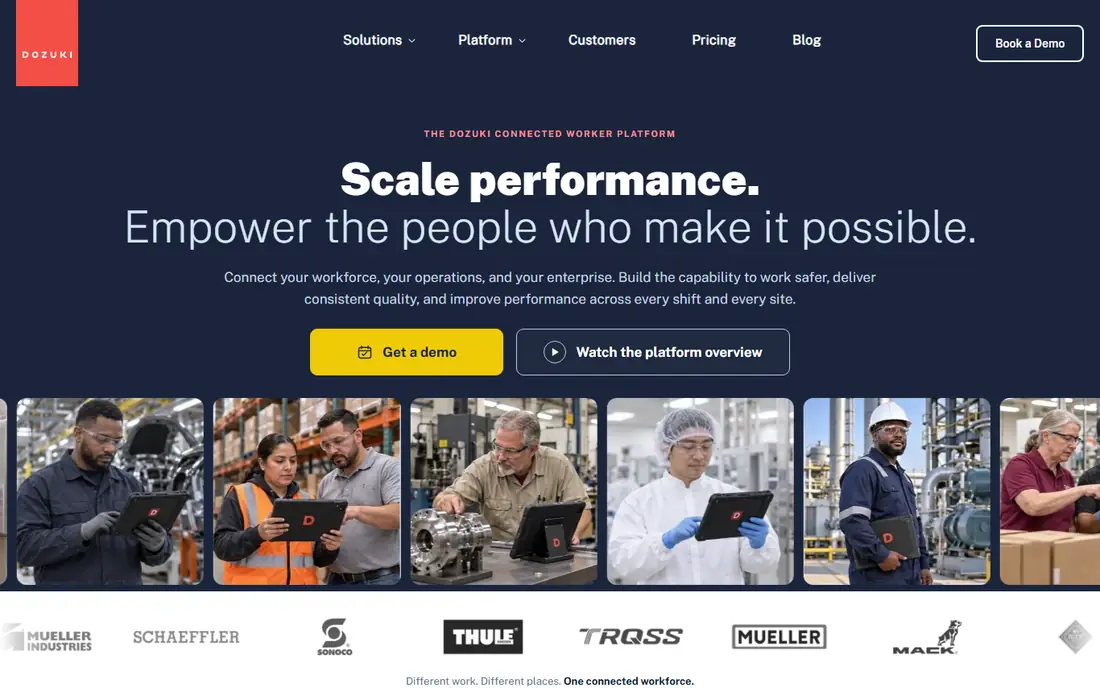
Dozuki is built around controlled standard work. Authors create step-by-step procedures with photos and video, route them for approval, and publish a version that operators can follow. Training records link to those procedures, so a manager can see who has been trained on the current version, not just on an old printout. That control is valuable in regulated or quality sensitive plants, where an outdated instruction can cause a defect or a safety issue.
The downside is that Dozuki is a standalone authoring and training platform, not a full manufacturing execution system, and pricing is quoted. Teams that need deep machine data or complex app logic may pair it with other tools. For a plant whose main problem is outdated, inconsistent paper procedures, Dozuki is a focused and credible fix.
- Version control and approvals for procedures
- Training records tied to procedures
- Clear step authoring with media
- Pricing is quoted
- Mobile offline use is more limited than some rivals
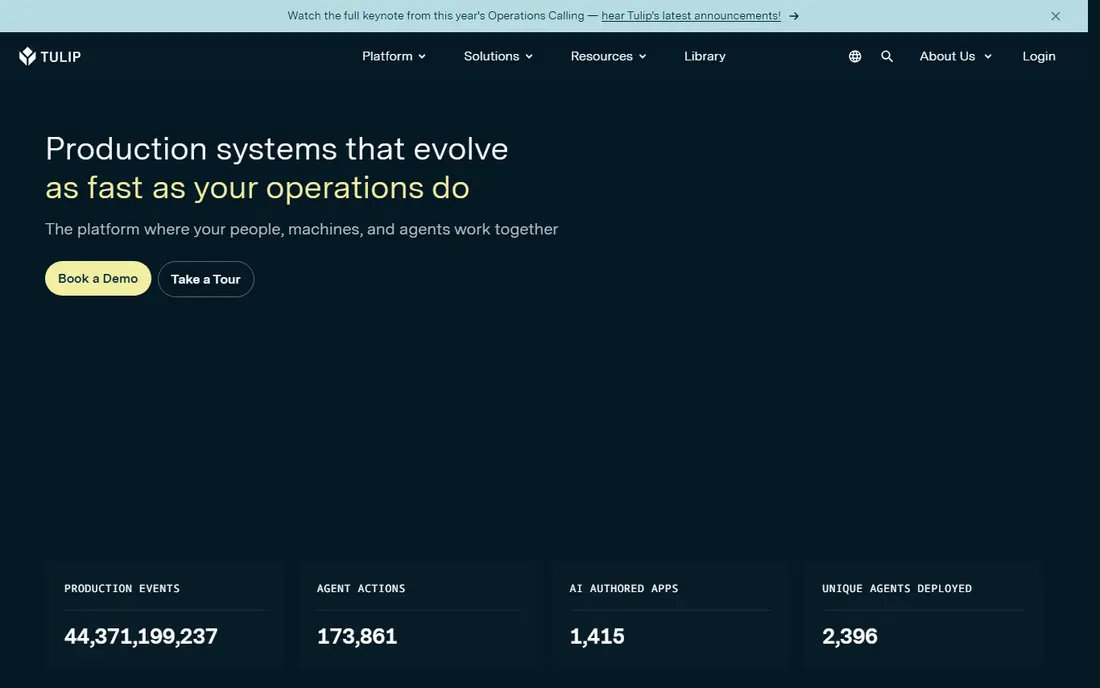
Tulip is a no-code frontline operations platform, so work instructions live inside apps that also capture data, connect to machines, and track metrics. A team can build an app that guides an operator through assembly, asks for a measurement at a key step, and flags a result that falls outside tolerance, all without a traditional software project. That breadth makes Tulip useful beyond instructions alone, for quality checks, maintenance, and production tracking.
The catch is that Tulip rewards teams with builders. A plant without someone comfortable building apps may move slowly, and pricing starts at $100 per interface per month with a minimum on some plans, so a small pilot still needs budget care. For regulated manufacturers with in-house engineering talent, Tulip is one of the most flexible options on this list.
- No-code apps that combine instructions, data capture, and machine links
- Flexible for many frontline use cases
- Strong analytics
- Minimum interface count on some plans raises entry cost
- Needs in-house builders for best results

Poka, now part of IFS, is a connected worker platform that combines digital work instructions with knowledge sharing, training, and frontline communication. Operators can follow a procedure, watch a short video from a colleague, ask a question, and share a better method, all from a mobile device. That social layer helps capture knowledge that would otherwise leave when an experienced worker retires or changes shift.
The limit is that Poka is a platform purchase, with quoted pricing, and its fit inside the IFS stack should be checked by firms that do not use IFS. For food, beverage, and light manufacturing floors with diverse, multilingual teams, Poka is a strong choice, because it treats instructions as living knowledge, not as static documents.
- Frontline knowledge sharing with multimedia instructions
- Communication and training in one place
- Multilingual support for diverse floors
- Pricing is quoted
- Now part of IFS, so roadmap should be checked for standalone buyers
SwipeGuide is a frontline how-to platform focused on clear, visual, mobile instructions that operators can follow at the workstation. Authors can build guides with images, checklists, and short steps, and teams can track skills so a supervisor knows who is ready for which task. That combination of instructions and skills helps standardize work when many people do the same job in different ways.
The weakness is scope. SwipeGuide excels at standard work and frontline skills, but it is not a full manufacturing execution system, so plants that need deep production scheduling or machine integration will need companion tools. Pricing is also quoted, so a trial with real operators, on real tasks, is the best way to judge whether its simplicity holds up on a busy floor.
- Mobile-first visual instruction creation
- Skills tracking for frontline teams
- Easy authoring for non-technical experts
- Pricing is quoted and varies by scope
- Deeper MES features need other tools
VKS, short for Visual Knowledge Share, provides connected work instructions with shop-floor data capture and traceability. Operators follow visual steps, enter measurements or scan parts at key points, and the system records what was done, by whom, and when. That record helps with quality checks, audits, and root cause work when a defect appears later. A free Lite tier lets a small team try the core workflow before committing to Pro or Enterprise plans.
The catch is that VKS is manufacturing focused, and its quoted higher tiers need a sales conversation to compare. Teams outside assembly may find its structure too specific. For visual assembly, repair, and quality-critical work, VKS is a strong, practical choice, and the free Lite option lowers the barrier to a real floor trial.
- Visual, paperless work instructions with in-step data capture
- Traceability for assembly
- Free Lite tier to start
- Higher tiers are quoted
- Best fit is assembly and manufacturing, not general document management
Augmentir adds an adaptive layer to work instructions. Instead of giving every operator the same long procedure, it can adjust guidance based on skill, experience, and past performance, giving a new hire more detail and an expert a shorter path. That helps plants with high turnover, seasonal hiring, or a wide skill mix, because training time and error rates often improve together when guidance matches the person.
The limit is data. Adaptive guidance works best when skills, training, and performance data are current, and building that data takes effort. Pricing is quoted, so a pilot should measure onboarding time and first-pass yield, not just authoring speed. For teams with many new operators, Augmentir offers a different and useful angle from static instruction tools.
- Guidance that adapts to operator skill level
- AI assisted authoring and insights
- Good for mixed experience teams
- Pricing is quoted
- Adaptive features need good skills data to work well
Azumuta combines digital work instructions with audits, checklists, and quality workflows for the shop floor. Authors can create visual instructions, add checks at key steps, and link audit findings back to the procedure that needs fixing. That loop between instruction, check, and correction suits manufacturers that treat quality audits as a regular part of production, not as a separate paperwork exercise.
The weakness is visibility. Azumuta is less well known than the leaders above, so buyers should check integration depth, language support, and support coverage for their regions. A trial with a quality team, using a real audit form and a real procedure, will show quickly whether Azumuta fits. For quality focused plants, it is a worthy shortlist addition.
- Digital work instructions plus audits and checklists
- Visual authoring
- Good for quality and compliance workflows
- Smaller profile than Dozuki or Tulip
- Pricing is quoted for larger deployments
Operations1 is a connected frontline platform with a documentation-first approach to digital work instructions. It handles process collaboration, variant control, and approval workflows, so a product with many variants can keep the right instruction attached to the right variant. Offline execution in the mobile app matters on floors with patchy connectivity, where a cloud-only tool would stall.
The trade-off is weight for simple use cases. A plant with one product and a short procedure may not need Operations1 depth, and its quoted pricing reflects an enterprise focus. For multi-variant manufacturing, where the wrong variant instruction is a real defect risk, Operations1 is a strong and disciplined choice.
- Deep process documentation with variant control
- Collaboration on procedures
- Offline execution in the mobile app
- Pricing is quoted
- Documentation depth can feel heavy for simple, single-variant tasks
How we picked these
We compared official feature pages, pricing pages, and public documentation, plus public reviews and comparison guides, for tools that author, publish, and execute digital work instructions. We favored tools available now, with clear version control, mobile use, or data capture, and we mixed SOP focused, app focused, and adaptive options. We did not claim hands-on testing, and we used See website where pricing is quoted.
How to roll out digital work instructions without chaos
Start with one line and one painful procedure, not with the whole plant. Film or photograph the best operator doing the job, write steps in plain language, and test the draft with a new hire and an experienced operator. If both can follow it without asking for help, the instruction is close. If only the expert can follow it, the steps are missing knowledge that needs to be written down.
Next, set ownership. Every instruction needs an owner, a review date, and an approval step, or it will drift out of date. Train supervisors to flag outdated steps, and make it easy for operators to suggest improvements from the floor. Finally, check devices, connectivity, and language. A tablet that cannot be read with gloves on, a dead zone on the floor, or a missing translation will undo good authoring. Fix those practical issues during the pilot, before a plant-wide rollout.
Metrics worth tracking
Track first-pass yield, rework, training time to independence, and the number of outdated instructions found in audits. Those four numbers show whether digital instructions are improving work, or just moving paper to a screen. Review them monthly for the first quarter, and adjust instructions that still produce errors.
FAQ
What is the best software for digital work instructions?
The best software for digital work instructions depends on the job. Dozuki suits controlled SOPs, Tulip suits app-based frontline work, Poka and SwipeGuide suit frontline knowledge, and VKS suits visual assembly with data capture.
What is the best digital work instruction software for small factories?
For small factories, start with a tool that offers a free tier or trial, such as VKS Lite, and test it on one line. A simple, visual tool that operators actually use beats a complex platform that sits unused.
Can digital work instructions work offline?
Some tools offer offline execution in their mobile apps, including Operations1, while others have limited offline use. Check offline behavior for your exact devices and floor connectivity before buying, because a dead zone can stop work.
Do digital work instructions replace training?
No. They support training by giving operators current, step-by-step guidance at the point of work, and by linking to training records. Hands-on coaching, safety training, and skills checks are still needed, especially for new hires.
How long does it take to digitize procedures?
A single clear procedure can be digitized in days, while a full plant catalog takes weeks to months. The main work is capturing expert knowledge, photographing steps, and getting approvals, not learning the software.