Choosing Digital Painting Software for Concept Artists in 2026: 5 Options Compared
Weighing the best digital painting software for concept artists? We lined up 5 products by cost, free access and fit. Caveats come with every verdict.
- Editor's choiceArtRage
Accessible natural painting tools
Starts atPricing on requestVisit artrage.comFull review - Great alternative
 Rebelle
Watercolor and wet media simulation
Starts atPricing on requestVisit escapemotions.comFull review - Also consider
 Procreate
IPad sketching and illustration
Starts atPricing on requestVisit procreate.comFull review
Direct answer
ArtRage is the first pick on this list for accessible natural painting tools. Alternatives: Rebelle for watercolor and wet media simulation, and Procreate for iPad sketching and illustration. The other 2 tools in the list cover narrower or pricier cases. None of these vendors publish plan prices, so pricing is on request for every option.
TL;DR:
- This list starts with ArtRage, which is built for accessible natural painting tools.
- Adobe Photoshop fits painting plus image editing and compositing.
- The main caution on ArtRage: smaller ecosystem of integrations.
- ArtRage, Adobe Photoshop and the 3 others all need a premium plan or a trial, since no free plan is listed.
- No starting price is shown for any of the 5 tools, ArtRage and Adobe Photoshop included, so plan time for sales calls.
Last checked November 2026. Pricing on request: vendors did not publish plan prices when this guide was last checked (November 2026), so ask each vendor for a written quote.
Quick comparison
| Tool | Best for | Starts at | Free plan? | |
|---|---|---|---|---|
| ArtRage | Accessible natural painting tools | Pricing on request | Not stated | Visit |
| Rebelle | Watercolor and wet media simulation | Pricing on request | Not stated | Visit |
| Procreate | IPad sketching and illustration | Pricing on request | Not stated | Visit |
 Affinity Photo | Precise photo editing and finishing | Pricing on request | Not stated | Visit |
 Adobe Photoshop | Painting plus image editing and compositing | Pricing on request | Not stated | Visit |
Tool-by-tool breakdown
This LinkVetted guide covers 5 digital painting software for concept artists. Each profile lists a starting price, free plan details, strengths and drawbacks, so you can drop poor fits quickly.
ArtRage
Best for: Accessible natural painting tools
ArtRage is designed for accessible natural painting tools. ArtRage is a digital painting application known for emulating traditional media in an approachable way. It gives you a smaller ecosystem of integrations and less photo editing than broader suites, so finishing work may happen elsewhere.
Where it is weaker: Less emphasis on photo editing.
Also, choose ArtRage when straightforward, natural painting is the primary need. Artists in studio pipelines that rely on layered file interchange should check compatibility. Pricing for ArtRage is not stated here, so ask the vendor for current figures. Free options: Not stated.
- Approachable for beginners
- Focused painting environment
- Smaller ecosystem of integrations
Think of Rebelle for watercolor and wet media simulation. Its specialization means it is not a general editing or layout tool.
The main drawbacks: Less suited to precise vector or layout work.
So most artists will pair it with another app for finishing and compositing. From a buyer's view, choose Rebelle when natural, fluid paint effects are the goal. This comparison lists no price for Rebelle; ask the vendor. As for free access: Not stated.
- Natural media simulation focus
- Suited to painterly concept pieces
- Specialized instead of general purpose
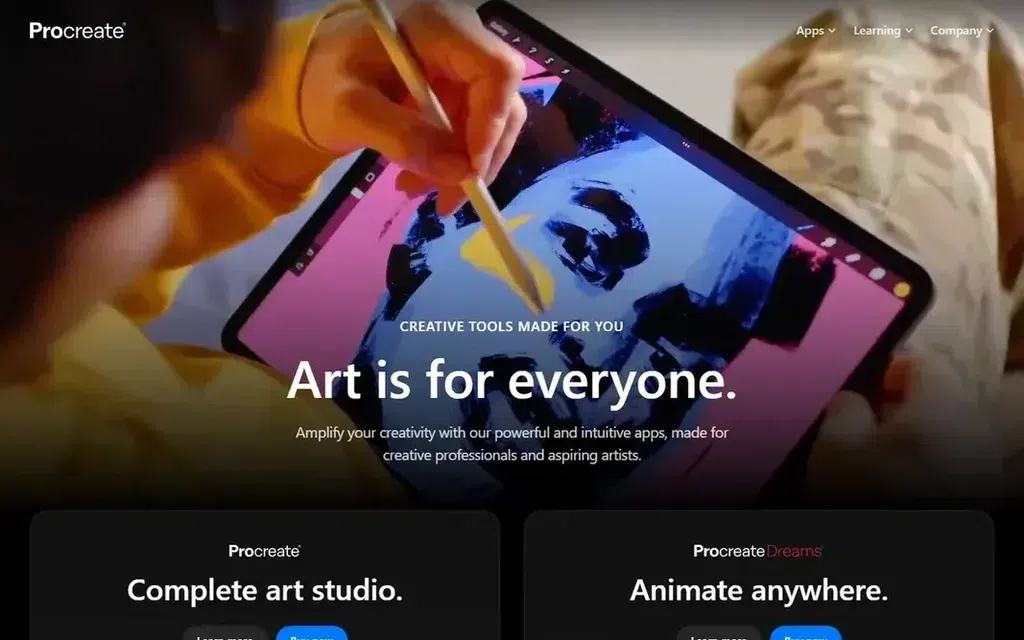
For iPad sketching and illustration, Procreate is a natural candidate. The pay-once model is a clear draw for artists who dislike recurring costs.
The main drawbacks: Tied to Apple iPad hardware.
In daily use, choose Procreate when portable sketching is the priority. Since it is designed around iPad, it does not replace a desktop editing workflow for heavy compositing or file interchange. Procreate does not show a starting price in this comparison, so check the vendor site for current pricing. Free options: Not stated.
- Contains animation features
- Pay once
- Fewer desktop compositing tools
Where Affinity Photo fits: precise photo editing and finishing. It suits concept artists who require to retouch, composite and finish painted frames with precise selections and adjustments, notably when paired with a dedicated painting app for the initial sketch and paint stages.
It performs best as a finishing and compositing partner instead of a sole painting tool. Check the vendor site for Affinity Photo pricing; none is listed in this comparison. Free plan details: Not stated.
Honest limits: Different feel from pure paint apps.
- Precision editing and retouching
- Solid layer and selection tools
- Painting is secondary to editing
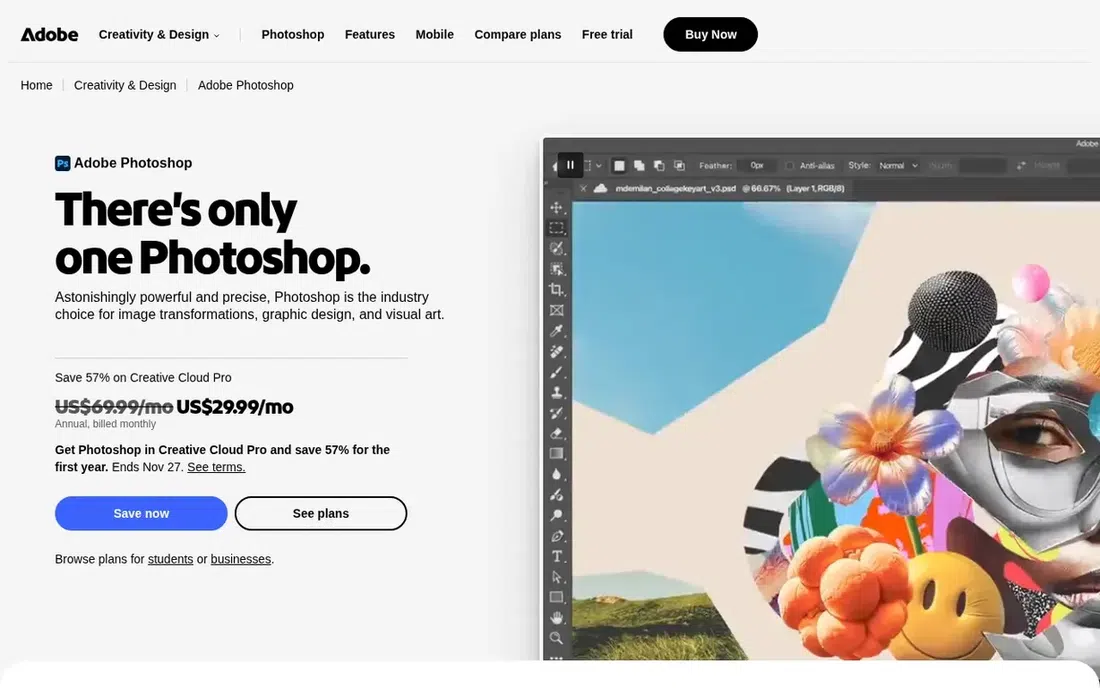
Adobe Photoshop serves painting plus image editing and compositing. It suits artists who move between sketching, painting and compositing final presentation frames in one environment.
Where it is weaker: Subscription-based access.
Check the vendor site for Adobe Photoshop pricing; none is listed in this comparison. Trial and free access: Not stated.
- Works across desktop and mobile apps
- Broad brush and layer support
- Interface can feel heavy for pure sketching
How we compared the tools
LinkVetted looked at what each vendor publishes: pricing, plan limits, feature coverage for digital painting software for concept artists and stated drawbacks. No hands-on testing is claimed. Figures are shown as the vendors publish them. Billing terms, seat minimums and add-ons can change the real cost. Order on the page follows fit for the typical buyer first, then price transparency and free access. Your own requirements should decide the final pick.
Questions to settle before buying
- Ask each vendor, from ArtRage to Adobe Photoshop, for a written quote; none of them publishes a starting price.
- Read the limits listed for ArtRage first: smaller ecosystem of integrations.
- The entry price of Procreate is only the starting point; model the full cost with seats and extras.
- Find out whether the entry plan of Adobe Photoshop covers your must-haves or only a trimmed-down version.
- List the apps you already depend on and check that Rebelle supports each one on the plan you would buy.
FAQ
How are the tools for digital painting software for concept artists ordered?
The order follows typical fit for digital painting software for concept artists, with ArtRage first and Adobe Photoshop last, then price clarity and free access. It is editorial judgement, not a score, so another team could rank the tools differently.
What should iPad-based artists consider?
Check that your iPad model and storage meet your file needs. Artists who require desktop-class compositing may still keep a desktop editor alongside it.
Do these tools publish their prices?
No. None of the tools, from ArtRage to Adobe Photoshop, shows a fixed starting price here, so budget time for quotes.
Is ArtRage the right pick for everyone comparing digital painting software for concept artists?
No single tool suits every team. ArtRage comes first because it fits accessible natural painting tools, while Rebelle suits watercolor and wet media simulation and Procreate suits iPad sketching and illustration. Match the tool to your own size, budget and workflow before deciding.
Does any tool for digital painting software for concept artists here have a free plan?
No tool in this list, ArtRage and Adobe Photoshop included, has a permanent free plan. Trials and quotes are the usual route, so plan a short evaluation period.
Which digital painting software is a good match for concept artists overall?
Start with ArtRage if you need accessible natural painting tools. Rebelle is the better match for watercolor and wet media simulation, and Procreate for iPad sketching and illustration. The best choice depends on budget, team size and workflow.
Sources
- https://www.artrage.com
- https://www.escapemotions.com
- https://procreate.com
- https://affinity.serif.com/en-us/photo
- https://www.adobe.com/products/photoshop.html