Best Design Software for Branded Social Posts (2026): 6 Picks Checked on Vendor Pages
Weighing the best design software for branded social posts? We lined up 6 products by cost, free access and fit. Honest caveats for every entry. Numbers first.
- Editor's choice
 CorelDRAW
Vector illustration and layout
Starts atSee websiteVisit coreldraw.comFull review - Great alternative
 Figma
Collaborative design and prototyping
Starts at$3 per monthVisit figma.comFull review - Also consider
 Canva
Fast, template-driven branded posts
Starts atSee websiteVisit canva.comFull review
Direct answer
CorelDRAW comes first here, mainly for vector illustration and layout. Listed starting prices: Figma from $3 per month and Sketch from $12 per editor a month. Figma fits collaborative design and prototyping; Canva fits fast, template-driven branded posts. The full list of 6 tools follows, with prices and free plan facts.
TL;DR:
- CorelDRAW is the opening pick, best for vector illustration and layout.
- Sketch fits Designer-centric UI and social graphics.
- Figma has the lowest monthly starting price in this list: $3 per month.
- A fair warning about Figma: restricted advanced vector tools.
- CorelDRAW, Sketch and the 4 others all need a premium plan or a trial, since no free plan is listed.
Last checked November 2026. Prices and plan details were read from the vendors' own pages in November 2026; vendors change plans often, so confirm the current price on the vendor site before you buy.
Quick comparison
| Tool | Best for | Starts at | Free plan? | |
|---|---|---|---|---|
| CorelDRAW | Vector illustration and layout | See website | Not stated | Visit |
| Figma | Collaborative design and prototyping | $3 per month | Not stated | Visit |
| Canva | Fast, template-driven branded posts | See website | Not stated | Visit |
 Adobe Photoshop | Advanced photo editing and compositing | See website | Not stated | Visit |
 Adobe Illustrator | Custom vector graphics and logos | See website | Not stated | Visit |
 Sketch | Designer-centric UI and social graphics | $12 per editor a month | Free trial | Visit |
6 design software for branded social posts in detail
Choosing design software for branded social posts usually comes down to price, fit and limits. This LinkVetted guide sets 6 tools side by side on those three points, with the facts kept short and checkable.
CorelDRAW was built for vector illustration and layout. CorelDRAW is primarily Windows-focused and may have a steeper learning curve for beginners. It is used to design logos, posters, and other brand materials, making it suitable for creating in-depth social posts with custom illustrations.
Its thorough toolset appeals to professional designers who require versatility. For team collaboration, Figma might be more accessible. CorelDRAW shows no starting price here, so confirm the cost on the vendor site. Free options: Not stated.
Points against: Windows-centric.
- Built-in layout features
- Support for technical illustration
- Steeper ramp-up time
Where it falls short: Needs internet connection.
In daily use, choose Figma when collaboration and design system management are priorities for your social content. Figma cost at the entry level: $3 per month. Free options: Not stated.
- Browser-based access
- Live collaboration
- Restricted advanced vector tools
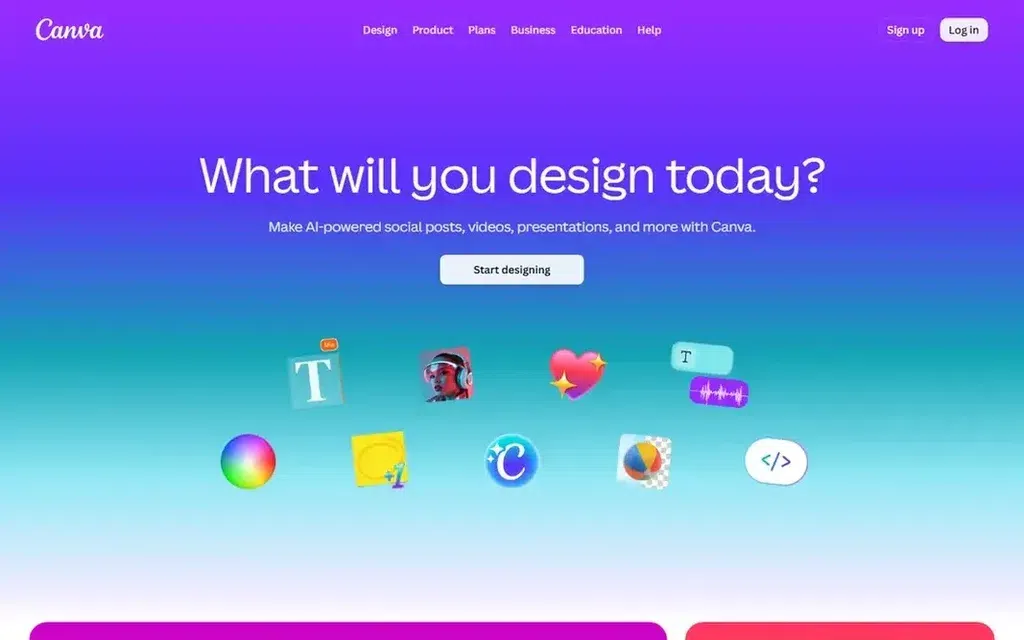
Canva is a good fit for fast, template-driven branded posts. Canva is an online graphic design tool that lets you produce social media posts, presentations, and more. Its drag-and-drop interface and vast template library make it well suited to marketers and small teams who require to produce branded content rapidly without design expertise.
The product comes with features for maintaining brand consistency across posts. Even so, Canva may not offer the precision or customization that professional designers need for intricate brand assets. On top of that, if you need advanced vector editing or unique layouts, consider a more specialized tool like Adobe Illustrator. Canva shows no starting price here, so confirm the cost on the vendor site. Free options: Not stated.
Limits to weigh: Restricted advanced customization.
- Extensive template library
- Simple drag-and-drop editor
- Designs can feel templated
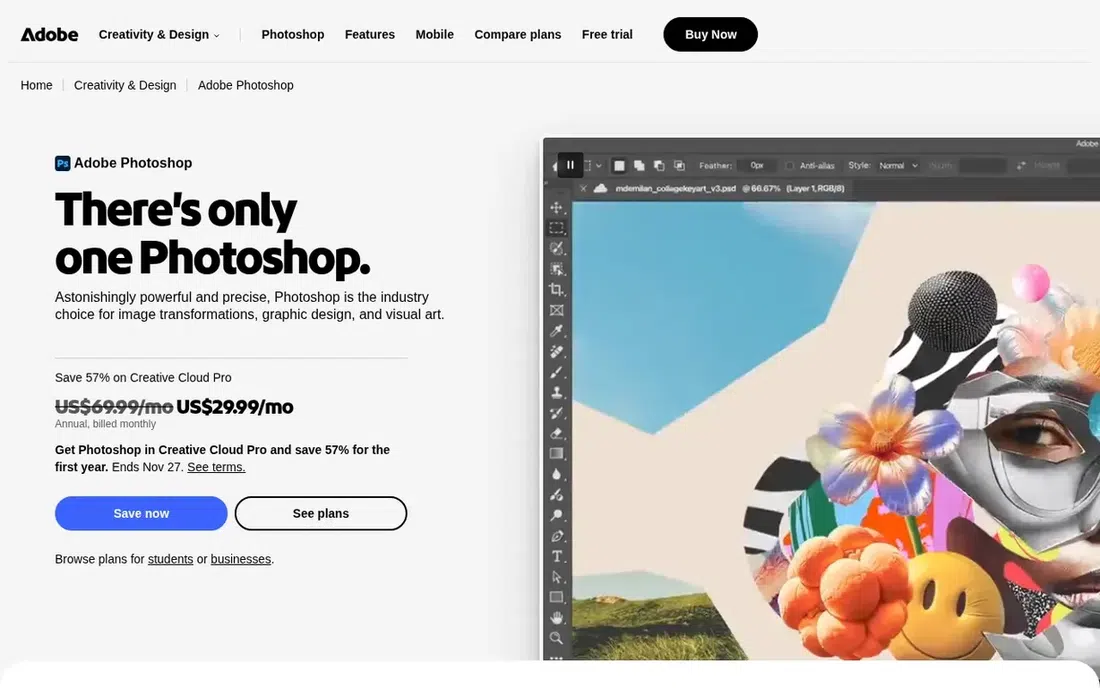
Adobe Photoshop is built with advanced photo editing and compositing in mind. Adobe Photoshop is a professional photo and design application used for complicated edits and image compositing. It is well-suited for creating high-impact social posts that need in-depth photo manipulation, custom graphics, or layered compositions.
Where it is weaker: Resource-intensive.
Worth adding: designers who require full control over every pixel frequently turn to Photoshop. Choose Photoshop when your social content relies heavily on photo editing and raster graphics. Photoshop's depth includes a ramp-up time and may be overkill for straightforward social posts. As for the details, for vector-based brand assets, Adobe Illustrator is more appropriate. No starting price is listed for Adobe Photoshop here; confirm pricing on the vendor site. Free plan details: Not stated.
What Adobe Photoshop does well: Deep brush and filter choices.
- Feature-rich image manipulation
- Integration with Adobe ecosystem
- Steep ramp-up time
Adobe Illustrator makes the most sense for custom vector graphics and logos. For quick social graphics, Canva may be more efficient.
The main drawbacks: Needs design expertise.
It is favored by professional designers for brand identity work. No starting price is listed for Adobe Illustrator here; confirm pricing on the vendor site. Free options: Not stated.
- Generative AI features
- Precise vector editing
- Not a strong match for photo editing
Sketch was built for Designer-centric UI and social graphics. Sketch is a design tool made by designers, for designers, focusing on UI and digital design. It supplies a clean workspace for creating social posts with precise control over layout and typography.
Its prototyping and handoff features simplify the design process for individual designers and teams. For everyday use, Sketch is available only on macOS and lacks the live collaboration of Figma. It is best for Mac-based designers who prioritize a focused, native design environment. Sketch cost at the entry level: $12 per editor per month. As for free access: Free trial.
The main drawbacks: Mac-only.
- Easy-to-learn interface for designers
- Efficient handoff features
- Restricted live collaboration
How we compared the tools
Pre-purchase checklist
- Ask CorelDRAW, Canva, Adobe Photoshop and Adobe Illustrator for a written quote, since no starting price is shown.
- Use real work to test the free trial from Sketch, rather than a demo project.
- Read the limits listed for CorelDRAW first: Windows-centric.
- Price Figma for your actual team size; headline prices rarely include add-ons or overage.
- Look at the renewal terms for Adobe Illustrator: auto-renewal, notice periods and price changes can matter more than the first-year price.
FAQ
Can I try these tools before paying?
Often, yes. Sketch offers a free trial. Use your own data and a real task during the test, and check what the free tier or trial limits before you rely on it. All 6 picks in this design software for branded social posts comparison list a starting price, free plan details and the main limits on their cards above.
Do these tools publish their prices?
Not all of them. CorelDRAW, Canva, Adobe Photoshop and Adobe Illustrator publish no starting price, so expect a quote request for those. The rest, Figma included, show a starting price, though seats and billing terms still change the final cost.
Is Adobe Photoshop necessary for branded social posts?
Photoshop is not always necessary, but it is valuable for posts that need complicated photo editing or compositing. Choose Photoshop when your social content relies heavily on image manipulation.
How are the tools for design software for branded social posts ordered?
CorelDRAW sits first and Sketch last because the order follows typical fit for design software for branded social posts, then price clarity and free access. It is a judgement call, so read each profile for fit and limits.
Does any tool for design software for branded social posts here have a free plan?
A permanent free plan is not offered by CorelDRAW, Sketch or the other tools here. Sketch offer a trial. Plan a short evaluation period instead.
What is the best design software for creating branded social posts rapidly?
Start with CorelDRAW if you need vector illustration and layout. Figma is the better match for collaborative design and prototyping, and Canva for fast, template-driven branded posts. The best choice depends on budget, team size and workflow.
Sources
- https://www.coreldraw.com
- https://www.figma.com
- https://www.canva.com
- https://www.adobe.com/products/photoshop.html
- https://www.adobe.com/products/illustrator.html
- https://www.sketch.com