Top 5 Database Software for Small Teams for 2026 (Prices and Free Plans)
Best database software for small teams in 2026: 5 tools with starting prices, free plans and limits. Verdicts stay brief and factual. Reviewed in November 2026.
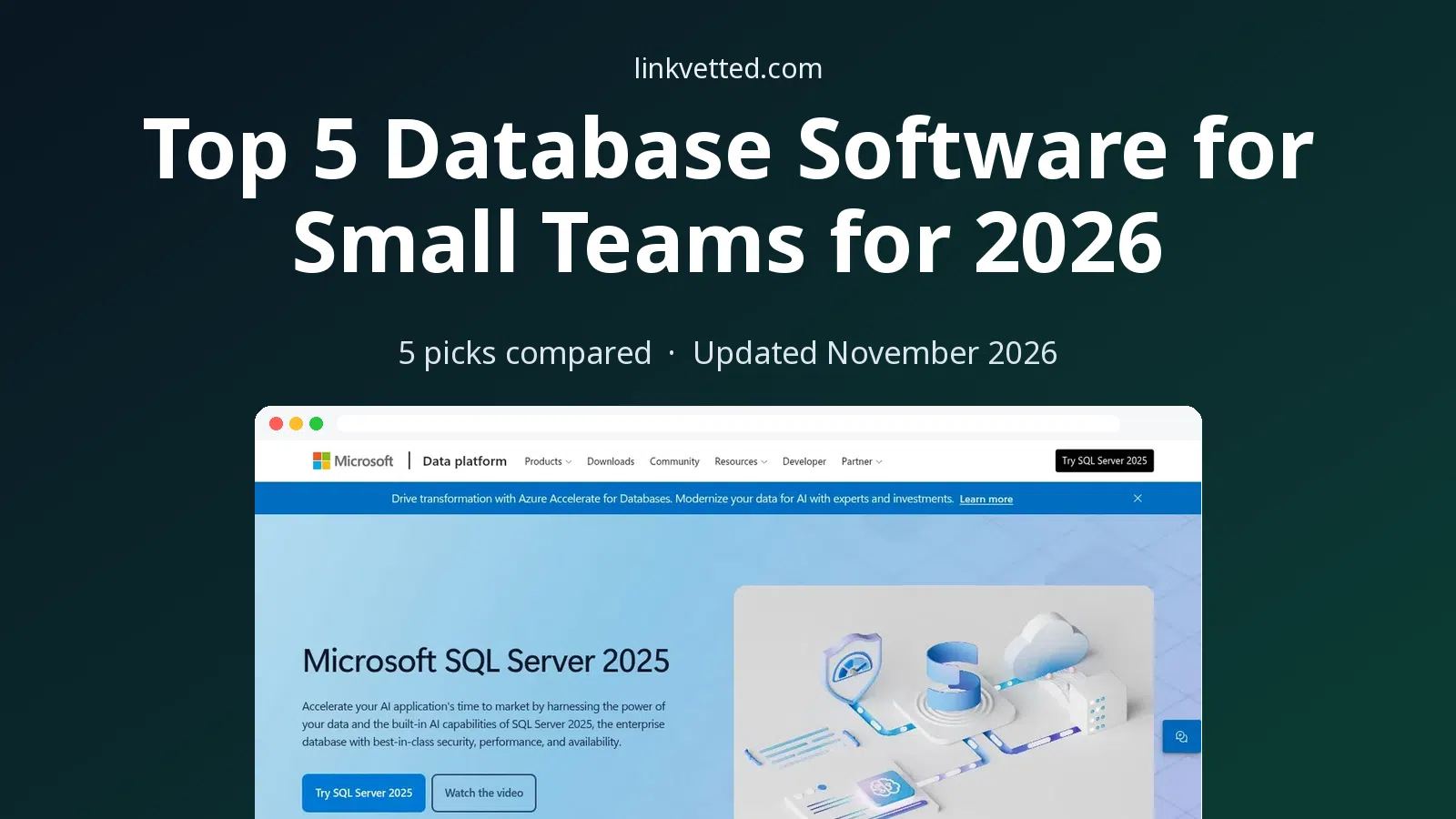
- Editor's choice
 Google Cloud SQL
Managed MySQL, PostgreSQL, SQL Server
Starts atPricing on requestVisit cloud.google.comFull review - Great alternative
 Oracle Database
Critical workloads with AI features
Starts atPricing on requestVisit oracle.comFull review - Also consider
 MongoDB
Adaptable document-oriented data models
Starts atPricing on requestVisit mongodb.comFull review
Direct answer
Google Cloud SQL comes first here, mainly for managed MySQL, PostgreSQL, SQL Server. If your case is different, Oracle Database suits critical workloads with AI features and MongoDB suits adaptable document-oriented data models. The full list of 5 tools follows, with free plan facts. None of these vendors publish plan prices, so pricing is on request for every option.
TL;DR:
- Top of the list is Google Cloud SQL, which targets managed MySQL, PostgreSQL, SQL Server.
- Only 2 of the 5 tools have a free plan (MongoDB, Amazon RDS), so check the caps.
- Microsoft SQL Server fits teams wanting analytics and AI built in.
- Google Cloud SQL, Microsoft SQL Server and the 3 others all sell by quote; expect sales conversations before you see a price.
- Check the limits for Amazon RDS before you commit: tied to the AWS cloud.
Last checked November 2026. Pricing on request: vendors did not publish plan prices when this guide was last checked (November 2026), so ask each vendor for a written quote.
Quick comparison
| Tool | Best for | Starts at | Free plan? | |
|---|---|---|---|---|
| Google Cloud SQL | Managed MySQL, PostgreSQL, SQL Server | Pricing on request | Not stated | Visit |
| Oracle Database | Critical workloads with AI features | Pricing on request | Not stated | Visit |
| MongoDB | Adaptable document-oriented data models | Pricing on request | Yes | Visit |
 Amazon RDS | Managed relational databases on AWS | Pricing on request | Yes | Visit |
 Microsoft SQL Server | Teams wanting analytics and AI built in | Pricing on request | Not stated | Visit |
Database Software for Small Teams profiles
This LinkVetted guide covers 5 database software for small teams. Each profile lists a starting price, free plan details, strengths and drawbacks, so you can drop poor fits quickly.
Where Google Cloud SQL fits: managed MySQL, PostgreSQL, SQL Server. For a small team, it provides a way to run a familiar engine without managing servers, which keeps operations light whereas preserving the relational model your developers know.
Where it is weaker: Engine features follow upstream.
It is a natural choice when the rest of your infrastructure already lives in Google Cloud. In daily use, teams on AWS should compare Amazon RDS before deciding. This comparison lists no price for Google Cloud SQL; ask the vendor. Trial and free access: Not stated.
- Supports three widely used engines
- Completely managed relational service
- Cloud-specific setup
Pick Oracle Database if this describes you: critical workloads with AI features. Oracle Database is a long-established relational product, and the vendor now markets it around AI capabilities for application development and critical workloads.
Where it is weaker: Enterprise-oriented complexity.
In practice, more straightforward open source choices often make more sense except when Oracle is already part of your environment. A small team without dedicated database staff may find it heavy for greenfield projects. This comparison lists no price for Oracle Database; ask the vendor. Free options: Not stated.
- Long-established relational system
- Suited to critical workloads
- Administration needs expertise
Choose MongoDB for adaptable document-oriented data models. For small teams, its primary appeal is a document model that adapts as product requirements change, which fits applications with varied or fast-moving data shapes. It can cut early schema friction when the team is still discovering its data model.
What to check first: Not a traditional relational model.
Choose MongoDB when adaptability matters more than strict relational structure. For everyday use, query patterns and data modeling need deliberate thought. This comparison lists no price for MongoDB; ask the vendor. A free plan is available with MongoDB.
- Adaptable schema for evolving data
- Live data handling
- Joins and reporting differ from SQL
Amazon RDS was built for managed relational databases on AWS. Small teams benefit since routine operational work for example provisioning, backups and scaling is handled by the service, freeing time for product work.
Downsides: Tied to the AWS cloud.
Managed convenience also means less direct control over the underlying environment. Pricing for Amazon RDS is not stated here, so ask the vendor for current figures. Amazon RDS has a free plan.
- Supports multiple database engines
- Completely managed service
- Managed convenience brings abstraction
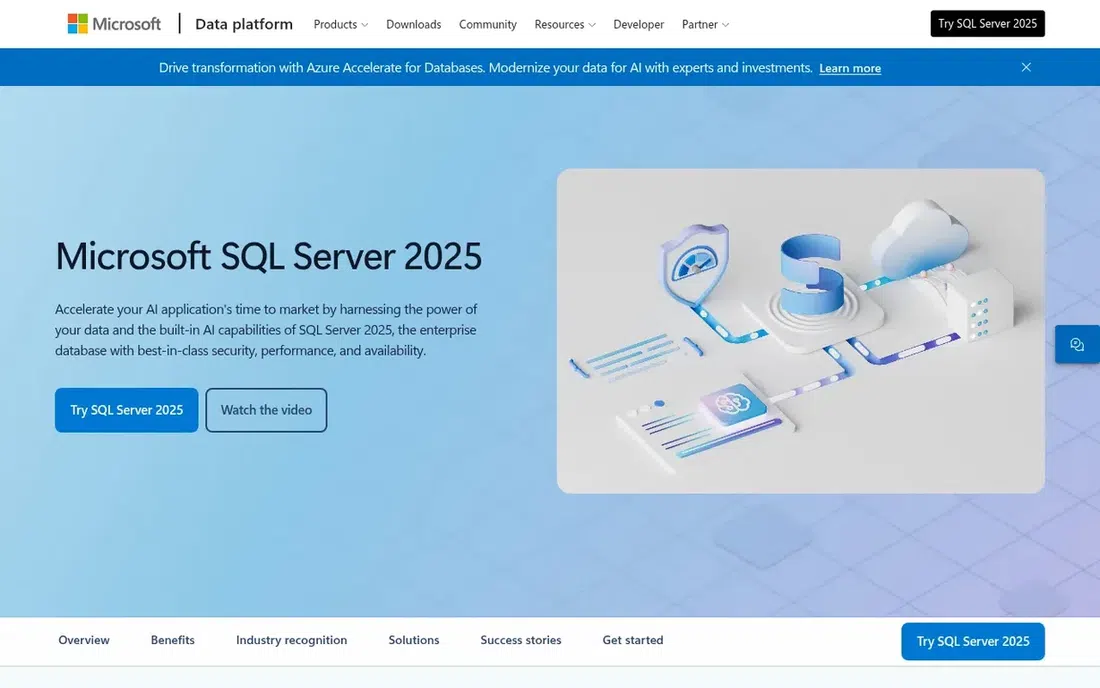
Microsoft SQL Server is designed for teams wanting analytics and AI built in. Microsoft SQL Server is a relational database product that the vendor positions around enterprise data work, with developer-first features and integration with analytics and AI models. For a small team, it suits when you expect to grow into reporting, analytics and AI-assisted workloads on the same data you already store.
Beyond that, teams already using Microsoft tooling will find the surrounding ecosystem familiar, and the product includes both transactional and analytical needs. Licensing terms also deserve a careful read before committing. No starting price is listed for Microsoft SQL Server here; confirm pricing on the vendor site. Free options: Not stated.
Honest limits: Licensing can add complexity.
- Developer-first features
- Mature relational engine
- Heavier footprint for tiny teams
How we chose
LinkVetted looked at what each vendor publishes: pricing, plan limits, feature coverage for database software for small teams and stated drawbacks. No hands-on testing is claimed. Figures are shown as the vendors publish them. Billing terms, seat minimums and add-ons can change the real cost. The sequence is a judgement call: typical use case first, then pricing transparency, then free access. Use the profiles to check fit.
Questions to settle before buying
- Confirm the entry price with every vendor: no tool from Google Cloud SQL to Microsoft SQL Server shows a fixed starting price.
- Read the fine print on the free plans from MongoDB and Amazon RDS; seat, project and feature caps differ.
- Before choosing Google Cloud SQL, weigh its main limit: Cloud-specific setup.
- Before you load data into Amazon RDS, check what an export looks like and who can run it.
- Get the contract term, renewal terms and any onboarding fees from MongoDB in writing.
FAQ
Is Google Cloud SQL the right pick for everyone comparing database software for small teams?
No single tool suits every team. Google Cloud SQL comes first because it fits managed MySQL, PostgreSQL, SQL Server, while Oracle Database suits critical workloads with AI features and MongoDB suits flexible document-oriented data models. Match the tool to your own size, budget and workflow before deciding.
How are the tools for database software for small teams ordered?
Google Cloud SQL sits first and Microsoft SQL Server last because the order follows typical fit for database software for small teams, then price clarity and free access. It is a judgement call, so read each profile for fit and limits.
Can I try these tools before paying?
Often, yes. MongoDB and Amazon RDS have a free plan. Use your own data and a real task during the test, and check what the free tier or trial limits before you rely on it. For the full picture, the cards above cover all 5 entries of this database software for small teams list, including price, free plan and limits.
Which options for database software for small teams have a free plan?
On this list, MongoDB and Amazon RDS include a free plan. Caps on seats, usage or features are common, so test the free plan against your real workload.
How plenty of options should a small team evaluate?
A shortlist of two or three well-matched choices is typically enough to make a sound decision. Comparing more than a handful tends to add confusion instead of clarity.
Sources
- https://cloud.google.com/sql
- https://www.oracle.com/database
- https://www.mongodb.com
- https://aws.amazon.com/rds
- https://www.microsoft.com/en-us/sql-server