The 5 Best Data Destruction Software for Remote Teams in 2026, Ranked
5 products for the best data destruction software for remote teams, ranked by fit, with starting costs and free tiers. The catches are listed up front.
- Editor's choiceDiskGenius
Disk utilities with data recovery
Starts atSee websiteVisit diskgenius.comFull review - Great alternative
 CCleaner
PC cleaning and privacy protection
Starts at$44.95Visit ccleaner.comFull review - Also consider
 Active@ KillDisk
Secure data erasure and disk sanitation
Starts atSee websiteVisit lsoft.netFull review
Direct answer
Our first pick is DiskGenius, best for disk utilities with data recovery. Listed starting prices: CCleaner from $44.95, Veriato from $18 per user per month and EaseUS Partition Master from $19.90 a month. CCleaner is better for PC cleaning and privacy protection, and Active@ KillDisk is better for secure data erasure and disk sanitation. The other 2 tools in the list cover narrower or pricier cases.
TL;DR:
- Top of the list is DiskGenius, which targets disk utilities with data recovery.
- Only CCleaner offers a free plan among these 5 tools.
- For Partition management and data wiping, EaseUS Partition Master is worth a look.
- Veriato is the lowest-priced starter here at $18 per user per month.
Last checked November 2026. Prices and plan details were read from the vendors' own pages in November 2026; vendors change plans often, so confirm the current price on the vendor site before you buy.
Quick comparison
| Tool | Best for | Starts at | Free plan? | |
|---|---|---|---|---|
| DiskGenius | Disk utilities with data recovery | See website | Not stated | Visit |
| CCleaner | PC cleaning and privacy protection | $44.95 | Yes | Visit |
| Active@ KillDisk | Secure data erasure and disk sanitation | See website | Not stated | Visit |
 Veriato | Insider risk management and monitoring | $18 per user per month | Free trial | Visit |
| EaseUS Partition Master | Partition management and data wiping | $19.90 a month | Not stated | Visit |
Data Destruction Software for Remote Teams, one by one
Short on time? The summary and table above give the quick view of 5 data destruction software for remote teams, and the profiles that follow give the detail behind each entry.
DiskGenius
Best for: Disk utilities with data recovery
In short, DiskGenius is for disk utilities with data recovery. DiskGenius is a thorough disk utility that provides data recovery, partition management, backup, and disk wiping.
Whereas DiskGenius includes disk wiping, it is not specialized in data destruction, so teams with high-security needs might need a dedicated option. It is a decent choice for general disk management. No starting price is listed for DiskGenius here; confirm pricing on the vendor site. Free plan details: Not stated.
Trade-offs to know: Data destruction is not the primary focus.
- All-in-one disk utility
- Supplies disk wiping features
- May need technical knowledge
Where CCleaner fits: PC cleaning and privacy protection. CCleaner is a well-known PC cleaning tool that also supplies drive wiping to securely erase data. It is handy for remote teams that want to maintain privacy and optimize performance whereas having an entry-level data destruction choice.
From a buyer's view, CCleaner's drive wiping is not as comprehensive as dedicated data destruction software. So it may not meet stringent security standards. Starting cost for CCleaner: $44.95. CCleaner has a free plan.
Honest limits: Not a dedicated data destruction tool.
- Cleans temporary files and traces
- Boosts system performance
- Drive wiping may be restricted in scope
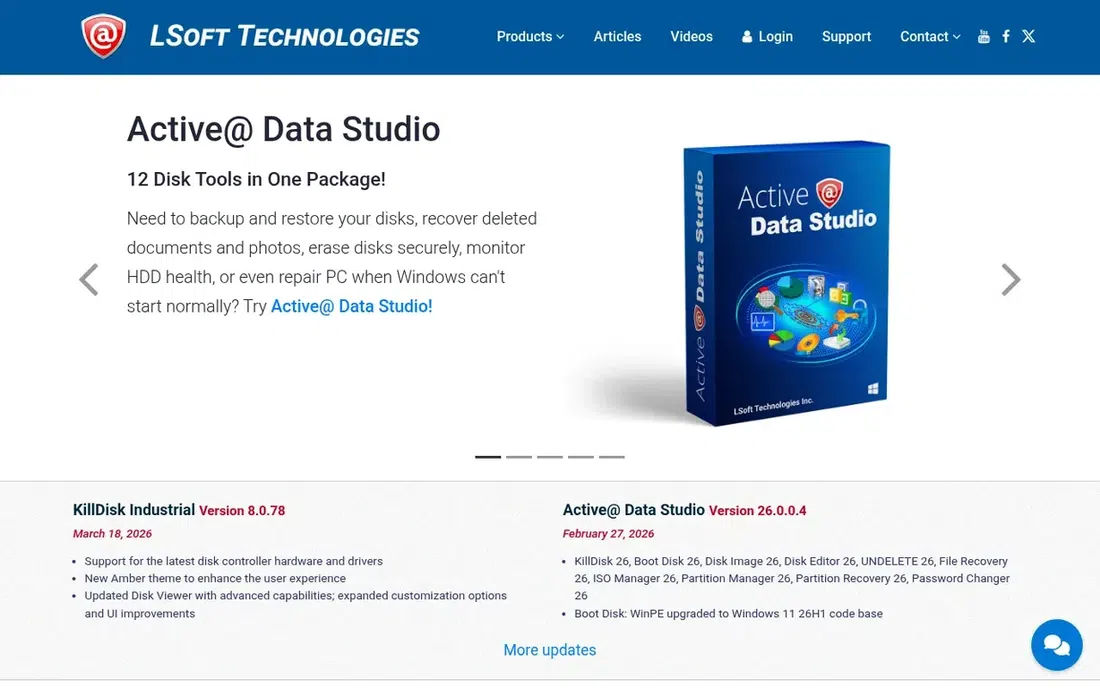
Active@ KillDisk makes the most sense for secure data erasure and disk sanitation. Whereas Active@ KillDisk excels at secure erasure, it may lack the broader partition management features found in other tools.
Points against: May need technical expertise.
However, for pure data destruction needs, it is a focused option. Pricing for Active@ KillDisk is not stated here, so ask the vendor for current figures. Free options: Not stated.
- Specialized in secure data destruction
- Supports industrial disk sanitation
- Restricted partition management features
Veriato is a good fit for insider risk management and monitoring. Veriato is not a data destruction option, so it should be paired with dedicated erasure software.
Watch-outs: Primarily for monitoring, not erasure.
It is valuable for teams that require to monitor and mitigate insider risks. Price to start with Veriato: $18 per user per month. Free options: Free trial.
- Centres on insider risk management
- Uses AI-based user behavior analytics
- Not a data destruction tool
EaseUS Partition Master
Best for: Partition management and data wiping
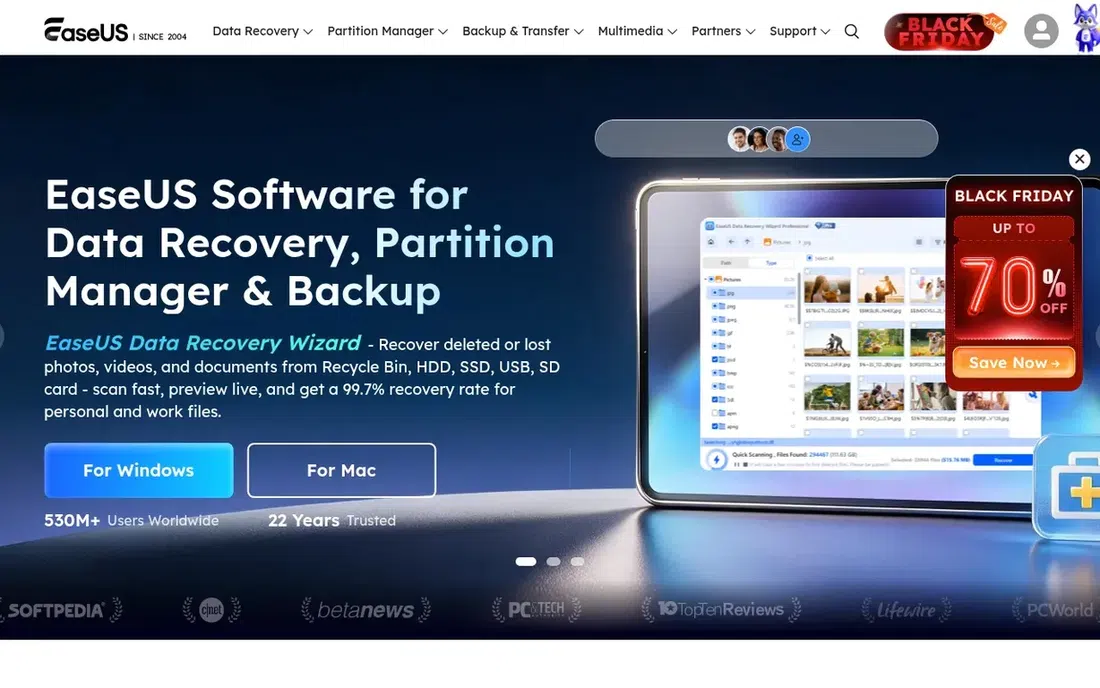
Where EaseUS Partition Master fits: Partition management and data wiping. For teams requiring certified data destruction, EaseUS Partition Master might not be sufficient as its wiping features are not as solid as dedicated tools. It is most useful for general disk management with entry-level data destruction needs.
Watch-outs: May not meet high-security erasure standards.
EaseUS Partition Master is a partition management tool that also includes data wiping capabilities, making it a convenient choice for remote teams that require to run disks and securely erase data. It is part of EaseUS's suite of utilities for data recovery, backup, and transfer. EaseUS Partition Master cost at the entry level: $19.90 per month. As for free access: Not stated.
- All-in-one partition manager
- Also gives you backup and recovery
- Data destruction is a secondary feature
How we chose
Before you commit
- Ask DiskGenius and Active@ KillDisk for a written quote, since no starting price is shown.
- Test the free plan from CCleaner against your real workload before relying on it.
- Use real work to test the free trial from Veriato, rather than a demo project.
- Read the limits listed for DiskGenius first: data destruction is not the primary focus.
- Pick one real project and run it in EaseUS Partition Master first; a small pilot shows fit faster than a checklist.
- Make sure Veriato lets you export your data in a format another tool can read.
FAQ
How are the tools for data destruction software for remote teams ordered?
The order follows typical fit for data destruction software for remote teams, with DiskGenius first and EaseUS Partition Master last, then price clarity and free access. It is editorial judgement, not a score, so another team could rank the tools differently.
Can I try these tools before paying?
Often, yes. CCleaner has a free plan and Veriato offers a free trial. Use your own data and a real task during the test, and check what the free tier or trial limits before you rely on it.
Which options for data destruction software for remote teams have a free plan?
CCleaner is the only tool in this list with a free plan. Free plans usually cap users, projects or features, so check the limits on the vendor page. One other tool offers a trial instead.
What is data destruction software?
Data destruction software securely erases data from storage devices to prevent recovery. It is used for compliance, device disposal, and protecting sensitive information.
What is the cheapest option for data destruction software for remote teams in this list?
On published monthly entry prices, Veriato is the lowest here at $18 per user per month. Entry price is only part of the cost, because seats, add-ons and billing terms can change the total. For the full picture, the cards above cover all 5 entries of this data Destruction software for remote teams list, including price, free plan and limits.
Sources
- https://www.diskgenius.com
- https://www.ccleaner.com
- https://www.lsoft.net
- https://www.veriato.com
- https://www.easeus.com