Best Data Destruction Software for Enterprise for 2026: Our 5 Vetted Picks
Searching for the best data destruction software for enterprise? Here are 5 options with prices and free plans. Real limits included. Current for November 2026.
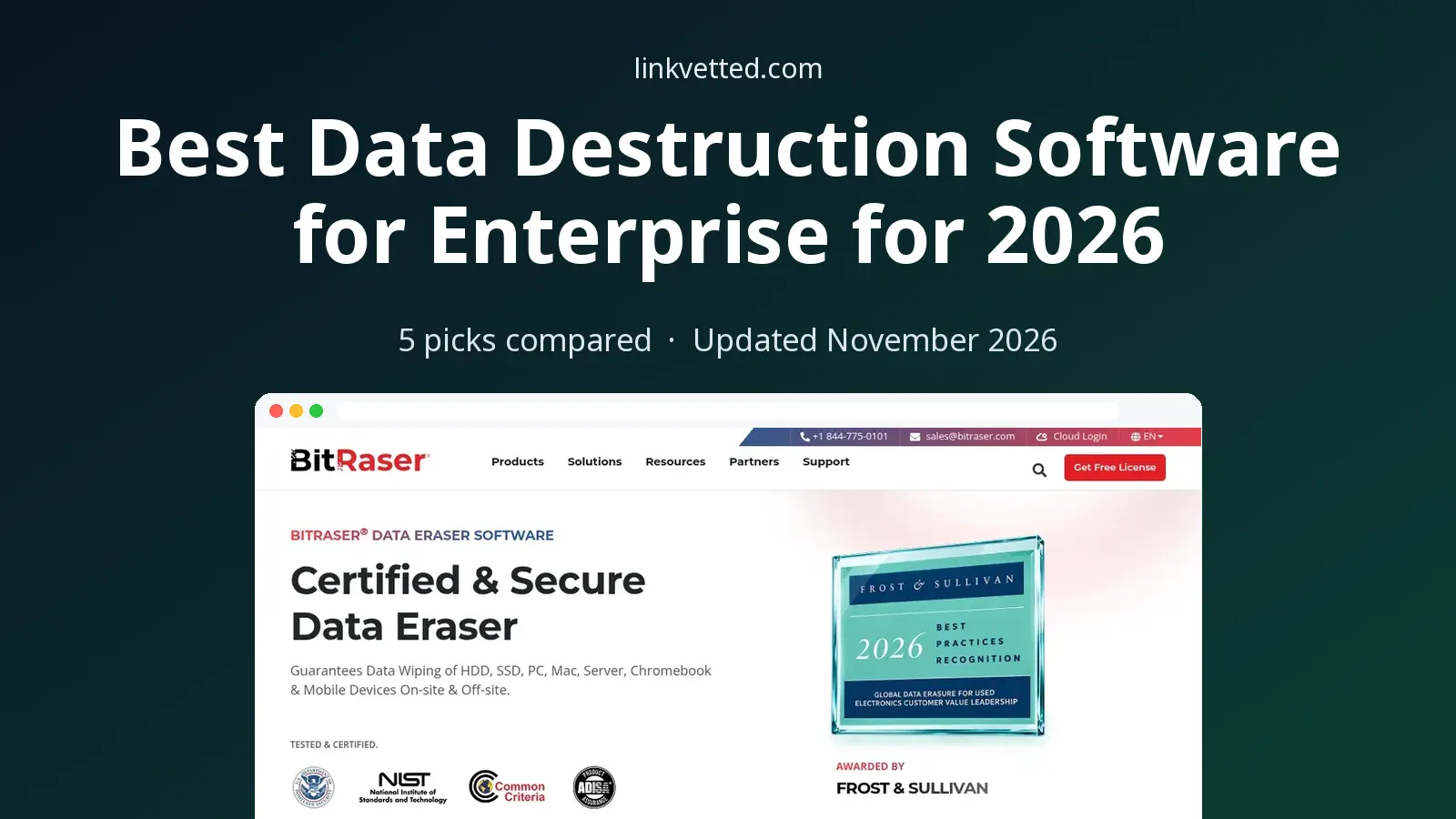
- Editor's choiceAOMEI Partition Assistant
Partition management with disk wiping choices
Starts atSee websiteVisit aomeitech.comFull review - Great alternativeMiniTool Partition Wizard
Partition management alongside data care tasks
Starts atSee websiteVisit minitool.comFull review - Also consider
 BitRaser Drive Eraser
Certified erasure across mixed device fleets
Starts atSee websiteVisit bitraser.comFull review
Direct answer
Start with AOMEI Partition Assistant if you need Partition management with disk wiping choices. Listed starting prices: EaseUS Partition Master from $19.90 per month. If your case is different, MiniTool Partition Wizard suits Partition management alongside data care tasks and BitRaser Drive Eraser suits certified erasure across mixed device fleets. Prices, free plans and limits for all 5 tools follow.
TL;DR:
- The list opens with AOMEI Partition Assistant, aimed at Partition management with disk wiping choices.
- Ontrack Eraser fits enterprises already working with Ontrack services.
- Check the limits for EaseUS Partition Master before you commit: not positioned as a dedicated erasure product.
- A permanent free plan is missing from all 5 tools, AOMEI Partition Assistant and Ontrack Eraser included; plan for a trial or a premium start.
Last checked November 2026. Prices and plan details were read from the vendors' own pages in November 2026; vendors change plans often, so confirm the current price on the vendor site before you buy.
Quick comparison
| Tool | Best for | Starts at | Free plan? | |
|---|---|---|---|---|
| AOMEI Partition Assistant | Partition management with disk wiping choices | See website | Not stated | Visit |
| MiniTool Partition Wizard | Partition management alongside data care tasks | See website | Not stated | Visit |
| BitRaser Drive Eraser | Certified erasure across mixed device fleets | See website | Not stated | Visit |
| EaseUS Partition Master | Disk and partition administration in Windows environments | $19.90 per month | Not stated | Visit |
| Ontrack Eraser | Enterprises already working with Ontrack services | See website | Not stated | Visit |
Data Destruction Software for Enterprise, one by one
This LinkVetted guide covers 5 options for data destruction software for enterprise. Each profile lists a starting price, free plan details, strengths and drawbacks, so you can drop poor fits quickly.
AOMEI Partition Assistant
Best for: Partition management with disk wiping choices
AOMEI Partition Assistant makes the most sense for Partition management with disk wiping choices. Administrators frequently encounter it as a partition manager, and disk wiping tasks can fit alongside partitioning work during system rebuilds.
Also, Data destruction is not the headline purpose of this product line, so enterprises with strict erasure certification requirements should confirm capabilities with the vendor. AOMEI Partition Assistant shows no starting price here, so confirm the cost on the vendor site. As for free access: Not stated.
Where it is weaker: Enterprise erasure reporting needs confirmation.
- Familiar tool for Windows administrators
- Also includes backup and restore
- Erasure is not the primary focus
MiniTool Partition Wizard
Best for: Partition management alongside data care tasks
MiniTool Partition Wizard makes the most sense for Partition management alongside data care tasks. MiniTool Partition Wizard is part of MiniTool, which offers software for Windows including partition management, data recovery, data backup, video editing, PDF editing and system boost.
The main drawbacks: Erasure sits outside the core focus.
Organizations needing auditable wiping should look to dedicated erasure software first. MiniTool Partition Wizard does not show a starting price in this comparison, so check the vendor site for current pricing. Free plan details: Not stated.
- Partition management for Windows
- Data recovery and backup also offered
- Certification details not stated on homepage
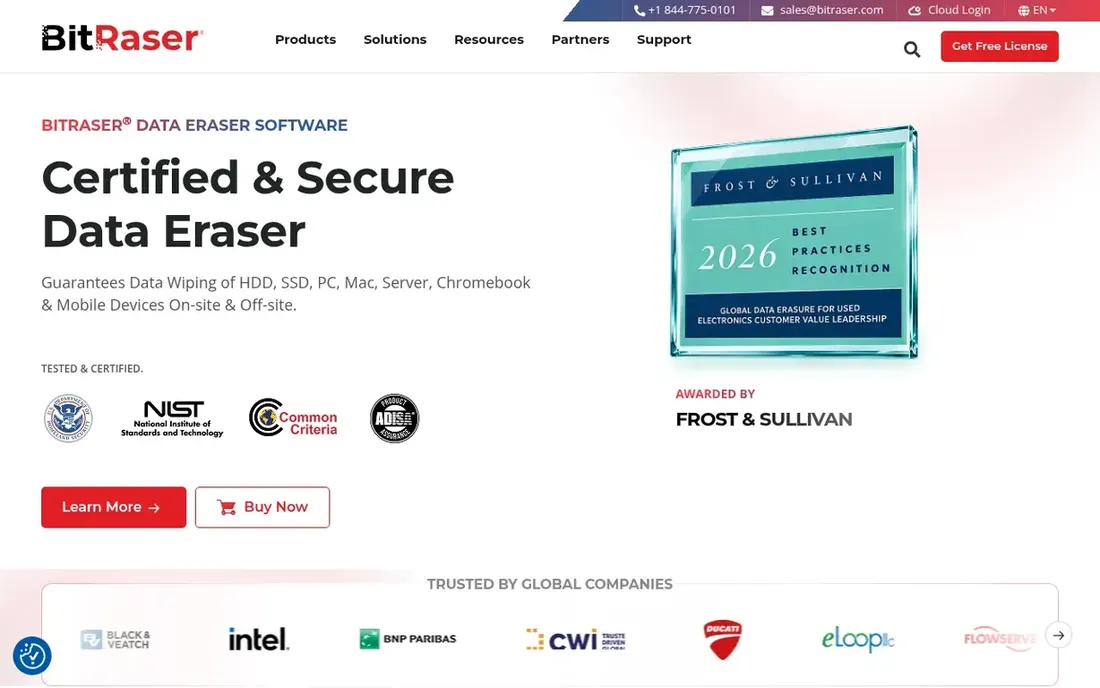
Where BitRaser Drive Eraser fits: certified erasure across mixed device fleets. BitRaser Drive Eraser is presented as certified data eraser software for permanently wiping data across hard drives, SSDs, PCs, laptops, Macs, Chromebooks, servers and mobile devices.
Where it falls short: Certification details need vendor confirmation.
What BitRaser Drive Eraser does well: servers and mobile devices.
In daily use, teams with a narrow need, like wiping a handful of Windows drives, may prefer a lighter utility. BitRaser Drive Eraser shows no starting price here, so confirm the cost on the vendor site. On free options: Not stated.
- Supports PC, laptop
- Certified erasure positioning
- Wide device support may need planning
EaseUS Partition Master
Best for: Disk and partition administration in Windows environments
EaseUS Partition Master is a good fit for disk and partition administration in Windows environments. Since the vendor presents a wide utility portfolio instead of a certified erasure product, confirm destruction capabilities and documentation directly.
EaseUS Partition Master pricing: $19.90 per month. Trial and free access: Not stated.
Limits to weigh: Not positioned as a dedicated erasure product.
- Familiar to numerous Windows users
- Partition manager within a wide utility suite
- Enterprise destruction reporting needs checking
Ontrack Eraser
Best for: Enterprises already working with Ontrack services
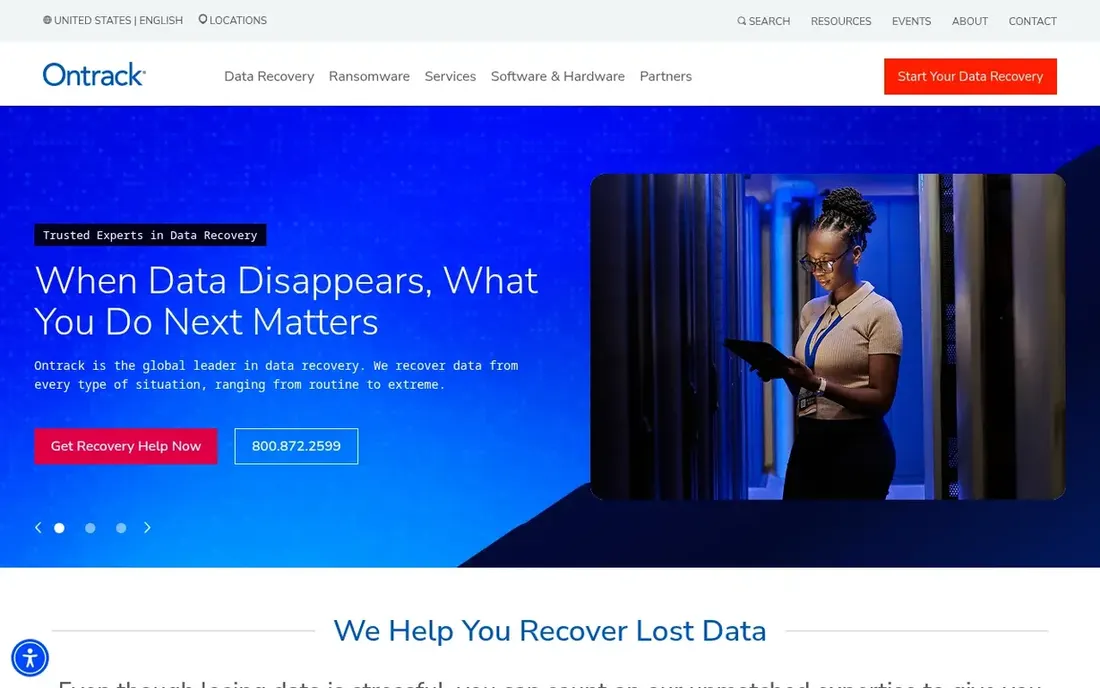
In short, Ontrack Eraser is for enterprises already working with Ontrack services. For enterprises, the appeal is a vendor that treats destruction as one part of a wider data handling portfolio, which can ease procurement when decommissioning hardware alongside recovery or tape projects.
Ontrack Eraser shows no starting price here, so confirm the cost on the vendor site. Free options: Not stated.
Drawbacks to consider: Less detail on erasure methods on the homepage.
- Backed by a vendor centred on data lifecycle services
- Fits organizations wanting one vendor relationship
- Overlap with recovery services may complicate scoping
How we built this list
The comparison looks at four things: starting price, free access, how well the feature set matches data destruction software for enterprise, and the main limit of each tool. Figures are shown as the vendors publish them. Billing terms, seat minimums and add-ons can change the real cost. Order on the page follows fit for the typical buyer first, then price transparency and free access. Your own requirements should decide the final pick.
Things to verify first
- Confirm the entry price on the vendor page. For AOMEI Partition Assistant, MiniTool Partition Wizard, BitRaser Drive Eraser and Ontrack Eraser that means a quote rather than a fixed price.
- Before choosing AOMEI Partition Assistant, weigh its main limit: erasure is not the primary focus.
- Compare total cost, not headline price: for Ontrack Eraser, add extra seats, add-ons and any usage-based charges.
- Ask whether MiniTool Partition Wizard integrates with your current software, and whether that comes standard or as an add-on.
- Ask BitRaser Drive Eraser how an export works before you move any records in; an easy exit lowers the risk.
FAQ
Do these tools publish their prices?
Not all of them. AOMEI Partition Assistant, MiniTool Partition Wizard, BitRaser Drive Eraser and Ontrack Eraser publish no starting price, so expect a quote request for those. The rest, EaseUS Partition Master included, show a starting price, though seats and billing terms still change the final cost.
Can I try these tools before paying?
Not by default. None of the tools, from AOMEI Partition Assistant to Ontrack Eraser, lists a free plan or a free trial here, so ask each vendor for a demo before committing.
What should enterprises look for in data destruction software?
Confirm that the tool can produce records your compliance team accepts, and check how it takes care of SSDs and servers along with standard drives.
Does any tool for data destruction software for enterprise here have a free plan?
A permanent free plan is not offered by AOMEI Partition Assistant, Ontrack Eraser or the other tools here. Plan a short evaluation period instead.
How are the tools for data destruction software for enterprise ordered?
AOMEI Partition Assistant sits first and Ontrack Eraser last because the order follows typical fit for data destruction software for enterprise, then price clarity and free access. It is a judgement call, so read each profile for fit and limits.
Sources
- https://www.aomeitech.com
- https://www.minitool.com
- https://www.bitraser.com
- https://www.easeus.com
- https://www.ontrack.com