Best Data Destruction Software in 2026: 8 Tools Compared
We compared the best data destruction software on certified erasure, SSD support, audit reports and price, so you can retire drives safely and prove the wipe.

- Editor's choice
 Blancco Drive Eraser
Certified enterprise erasure
Starts atSee websiteVisit blancco.comFull review - Great alternative
 BitRaser Drive Eraser
Tamper proof audit reports
Starts atSee websiteVisit bitraser.comFull review - Also consider
 WipeDrive
Per drive wiping
Starts atSee websiteVisit wipedrive.comFull review
TL;DR:
- Blancco and BitRaser are the safest picks when you need a signed audit report for compliance, resale or IT asset disposal.
- Active KillDisk and O&O SafeErase suit home and small business users who need a reliable wipe without enterprise pricing.
- Eraser and ShredOS are free options for personal use, but neither gives the same certified reporting as a paid enterprise tool.
- Data destruction tools must be used only on drives you own or are authorized to wipe, and wiping is permanent, so back up anything you need first.
Quick comparison
| Tool | Best for | Starts at | Free plan? | |
|---|---|---|---|---|
| Blancco Drive Eraser | Certified enterprise erasure | See website | No | Visit |
| BitRaser Drive Eraser | Tamper proof audit reports | See website | No | Visit |
| WipeDrive | Per drive wiping | See website | No | Visit |
 Active KillDisk | Affordable wiping with a free version | $85 per license | Yes | Visit |
 Eraser | Free file and drive wiping | Free | Yes | Visit |
 O&O SafeErase | Windows PC retirement | See website | Free trial | Visit |
 BCWipe | File level wiping | See website | No | Visit |
 ShredOS | Free bootable drive wiping | Free | Yes | Visit |
The best data destruction software
Deleting a file or formatting a drive does not remove the data. Recovery tools can often bring files back, which is why selling, returning or recycling a drive without a proper wipe is a privacy risk. Data destruction software overwrites data, uses cryptographic erasure on supported SSDs, or issues firmware commands, then verifies the result. The best tool for you depends on whether you need a compliance report or just a clean drive for personal reuse.
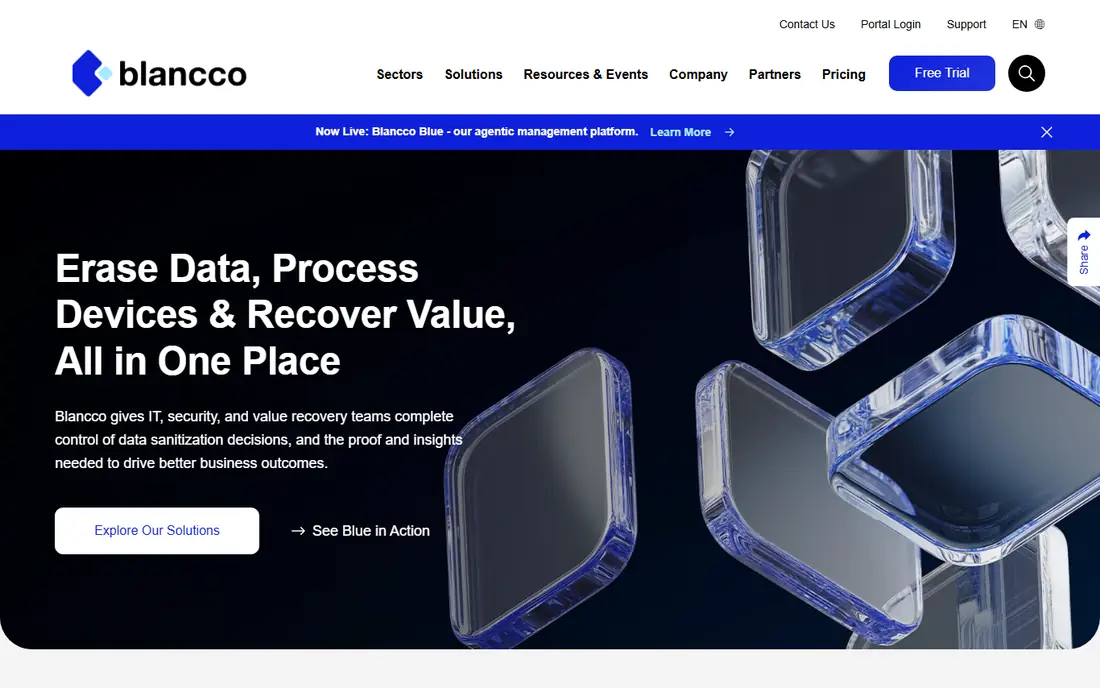
Blancco is the benchmark for certified erasure at scale. It supports a wide range of recognized standards, including NIST 800-88 approaches, and it produces a centrally stored, digitally signed certificate for each device. That report is what auditors, IT asset disposal firms and compliance teams actually ask for, and it is the main reason enterprises pay for Blancco rather than using a free wiper.
Pricing is quote based and sized by deployment and device count, so a home user should look elsewhere. For an organization retiring hundreds of laptops, servers or loose drives, Blancco gives the most defensible process. It also handles diagnostics and automation alongside erasure, which helps large IT teams process devices in batches.
- Supports many recognized erasure standards
- Digitally signed reports
- Covers HDDs, SSDs and other media
- Quote based pricing
- More than a home user needs
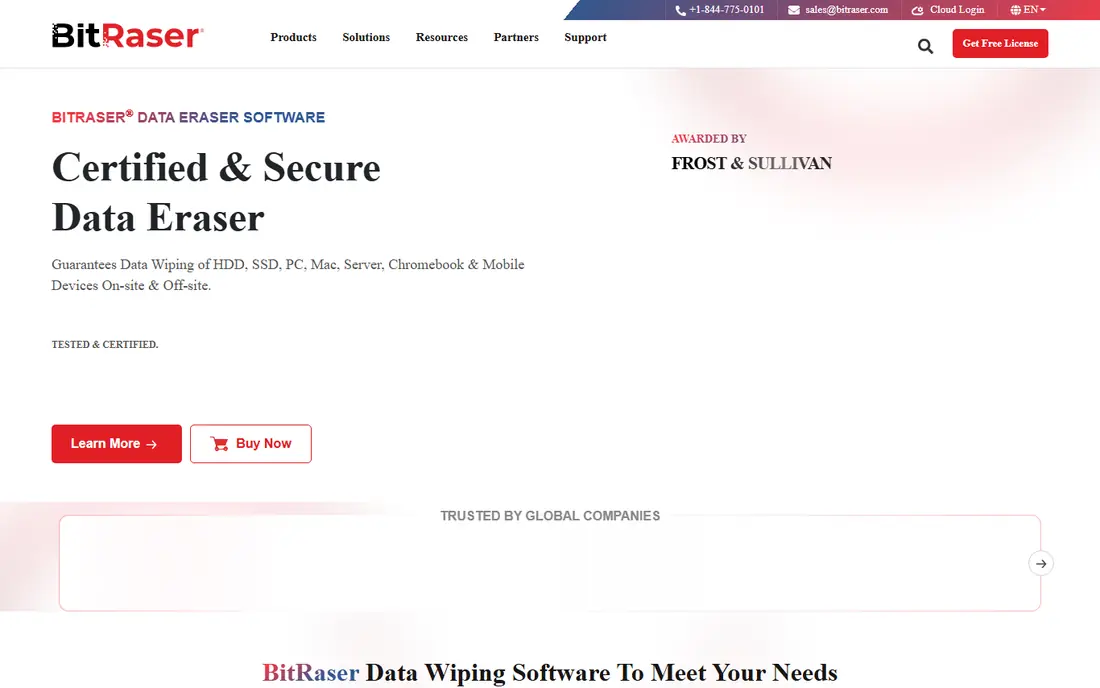
BitRaser, from Stellar, is a strong alternative to Blancco for certified wiping. It erases data beyond recovery from hard drives, SSDs and other media, and it generates tamper proof certificates that can be stored in a cloud console for later audit. That reporting helps with GDPR, HIPAA, PCI DSS and similar frameworks, and it gives a clear chain of custody for retired assets.
The product range has several variants for drives, files and mobile devices, so check which edition matches your need before you buy. Pricing is largely quote based for business use, which makes direct comparison harder. For IT teams that need audit ready reports without Blancco pricing, BitRaser is a credible shortlist pick.
- Tamper proof certificates
- Cloud console for reports
- Wide drive and device coverage
- Quote based enterprise pricing
- Product variants can confuse first time buyers
WipeDrive is a long running wiping tool aimed at individuals, IT teams and refurbishers who want a straightforward erase with a report. It can wipe drives from a bootable environment, which is useful when the operating system is damaged or you are wiping a system drive that cannot be erased while Windows is running. It supports common standards and verification options.
It does not match Blancco or BitRaser for large scale centralized reporting, so very large IT asset disposal operations may need a different tool. For smaller batches and single drives, the per drive model is easy to understand. Confirm the current per drive price on the vendor site, since third party listings vary and bulk pricing may differ.
- Simple per drive licensing
- Supports many standards
- Bootable wiping for systems that will not boot
- Less enterprise reporting depth than Blancco
- Check current pricing before bulk use
Active KillDisk is the best value pick for users who want a real wipe without enterprise cost. The freeware version handles basic drive erasure, while paid licenses from $85 add more standards, verification, certificates and parallel erasing. It supports HDDs, SSDs, M.2 and USB drives, and it can erase hidden areas on supported drives.
The interface is functional rather than polished, and beginners should read the docs before wiping a system drive. That is true of most wipers, but KillDisk assumes a bit more technical comfort than O&O SafeErase. For a home user or small shop retiring a handful of PCs a year, the price and feature balance is hard to beat.
- Freeware version for basic wiping
- Supports HDDs, SSDs and USB drives
- Certificates and verification on paid tiers
- Interface feels dated
- Free version lacks some standards and reporting
Eraser is a free, open source Windows tool for wiping files, folders, free space and whole drives. It supports scheduled erasure, so you can set it to wipe free space on a regular basis, and it offers several overwrite patterns. For a personal PC where you want deleted files to stay deleted, Eraser is a practical free choice.
It is not a compliance tool. There is no vendor backed certified report of the kind auditors expect, and it runs only on Windows. It also cannot wipe the drive Windows is currently running from, so a full system drive wipe needs a bootable tool instead. Use Eraser for personal file hygiene, and a certified tool for business disposal.
- Free and open source
- Scheduled wiping
- Wipes files, free space and drives
- Windows only
- No certified enterprise reporting
- Project updates are slower
O&O SafeErase is the most approachable paid wiper for Windows users selling or retiring a PC. The interface is clear, it explains what will be wiped before it starts, and it offers methods for files, free space, partitions and whole drives. It is SSD aware, which matters because blind overwriting is not always the right method for solid state drives.
The free trial lets you test the interface, but full wiping needs a paid license, and pricing varies by region and edition, so check the vendor site for your locale. It is Windows only, so Mac and Linux users need another tool. For a Windows household retiring one or two PCs, SafeErase is a low stress pick.
- Friendly Windows interface
- Wipes files, partitions and whole drives
- SSD aware methods
- Windows only
- Paid license needed for full use
- Pricing varies by region
BCWipe, from Jetico, focuses on file level wiping. Its transparent wiping feature automatically wipes files when they are deleted, and it can also wipe free space and file slack to clear traces of previously deleted data. That makes it useful for people who handle sensitive files daily and do not want to remember to run a separate wipe each time.
It is less of a bulk drive disposal tool than Blancco or KillDisk, though it does support drive erasure. Teams retiring many devices should compare its reporting with a dedicated erasure suite. Individuals and small offices that need strong day to day file wiping will find BCWipe a good fit, provided they accept the paid license.
- Transparent wiping of deleted files
- Wipes free space and file slack
- Long track record
- File focused, not a full IT asset disposal suite
- Paid license
ShredOS is a free, open source bootable wiping system built around nwipe. You create a bootable USB drive, boot the target PC from it, and wipe drives that cannot be erased while an operating system is running. That makes it a useful free option for retiring old PCs, especially when the system drive itself must be wiped.
There is no vendor support line and no certified audit report, so it is not a compliance tool for business disposal. You also need some comfort creating bootable media and selecting the correct drive, since wiping the wrong drive is permanent. For technically confident home users, ShredOS is a strong free alternative to paid bootable wipers.
- Free and open source
- Bootable, so it can wipe system drives
- Based on the nwipe tool
- No vendor support or certified reports
- Needs comfort with bootable media
How we picked these
We compared official product pages, supported media types, erasure standards, verification and reporting features, and current pricing for tools that work in October 2026. We favored tools with clear SSD handling, verification, and honest limits, and we noted where reporting is certified versus basic. We left out discontinued tools, tools with no current product page, and recovery tools that do not actually destroy data.
How to wipe a drive safely
Back up first, then double check the target
Wiping is permanent. Back up any files, photos or licenses you need, then confirm the exact drive model and size before you start. Unplug other drives if you can, so a bootable wiper cannot target the wrong disk. A few minutes of checking prevents a costly mistake.
Match the method to the drive type
Hard drives and SSDs need different approaches. Overwriting works for HDDs, while SSDs often need cryptographic erasure or a firmware secure erase command, plus verification. Use a tool that states its SSD method clearly, and do not assume a multi pass overwrite is the best choice for every SSD.
Keep the report if anyone else will see the drive
If you sell, return, donate or recycle a drive, keep the wipe certificate or log with the device record. For personal reuse, a basic log is enough. For business, school or health related devices, a certified report from Blancco, BitRaser or a similar tool is worth the cost, because it proves the wipe if the drive ever resurfaces.
FAQ
What is the best free hard drive wipe software?
For a bootable free wipe, ShredOS is a strong pick, and Eraser is a strong free pick for Windows file and free space wiping. Neither gives certified enterprise reporting, so businesses that need audit proof should use a paid certified tool instead. Always test a free tool on a spare drive first.
What is the best disk wipe software for SSDs?
Blancco, BitRaser and O&O SafeErase all state SSD aware methods, including cryptographic erasure and firmware commands where supported. Avoid tools that only offer multi pass overwriting with no SSD method, and check the vendor docs for your exact SSD model. Verification after the wipe matters as much as the method.
Does formatting a drive erase data?
No. Formatting removes the file index, but recovery software can often restore files. A proper wipe overwrites data, uses cryptographic erasure, or issues a secure erase command, then verifies that data cannot be read. If privacy matters, formatting alone is not enough.
How long does wiping a drive take?
It depends on drive size, method and tool. A quick cryptographic erase on a supported SSD can take minutes, while a multi pass overwrite of a large hard drive can take hours. Bootable tools and paid tools that erase drives in parallel can speed up bulk jobs. Plan wiping time before a disposal deadline.
Can data destruction software wipe a drive I do not own?
No. Use these tools only on drives you own or are authorized to wipe, such as company assets you manage under a disposal policy. Wiping someone else drive without permission can destroy their data and may break the law. When in doubt, get written authorization first.