Best Data Breach Notification Software for Remote Teams for 2026: Our 5 Vetted Picks
Best data breach notification software for remote teams in 2026: 5 contenders with entry costs and free tiers. Short verdicts, no fluff. Easy to scan.
- Editor's choice
 Exabeam
Cloud-native AI threat detection
Starts atPricing on requestVisit exabeam.comFull review - Great alternative
 OneTrust
Privacy, consent and AI governance
Starts atPricing on requestVisit onetrust.comFull review - Also consider
 Varonis
Data-centric threat detection and protection
Starts atPricing on requestVisit varonis.comFull review
Direct answer
This list puts Exabeam first for cloud-native AI threat detection. If your case is different, OneTrust suits privacy, consent and AI governance and Varonis suits data-centric threat detection and protection. Details and limits for the rest of the 5 tools are below. None of these vendors publish plan prices, so pricing is on request for every option.
TL;DR:
- Exabeam takes the first slot, best suited to cloud-native AI threat detection.
- The main caution on IBM Security QRadar: needs security expertise to operate.
- For unified threat detection and response, Splunk Enterprise Security is worth a look.
- Pricing across the list, from Exabeam to Splunk Enterprise Security, is by quote only.
- Neither Exabeam nor Splunk Enterprise Security, nor any of the other 3 tools, has a permanent free plan; trials and quotes are the norm.
Last checked November 2026. Pricing on request: vendors did not publish plan prices when this guide was last checked (November 2026), so ask each vendor for a written quote.
Quick comparison
| Tool | Best for | Starts at | Free plan? | |
|---|---|---|---|---|
| Exabeam | Cloud-native AI threat detection | Pricing on request | Not stated | Visit |
| OneTrust | Privacy, consent and AI governance | Pricing on request | Not stated | Visit |
| Varonis | Data-centric threat detection and protection | Pricing on request | Not stated | Visit |
| IBM Security QRadar | SIEM-driven threat detection and insight | Pricing on request | Not stated | Visit |
 Splunk Enterprise Security | Unified threat detection and response | Pricing on request | Not stated | Visit |
The best data breach notification software for remote teams
If you are comparing data breach notification software for remote teams, this page covers 5 tools in one place: what each is best for, what it costs to start, whether it has a free plan, and the main limit to know about.
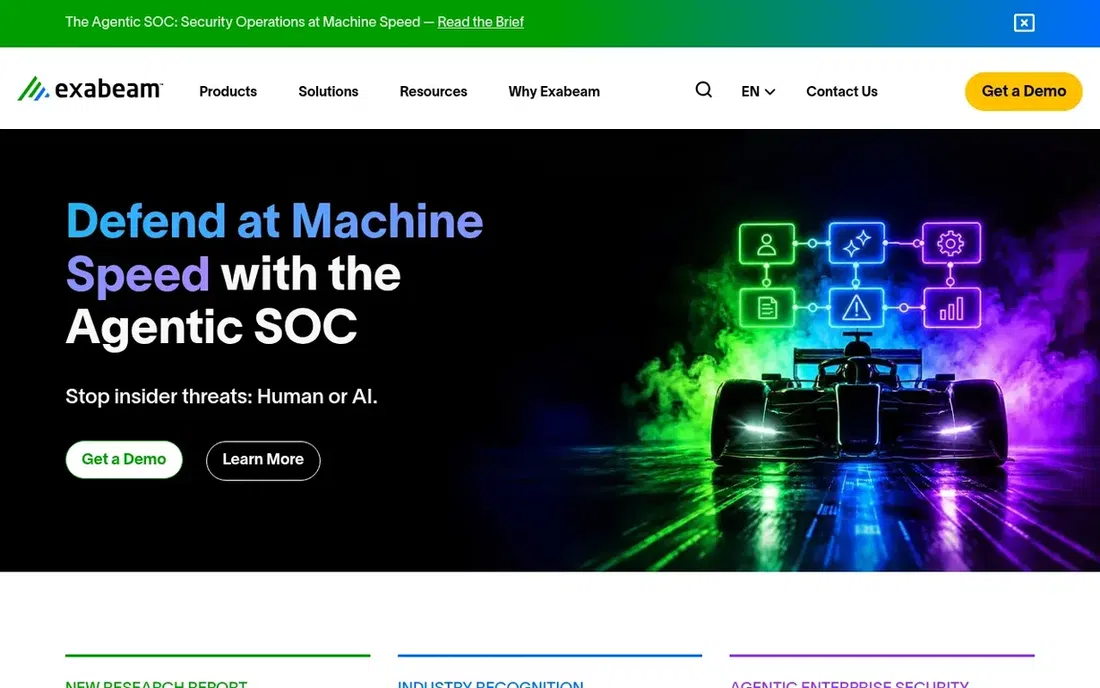
Exabeam makes the most sense for cloud-native AI threat detection. Exabeam centers on security operations, so notification drafting, regulator communication and privacy record keeping are not its core. Since it runs in the cloud, it can be a practical fit for remote teams that require consistent visibility across distributed users and services.
Its detection and investigation workflows help teams establish what happened before deciding on notification obligations. Teams with limited security staff may need outside support to run it well. No starting price is listed for Exabeam here; confirm pricing on the vendor site. As for free access: Not stated.
Trade-offs to know: May need tuning for distributed environments.
- AI-powered threat detection and investigation
- Handles TDIR workflows
- Concentrated on detection more than notification paperwork
Think of OneTrust for privacy, consent and AI governance. OneTrust helps firms handle privacy, consent and AI governance whereas automating compliance and reducing risk.
Also, OneTrust does not detect security incidents itself, so it works alongside a SIEM or data security product instead of replacing one. Its breadth can mean scoping work for smaller organizations. OneTrust does not show a starting price in this comparison, so check the vendor site for current pricing. Free plan details: Not stated.
Where it is weaker: Wide modules may need scoping for smaller teams.
- Automates privacy and compliance workflows
- Runs consent and AI governance
- Not a threat detection or SIEM tool
For data-centric threat detection and protection, Varonis is a natural candidate. Varonis is a data security and threat detection product instead of a notification or privacy compliance system, so letter templates, regulator portals and consent records live elsewhere.
Where it falls short: Deployment planning needed for complicated environments.
Where it shines: Links data.
On top of that, choose a privacy governance product if your priority is managing notification obligations and consent instead of protecting the data itself. Varonis does not show a starting price in this comparison, so check the vendor site for current pricing. Free plan details: Not stated.
- Focus on securing sensitive data
- Supports risk reduction across innovation projects
- Data security focus, not notification workflow
IBM Security QRadar
Best for: SIEM-driven threat detection and insight
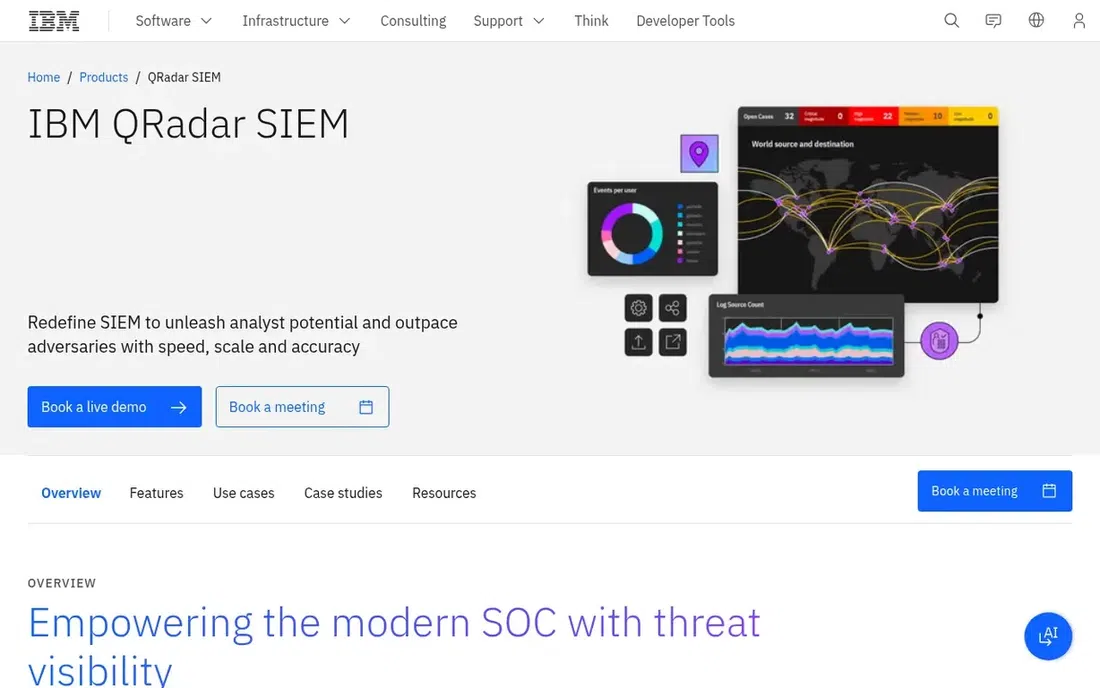
For SIEM-driven threat detection and insight, IBM Security QRadar is a natural candidate. It collects and correlates security events so analysts can spot incidents early, which matters when a remote team must decide rapidly whether an event becomes a notifiable breach.
Pick a privacy-focused product instead if your main need is compliance documentation instead of threat detection. QRadar is a detection and monitoring product, not a dedicated breach notification or privacy workflow tool, so notification letters, regulator filings and consent tracking sit elsewhere. IBM Security QRadar shows no starting price here, so confirm the cost on the vendor site. On free options: Not stated.
Limits to weigh: Needs security expertise to operate.
- Established SIEM foundation for security operations
- Supports centralized monitoring across environments
- Notification workflows may need integration work
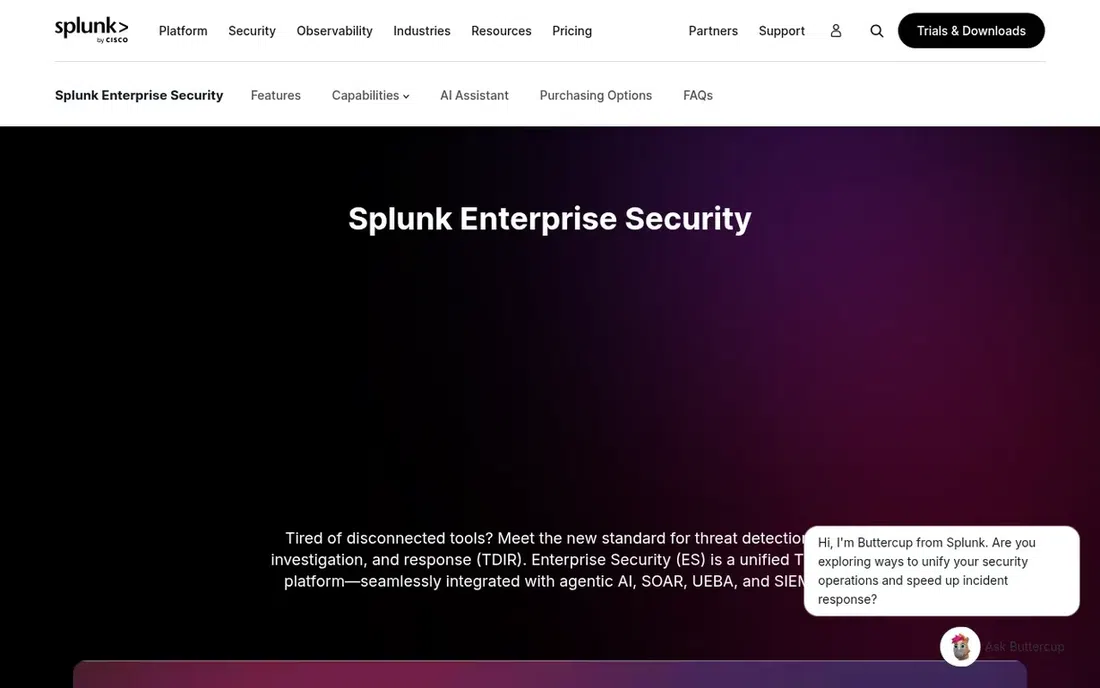
For unified threat detection and response, Splunk Enterprise Security is a natural candidate. Splunk Enterprise Security is described as a unified TDIR platform combining integrated SIEM, SOAR, UEBA and agentic AI to simplify threat detection, investigation and response.
For everyday use, the system is wide and oriented toward security operations, so smaller teams may find it heavy for straightforward notification tracking. Choose a privacy management platform if your priority is compliance workflow instead of detection and response. Check the vendor site for Splunk Enterprise Security pricing; none is listed in this comparison. Free access: Not stated.
Downsides: Notification tooling is not its primary focus.
- Integrated SIEM
- Simplifies investigation and response
- Wide platform may be complicated for small teams
How we built this list
LinkVetted looked at what each vendor publishes: pricing, plan limits, feature coverage for data breach notification software for remote teams and stated drawbacks. No hands-on testing is claimed. Treat prices as a snapshot: vendors change plans often, so check the vendor site for the figure that applies today. Tools are placed by general fit for data breach notification software for remote teams, with price clarity and free access as tie-breakers. A different team can reasonably rank them differently.
Before you commit
- Ask each vendor, from Exabeam to Splunk Enterprise Security, for a written quote; none of them publishes a starting price.
- Read the limits listed for Exabeam first: concentrated on detection more than notification paperwork.
- Let daily users try IBM Security QRadar on real work; their feedback beats any feature checklist.
- Look at which plan of Varonis unlocks the features you need; entry tiers are often cut down.
- Verify that exporting from Splunk Enterprise Security is possible on your plan and covers all your records.
FAQ
Which tool should a small remote team start with?
A small team with restricted security staff may start with a privacy management system to organize obligations and records, then add detection as needs grow. Match the starting point to your biggest gap.
Does any tool for data breach notification software for remote teams here have a free plan?
A permanent free plan is not offered by Exabeam, Splunk Enterprise Security or the other tools here. Plan a short evaluation period instead.
How should remote teams evaluate these tools?
List your detection, documentation and reporting needs, then check each vendor's documented features against them. Confirm details on vendor sites, since capabilities and packaging change over time.
Is Exabeam the right pick for everyone comparing data breach notification software for remote teams?
No single tool suits every team. Exabeam comes first because it fits cloud-native AI threat detection, while OneTrust suits privacy, consent and AI governance and Varonis suits data-centric threat detection and protection. Match the tool to your own size, budget and workflow before deciding.
Do these tools publish their prices?
No. None of the tools, from Exabeam to Splunk Enterprise Security, shows a fixed starting price here, so budget time for quotes.
Can I try these tools before paying?
Not by default. None of the tools, from Exabeam to Splunk Enterprise Security, lists a free plan or a free trial here, so ask each vendor for a demo before committing.
Sources
- https://www.exabeam.com
- https://www.onetrust.com
- https://www.varonis.com
- https://www.ibm.com/products/qradar-siem
- https://www.splunk.com/en_us/products/enterprise-security.html