6 Data Breach Notification Software for Enterprise Worth Shortlisting in 2026
Best data breach notification software for enterprise, compared. 6 tools with published prices, free plans and limits. Caveats come with every verdict. No hype.
- Editor's choiceOneTrust Privacy Management
Privacy automation and notification duties
Starts atSee websiteVisit onetrust.comFull review - Great alternative
 CrowdStrike Falcon
Cloud-delivered endpoint breach defense
Starts at$7.99 per device a monthVisit crowdstrike.comFull review - Also consider
 Splunk Enterprise Security
Unified threat detection and response
Starts atSee websiteVisit splunk.comFull review
Direct answer
OneTrust Privacy Management is the first pick on this list for Privacy automation and notification duties. Listed starting prices: CrowdStrike Falcon from $7.99 per device a month. For a different need, CrowdStrike Falcon covers Cloud-delivered endpoint breach defense and Splunk Enterprise Security covers unified threat detection and response. All 6 tools are compared below on price, free plan and limits.
TL;DR:
- OneTrust Privacy Management takes the first slot, best suited to Privacy automation and notification duties.
- Microsoft Defender for Cloud is the one to check for Cloud-native breach detection.
- The cheapest monthly starting price in the list is $7.99 per device per month, offered by CrowdStrike Falcon.
- One limit worth knowing about IBM Security QRadar: Notification steps need separate workflow tooling.
Last checked November 2026. Prices and plan details were read from the vendors' own pages in November 2026; vendors change plans often, so confirm the current price on the vendor site before you buy.
Quick comparison
| Tool | Best for | Starts at | Free plan? | |
|---|---|---|---|---|
| OneTrust Privacy Management | Privacy automation and notification duties | See website | Not stated | Visit |
| CrowdStrike Falcon | Cloud-delivered endpoint breach defense | $7.99 per device a month | Free trial | Visit |
| Splunk Enterprise Security | Unified threat detection and response | See website | Not stated | Visit |
| IBM Security QRadar | SIEM threat visibility and detection | See website | Not stated | Visit |
 LogicGate Risk Cloud | GRC and cyber risk programs | See website | Not stated | Visit |
 Microsoft Defender for Cloud | Cloud-native breach detection | See website | Not stated | Visit |
The full data breach notification software for enterprise list
LinkVetted compared 6 tools for data breach notification software for enterprise. The goal is a practical shortlist: published prices, free plan facts, best-fit use cases and honest limits for every entry.
OneTrust Privacy Management
Best for: Privacy automation and notification duties
In short, OneTrust Privacy Management is for Privacy automation and notification duties. If your priority is threat detection or automatic response, pair it with a SIEM or SOAR system rather than relying on privacy tooling alone.
Downsides: Not a threat detection tool.
Configuring it around your regulatory landscape takes planning and ownership. For breach notification, it supports the privacy side: tracking obligations, managing incident records and coordinating the regulatory and individual notification steps. No starting price is listed for OneTrust Privacy Management here; confirm pricing on the vendor site. On free options: Not stated.
- Supports data-driven privacy decisions
- Centralizes privacy compliance work
- Needs privacy process ownership
CrowdStrike Falcon makes the most sense for Cloud-delivered endpoint breach defense. CrowdStrike Falcon is a cloud-delivered suite of endpoint, cloud and identity security products built to stop breaches.
Falcon concentrates on prevention and detection rather than privacy case management or regulatory notification tracking. On cost, CrowdStrike Falcon starts like this: $7.99 per device per month. Free plan details: Free trial.
Points against: Notification workflow sits outside the product.
- Endpoint
- Cloud and identity coverage
- Best value with full suite adoption
In short, Splunk Enterprise Security is for unified threat detection and response. Splunk Enterprise Security is a unified threat detection, investigation and response product with integrated SIEM, SOAR, UEBA and analytics.
Where it is weaker: Wide product needs skilled administration.
Worth adding: if you want a lighter, privacy-centric tool, a dedicated privacy management system may suit better. For breach notification, it supports the detection and investigation phases, helping teams confirm scope and severity before deciding on notification. Splunk Enterprise Security does not show a starting price in this comparison, so check the vendor site for current pricing. Free options: Not stated.
- Simplifies detection and response
- UEBA and analytics support investigation
- Notification process must be defined by you
IBM Security QRadar
Best for: SIEM threat visibility and detection
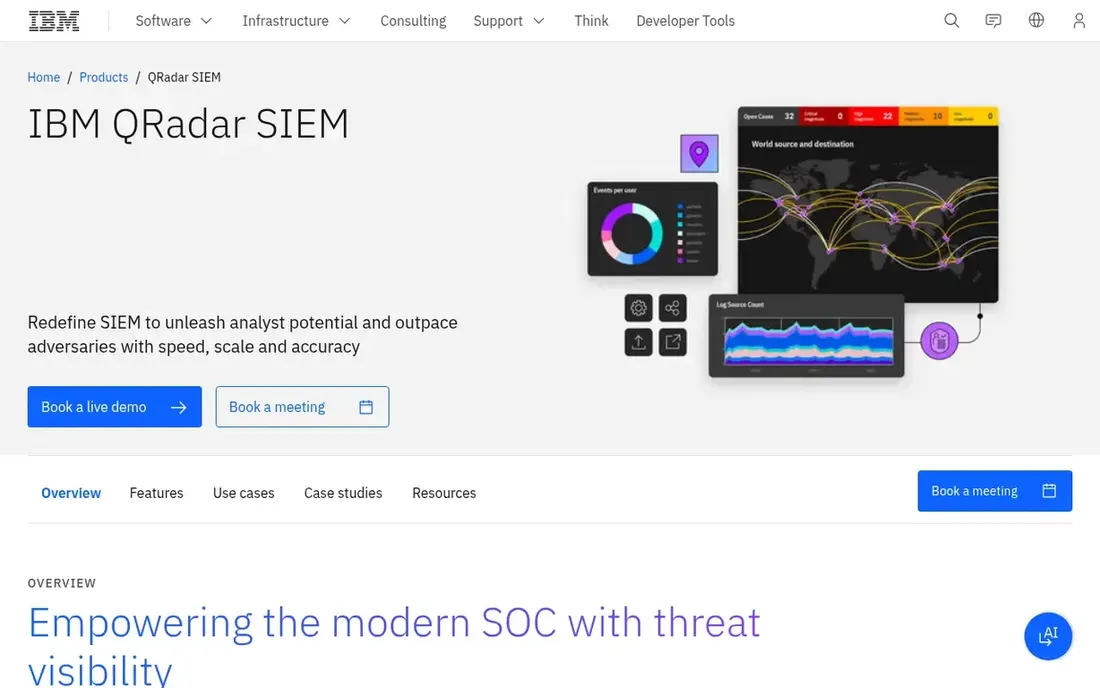
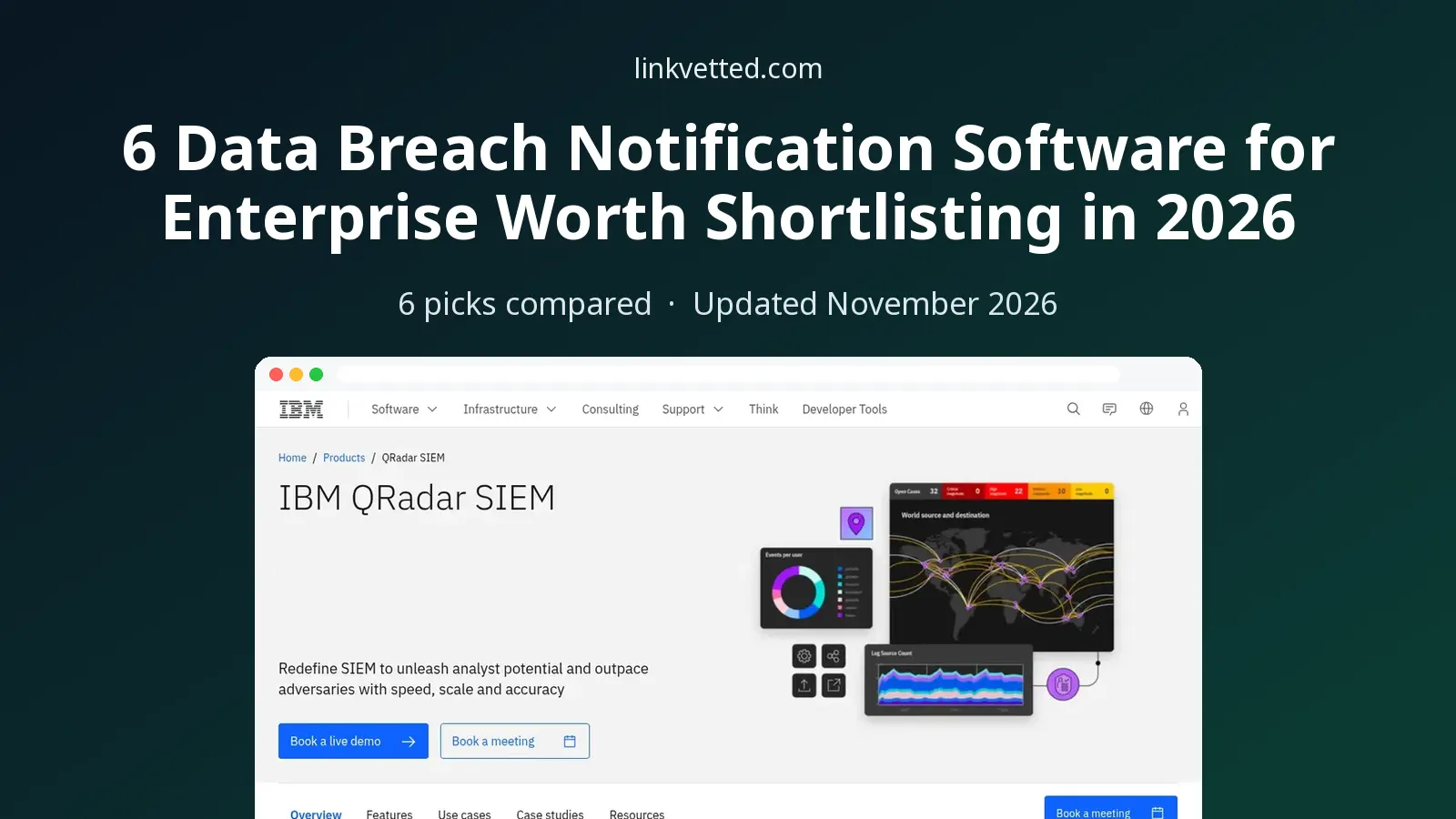
In short, IBM Security QRadar is for SIEM threat visibility and detection. QRadar is a detection and monitoring tool, not a dedicated notification or privacy case manager.
In daily use, IBM Security QRadar is a SIEM product that gives security teams actionable insight into critical threats across the environment. IBM Security QRadar does not show a starting price in this comparison, so check the vendor site for current pricing. As for free access: Not stated.
Drawbacks to consider: Notification steps need separate workflow tooling.
- Supports security operations monitoring
- Centralized event and log insight
- Needs tuning and skilled analysts
LogicGate Risk Cloud is a good fit for GRC and cyber risk programs. LogicGate Risk Cloud is an AI-powered GRC product offering applications for enterprise risk, external risk, cyber risk and compliance management. If you only need automatic security response, a SOAR product is a more targeted choice than a full GRC suite.
Points against: Broader GRC scope than notification alone.
The product is governance-focused, so live detection and technical response come from other tools. Worth adding: for breach notification, it supplies a governance structure for documenting incidents, tracking obligations and evidencing compliance. LogicGate Risk Cloud shows no starting price here, so confirm the cost on the vendor site. Trial and free access: Not stated.
- Supports compliance management
- Applications for cyber and third-party risk
- Notification steps need configuration
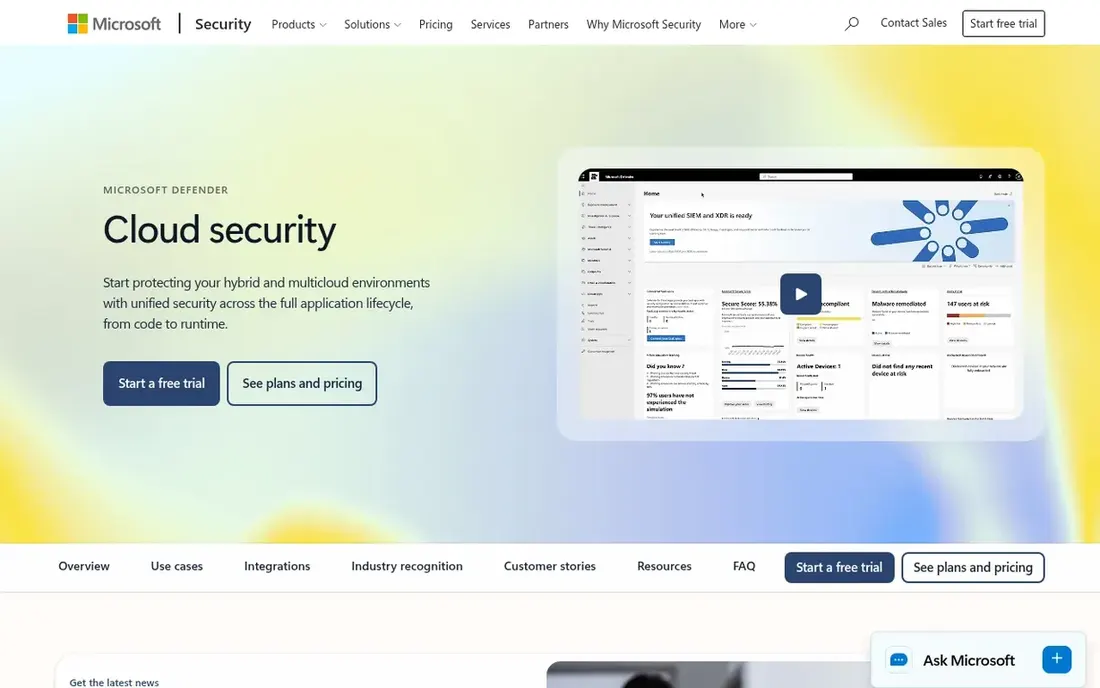
Microsoft Defender for Cloud is a good fit for Cloud-native breach detection. Coverage of on-premises and non-cloud assets relies on other tools.
Beyond that, Defender for Cloud concentrates on cloud posture and workload protection, so breach notification case management and regulatory reporting sit outside it. It helps teams detect exposures and threats in cloud workloads, which can surface incidents that require breach evaluation. Check the vendor site for Microsoft Defender for Cloud pricing; none is listed in this comparison. Free plan details: Not stated.
Limits to weigh: Cloud focus may leave gaps elsewhere.
- Suits Microsoft-centric security stacks
- Guards multicloud and hybrid environments
- Notification workflows are external
How we built this list
Questions to settle before buying
- Confirm the entry price on the vendor page. For OneTrust Privacy Management, Splunk Enterprise Security, IBM Security QRadar and others that means a quote rather than a fixed price.
- Use real work to test the free trial from CrowdStrike Falcon, rather than a demo project.
- Read the limits listed for OneTrust Privacy Management first: not a threat detection tool.
- Before you load data into Splunk Enterprise Security, check what an export looks like and who can run it.
- Price Microsoft Defender for Cloud for your actual team size; headline prices rarely include add-ons or overage.
FAQ
How are the tools for data breach notification software for enterprise ordered?
The order follows typical fit for data breach notification software for enterprise, with OneTrust Privacy Management first and Microsoft Defender for Cloud last, then price clarity and free access. It is editorial judgement, not a score, so another team could rank the tools differently.
Is OneTrust Privacy Management the right pick for everyone comparing data breach notification software for enterprise?
No single tool suits every team. OneTrust Privacy Management comes first because it fits Privacy automation and notification duties, while CrowdStrike Falcon suits Cloud-delivered endpoint breach defense and Splunk Enterprise Security suits unified threat detection and response. Match the tool to your own size, budget and workflow before deciding.
Does any tool for data breach notification software for enterprise here have a free plan?
A permanent free plan is not offered by OneTrust Privacy Management, Microsoft Defender for Cloud or the other tools here. CrowdStrike Falcon offer a trial. Plan a short evaluation period instead.
Do these tools publish their prices?
Not all of them. OneTrust Privacy Management, Splunk Enterprise Security, IBM Security QRadar and others publish no starting price, so expect a quote request for those. The rest, CrowdStrike Falcon included, show a starting price, though seats and billing terms still change the final cost.
Can a GRC system manage breach notification?
A GRC product like LogicGate Risk Cloud can structure incident documentation, compliance evidence and obligation tracking. It usually depends on security tools for detection, so it works best as part of a layered program.
Sources
- https://www.onetrust.com/products/privacy-management
- https://www.crowdstrike.com/products
- https://www.splunk.com/en_us/products/enterprise-security.html
- https://www.ibm.com/products/qradar-siem
- https://www.logicgate.com
- https://www.microsoft.com/en-us/security/business/cloud-security/microsoft-defender-cloud