Best Data Catalog Platforms in 2026: 8 Platforms Compared
We compared the best data catalog platforms for 2026, checking discovery, lineage, governance, connectors and pricing for Atlan, Alation and rivals in depth.
- Editor's choice
 Atlan
Business-user adoption and collaboration
Starts atSee websiteVisit atlan.comFull review - Great alternative
 Alation
Enterprise stewardship and search
Starts atSee websiteVisit alation.comFull review - Also consider
 Collibra
Regulated industry governance
Starts atSee websiteVisit collibra.comFull review
TL;DR:
- Atlan is our pick for teams that need analysts and business users to actually adopt the catalog, thanks to a polished, collaboration-first design.
- DataHub and OpenMetadata are the best free starting points, since both offer open source catalogs you can self-host.
- Alation and Collibra remain the enterprise choices for governance-heavy organizations, at quote-only prices and longer rollouts.
- Connector coverage for your exact warehouse, BI tool and orchestration stack matters more than a vendor's total connector count.
- A catalog only works if data owners keep it current, so budget time for stewardship, not just a license.
Quick comparison
| Tool | Best for | Starts at | Free plan? | |
|---|---|---|---|---|
| Atlan | Business-user adoption and collaboration | See website | No | Visit |
| Alation | Enterprise stewardship and search | See website | No | Visit |
| Collibra | Regulated industry governance | See website | No | Visit |
 data.world | Knowledge-graph cataloging | See website | No | Visit |
 DataHub | Open source engineering teams | Free | Yes | Visit |
 OpenMetadata | Fast free catalog setup | Free | Yes | Visit |
 Secoda | Mid-market quick setup | See website | No | Visit |
 Microsoft Purview | Azure and Microsoft shops | See website | No | Visit |
The best data catalog platforms
We compared official product pages, pricing models and connector documentation for the best data catalog platforms, the best data catalog software and the best data catalog tools. A data catalog is a searchable inventory of an organization's data assets, showing what each dataset means, where it came from, who owns it and how trusted it is. Most modern tools also cover lineage, glossaries and governance, so the lines between catalog, metadata management and governance have blurred.
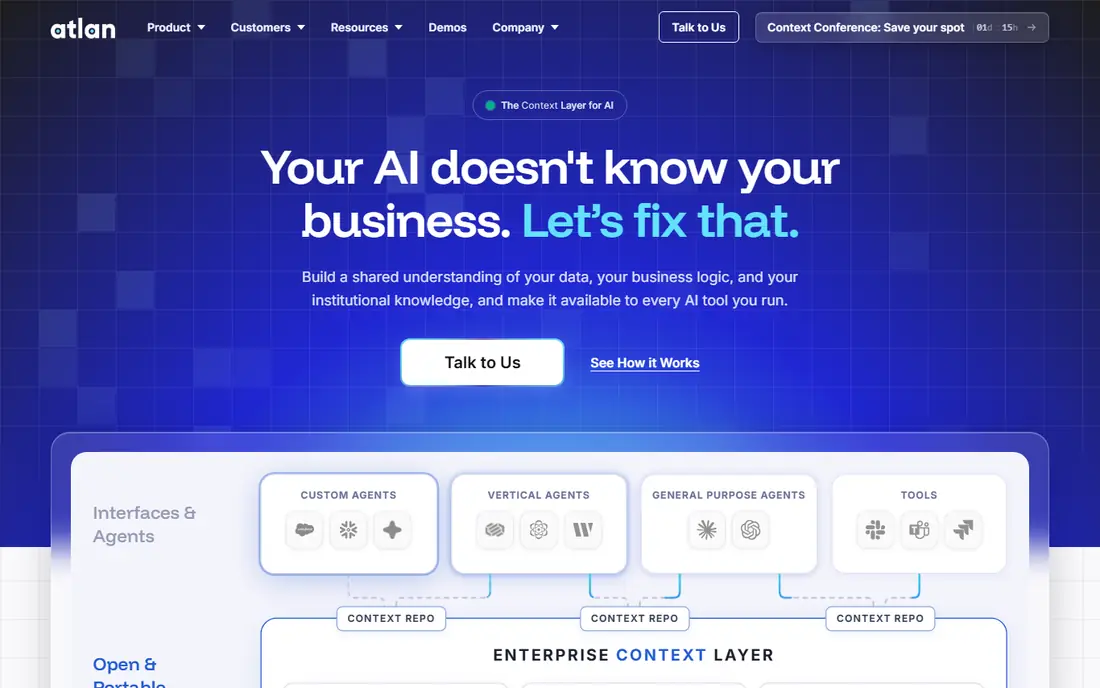
Atlan earns the top spot because adoption is where most catalog projects fail, and Atlan is designed to win that fight. The interface feels like a modern workplace tool, with profiles for tables and dashboards, column-level lineage, data previews, glossary terms and discussion threads in one place. Business users can search in plain language, see who owns a dataset, and check trust signals before they build a report, which cuts the duplicate work and conflicting numbers that plague teams without a catalog.
The drawback is price and scale. Atlan is quote-only, with pricing tied to active users, tiers and connected sources, and published estimates put mid-size deployments well into five figures per year. A small team with a single warehouse may not need that depth, and a free open source catalog may serve it better. If your goal is a catalog that people outside the data team actually use, and you have budget for a commercial platform, Atlan is the strongest pick on this list.
- Polished interface that analysts and business users adopt readily
- Active metadata with lineage and collaboration
- Broad connector range
- Quote-only pricing
- Costs rise with active users and sources
- Smaller teams may find it more than they need

Alation is the enterprise catalog that large organizations compare everything else against, and its strength is curation at scale. Machine learning suggests tags, descriptions and similar datasets, while usage data and peer ratings build trust signals that help analysts judge whether a table is safe to use. Stewardship workflows let data owners approve terms, flag issues and manage access, which matters in a company with hundreds of datasets and many teams.
The cost is the barrier. Alation is quote-only, with enterprise pricing that commonly runs into six figures per year for mid-size deployments, and implementation often involves professional services over several months. A startup or a mid-market team without dedicated stewards will find that heavy. If you run a large, compliance-sensitive organization and you need a catalog that can govern data as well as find it, Alation remains a leading choice, but plan the rollout and the stewardship staffing alongside the license.
- Strong search with machine-suggested tags and descriptions
- Peer trust signals and stewardship workflows
- Deep enterprise connector range
- Quote-only enterprise pricing
- Rollout can take months with professional services
- Heavier than small teams need
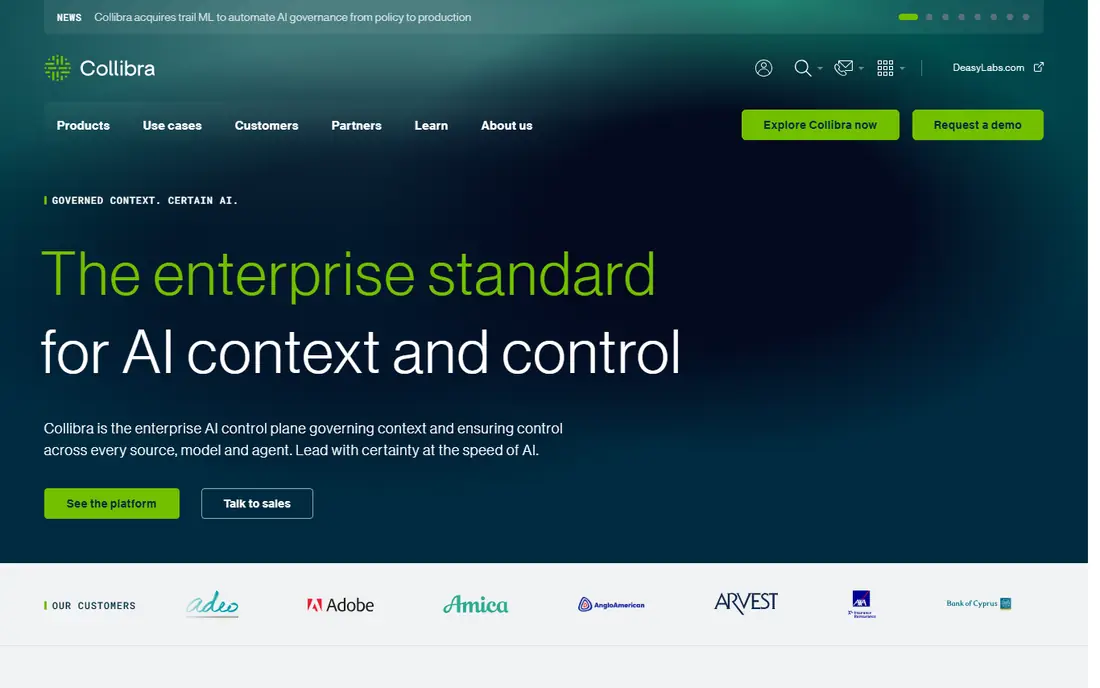
Collibra is the pick when governance outranks simple discovery, which is the case in banks, insurers, healthcare firms and other regulated organizations. Its platform pairs a catalog with policy management, approval workflows, data quality checks and lineage, so a dataset can carry its classification, owner, retention rule and access policy in one record. That depth helps a compliance team answer who can see what, why a field is restricted, and how a report was built, without hunting across tools.
The trade off is weight. Collibra is quote-only, with enterprise pricing at the top of the range, and rollouts commonly take months with services help. A team that only needs search and lineage will find simpler tools faster and cheaper. If approval chains, policy enforcement and audit trails are core requirements, and you have the staff to run them, Collibra's governance depth is hard to match, and it should lead your shortlist.
- Strong policy, workflow and approval chains
- Catalog plus governance and data quality in one platform
- Suited to regulated industries
- Quote-only pricing at the top of the market
- Heavy rollout
- Governance depth can slow simple discovery work
data.world takes a different approach to cataloging, by building a knowledge graph that links datasets, business terms, metrics, owners and related assets. That model makes relationships visible in a way a flat list cannot, so an analyst can trace a metric to its source tables, its definition and its owner in a few clicks. AI-assisted discovery helps users find relevant assets and understand them, and the glossary tools suit organizations that struggle with conflicting definitions for the same term.
The limits are price and familiarity. data.world is quote-only, with published estimates putting deployments in the high five to six figure range per year, and the graph model takes some learning for teams used to a simple search box. If your main problem is messy definitions and tangled relationships across many sources, the graph approach is a real advantage. If you only need basic search and lineage for a small stack, a simpler catalog will get you there faster.
- Knowledge-graph model links datasets, terms and people richly
- AI-assisted discovery
- Strong glossary and relationship mapping
- Quote-only pricing
- Graph model needs learning for new users
- Smaller community than the largest open source tools
DataHub is the best free catalog for an engineering-led team, because it treats the catalog as infrastructure rather than as a simple search page. The open source Core edition is free to self-host, with a metadata model that covers datasets, dashboards, pipelines, lineage and ownership, plus APIs and an MCP server for teams building AI and automation on top of metadata. That openness suits teams that want to extend the catalog, feed it into other tools, or run it inside their own cloud.
The cost is engineering time. Self-hosting, upgrading and maintaining DataHub needs a data engineer, and a team without one will spend more time on operations than on cataloging. The managed Cloud edition removes that burden at a quoted price, which is worth comparing against the staff cost of self-hosting. If your team can run infrastructure and you want a free, extensible catalog, DataHub is the strongest open source pick here.
- Free open source Core edition under Apache 2.0
- Strong metadata model with lineage and APIs
- Managed Cloud edition for teams that want hosting
- Self-hosting needs engineering time
- Setup is heavier than a SaaS catalog
- Support comes mainly from community on the free tier
OpenMetadata is the other leading open source catalog, and it suits teams that want a working catalog quickly without the heavier setup of DataHub. The stack is simpler, ingestion and lineage come built in, and profiling, data quality checks and a business glossary cover the everyday needs of a data team. The managed edition from Collate suits teams that want hosting and support without running the system themselves, at a quoted price.
The trade off is depth. OpenMetadata covers discovery, lineage and basic governance well, but it does not match Collibra or Alation on enterprise policy workflows, and self-hosting still needs someone to keep it running. For a mid-size team that wants a free catalog this quarter, OpenMetadata is often the fastest route, and its simpler setup is a genuine advantage over a more powerful but heavier platform. Start here if you want open source without a long infrastructure project.
- Free open source edition under Apache 2.0
- Simpler stack and faster path to a working catalog
- Lineage, profiling and glossary built in
- Self-hosting still needs ops effort
- Managed edition from Collate is quote based
- Governance depth trails Collibra and Alation
Secoda targets the gap between free open source tools and heavy enterprise platforms, with a focus on quick setup for startups and mid-market teams. AI-powered search and documentation help a small data team catalog assets without a dedicated steward for every source, and lineage, Slack alerts and a searchable interface make the catalog part of daily work rather than a separate chore. That low-touch approach is why many growing companies pick Secoda over a larger platform they cannot staff.
The limits are governance depth and pricing transparency. Secoda is quote-only, so budgeting needs a sales conversation, and a regulated enterprise that needs full policy workflows will still prefer Collibra or Alation. Connector coverage for niche or legacy sources also needs checking, since a missing connector for your key warehouse would undermine the whole project. If you are a growing team that needs a catalog live in weeks, not months, Secoda is a strong commercial pick.
- Fast, low-touch setup for startups and mid-market teams
- AI-powered search and documentation
- Lineage and Slack integration
- Quote-only pricing
- Smaller enterprise governance depth than Alation or Collibra
- Check connector coverage for niche sources
Microsoft Purview is the natural catalog for an organization that already lives in Azure and Microsoft 365, because it brings data discovery, classification and governance into the same platform as the rest of the Microsoft estate. The Data Map scans Azure sources and other systems, applies classifications, and feeds lineage and governance views, while consumption-based pricing ties cost to scanning and capacity rather than a flat enterprise license. For a Microsoft shop, that integration avoids a separate vendor and a separate login for governance work.
The catch is that Purview's value drops outside a Microsoft estate. Non-Azure sources need connectors and configuration, and the full governance feature set can be complex to set up without Azure expertise. A team on AWS or Google Cloud, or on a mixed stack, will likely get more from Atlan, Alation or an open source catalog. If Azure is your home, though, Purview is the most coherent catalog and compliance choice, and it should be evaluated before any standalone platform.
- Native catalog and governance inside Azure
- Consumption-based pricing tied to existing Microsoft agreements
- Unified compliance tools
- Best value only inside a Microsoft estate
- Governance features can be complex to configure
- Non-Azure sources need more work
How we picked these
We compared official product pages, pricing models, connector documentation and deployment options for the best data catalog software in October 2026. We favored platforms that are actively maintained, with a real user base and a clear deployment path, and we mixed commercial, open source and platform-native tools so readers can match a catalog to team size, budget and existing stack. We also weighed adoption and stewardship, since a catalog that only engineers use will not fix the trust and discovery problems it was bought to solve.
How to choose a data catalog without a failed rollout
Start by listing your exact sources, including warehouse, BI tool, orchestration system and key SaaS apps, and confirm native connector support for each one in writing during a trial. Next, pick five real questions your analysts ask every week, and test whether each catalog answers them in under a minute, since speed of discovery is the test that matters. Assign owners for your top datasets before you buy, because a catalog without owners goes stale within months. Finally, compare total cost honestly, including license, implementation, hosting and steward time, since a free open source catalog that needs a quarter of an engineer can cost more than a commercial SaaS plan.
FAQ
What is the best data catalog platform?
Atlan is our pick for adoption and collaboration, while Alation and Collibra lead for enterprise governance. DataHub and OpenMetadata are best if you want a free open source catalog, and the right choice depends on team size, budget and governance needs.
What is the best data catalog software for a small team?
OpenMetadata and DataHub are the strongest small-team options, since both are free to self-host. Secoda suits a growing team that wants SaaS setup without enterprise weight, while Atlan suits a team with budget for a polished commercial tool.
How much do data catalog platforms cost?
Open source catalogs are free to self-host, with infrastructure and staff costs on top, while commercial platforms are mostly quote-only. Published estimates put mid-size commercial deployments from tens of thousands to several hundred thousand dollars per year, depending on users, sources and governance depth.
What is the difference between a data catalog and metadata management?
A data catalog is the searchable inventory of data assets, while metadata management is the broader discipline of collecting, governing and activating metadata across systems. Most modern tools do both, combining discovery, lineage, glossaries and governance in one platform.
Is open source data catalog software good enough?
For engineering-led teams, yes, since DataHub and OpenMetadata power many production deployments. The trade is engineering time for hosting and maintenance instead of license fees, so count staff time honestly before you choose open source over SaaS.
What connectors should I check before buying?
Verify native support for your warehouse, BI tool, orchestration system and main SaaS sources, not just the vendor's total connector count. Ask for the connector list in writing during the trial, and test ingestion on your largest and messiest source.