Best Data Archiving Software (2026): 5 Picks Checked on Vendor Pages
Searching for the best data archiving software? Here are 5 options with prices and free plans. Strengths and weak spots are spelled out. Read before you buy.
- Editor's choice
 IBM Storage Protect
Enterprise backup and retention at scale
Starts atPricing on requestVisit ibm.comFull review - Great alternativeVeeam Backup & Replication
Virtual and cloud workload protection
Starts atPricing on requestVisit veeam.comFull review - Also considerVeritas Enterprise Vault
Dedicated email and content archiving
Starts atPricing on requestVisit veritas.comFull review
Direct answer
This list puts IBM Storage Protect first for Enterprise backup and retention at scale. Alternatives: Veeam Backup & Replication for virtual and cloud workload protection, and Veritas Enterprise Vault for dedicated email and content archiving. The other 2 tools in the list cover narrower or pricier cases. None of these vendors publish plan prices, so pricing is on request for every option.
TL;DR:
- Top of the list is IBM Storage Protect, which targets Enterprise backup and retention at scale.
- Before buying Veritas Enterprise Vault, weigh this: less emphasis on wide cyber resilience.
- Cohesity DataProtect is the one to check for consolidated data security and management.
- Neither IBM Storage Protect nor Cohesity DataProtect, nor any of the other 3 tools, has a permanent free plan; trials and quotes are the norm.
Last checked November 2026. Pricing on request: vendors did not publish plan prices when this guide was last checked (November 2026), so ask each vendor for a written quote.
Quick comparison
| Tool | Best for | Starts at | Free plan? | |
|---|---|---|---|---|
| IBM Storage Protect | Enterprise backup and retention at scale | Pricing on request | Free trial | Visit |
| Veeam Backup & Replication | Virtual and cloud workload protection | Pricing on request | Not stated | Visit |
| Veritas Enterprise Vault | Dedicated email and content archiving | Pricing on request | Not stated | Visit |
| Dell PowerProtect Data Manager | Centralized protection across Dell estates | Pricing on request | Not stated | Visit |
 Cohesity DataProtect | Consolidated data security and management | Pricing on request | Not stated | Visit |
The 5 tools in detail
LinkVetted compared 5 tools for data archiving software. The goal is a practical shortlist: published prices, free plan facts, best-fit use cases and honest limits for every entry.
For Enterprise backup and retention at scale, IBM Storage Protect is a natural candidate. It is a conservative choice for regulated environments.
What to check first: Wide portfolio can be complicated to navigate.
Confirm current capabilities, supported workloads and deployment models with IBM before deciding. Also, IBM's portfolio is broad, so identifying the right product and licensing path takes homework. This comparison lists no price for IBM Storage Protect; ask the vendor. Free access: Free trial.
- Suits IBM infrastructure environments
- Suited to large enterprise estates
- Archiving is one capability among numerous
Veeam Backup & Replication
Best for: Virtual and cloud workload protection
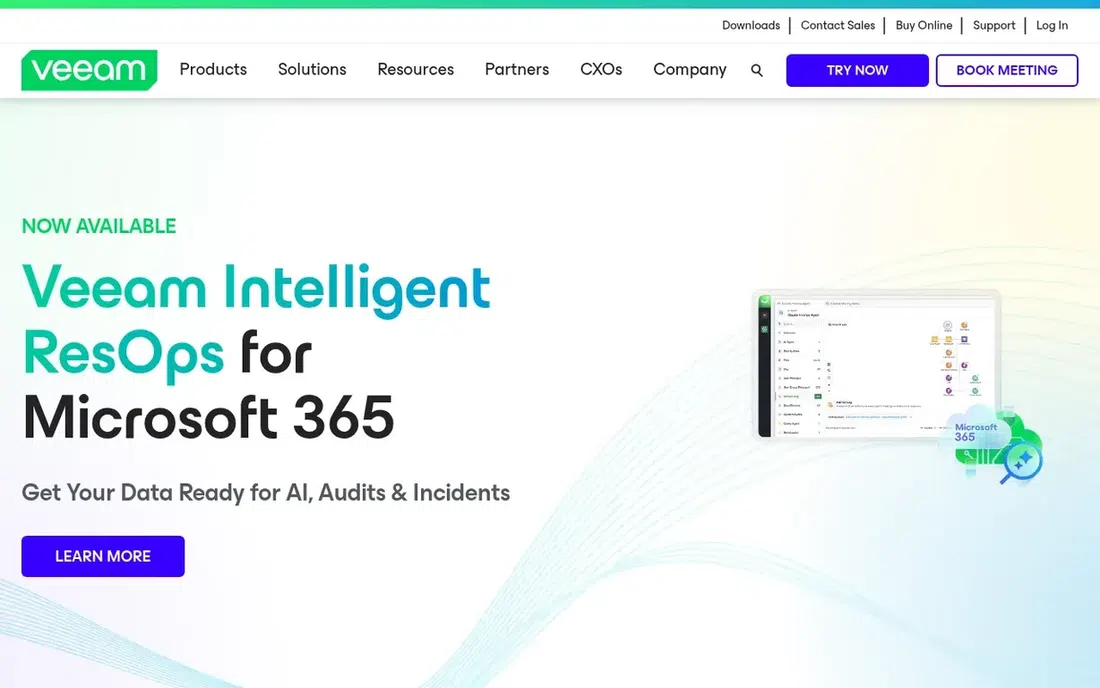
Veeam Backup & Replication is a good fit for virtual and cloud workload protection. Veeam Backup & Replication is a data protection system centered on cyber resilience, secure data movement and compliance, with messaging around AI and data challenges.
In daily use, long-term archiving and mailbox retention are not its primary identity, so check that your retention requirements map cleanly to its capabilities. Check the vendor site for Veeam Backup & Replication pricing; none is listed in this comparison. Free plan details: Not stated.
Trade-offs to know: Retention design needs care.
- Widely used for virtualization protection
- Cyber resilience framing
- Archiving is secondary to backup
Veritas Enterprise Vault
Best for: Dedicated email and content archiving
Veritas Enterprise Vault serves dedicated email and content archiving. Veritas Enterprise Vault is an archiving product targeted at organizations that require to retain, index and retrieve messaging and collaboration content over long periods.
Drawbacks to consider: Less emphasis on wide cyber resilience.
More specifically, if your priority is a purpose-built archive instead of a general backup suite, this is a reasonable starting point. More specifically, teams that chiefly want ransomware recovery or cloud workload protection may be better served by a broader system. This comparison lists no price for Veritas Enterprise Vault; ask the vendor. Free access: Not stated.
- Fits compliance-driven retention needs
- Well suited to messaging and collaboration data
- May overlap with backup platforms
Dell PowerProtect Data Manager
Best for: Centralized protection across Dell estates
Dell PowerProtect Data Manager targets centralized protection across Dell estates. Dell PowerProtect Data Manager is a data protection management product targeted at centralizing backup and retention across infrastructure, especially where Dell storage and servers are already in place.
The main drawbacks: Archiving is part of a bigger offering.
It is a practical choice for standardized estates. Also, archiving is one function within a bigger protection offering instead of the entire product. Dell PowerProtect Data Manager does not show a starting price in this comparison, so check the vendor site for current pricing. As for free access: Not stated.
- Fits Dell infrastructure investments
- Supports retention planning
- Best value within Dell environments
Cohesity DataProtect makes the most sense for consolidated data security and management. Cohesity DataProtect merges data security and data management, with immutable backup, AI-based early threat detection and rapid recovery.
It is a reasonable fit for teams prioritizing ransomware defense alongside archiving. For everyday use, pick something else if your need is purely long-term content retention with minimal protection scope. This comparison lists no price for Cohesity DataProtect; ask the vendor. Free plan details: Not stated.
Where it falls short: Archiving sits within a wider system.
- Immutable backup against ransomware
- Rapid recovery choices
- Policy planning is required
How we compared the tools
For each of the 5 tools we noted price, free plan or trial, fit for data archiving software and the main limit, using vendor pages and documentation. Treat prices as a snapshot: vendors change plans often, so check the vendor site for the figure that applies today. We ordered the tools by general fit, then by how clearly pricing is shown, then by free access. A buyer with unusual needs may reorder them.
Things to verify first
- Ask each vendor, from IBM Storage Protect to Cohesity DataProtect, for a written quote; none of them publishes a starting price.
- Use real work to test the free trial from IBM Storage Protect, rather than a demo project.
- Read the limits listed for IBM Storage Protect first: wide portfolio can be complicated to navigate.
- Pick one real project and run it in Dell PowerProtect Data Manager first; a small pilot shows fit faster than a checklist.
- Ask IBM Storage Protect whether prices are locked for the first term and what happens at renewal.
FAQ
Can I try these options before paying?
Often, yes. IBM Storage Protect offers a free trial. Use your own data and a real task during the test, and check what the free tier or trial limits before you rely on it.
Does any tool for data archiving software here have a free plan?
A permanent free plan is not offered by IBM Storage Protect, Cohesity DataProtect or the other tools here. IBM Storage Protect offer a trial. Plan a short evaluation period instead.
How are the tools for data archiving software ordered?
The order follows typical fit for data archiving software, with IBM Storage Protect first and Cohesity DataProtect last, then price clarity and free access. It is editorial judgement, not a score, so another team could rank the tools differently.
Is IBM Storage Protect the right pick for everyone comparing data archiving software?
No single tool suits every team. IBM Storage Protect comes first because it fits Enterprise backup and retention at scale, while Veeam Backup & Replication suits virtual and cloud workload protection and Veritas Enterprise Vault suits dedicated email and content archiving. Match the tool to your own size, budget and workflow before deciding.
What should data archiving software do beyond storing old data?
Decent archiving software applies retention policies, supports search and retrieval, and helps meet compliance or legal hold requirements. It should also connect with your backup and identity systems so archived content stays governed.
Sources
- https://www.ibm.com
- https://www.veeam.com
- https://www.veritas.com
- https://www.dell.com
- https://www.cohesity.com