Best CRM API Integration Tools for 2026: Our 6 Vetted Picks
Shortlisting the best CRM API integration tools? 6 products compared on cost, free access and ideal buyer. Each entry gets a plain verdict. Quick to scan.
- Editor's choice
 Pipedrive
Sales teams centred on pipeline management
Starts atPricing on requestVisit pipedrive.comFull review - Great alternative
 Zoho CRM
Firms wanting agentic sales product
Starts atPricing on requestVisit zoho.comFull review - Also consider
 Make
No-code workflow automation
Starts atPricing on requestVisit make.comFull review
Direct answer
This list puts Pipedrive first for sales teams centred on pipeline management. If your case is different, Zoho CRM suits companies wanting agentic sales product and Make suits no-code workflow automation. The remaining 3 options are covered below with pricing notes and limits. None of these vendors publish plan prices, so pricing is on request for every option.
TL;DR:
- The list opens with Pipedrive, aimed at sales teams concentrated on pipeline management.
- Pricing across the list, from Pipedrive to Microsoft Dynamics 365, is by quote only.
- A fair warning about Zoho CRM: interface can feel dense.
- Just one of the 6 tools, Make, has a free plan.
- Microsoft Dynamics 365 fits enterprises needing CRM and ERP.
Last checked November 2026. Pricing on request: vendors did not publish plan prices when this guide was last checked (November 2026), so ask each vendor for a written quote.
Quick comparison
| Tool | Best for | Starts at | Free plan? | |
|---|---|---|---|---|
| Pipedrive | Sales teams centred on pipeline management | Pricing on request | Not stated | Visit |
| Zoho CRM | Firms wanting agentic sales product | Pricing on request | Not stated | Visit |
| Make | No-code workflow automation | Pricing on request | Yes | Visit |
 HubSpot CRM | Small companies seeking connected CRM | Pricing on request | Not stated | Visit |
 MuleSoft Anypoint Platform | Enterprise integration and APIs | Pricing on request | Not stated | Visit |
 Microsoft Dynamics 365 | Enterprises needing CRM and ERP | Pricing on request | Not stated | Visit |
Every option for CRM API integration tools explained
This LinkVetted guide covers 6 CRM API integration tools. Each profile lists a starting price, free plan details, strengths and drawbacks, so you can drop poor fits quickly.
Pipedrive is built with sales teams centred on pipeline management in mind. If you need complicated automation or ERP connectivity, consider Microsoft Dynamics 365 or MuleSoft Anypoint Platform.
What to check first: Fewer native integrations than bigger suites.
- Solid pipeline visualization
- Easy-to-use interface
- Restricted advanced automation
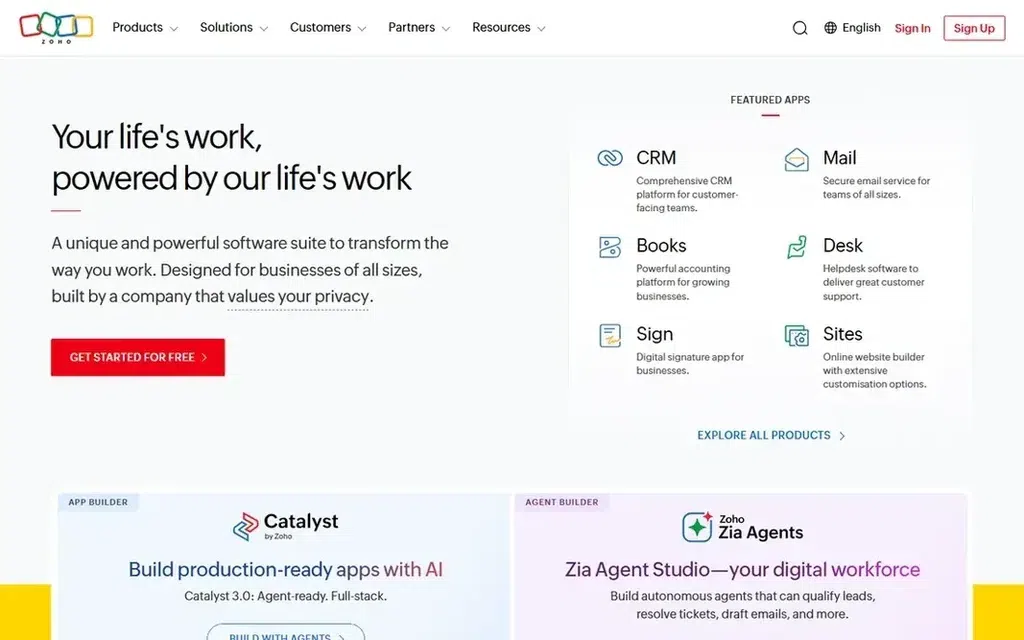
Zoho CRM is built with firms wanting agentic sales system in mind. Teams prioritizing simplicity might prefer Pipedrive.
In daily use, the breadth of features can make the interface overwhelming for new users, and integration with non-Zoho systems may need extra configuration. Zoho CRM does not show a starting price in this comparison, so check the vendor site for current pricing. Free options: Not stated.
Where it is weaker: Interface can feel dense.
- Agentic CRM capabilities
- Runs sales operations
- Integration setup may need configuration
Make is built with no-code workflow automation in mind. Make is an AI workflow automation software that lets users to visually build, scale, and automate AI and agentic workflows. It serves as a no-code integration tool that links several apps, including CRMs, to simplify processes.
What to check first: Needs automation design skills.
Make is not a CRM but an automation layer, so it complements instead of replaces a CRM. As for the details, for native CRM functionality, pair it with a product like HubSpot CRM or Zoho CRM. No starting price is listed for Make here; confirm pricing on the vendor site. You can start on Make without paying.
- Visual workflow builder
- Scales AI and agentic workflows
- Not a CRM itself

HubSpot CRM serves small firms seeking connected CRM. Whereas HubSpot CRM is approachable, some advanced integration and automation capabilities are tied to higher levels.
Limits to weigh: Advanced features may need upgrades.
Worth adding: HubSpot CRM is a free CRM software for small companies that helps organize contacts, track deals, and close more sales with built-in AI. On top of that, if you need deep enterprise integration or complicated workflows, consider Microsoft Dynamics 365 or MuleSoft Anypoint Platform instead. Check the vendor site for HubSpot CRM pricing; none is listed in this comparison. As for free access: Not stated.
- Built-in AI features
- Organizes contacts and deals
- Integration depth varies by plan
Think of MuleSoft Anypoint Platform for enterprise integration and APIs. It fits large organizations that require solid, scalable integration across diverse systems.
For everyday use, for more straightforward automation, consider Make instead. MuleSoft Anypoint Platform shows no starting price here, so confirm the cost on the vendor site. Free plan details: Not stated.
Points against: Requires specialized integration skills.
- Complete hybrid integration
- On-premises or cloud adaptability
- High complexity
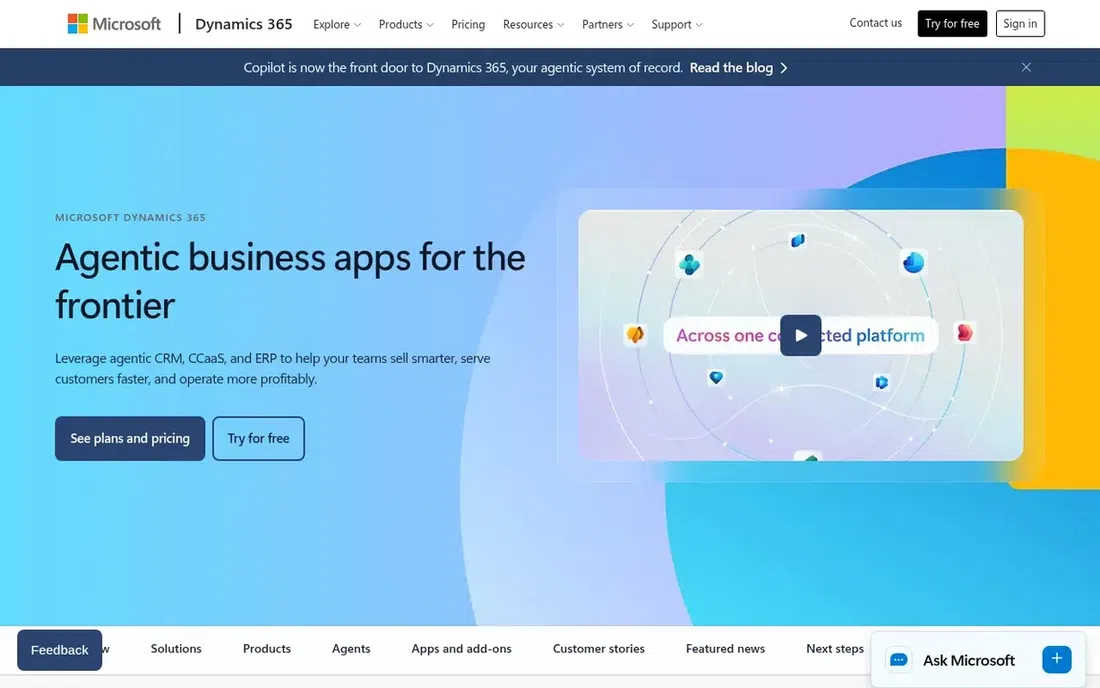
Microsoft Dynamics 365 serves enterprises needing CRM and ERP. Microsoft Dynamics 365 supplies agentic CRM and ERP business applications that link teams, processes, and data.
The main drawbacks: May need specialized expertise.
More specifically, the product can be complicated to implement and maintain, frequently requiring dedicated IT resources. No starting price is listed for Microsoft Dynamics 365 here; confirm pricing on the vendor site. Free options: Not stated.
- Brings together CRM and ERP
- Connects teams and data
- Complicated setup
Our selection method
We compared the tools on published pricing, free plan or trial availability, feature coverage for CRM API integration tools, and the limits each vendor documents. Plan names, prices and limits change often. Treat the figures here as a starting point and verify them with the vendor. Tools are placed by general fit for CRM API integration tools, with price clarity and free access as tie-breakers. A different team can reasonably rank them differently.
Pre-purchase checklist
- Confirm the entry price with every vendor: no tool from Pipedrive to Microsoft Dynamics 365 shows a fixed starting price.
- Test the free plan from Make against your real workload before relying on it.
- Read the limits listed for Pipedrive first: restricted advanced automation.
- Find out whether the entry plan of Pipedrive covers your must-haves or only a trimmed-down version.
- Find out what support Zoho CRM includes on your plan, and whether onboarding help costs extra.
FAQ
How are the tools for CRM API integration tools ordered?
The order follows typical fit for CRM API integration tools, with Pipedrive first and Microsoft Dynamics 365 last, then price clarity and free access. It is editorial judgement, not a score, so another team could rank the tools differently.
What is a CRM API integration tool?
A CRM API integration tool links your customer relationship management system with other software, enabling data sync and automatic workflows. It can be a built-in feature of a CRM or a separate product like Make or MuleSoft Anypoint Platform.
Can I try these options before paying?
Often, yes. Make has a free plan. Use your own data and a real task during the test, and check what the free tier or trial limits before you rely on it.
Which options for CRM API integration tools have a free plan?
Make is the only tool in this list with a free plan. Free plans usually cap users, projects or features, so check the limits on the vendor page.
Do I need a separate integration tool if I use a CRM?
Not always. Numerous CRMs like HubSpot CRM and Zoho CRM offer native integrations. That said, for complicated or custom workflows, a dedicated tool like Make or MuleSoft Anypoint Platform may be necessary.
How do I choose between Make and MuleSoft Anypoint Platform?
Make is a no-code automation tool suited for teams wanting visual workflow building without heavy IT involvement. MuleSoft Anypoint Platform is an enterprise-grade integration system for large organizations with complicated, hybrid integration needs.
Sources
- https://www.pipedrive.com
- https://www.zoho.com/crm
- https://www.make.com
- https://www.hubspot.com/products/crm
- https://www.mulesoft.com/platform/enterprise-integration
- https://www.microsoft.com/en-us/dynamics-365