Best CRM and Project Management Software in 2026: 8 Tools Compared
Compare the best CRM and project management software that combines sales pipelines with delivery, tasks, time tracking and invoicing in one single tool.
- Editor's choice
 monday.com
Visual CRM and projects
Starts atSee websiteVisit monday.comFull review - Great alternative
 ClickUp
Configurable sales and delivery workspace
Starts atSee websiteVisit clickup.comFull review - Also consider
 Insightly
Deal to project conversion
Starts atSee websiteVisit insightly.comFull review
TL;DR:
- monday.com and ClickUp suit teams that want visual boards for both sales and delivery work.
- Insightly, Scoro and Flowlu were built around the deal-to-project handoff, which suits agencies and service firms.
- HubSpot and Zoho suit teams that want CRM depth plus project tools, with broad integration catalogues.
- Wrike suits larger service organisations that need governed handoffs and complex delivery workflows.
- Decide which side your team lives in most, sales or delivery, since that shapes the best fit.
Quick comparison
| Tool | Best for | Starts at | Free plan? | |
|---|---|---|---|---|
| monday.com | Visual CRM and projects | See website | Yes | Visit |
| ClickUp | Configurable sales and delivery workspace | See website | Yes | Visit |
| Insightly | Deal to project conversion | See website | Free trial | Visit |
 Scoro | Agencies and consultancies | $17 per user per month | Free trial | Visit |
 Flowlu | Small teams on a budget | $9 per user per month | Yes | Visit |
 HubSpot | CRM depth with project tools | See website | Yes | Visit |
 Zoho CRM and Zoho Projects | Zoho ecosystem teams | See website | Free trial | Visit |
 Wrike | Governed enterprise delivery | See website | Yes | Visit |
The best CRM and project management software
Combined CRM and project tools stop the handoff gap between winning work and delivering it. A won deal should become a project with the same customer record, tasks and files, not a fresh start in another system.
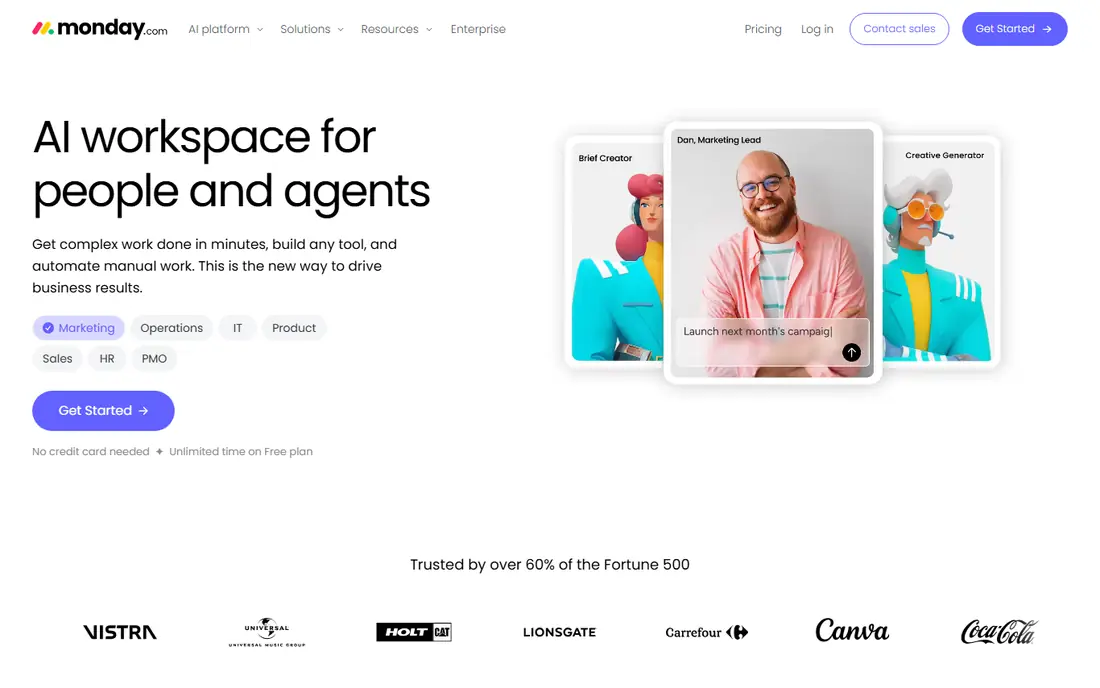
monday.com suits teams that think in boards. Sales pipelines, client projects and internal work can live on the same platform, with automations that move a deal to delivery and notify the right people. The visual style makes status easy to see in a meeting, and the free plan gives small teams a real starting point.
The catch is pricing structure. As seats grow and you add CRM, automations and integrations, per-user bills add up. Teams that invest time in board design get the most value, while teams that want a fixed, out-of-the-box agency workflow may prefer a more specialised tool.
- CRM and work management on one platform
- Flexible boards
- Broad automation options
- Costs stack across products and seats
- Setup needs thought for complex workflows
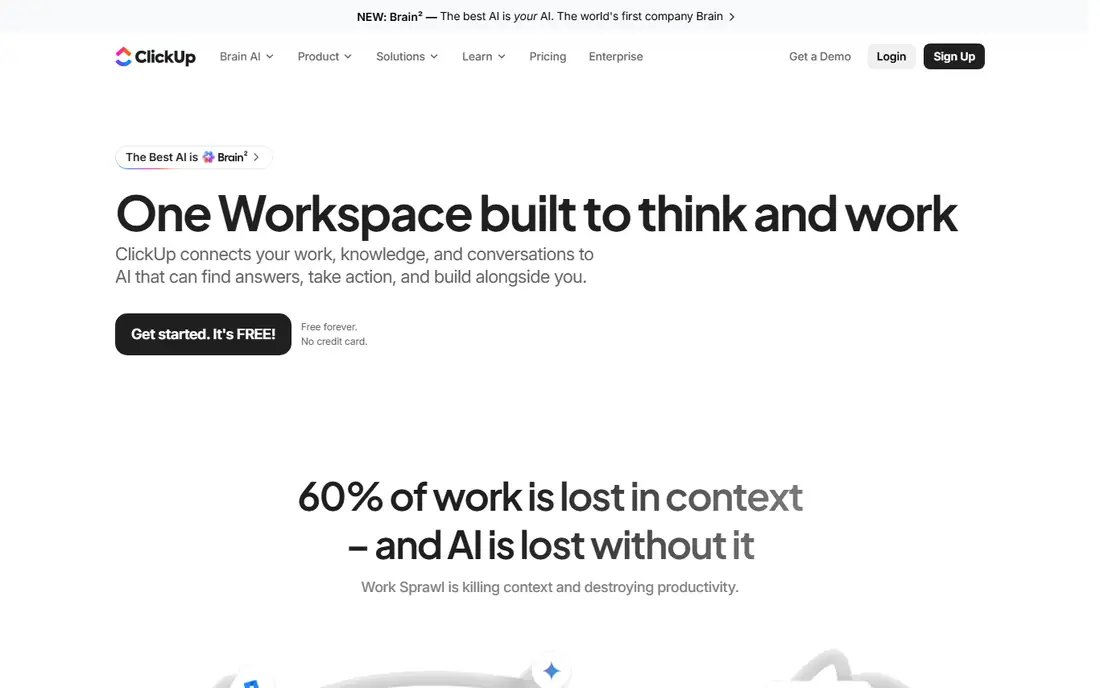
ClickUp is the pick for teams that want one configurable workspace for sales context and delivery execution. You can build CRM lists, project tasks, docs, goals and automations without switching tools, and views range from lists to boards to timelines. That breadth suits service teams with varied client work.
The downside is choice overload. New teams should start with a template and a small set of views, then expand, rather than turning on every feature at once. With discipline, ClickUp can replace several tools, but without it, the workspace can grow messy.
- Highly configurable tasks and views
- Automations
- CRM templates and docs in one place
- Flexibility can feel overwhelming
- Performance varies on very large workspaces
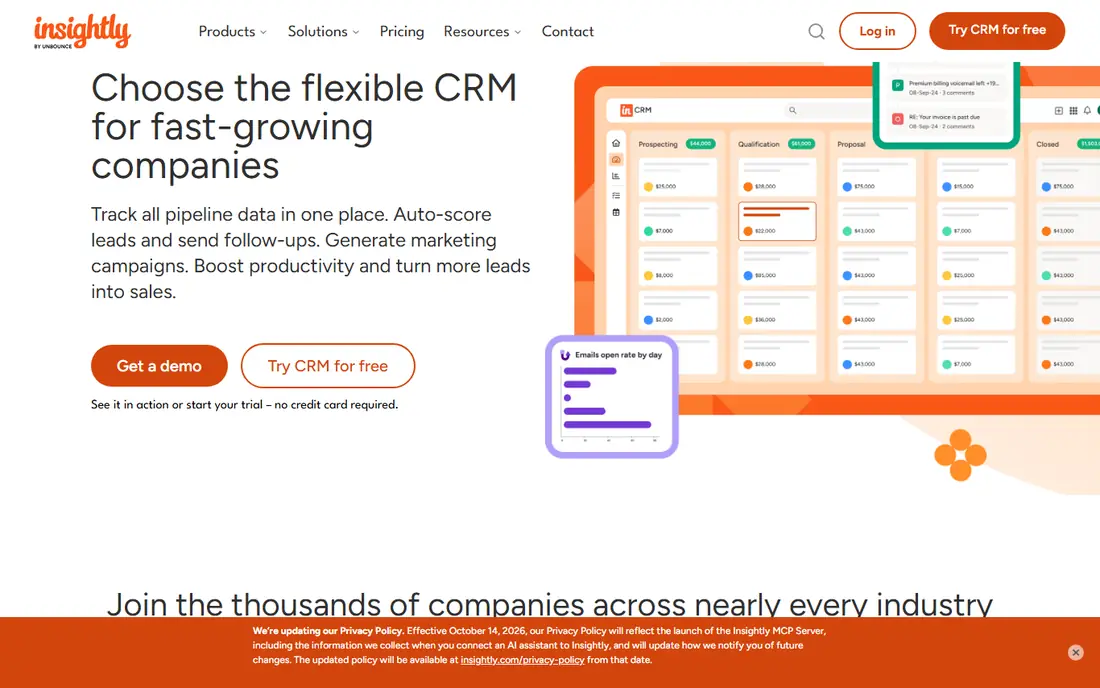
Insightly was built around the idea that sales and delivery share customer records. When an opportunity closes, it can become a project with contacts, files and tasks carried over, which reduces re-entry and lost context. Workflow automation and dashboards help managers track both pipelines and delivery progress.
Teams with very complex project needs, such as resource-heavy engineering work, may want a dedicated project platform alongside it. For growing service businesses, Insightly hits a useful middle ground between CRM-only and project-only tools.
- Opportunity to project conversion
- Shared customer records
- Workflow automation
- Project depth is lighter than dedicated PM tools
- Pricing varies by plan
Scoro suits agencies and consultancies that need the full job cycle in one system. Quotes become projects, projects track time and costs, and invoicing follows from the same record. Managers can see project margin in real time, rather than rebuilding it in a spreadsheet after the month ends.
Smaller teams may find the full feature set more than they need, and higher tiers cost more. For professional service firms that live on utilisation and margin, Scoro is one of the most complete options on this list.
- CRM, projects, quoting and invoicing together
- Real-time margin views
- Broad integrations
- Price rises with higher tiers
- Implementation needs planning for larger firms
Flowlu is our budget pick for small teams under about fifteen people. It combines CRM, project management, invoicing and basic finance tools, so a small agency can run sales and delivery without several subscriptions. The free plan lets teams test the core workflow before paying.
Larger teams may want deeper integrations or more advanced project controls. For a small service business that needs one affordable system, Flowlu covers the essentials well.
- Low entry price
- CRM, projects, invoicing and finance in one tool
- Free plan available
- Smaller integration catalogue than larger rivals
- Advanced features vary by plan
HubSpot is the CRM-first pick. Its free CRM is genuinely useful, and paid sales, marketing and service hubs add depth for growing teams. Project work can be handled through tasks, tickets and integrations, or by pairing HubSpot with a dedicated project tool where needed.
Teams that need deep project planning, resource management and delivery workflows in the same system may find HubSpot lighter than Scoro or Wrike. For sales-led teams that run light to moderate projects, HubSpot plus its integrations is a strong combination.
- Strong free CRM
- Marketing and sales depth
- Large integration catalogue
- Project management is lighter than dedicated tools
- Paid hubs add up quickly
Zoho takes a suite approach. Zoho CRM handles leads, deals and customer records, while Zoho Projects handles tasks, milestones and collaboration, with links between them. Teams already using Zoho Books, Mail or other Zoho apps get a coherent, affordable ecosystem.
The trade-off is that you manage two apps, not a single unified workspace. Setup and permissions need care to keep the deal-to-project link clean. For Zoho users, the value and breadth are hard to beat.
- CRM and projects share Zoho data
- Broad Zoho app suite
- Competitive pricing
- Two apps to manage rather than one unified tool
- Interface varies across apps
Wrike suits service organisations that need controlled handoffs from sales opportunities into complex delivery work. Request forms, approvals, cross-project reporting and automation help larger teams keep delivery consistent. CRM events can trigger delivery workflows, which reduces manual handoffs.
Small teams may find Wrike more system than they need, and pricing reflects its enterprise focus. For larger organisations with formal delivery processes, it is a strong, governed choice.
- Governed handoffs from CRM to delivery
- Complex workflow support
- Approvals and reporting
- Enterprise pricing and setup
- Smaller teams may find it heavy
How we picked these
We compared official product pages, pricing and integration lists, plus current 2026 comparisons of combined CRM and project tools. We favoured tools still sold in October 2026 that link customer records to project delivery, rather than tools that only add a task list to a CRM. Where pricing is not published, we say so. We did not claim hands-on testing.
How to choose a combined tool
Start with the handoff you need to fix. Write down what should happen when a deal closes: who gets notified, what project is created, which files and contacts carry over, and how invoicing starts. Test that exact flow in a trial, rather than judging a tool by its dashboard alone.
Sales-led or delivery-led
Sales-led teams usually need pipeline, email and marketing depth first, with project tools second. Delivery-led agencies need project, time and margin tools first, with CRM second. Pick the side that drives most daily work, then check that the other side is good enough. A tool that is weak where your team spends most time will frustrate users, however strong it is elsewhere.
Pricing, seats and integrations
Count seats across sales and delivery, since combined tools often charge per user for both functions. Check accounting, calendar, email and file integrations, and whether automations are included on your plan. A tool that needs paid add-ons for basic invoicing or time tracking can cost more than a slightly pricier all-in-one rival.
Also test permissions and client access before you commit. A combined tool should let clients see their own project progress without seeing other clients, internal margins or sales notes. Check whether client portals, guest access and file sharing match your privacy needs, and whether staff roles can hide financial fields from delivery staff who do not need them. Poor permissions cause awkward mistakes, such as a client seeing internal costs, or a junior staff member editing a deal value. Set up two test users, one staff and one client, and walk through a full job together during the trial.
FAQ
What is CRM and project management software?
It is software that combines customer relationship management, such as contacts, deals and pipelines, with project management, such as tasks, timelines and delivery tracking, in one system or tightly linked suite.
Do I need a combined tool or two separate tools?
A combined tool suits teams where the deal-to-project handoff causes errors or delays. Separate best-in-class tools can suit teams with very complex sales or delivery needs, but they require integration work to keep records in step.
Is HubSpot good for project management?
HubSpot handles tasks, tickets and light project work well, especially for sales-led teams. Teams with complex delivery, resource planning or margin tracking may prefer Scoro, Wrike or a dedicated project tool paired with HubSpot.
What is the cheapest option on this list?
Flowlu offers a free plan and paid plans from $9 per user per month, while monday.com, ClickUp, HubSpot and Wrike also offer free plans with paid tiers. Always compare included features, not just headline price.
Can a combined tool replace invoicing software?
Many tools on this list include invoicing, including Scoro and Flowlu, but depth varies. Check tax, recurring billing and accounting integration needs before dropping a dedicated invoicing or accounting tool.