6 Best Course Marketplace Software for Universities for 2026, Vetted and Compared
Best course marketplace software for universities, compared. 6 tools with published prices, free plans and limits. Cost notes and weak points included.
- Editor's choice
 Moodle Workplace
Corporate-style structure inside the Moodle ecosystem
Starts atPricing on requestVisit moodle.comFull review - Great alternative
 Blackboard Learn
Accessibility and insight-driven teaching
Starts atPricing on requestVisit anthology.comFull review - Also consider
 D2L Brightspace
Analytics-led higher education programs
Starts atPricing on requestVisit d2l.comFull review
Direct answer
Moodle Workplace comes first here, mainly for corporate-style structure inside the Moodle ecosystem. Blackboard Learn is the stronger choice for accessibility and insight-driven teaching, while D2L Brightspace suits analytics-led higher education programs. Details and limits for the rest of the 6 tools are below. None of these vendors publish plan prices, so pricing is on request for every option.
TL;DR:
- Number one here is Moodle Workplace, a fit for corporate-style structure inside the Moodle ecosystem.
- Moodle Workplace, Cornerstone Learning and the 4 others all need a premium plan or a trial, since no free plan is listed.
- What to know about Absorb LMS first: corporate framing instead of academic.
- Cornerstone Learning is the one to check for large-scale personalized training programs.
Last checked November 2026. Pricing on request: vendors did not publish plan prices when this guide was last checked (November 2026), so ask each vendor for a written quote.
Quick comparison
| Tool | Best for | Starts at | Free plan? | |
|---|---|---|---|---|
| Moodle Workplace | Corporate-style structure inside the Moodle ecosystem | Pricing on request | Not stated | Visit |
| Blackboard Learn | Accessibility and insight-driven teaching | Pricing on request | Not stated | Visit |
| D2L Brightspace | Analytics-led higher education programs | Pricing on request | Not stated | Visit |
 Absorb LMS | Enterprise training with performance proof | Pricing on request | Not stated | Visit |
 Canvas LMS | Higher education course delivery at scale | Pricing on request | Not stated | Visit |
 Cornerstone Learning | Large-scale personalized training programs | Pricing on request | Not stated | Visit |
Every option for course marketplace software for universities explained
LinkVetted compared 6 course marketplace software for universities. The goal is a practical shortlist: published prices, free plan facts, best-fit use cases and honest limits for every entry.
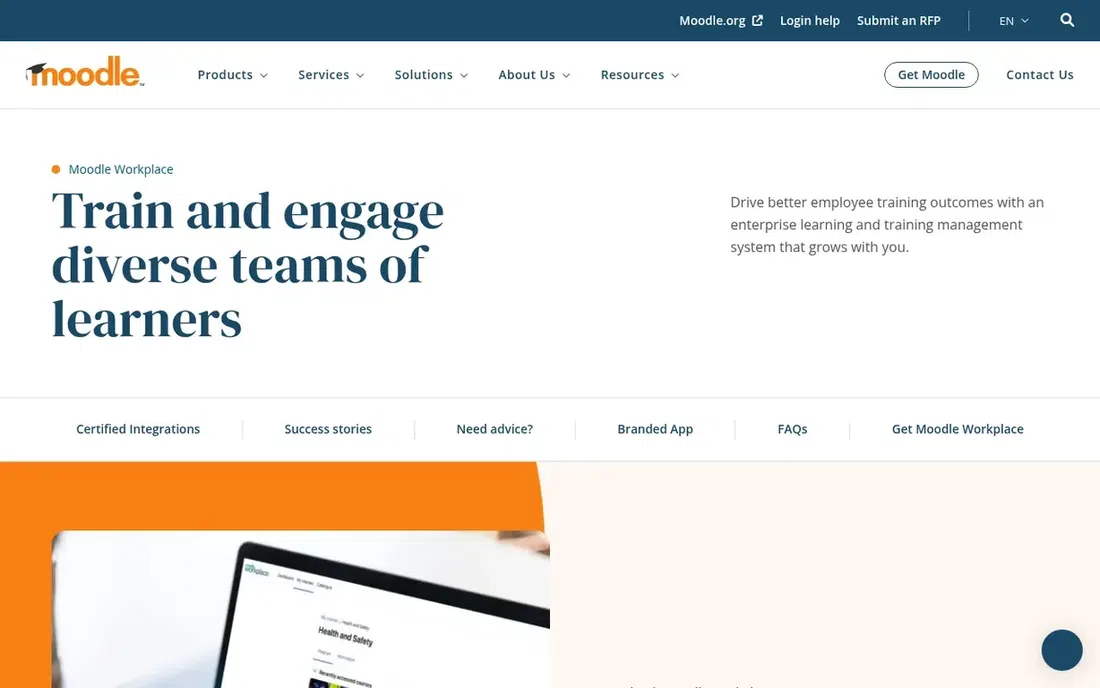
In short, Moodle Workplace is for corporate-style structure inside the Moodle ecosystem. Moodle Workplace is the corporate LMS offering from Moodle, geared toward bringing employee training and onboarding online for enterprise learning management.
More specifically, universities already comfortable with the Moodle ecosystem may find it a practical route to structured programs, notably for professional development, continuing education and staff training tracks that sit alongside degree courses. In practice, since its homepage frames it around corporate training and onboarding, academic institutions should confirm that catalog, enrollment and reporting needs for students are covered. Moodle Workplace does not show a starting price in this comparison, so check the vendor site for current pricing. Free plan details: Not stated.
What to check first: Corporate framing may need adaptation for academia.
- Enterprise learning management orientation
- Focus on onboarding and employee training
- Less emphasis on academic course marketplaces
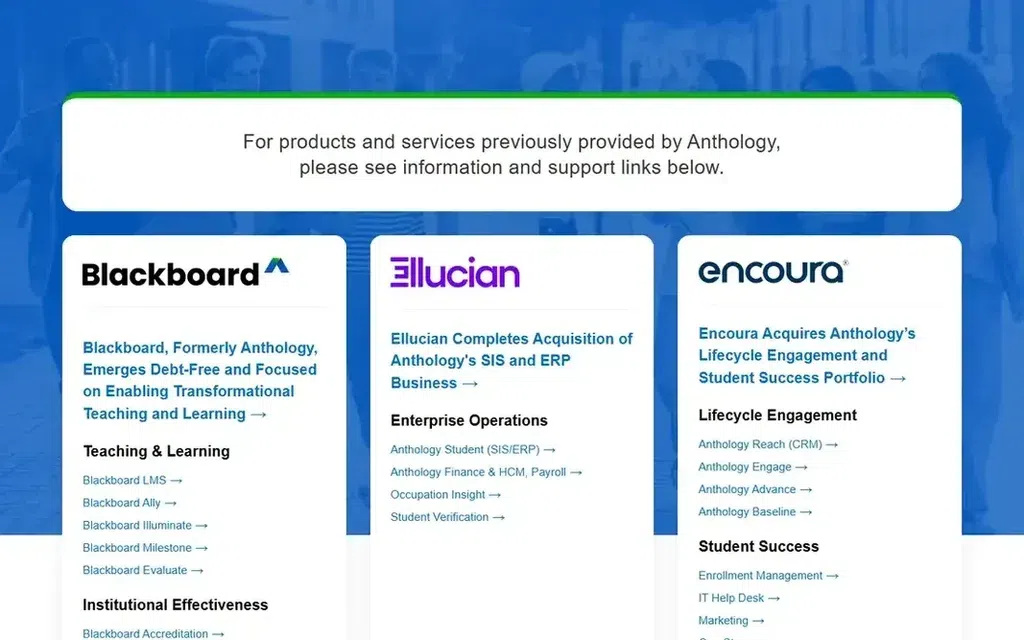
In short, Blackboard Learn is for accessibility and insight-driven teaching. Blackboard Learn, offered by Anthology, is described as a leading LMS for modern education and learning experiences. Its homepage flags AI tools, adaptable learning, time-saving features, simple accessibility and actionable insights.
More specifically, choose Blackboard Learn when accessibility and insight-driven teaching outweigh a minimal setup. A wide feature set can mean more configuration effort before a catalog is ready for students. Pricing for Blackboard Learn is not stated here, so ask the vendor for current figures. Free plan details: Not stated.
Drawbacks to consider: Commerce for course sales needs separate tools.
- Actionable insights for teaching
- Accessibility emphasis
- Feature breadth can add complexity
Think of D2L Brightspace for analytics-led higher education programs. Universities wanting a narrow, teaching-only tool may find it more than needed.
Where it is weaker: Wide suite may need onboarding time.
More specifically, D2L Brightspace is a learning system for higher ed, K-12, associations and business, with D2L Lumi AI, Creator+ authoring and Performance+ analytics. This comparison lists no price for D2L Brightspace; ask the vendor. On free options: Not stated.
- Performance+ analytics
- Creator+ authoring tools
- Marketplace commerce is not the headline focus
Absorb LMS was built for enterprise training with performance proof. Degree-focused institutions may prefer a higher-ed system.
Watch-outs: Marketplace commerce needs separate evaluation.
Choose Absorb when enterprise-style training performance is the deciding factor. Absorb LMS does not show a starting price in this comparison, so check the vendor site for current pricing. Free plan details: Not stated.
- Enterprise focus
- Performance-oriented reporting
- Corporate framing rather than academic
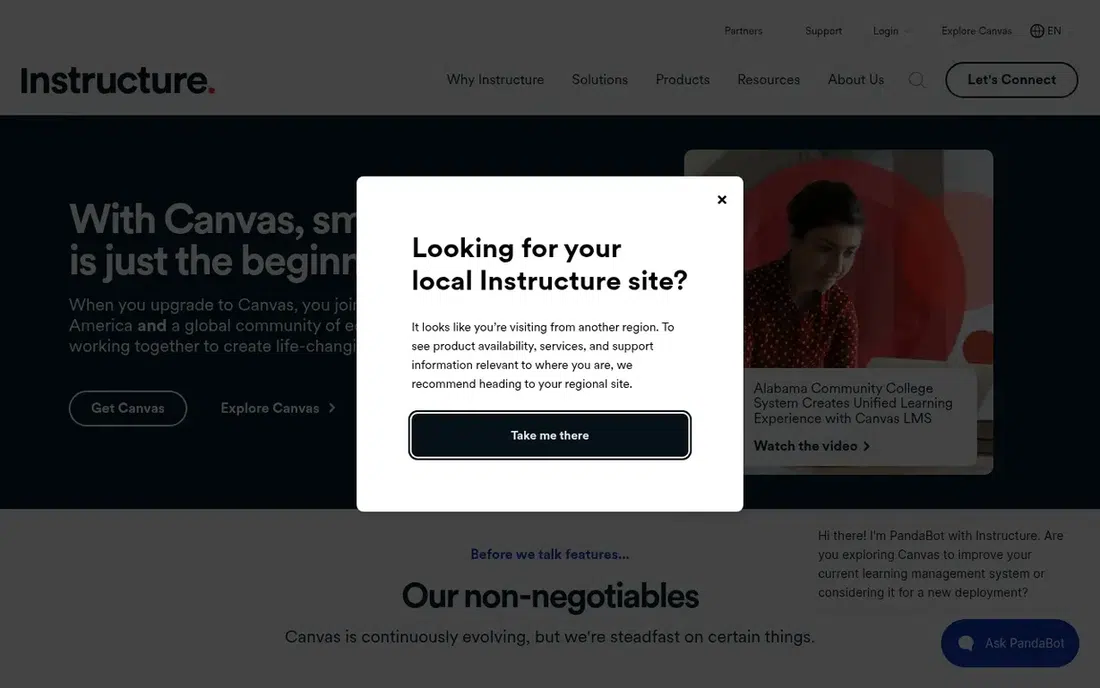
For higher education course delivery at scale, Canvas LMS is a natural candidate. Canvas is oriented toward academic teaching instead of corporate onboarding, so organizations centred on employee training may prefer a workforce-oriented product. Universities needing deep native commerce or skills-intelligence features should evaluate extras or a different system.
Watch-outs: Not positioned as a corporate training tool.
In daily use, Canvas LMS is a learning management system from Instructure built around simplifying teaching and enhancing student learning. Its homepage positions it as a world-leading, approachable LMS, which makes it a natural anchor for universities that want a familiar academic experience whereas listing and running numerous courses. Pricing for Canvas LMS is not stated here, so ask the vendor for current figures. Trial and free access: Not stated.
- Built to ease course management
- Capable fit for academic institutions
- Marketplace commerce features need separate tooling
Cornerstone Learning
Best for: Large-scale personalized training programs
Pick Cornerstone Learning if this describes you: large-scale personalized training programs. Universities with large professional development or workforce programs can use that personalization to guide learners through varied course paths, whereas administrators benefit from a product aimed at scalable employee training.
Honest limits: Academic course catalog needs review.
- AI-powered personalized training
- Secure system orientation
- Enterprise training framing
How we chose
Selection started from tools commonly considered for course marketplace software for universities, then narrowed to 6 that have clear pricing information or a clear quote process. Plan names, prices and limits change often. Treat the figures here as a starting point and verify them with the vendor. Tools are placed by general fit for course marketplace software for universities, with price clarity and free access as tie-breakers. A different team can reasonably rank them differently.
Before you commit
- Request quotes from Moodle Workplace, Cornerstone Learning and the others; the list shows no fixed prices.
- Read the limits listed for Moodle Workplace first: corporate framing may need adaptation for academia.
- Work out what D2L Brightspace costs with your real seat count, add-ons and usage, not just the entry price.
- Read the plan comparison for Moodle Workplace carefully; key features often start on a higher tier.
- Ask Canvas LMS whether prices are locked for the first term and what happens at renewal.
FAQ
Do these tools publish their prices?
No. None of the tools, from Moodle Workplace to Cornerstone Learning, shows a fixed starting price here, so budget time for quotes.
How are the tools for course marketplace software for universities ordered?
Moodle Workplace sits first and Cornerstone Learning last because the order follows typical fit for course marketplace software for universities, then price clarity and free access. It is a judgement call, so read each profile for fit and limits.
Is Moodle Workplace the right pick for everyone comparing course marketplace software for universities?
No single tool suits every team. Moodle Workplace comes first because it fits corporate-style structure inside the Moodle ecosystem, while Blackboard Learn suits accessibility and insight-driven teaching and D2L Brightspace suits analytics-led higher education programs. Match the tool to your own size, budget and workflow before deciding.
Does any tool for course marketplace software for universities here have a free plan?
A permanent free plan is not offered by Moodle Workplace, Cornerstone Learning or the other tools here. Plan a short evaluation period instead.
How does Moodle Workplace differ from Canvas or Blackboard?
Moodle Workplace is presented as a corporate LMS for employee training and onboarding, whereas Canvas and Blackboard Learn are framed around teaching and learning in education. Beyond that, universities already using Moodle may value continuity, but should confirm that student-facing marketplace features are covered.
What should universities check before choosing course software?
Confirm catalog and enrollment workflows, payment handling for course sales, accessibility, integration with student information systems, and the depth of authoring and analytics. Also verify how each vendor describes limits so expectations match what the system gives from day one.
Sources
- https://moodle.com/workplace
- https://www.anthology.com/products/teaching-and-learning/learning-effectiveness/blackboard-learn
- https://www.d2l.com/brightspace
- https://www.absorblms.com
- https://www.instructure.com/canvas
- https://www.cornerstoneondemand.com/products/learning