Best Cost-Effective Database Software in 2026: Prices, Free Plans and 5 Picks
Best Cost-Effective database software in 2026: 5 tools with starting prices, free plans and limits. Costs and caveats sit beside each pick. Clear verdicts.
- Editor's choice
 PostgreSQL
Advanced open source SQL needs
Starts atPricing on requestVisit postgresql.orgFull review - Great alternativeAzure SQL Database
Managed SQL in Azure
Starts atPricing on requestVisit azure.microsoft.comFull review - Also consider
 MySQL
Low-cost relational workloads
Starts atPricing on requestVisit mysql.comFull review
Direct answer
PostgreSQL leads the list, best for advanced open source SQL needs. Look at Azure SQL Database for managed SQL in Azure, and at MySQL for low-cost relational workloads. Details and limits for the rest of the 5 tools are below. None of these vendors publish plan prices, so pricing is on request for every option.
TL;DR:
- The list opens with PostgreSQL, aimed at advanced open source SQL needs.
- Google Cloud SQL is the one to check for managed databases on Google Cloud.
- Only MongoDB offers a free plan among these 5 tools.
- The main caution on Azure SQL Database: recurring service spend can accumulate.
Last checked November 2026. Pricing on request: vendors did not publish plan prices when this guide was last checked (November 2026), so ask each vendor for a written quote.
Quick comparison
| Tool | Best for | Starts at | Free plan? | |
|---|---|---|---|---|
| PostgreSQL | Advanced open source SQL needs | Pricing on request | Not stated | Visit |
| Azure SQL Database | Managed SQL in Azure | Pricing on request | Not stated | Visit |
| MySQL | Low-cost relational workloads | Pricing on request | Not stated | Visit |
 MongoDB | Adaptable document-oriented applications | Pricing on request | Yes | Visit |
 Google Cloud SQL | Managed databases on Google Cloud | Pricing on request | Not stated | Visit |
Cost-Effective Database Software compared in detail
Choosing Cost-Effective database software usually comes down to price, fit and limits. This LinkVetted guide sets 5 tools side by side on those three points, with the facts kept short and checkable.
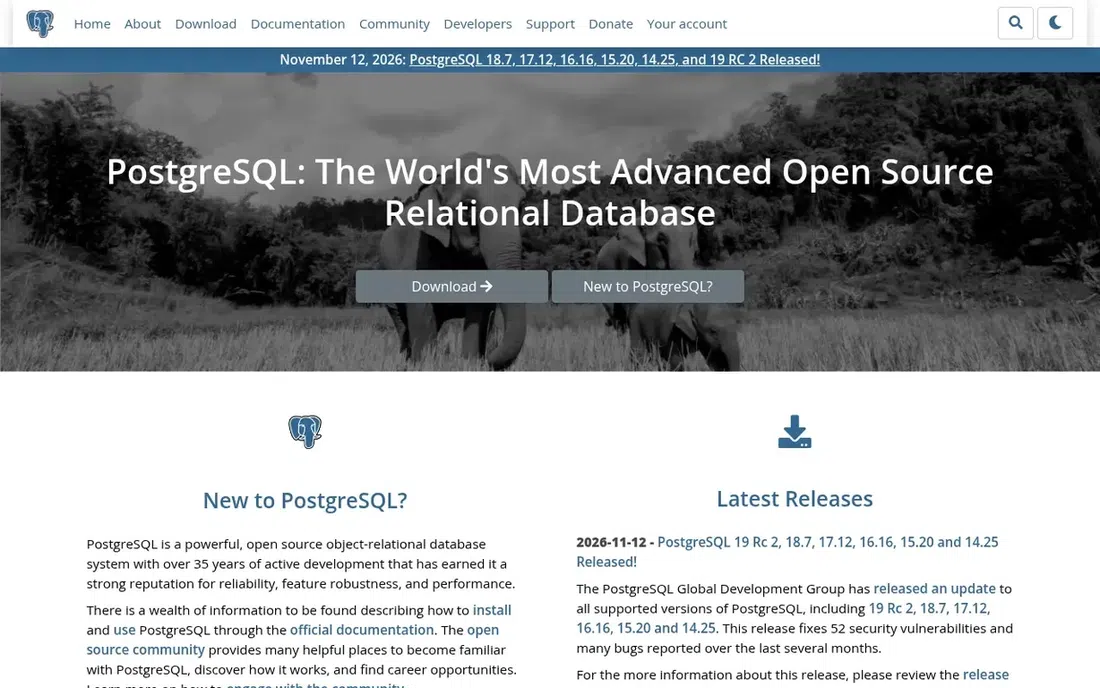
In short, PostgreSQL is for advanced open source SQL needs. PostgreSQL is an open source relational database positioned by its project as highly advanced, with a wide SQL feature set, extensible types and solid support for complicated queries.
Downsides: Some managed choices add cost.
Its adaptability can mean more configuration and tuning effort than more straightforward engines, which layers on staff time even when licensing is low. PostgreSQL does not show a starting price in this comparison, so check the vendor site for current pricing. As for free access: Not stated.
- Solid extensibility and data type support
- Active global development community
- Tuning can demand more expertise
Azure SQL Database
Best for: Managed SQL in Azure
Azure SQL Database works best for managed SQL in Azure. The managed model means continuing service charges, and deep Azure integration can make later migration harder.
Trade-offs to know: Provider lock-in limits portability.
In daily use, pick it when your applications already live in Azure and reduced administrative overhead is worth the recurring cost. Azure SQL Database does not show a starting price in this comparison, so check the vendor site for current pricing. Free plan details: Not stated.
- Made for performance and reliability
- Fully managed with automation built in
- Recurring service spend can accumulate
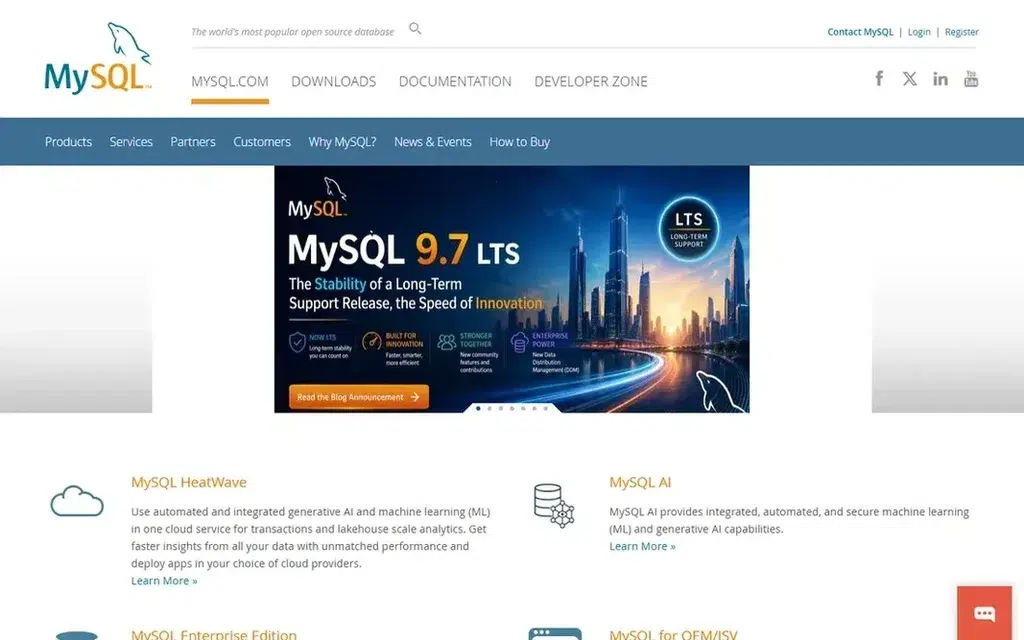
MySQL makes the most sense for low-cost relational workloads. Choose MySQL when your team knows SQL, your host supports it and you want to keep infrastructure and licensing costs predictable.
Where it falls short: Advanced features can differ by edition.
It performs well for application backends, content systems and read-heavy services where operational simplicity matters more than exotic features. MySQL does not show a starting price in this comparison, so check the vendor site for current pricing. Free plan details: Not stated.
- Well suited to web and application backends
- Large ecosystem of tools and documentation
- Some enterprise tooling sits outside the core
Where MongoDB fits: adaptable document-oriented applications. Choose MongoDB when schema adaptability and developer speed matter most, and review deployment choices to control continuing cost.
No starting price is listed for MongoDB here; confirm pricing on the vendor site. MongoDB offers a free plan.
Honest limits: Document model differs from relational SQL.
- Adaptable schema for evolving data
- Capable fit for modern application development
- Cost depends heavily on deployment choice
In short, Google Cloud SQL is for managed databases on Google Cloud. Google Cloud SQL is a completely managed relational database service supporting MySQL, PostgreSQL and SQL Server engines.
Choose Cloud SQL when operations time is scarce or cloud-native integration matters, and model usage carefully before committing. Pricing for Google Cloud SQL is not stated here, so ask the vendor for current figures. Free access: Not stated.
What Google Cloud SQL does well: PostgreSQL and SQL Server.
Limits to weigh: Continuing service cost replaces license savings.
- Cuts self-managed operations work
- Suits teams already on Google Cloud
- Tied to one cloud provider
How we compared the tools
We compared the tools on published pricing, free plan or trial availability, feature coverage for Cost-Effective database software, and the limits each vendor documents. Where a price is missing, the vendor does not list one publicly or ties it to a quote. Always confirm before budgeting. Tools are placed by general fit for Cost-Effective database software, with price clarity and free access as tie-breakers. A different team can reasonably rank them differently.
Pre-purchase checklist
- Request quotes from PostgreSQL, Google Cloud SQL and the others; the list shows no fixed prices.
- Test the free plan from MongoDB against your real workload before relying on it.
- Read the limits listed for PostgreSQL first: tuning can demand more expertise.
- Work out what Google Cloud SQL costs with your real seat count, add-ons and usage, not just the entry price.
- Get the contract term, renewal terms and any onboarding fees from MySQL in writing.
FAQ
Can I try these options before paying?
Often, yes. MongoDB has a free plan. Use your own data and a real task during the test, and check what the free tier or trial limits before you rely on it. For the full picture, the cards above cover all 5 entries of this Cost-Effective database software list, including price, free plan and limits.
How are the tools for Cost-Effective database software ordered?
The order follows typical fit for Cost-Effective database software, with PostgreSQL first and Google Cloud SQL last, then price clarity and free access. It is editorial judgement, not a score, so another team could rank the tools differently.
What should I check before choosing a database?
Confirm licensing terms, expected hosting costs, support availability, migration effort and performance under a realistic workload. A short pilot typically reveals more than feature lists alone.
Do these tools publish their prices?
No. None of the tools, from PostgreSQL to Google Cloud SQL, shows a fixed starting price here, so budget time for quotes.
Which options for Cost-Effective database software have a free plan?
MongoDB is the only tool in this list with a free plan. Free plans usually cap users, projects or features, so check the limits on the vendor page. Prices, free plan details and limits for all 5 tools in this Cost-Effective database software roundup sit on the individual cards above.
How do relational and document databases differ on cost?
Relational engines like MySQL and PostgreSQL are widely supported and often low-priced to host, whereas document databases like MongoDB can ease development for adaptable data. Cost depends more on deployment choice than on the model itself.
Sources
- https://www.postgresql.org
- https://azure.microsoft.com/en-us/products/azure-sql/database
- https://www.mysql.com
- https://www.mongodb.com
- https://cloud.google.com/sql