Conversational Design AI Tools in 2026: The 5 Best Options Side by Side
Best conversational design AI tools: 5 contenders ranked by fit, with entry costs and free tiers. Price notes and drawbacks come with each one. No filler.
- Editor's choice
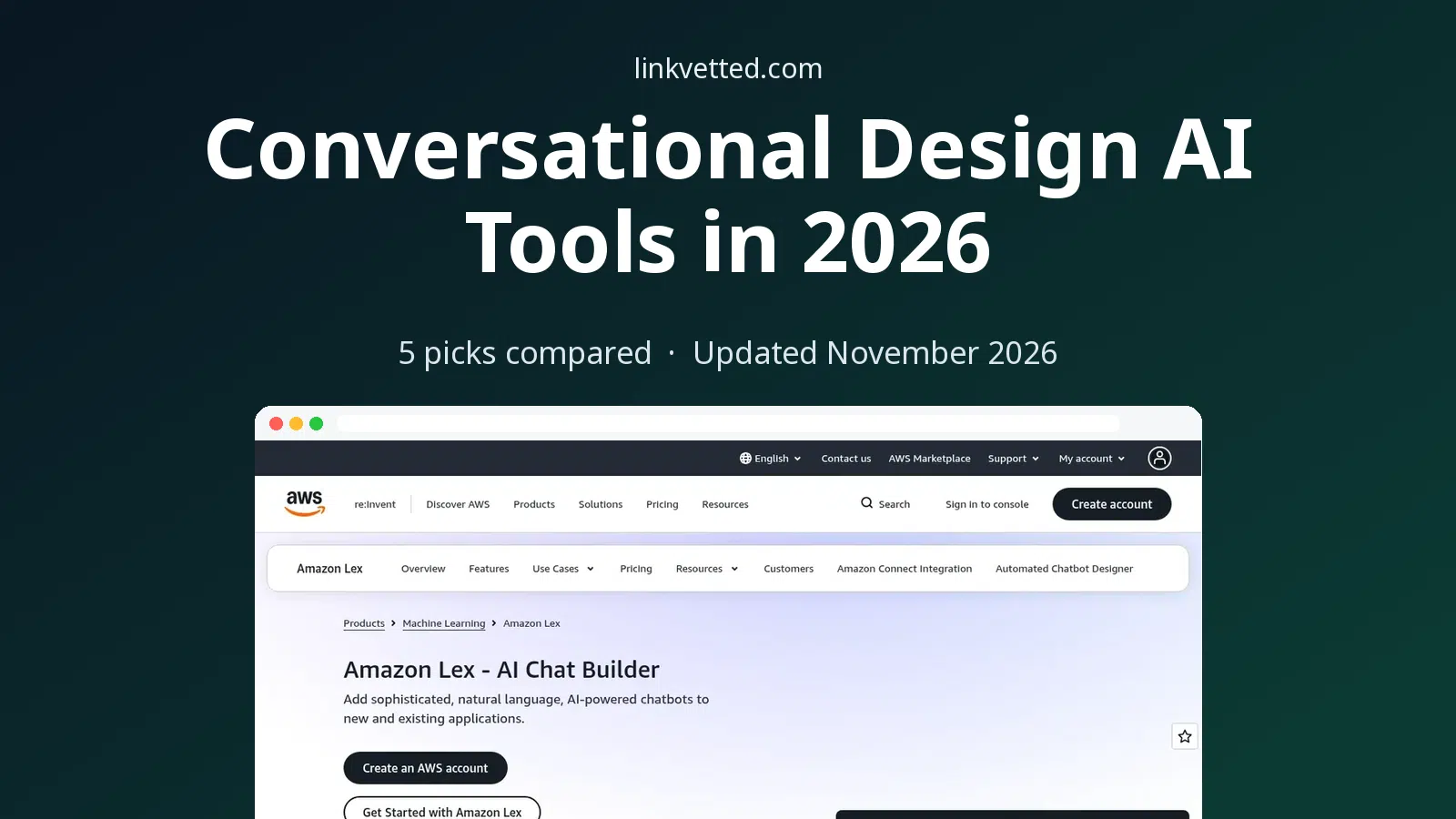
 Amazon Lex
AWS-native chat and voice interfaces
Starts atSee websiteVisit aws.amazon.comFull review - Great alternative
 Yellow.ai
CX and EX automation at scale
Starts at$0.99 per resolutionVisit yellow.aiFull review - Also consider
 Voiceflow
Visual design of chat and voice agents
Starts atSee websiteVisit voiceflow.comFull review
Direct answer
Amazon Lex leads the list, best for AWS-native chat and voice interfaces. Listed starting prices: Yellow.ai from $0.99 per resolution and Botpress from $150 a month billed annually. Yellow.ai is better for CX and EX automation at scale, and Voiceflow is better for visual design of chat and voice agents. The other 2 tools in the list cover narrower or pricier cases.
TL;DR:
- Amazon Lex takes the first slot, best suited to AWS-native chat and voice interfaces.
- 2 of 5 tools offer a free plan: Yellow.ai, Botpress.
- Botpress is the lowest-priced starter here at $150 per month billed annually.
- One limit worth knowing about Yellow.ai: wide product may need onboarding.
Last checked November 2026. Prices and plan details were read from the vendors' own pages in November 2026; vendors change plans often, so confirm the current price on the vendor site before you buy.
Quick comparison
| Tool | Best for | Starts at | Free plan? | |
|---|---|---|---|---|
| Amazon Lex | AWS-native chat and voice interfaces | See website | Not stated | Visit |
| Yellow.ai | CX and EX automation at scale | $0.99 per resolution | Yes | Visit |
| Voiceflow | Visual design of chat and voice agents | See website | Free trial | Visit |
 Microsoft Copilot Studio | Microsoft ecosystem agent building | See website | Not stated | Visit |
 Botpress | Enterprise customer support automation | $150 a month billed annually | Yes | Visit |
The 5 tools in detail
This LinkVetted guide covers 5 conversational design AI tools. Each profile lists a starting price, free plan details, strengths and drawbacks, so you can drop poor fits quickly.
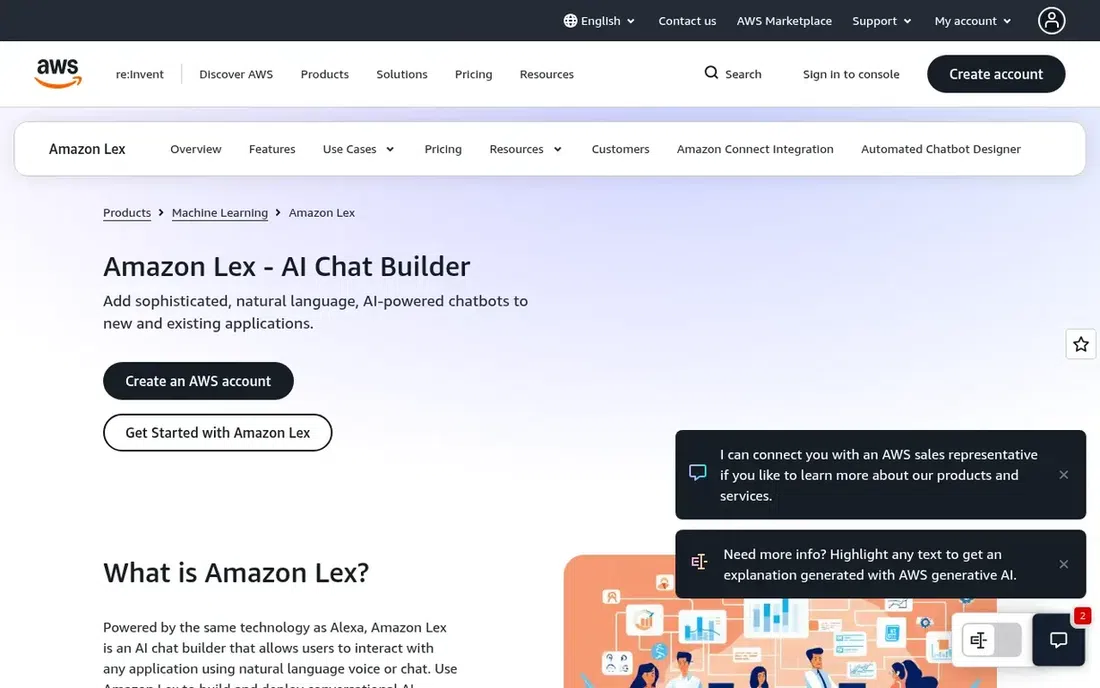
Amazon Lex makes the most sense for AWS-native chat and voice interfaces. It supports chatbots, voice assistants, machine learning-powered IVR, and virtual agents.
Where it falls short: Less visual design focus than dedicated builders.
Organizations outside AWS may prefer a platform-neutral builder. Pricing for Amazon Lex is not stated here, so ask the vendor for current figures. On free options: Not stated.
- Integrates into any application
- Builds chat and voice interfaces
- Needs AWS familiarity
Yellow.ai makes the most sense for CX and EX automation at scale. Yellow.ai offers enterprise AI agents for customer experience and employee experience automation. Its agents are powered by several large language models, aiming to balance quality, cost, and scale.
Worth adding: verify current model support and integration details on the vendor site. Organizations wanting a narrow visual design tool might prefer a dedicated builder. On cost, Yellow.ai starts like this: $0.99 per resolution. A free plan is available with Yellow.ai.
Drawbacks to consider: Details on model selection need vendor confirmation.
- Powered by several LLMs
- AI agents for CX and EX automation
- Wide product may need onboarding
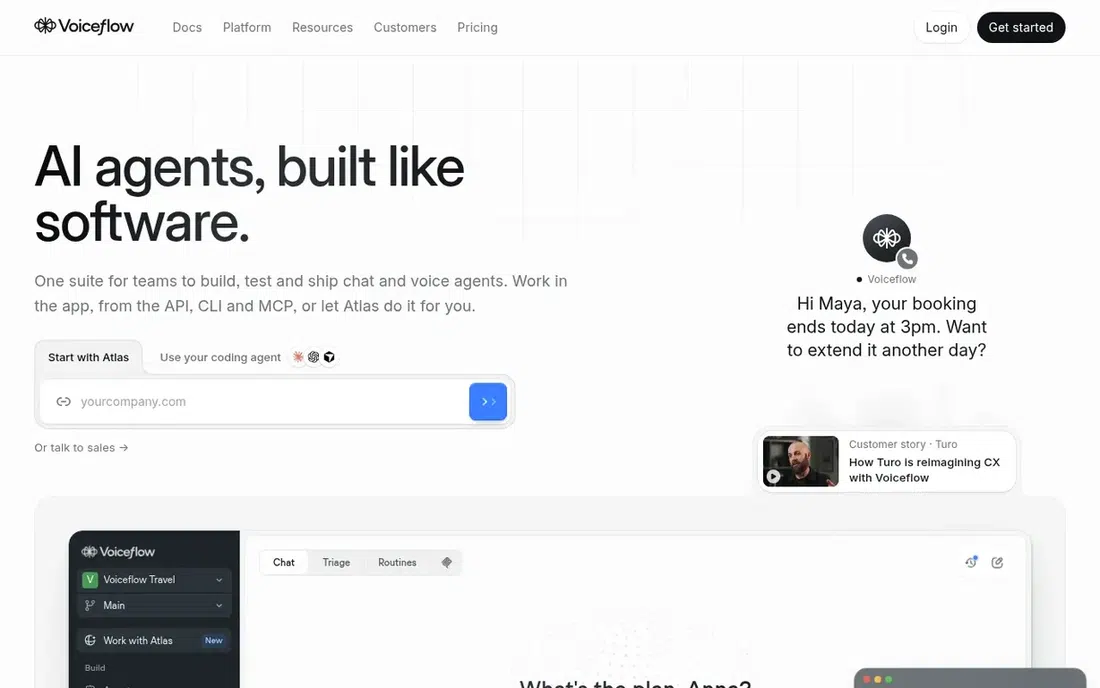
Voiceflow serves visual design of chat and voice agents. Its visual design approach helps teams map dialogue flows and customer experience automation.
Drawbacks to consider: Pricing details need vendor contact.
Teams already standardized on a cloud provider's native AI services might prefer to stay within that ecosystem. Confirm integration and support details on the vendor site. No starting price is listed for Voiceflow here; confirm pricing on the vendor site. Trial and free access: Free trial.
- Supports chat and voice AI agents
- Focus on customer experience automation
- Enterprise-oriented positioning may suit bigger teams
Microsoft Copilot Studio is built with Microsoft ecosystem agent building in mind. Microsoft Copilot Studio is a system for building AI agents and enhancing workflows with AI bots.
Where it is weaker: Needs familiarity with Microsoft system.
As for the details, for pure voice-first conversational design, dedicated voice products might be a better fit. Microsoft Copilot Studio does not show a starting price in this comparison, so check the vendor site for current pricing. Trial and free access: Not stated.
- Build AI agents with Microsoft tooling
- Workflow enhancement focus
- Best value within Microsoft environments
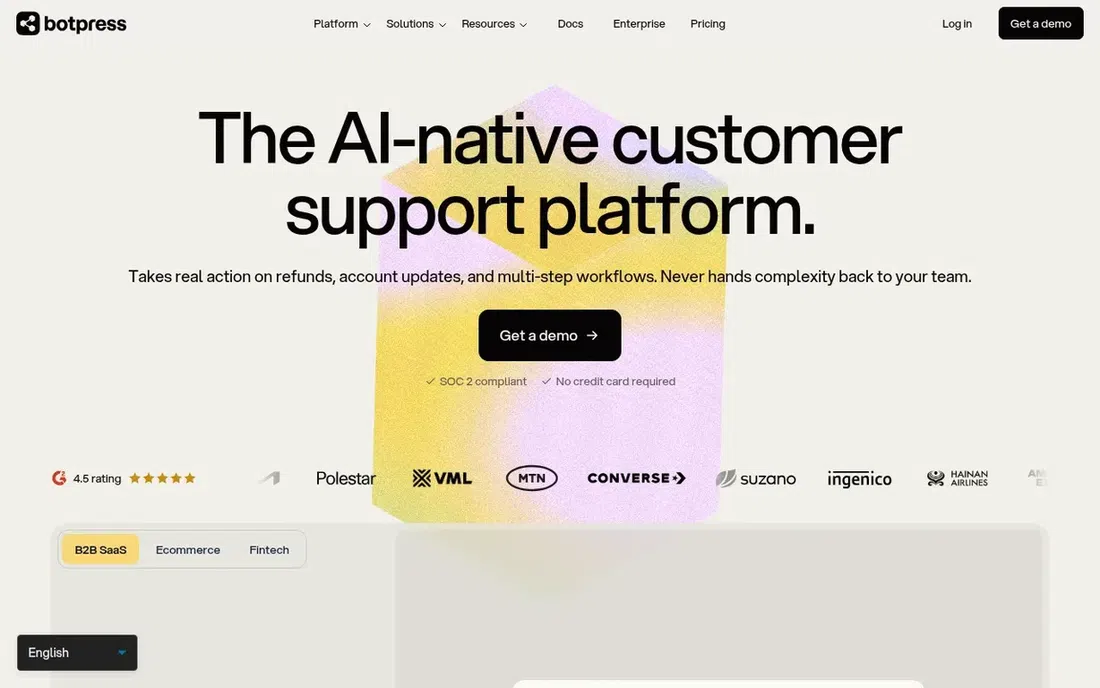
In short, Botpress is for enterprise customer support automation. Botpress is an enterprise-grade AI agent system geared toward customer support.
What to check first: Details on customization need vendor confirmation.
Beyond that, check current capabilities on the vendor site. Botpress pricing: $150 per month billed annually. A free plan is available with Botpress.
- Supports building AI agents
- Enterprise-grade agent product
- Support-centric focus may limit other use cases
How we built this list
LinkVetted used vendor pricing pages and product documentation as the base, then compared plans, free access and documented limits for 5 tools. Where a price is missing, the vendor does not list one publicly or ties it to a quote. Always confirm before budgeting. Tools are placed by general fit for conversational design AI tools, with price clarity and free access as tie-breakers. A different team can reasonably rank them differently.
A buyer's checklist
- Get a written quote from Amazon Lex, Voiceflow and Microsoft Copilot Studio; the list shows no starting price for them.
- Read the fine print on the free plans from Yellow.ai and Botpress; seat, project and feature caps differ.
- Take the trial from Voiceflow and push a live task through it before you pay.
- Before choosing Amazon Lex, weigh its main limit: needs AWS familiarity.
- Work out what Botpress costs with your real seat count, add-ons and usage, not just the entry price.
- Test the integrations you rely on with Yellow.ai before committing; some connectors sit on upper tiers.
FAQ
What is the cheapest option for conversational design AI tools in this list?
On published monthly entry prices, Botpress is the lowest here at $150 per month billed annually. Entry price is only part of the cost, because seats, add-ons and billing terms can change the total.
How do cloud-native choices compare to dedicated systems?
Cloud-native services like Amazon Lex and Microsoft Copilot Studio offer tight integration with their respective ecosystems. The choice relies on your existing infrastructure and team skills.
Can I start small and scale with these products?
Plenty of products are positioned for enterprise use but allow starting with a single agent or use case. Scaling paths vary, so ask vendors about deployment adaptability and growth choices.
Which options for conversational design AI tools have a free plan?
On this list, Yellow.ai and Botpress include a free plan. Caps on seats, usage or features are common, so test the free plan against your real workload. One other tool offers a trial instead.
Do these tools publish their prices?
Not all of them. Amazon Lex, Voiceflow and Microsoft Copilot Studio publish no starting price, so expect a quote request for those. The rest, Yellow.ai included, show a starting price, though seats and billing terms still change the final cost.
Can I try these options before paying?
Often, yes. Yellow.ai and Botpress have a free plan and Voiceflow offers a free trial. Use your own data and a real task during the test, and check what the free tier or trial limits before you rely on it.
Sources
- https://aws.amazon.com/lex
- https://yellow.ai
- https://www.voiceflow.com
- https://www.microsoft.com/en-us/microsoft-copilot/microsoft-copilot-studio
- https://botpress.com