Comparing 9 AI Image Generator Software Options in 2026
Need the best AI image generator software? We compare 9 tools on cost, free access and who each suits. Weak spots flagged for every entry. Prices checked.
- Editor's choice
 Midjourney
Artistic and editorial imagery
Starts at$10/month (Basic; $8/month billed annually)Visit midjourney.comFull review - Great alternative
 Ideogram
Images with readable text
Starts at$20/month (Plus; $15/month billed yearly)Visit ideogram.aiFull review - Also consider
 Design.com
Turning AI images into finished, on-brand designs
Starts atSee websiteVisit design.comFull review
Direct answer
Midjourney comes first here, mainly for artistic and editorial imagery. Alternatives: Ideogram for images with readable text, and Design.com for turning AI images into finished, on-brand designs. The full list of 9 tools follows, with prices and free plan facts.
TL;DR:
- Midjourney sits first on this list: artistic and editorial imagery.
- The cheapest monthly starting price in the list is $9.99/month, offered by Adobe Firefly.
- The main caution on Design.com: pricing and generation limits are not shown on the generator page.
- For self-hosted and API pipelines, Stable Diffusion is worth a look.
Quick comparison
| Tool | Best for | Starts at | Free plan? | |
|---|---|---|---|---|
| Midjourney | Artistic and editorial imagery | $10/month (Basic; $8/month billed annually) | No | Visit |
| Ideogram | Images with readable text | $20/month (Plus; $15/month billed yearly) | Yes | Visit |
| Design.com | Turning AI images into finished, on-brand designs | See website | Not stated | Visit |
 Freepik AI (Magnific) | Multi-model generation plus stock | $20/month (Premium; $14.50/month billed annually) | Yes | Visit |
 Adobe Firefly | Commercially safe creative team work | $9.99/month (Standard) | Yes | Visit |
 Canva Magic Media | Quick design-ready social graphics | $15/month (Canva Pro; $10/month billed yearly) | Yes | Visit |
 Recraft | Vector graphics and brand assets | $12/month (Basic; $10/month billed yearly) | Yes | Visit |
 Microsoft Designer | Free everyday graphics | Free with a Microsoft account | Yes | Visit |
 Stable Diffusion | Self-hosted and API pipelines | See website (pay-as-you-go from about $0.01 per credit) | Yes | Visit |
Our 9 picks for AI image generator software
LinkVetted put together this guide to AI image generator software for readers who want a clear shortlist without reading every vendor page. It compares 9 tools on starting price, free plans, who each one suits and where each one falls short.
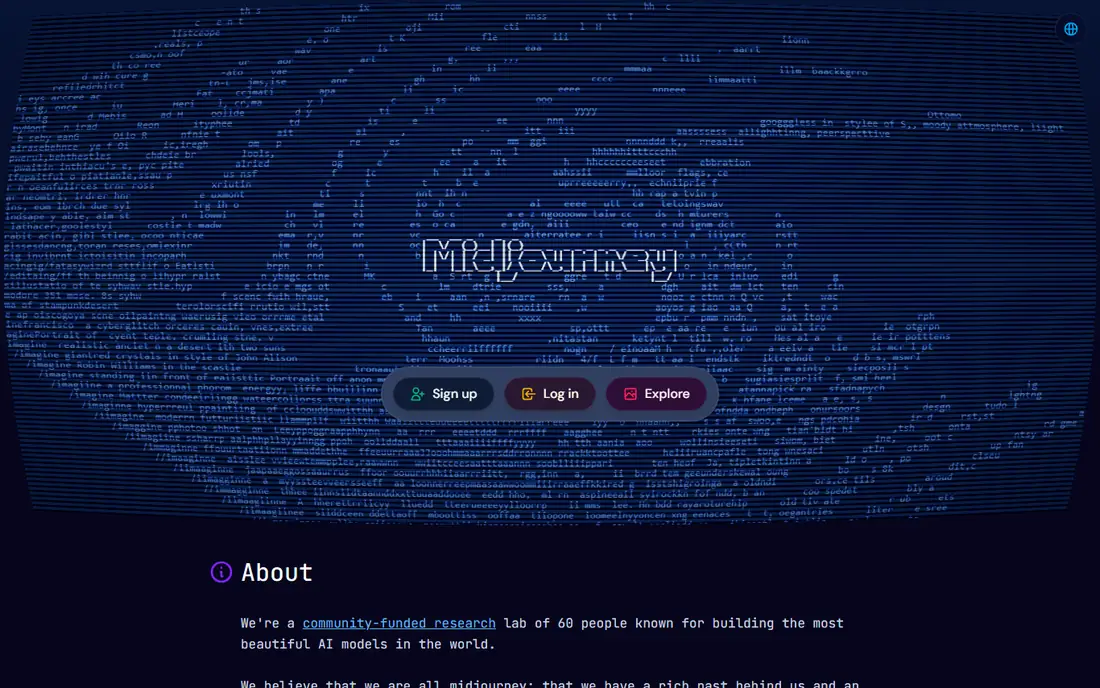
Think of Midjourney for artistic and editorial imagery. Midjourney remains the generator people compare everything else to, largely since its default output looks finished. More specifically, Stealth Mode (keeping your generations private) begins at Pro, and firms earning over $1 million in annual revenue must be on Pro or Mega under the commercial terms.
More specifically, text rendering inside images is still one of its weaker points, so posters and labels will disappoint. The pricing is straightforward: four flat levels from $10 to $120 per month, each buying a set number of Fast GPU hours, with unlimited slower Relax generation from the $30 Standard level up. Midjourney pricing: $10/month. There is no free plan with Midjourney.
Where it is weaker: Private generations need the $60/month Pro plan.
- Distinctive aesthetic quality from day one
- Straightforward flat levels
- No free level or trial

Think of Ideogram for images with readable text. Magic Prompt rewrites rough descriptions into in-depth prompts, which flattens the ramp-up time for beginners. Worth adding: Posters, logos, social cards, and ad creatives come out with legible, well-placed typography at accuracy rates far ahead of the general models.
For everyday use, where it loses: pure photorealism and artistic illustration, where Midjourney and others pull ahead. Plus at $20 per month layers on private generation and priority credits, and Pro layers on CSV batch generation for campaign variations. More specifically, Ideogram solved the problem that ruins most AI images for marketing: garbled text. Price to start with Ideogram: $20/month. Ideogram includes a free tier.
The main drawbacks: Photorealism trails specialists.
- Batch generation on Pro
- Best-in-class text rendering
- No private generations on free
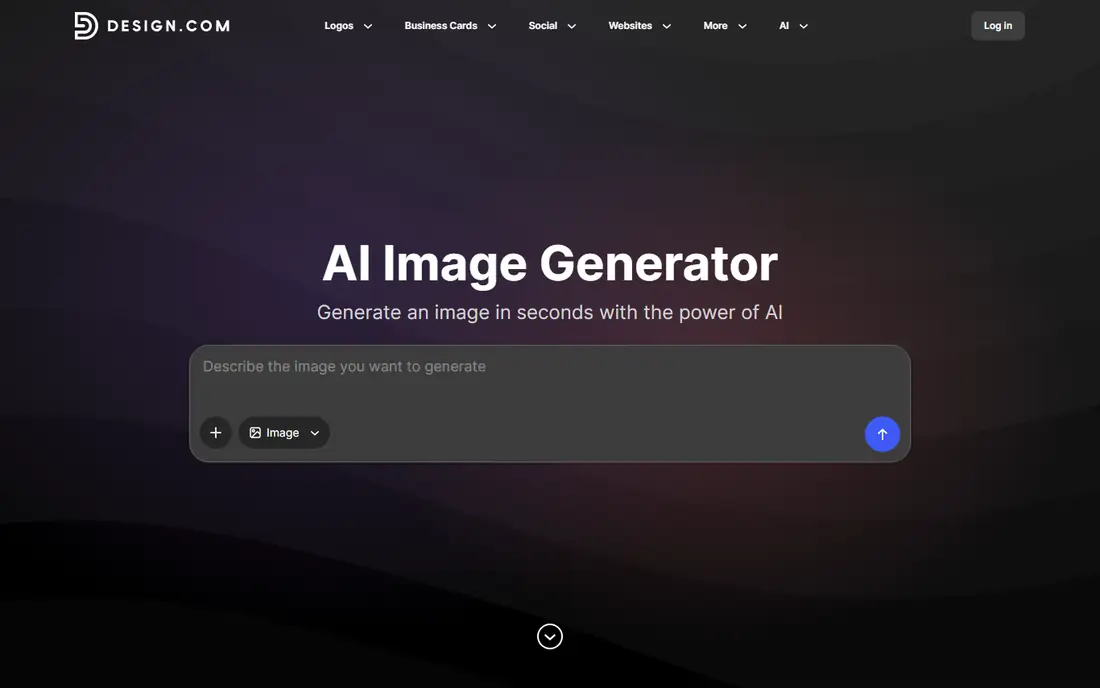
Design.com is aimed squarely at turning AI images into finished, on-brand designs. Design.com's AI image generator turns a plain-language description into multiple image choices in seconds.
Watch-outs: Pricing and generation limits are not shown on the generator page.
Also, you steer the subject, setting, mood, composition, colors and style through the prompt, then refine and generate again until one suits, with no design or AI experience needed. That makes it a good fit for small companies and marketers who require visuals for real campaigns, not just standalone images. Design.com shows no starting price here, so confirm the cost on the vendor site. Free options: Not stated.
Strengths: posters and social templates.
- Images flow straight into flyers
- No AI expertise needed
- No published details on output resolution
Freepik AI (Magnific) targets multi-model generation plus stock. Freepik rebranded its AI generation suite to Magnific in 2026. But the play is the same: one subscription that puts Flux, Imagen, Ideogram, and others behind a single bill, plus a 200-million-asset stock library.
Worth adding: premium starts at $20 per month with annual credit pools instead of monthly resets, and higher levels add unlimited generation on selected models. Worth adding: commercial work needs a premium level, and even then AI output does not get the stock library's standard legal protection. For everyday use, watch the model-specific credit costs before choosing a level: premium video and image models burn credits at very different rates. In practice, you also get upscaling and editing tools in the same subscription. Freepik AI (Magnific) pricing: $20/month. Freepik AI (Magnific) includes a free tier.
Drawbacks to consider: Credit costs vary by model.
- Bundled 200M+ stock library
- Plenty of frontier models behind one subscription
- Free outputs lack a commercial license
Adobe Firefly is designed for commercially safe creative team work. The standalone levels run $9.99 to $199.99 per month, built around generative credits, with unlimited standard image generations on premium plans.
Limits to weigh: Best value needs the Adobe ecosystem.
Also, if you already pay for Creative Cloud, the bundled credits frequently make a standalone plan unnecessary. Starting cost for Adobe Firefly: $9.99/month. Adobe Firefly offers a free plan.
- Several partner models in one bill
- Links to Photoshop and Express
- Credit system brings math
Pick Canva Magic Media if this describes you: fast design-ready social graphics. You pick it when speed and an editable result matter more than pixel-level quality. Beyond that, create an image with Magic Media and it is already inside your social post, presentation, or flyer, with brand kits, templates, and publishing built around it.
In daily use, Magic Media includes Canva Pro at $15 per month (or $10 per month billed yearly), which also layers on the newer Dream Lab engine powered by Leonardo technology. In daily use, Canva's pitch is different from everyone else's: the image is not the product, the finished design is. The free plan lets only 50 lifetime generations, so this is a premium decision from the start for real use. On cost, Canva Magic Media starts like this: $15/month. A free plan is available with Canva Magic Media.
What to check first: Free level is very restricted.
- Huge template library
- Simple for non-designers
- Image quality lags specialists
Recraft is aimed squarely at vector graphics and brand assets. Text rendering is capable, close to Ideogram for typography-heavy work. Beyond that, video generation sits on Pro, two levels above the entry premium plan.
Honest limits: Video generation needs Pro.
In daily use, Recraft is made for designers instead of casual image-makers. The catch that matters: the free plan permits personal use only, with public images, so you cannot even prototype client work without paying. Recraft cost at the entry level: $12/month. Recraft has a free plan.
- Strong text rendering
- True vector (SVG) output
- No commercial rights on free plan
Where Microsoft Designer fits: free everyday graphics. Stickers, invitations, social graphics, and fast blog art are all simple.
Where it is weaker: Commercial licensing less clear than Adobe's.
On top of that, the free level works on a daily "boost" allowance that resets, and Copilot Pro at $20 per month raises the limit. The editor itself is entry-level compared with Canva or Adobe Express, and Microsoft's commercial-use terms for generated images are less explicit than Adobe's indemnification story. Price to start with Microsoft Designer: Free with a Microsoft account. Free access exists with Microsoft Designer.
- Free image generation with a Microsoft account
- Built into Edge and Microsoft 365
- Daily boost limits
Think of Stable Diffusion for self-hosted and API pipelines. That means zero per-image cost once you have the hardware, plus no model-level content filtering, which matters for some teams. In daily use, the tradeoffs are obvious: self-hosting needs a capable GPU (12 GB VRAM is a practical floor), the ecosystem of interfaces and fine-tunes takes learning, and default output quality frequently trails the best closed models.
This is a tool for developers and teams with volume, not for someone who wants a picture in ten seconds. Stability also sells API access on a transparent credit system (new accounts get 25 free credits), with per-image costs from under a cent on older models to around $0.08 on the flagship. This comparison lists no price for Stable Diffusion; ask the vendor. Stable Diffusion includes a free tier.
Watch-outs: Self-hosting needs a real GPU.
- Free commercial use under $1M revenue
- Open weights with local control
- Not a one-click product
Where the options differ
Each one is judged on the same things: output quality for real work (not cherry-picked demos), how much it costs at realistic volumes, and where it quietly falls short. In daily use, prices come from the vendors' own pricing pages as of October 2026.
How we built this list
LinkVetted used vendor pricing pages and product documentation as the base, then compared plans, free access and documented limits for 9 tools. Seat minimums, billing terms and add-ons can move the real cost, so the starting prices here are a guide and not a quote. Order on the page follows fit for the typical buyer first, then price transparency and free access. Your own requirements should decide the final pick.
What to check before you buy
- Confirm the entry price on the vendor page. For Design.com and Stable Diffusion that means a quote rather than a fixed price.
- Check what the free option really includes: Ideogram, Freepik AI (Magnific), Adobe Firefly and others offer a free plan, and usage caps differ.
- Read the limits listed for Midjourney first: no free level or trial.
- Check whether the features you need in Microsoft Designer sit on the entry plan or only on higher tiers.
- Confirm you can export your data from Ideogram, so leaving later does not mean losing records.
FAQ
Can I try these options before paying?
Often, yes. Ideogram, Freepik AI (Magnific), Adobe Firefly and others have a free plan. Use your own data and a real task during the test, and check what the free tier or trial limits before you rely on it.
Is Midjourney the right pick for everyone comparing AI image generator software?
No single tool suits every team. Midjourney comes first because it fits artistic and editorial imagery, while Ideogram suits images with readable text and Design.com suits turning AI images into finished, on-brand designs. Match the tool to your own size, budget and workflow before deciding.
Do I need a premium plan to use these tools for client work?
Normally yes. Free levels often restrict commercial use, keep generations public, or cap output too low for production. Midjourney has no free level at all, and its Stealth Mode begins at the $60/month Pro plan.
What is the cheapest option for AI image generator software in this list?
On published monthly entry prices, Adobe Firefly is the lowest here at $9.99/month. Entry price is only part of the cost, because seats, add-ons and billing terms can change the total.
Which options for AI image generator software have a free plan?
On this list, 7 of 9 tools include a free plan, among them Ideogram, Freepik AI (Magnific), Adobe Firefly and Canva Magic Media. Caps on seats, usage or features are common, so test the free plan against your real workload.
What is the best AI image generator overall in 2026?
Start with Midjourney if you need artistic and editorial imagery. Ideogram is the better match for images with readable text, and Design.com for turning AI images into finished, on-brand designs. The best choice depends on budget, team size and workflow.