Best Continuous Delivery Tools for Remote Teams in 2026: 5 Tools Compared
5 best continuous delivery tools for remote teams, with entry costs, free tiers and the buyer each one serves. Limits and pricing notes included. Quick to scan.
- Editor's choice
 CircleCI
Teams centred on intelligent automation
Starts at$15 a monthVisit circleci.comFull review - Great alternative
 TeamCity
Teams wanting dependable, repeatable delivery
Starts atSee websiteVisit jetbrains.comFull review - Also consider
 GitLab CI/CD
Teams wanting an all-in-one DevOps system
Starts at$15 per user a monthVisit about.gitlab.comFull review
Direct answer
For teams concentrated on intelligent automation, CircleCI is where this list starts. Listed starting prices: CircleCI from $15 a month, GitLab CI/CD from $15 per user a month and Buildkite from $30 per active user a month. TeamCity is the stronger choice for teams wanting reliable, repeatable delivery, while GitLab CI/CD suits teams wanting an all-in-one DevOps system. Prices, free plans and limits for all 5 tools follow.
TL;DR:
- The list opens with CircleCI, aimed at teams focused on intelligent automation.
- 3 of 5 tools offer a free plan: CircleCI, GitLab CI/CD, Buildkite.
- Check the limits for CircleCI before you commit: configuration can be intricate.
- The cheapest monthly starting price in the list is $15 per month, offered by CircleCI.
Last checked November 2026. Prices and plan details were read from the vendors' own pages in November 2026; vendors change plans often, so confirm the current price on the vendor site before you buy.
Quick comparison
| Tool | Best for | Starts at | Free plan? | |
|---|---|---|---|---|
| CircleCI | Teams centred on intelligent automation | $15 a month | Yes | Visit |
| TeamCity | Teams wanting dependable, repeatable delivery | See website | Not stated | Visit |
| GitLab CI/CD | Teams wanting an all-in-one DevOps system | $15 per user a month | Yes | Visit |
 GitHub Actions | Teams already using GitHub | See website | Not stated | Visit |
 Buildkite | Teams scaling CI for AI workflows | $30 per active user a month | Yes | Visit |
Every option for continuous delivery tools for remote teams explained
If you are comparing continuous delivery tools for remote teams, this page covers 5 tools in one place: what each is best for, what it costs to start, whether it has a free plan, and the main limit to know about.
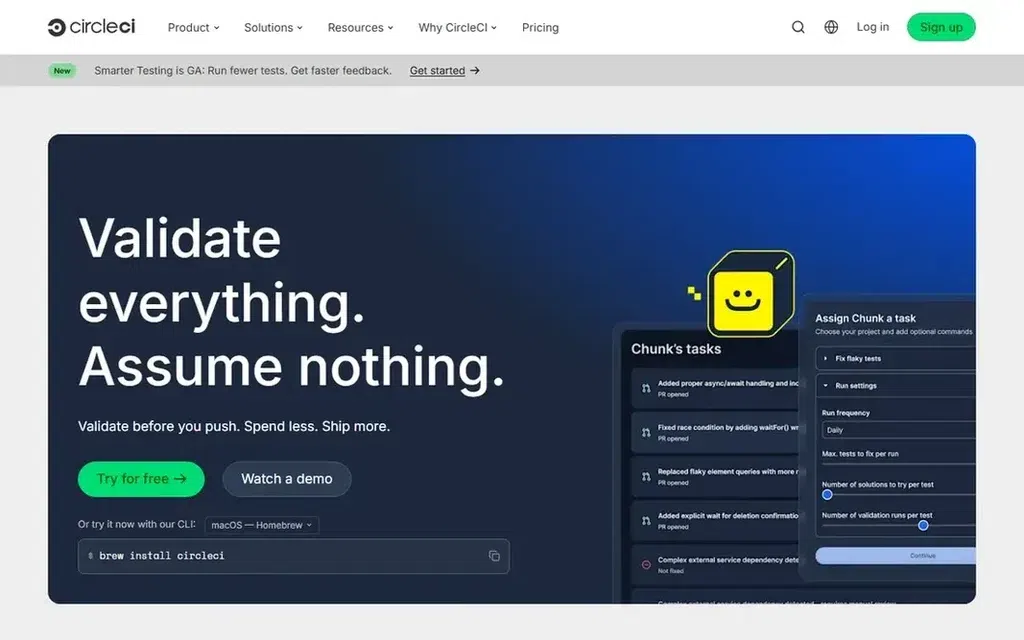
CircleCI targets teams centred on intelligent automation. CircleCI is a continuous integration and delivery product that emphasizes autonomous validation and intelligent automation. It helps teams test and ship every change with speed and confidence, making it a good match for remote teams that want to automate their delivery pipeline without maintaining their own infrastructure.
What to check first: May need setup effort for custom needs.
In daily use, the product is built to manage modern software workflows and plug into typical version control systems. For very straightforward projects, lighter tools might be more appropriate. On cost, CircleCI starts like this: $15 per month. CircleCI has a free plan.
- Intelligent automation for validation
- Works with various languages
- Configuration can be intricate
TeamCity serves teams wanting dependable, repeatable delivery. TeamCity is a CI/CD option from JetBrains that concentrates on keeping delivery dependable, repeatable, and under control for both human and AI agents on a team. It gives you a solid set of features for building and deploying software, with a solid emphasis on stability and reproducibility.
The main drawbacks: Can be resource-intensive.
TeamCity is a commercial product, and its advanced features may come with licensing costs. It can also be resource-intensive to run. For everyday use, remote teams that value a refined, vendor-supported experience may find TeamCity a solid fit. This comparison lists no price for TeamCity; ask the vendor. Free plan details: Not stated.
- Backed by JetBrains
- Supports human and AI agents
- Commercial licensing may be required

Where GitLab CI/CD fits: teams wanting an all-in-one DevOps product. GitLab CI/CD is part of the GitLab DevOps product, offering continuous integration and delivery capabilities straight within the GitLab environment. It is designed to help teams automate building, testing, and deploying software as part of a broader DevOps workflow.
Where it is weaker: Can be overwhelming for simple projects.
In daily use, the primary limitation is that GitLab CI/CD is tightly coupled with GitLab; teams not using GitLab as their repository host may not benefit completely. As for the details, the product's deep features can also be complicated for small projects. Price to start with GitLab CI/CD: $15 per user per month. A free plan is available with GitLab CI/CD.
- Integrated with GitLab
- Spans the full DevOps lifecycle
- Best features need GitLab
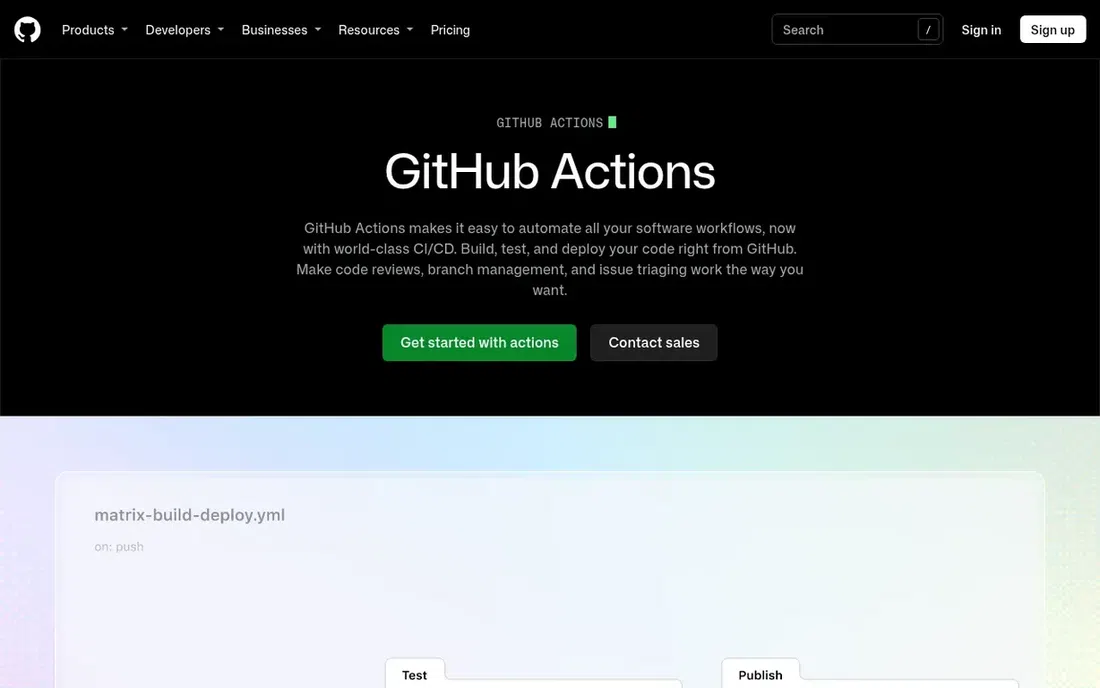
GitHub Actions serves teams already using GitHub. It lets you build, test, and deploy code straight from your repository, with support for any language and deployment to external systems. This makes it a natural fit for remote teams that already host their code on GitHub and want to keep their delivery pipeline close to their source control without managing separate infrastructure.
That said, GitHub Actions is most valuable when your projects live on GitHub. Teams using other version control systems may find it less convenient. On top of that, workflows with numerous steps can become complicated to troubleshoot. If you need a product that works across several code hosts or supplies more advanced orchestration, consider other tools. Pricing for GitHub Actions is not stated here, so ask the vendor for current figures. Trial and free access: Not stated.
The main drawbacks: Complicated workflows can be hard to debug.
- Automates build and deploy
- Deep GitHub integration
- Restricted support outside GitHub
Choose Buildkite for teams scaling CI for AI workflows. Buildkite needs you to handle your own build agents, which brings operational overhead compared with completely hosted services. Remote teams with demanding CI workloads and a need for scalable, quick pipelines may find Buildkite a capable contender.
It lets teams to run builds on their own infrastructure whereas using Buildkite for orchestration, giving them control and performance. More specifically, the initial setup can be more involved than more straightforward tools. As for the details, teams without infrastructure management capacity might prefer a managed CI/CD option. Entry price for Buildkite: $30 per active user per month. Buildkite offers a free plan.
The main drawbacks: Needs self-hosted agents.
- Quick CI at scale
- Adaptable orchestration
- Setup can be involved
Selection criteria
LinkVetted looked at what each vendor publishes: pricing, plan limits, feature coverage for continuous delivery tools for remote teams and stated drawbacks. No hands-on testing is claimed. Where a vendor does not publish a price, the entry says quote. Where a price depends on seats or billing term, the entry says so. Order on the page follows fit for the typical buyer first, then price transparency and free access. Your own requirements should decide the final pick.
A buyer's checklist
- Get a written quote from TeamCity and GitHub Actions; the list shows no starting price for them.
- Read the fine print on the free plans from CircleCI, GitLab CI/CD and Buildkite; seat, project and feature caps differ.
- Before choosing CircleCI, weigh its main limit: configuration can be intricate.
- Test how quickly CircleCI answers a pre-sales question; it hints at how support will feel later.
- Work out what GitHub Actions costs with your real seat count, add-ons and usage, not just the entry price.
FAQ
Which options for continuous delivery tools for remote teams have a free plan?
CircleCI, GitLab CI/CD and Buildkite offer a free plan in this list. Free plans usually cap users, projects or features, so check the limits on the vendor page. Each of the 5 options in this continuous delivery tools for remote teams guide has its own card above with the price, free plan and limits.
Is CircleCI the right pick for everyone comparing continuous delivery tools for remote teams?
No single tool suits every team. CircleCI comes first because it fits teams focused on intelligent automation, while TeamCity suits teams wanting reliable, repeatable delivery and GitLab CI/CD suits teams wanting an all-in-one DevOps platform. Match the tool to your own size, budget and workflow before deciding.
Can Buildkite manage large-scale CI workloads?
Buildkite is made for quick CI at scale and is used by leading software teams for orchestration. It lets self-hosted agents, which can supply performance benefits for large workloads, though it needs infrastructure management.
What is the cheapest option for continuous delivery tools for remote teams in this list?
On published monthly entry prices, CircleCI is the lowest here at $15 per month. Entry price is only part of the cost, because seats, add-ons and billing terms can change the total. All 5 picks in this continuous delivery tools for remote teams comparison list a starting price, free plan details and the main limits on their cards above.
How are the tools for continuous delivery tools for remote teams ordered?
The order follows typical fit for continuous delivery tools for remote teams, with CircleCI first and Buildkite last, then price clarity and free access. It is editorial judgement, not a score, so another team could rank the tools differently.
Is GitHub Actions right for teams not using GitHub?
GitHub Actions is most beneficial for teams already using GitHub, as it integrates straight with repositories. Teams using other products may find it less convenient and might consider alternative CI/CD tools.
Sources
- https://circleci.com
- https://www.jetbrains.com/teamcity
- https://about.gitlab.com/stages-devops-lifecycle/continuous-integration
- https://github.com/features/actions
- https://buildkite.com