Choosing Containerization Software for Remote Teams in 2026: 6 Options Compared
Best containerization software for remote teams: 6 contenders ranked by fit, with entry costs and free tiers. Plain-spoken summaries throughout. Quick to scan.
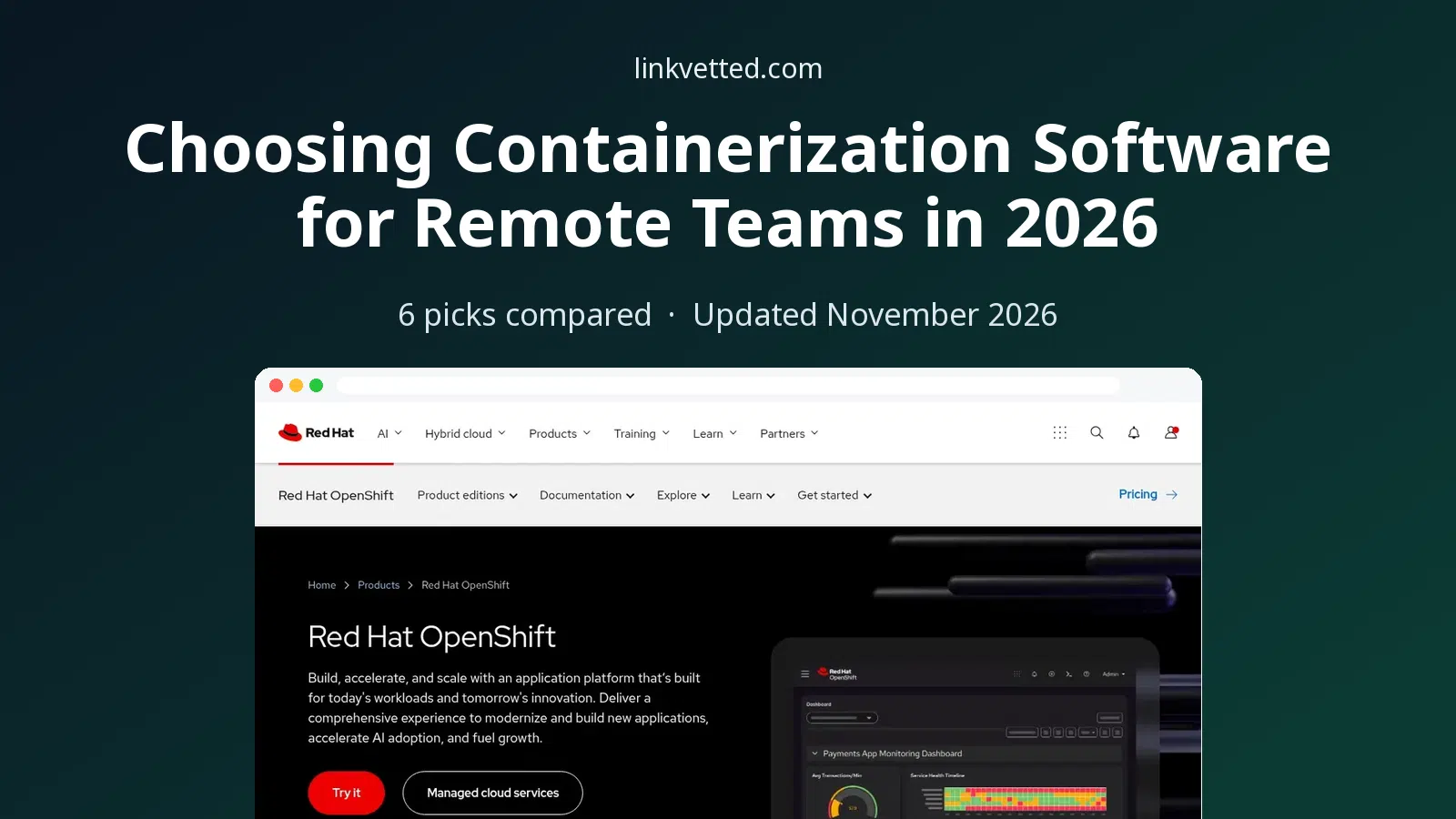
- Editor's choice
 Red Hat OpenShift
Enterprise application modernization
Starts atPricing on requestVisit redhat.comFull review - Great alternative
 Azure Kubernetes Service
Managed Kubernetes on Microsoft Azure
Starts atPricing on requestVisit azure.microsoft.comFull review - Also considerDocker Desktop
Developer containerization on any OS
Starts atPricing on requestVisit docker.comFull review
Direct answer
If you need enterprise application modernization, Red Hat OpenShift is the first tool to look at here. Look at Azure Kubernetes Service for managed Kubernetes on Microsoft Azure, and at Docker Desktop for developer containerization on any OS. Details and limits for the rest of the 6 tools are below. None of these vendors publish plan prices, so pricing is on request for every option.
TL;DR:
- This list starts with Red Hat OpenShift, which is built for enterprise application modernization.
- Every tool from Red Hat OpenShift to Mirantis Kubernetes Engine works by quote, with no list price shown.
- Red Hat OpenShift, Mirantis Kubernetes Engine and the 4 others all need a premium plan or a trial, since no free plan is listed.
- Mirantis Kubernetes Engine is the one to check for enterprise container management.
- One limit worth knowing about Docker Desktop: primarily for individual developer machines.
Last checked November 2026. Pricing on request: vendors did not publish plan prices when this guide was last checked (November 2026), so ask each vendor for a written quote.
Quick comparison
| Tool | Best for | Starts at | Free plan? | |
|---|---|---|---|---|
| Red Hat OpenShift | Enterprise application modernization | Pricing on request | Not stated | Visit |
| Azure Kubernetes Service | Managed Kubernetes on Microsoft Azure | Pricing on request | Not stated | Visit |
| Docker Desktop | Developer containerization on any OS | Pricing on request | Not stated | Visit |
 Rancher | Multi-cluster Kubernetes management | Pricing on request | Not stated | Visit |
| Kubernetes Engine | Completely managed Kubernetes on Google Cloud | Pricing on request | Not stated | Visit |
 Mirantis Kubernetes Engine | Enterprise container management | Pricing on request | Not stated | Visit |
The full containerization software for remote teams list
If you are comparing containerization software for remote teams, this page covers 6 tools in one place: what each is best for, what it costs to start, whether it has a free plan, and the main limit to know about.
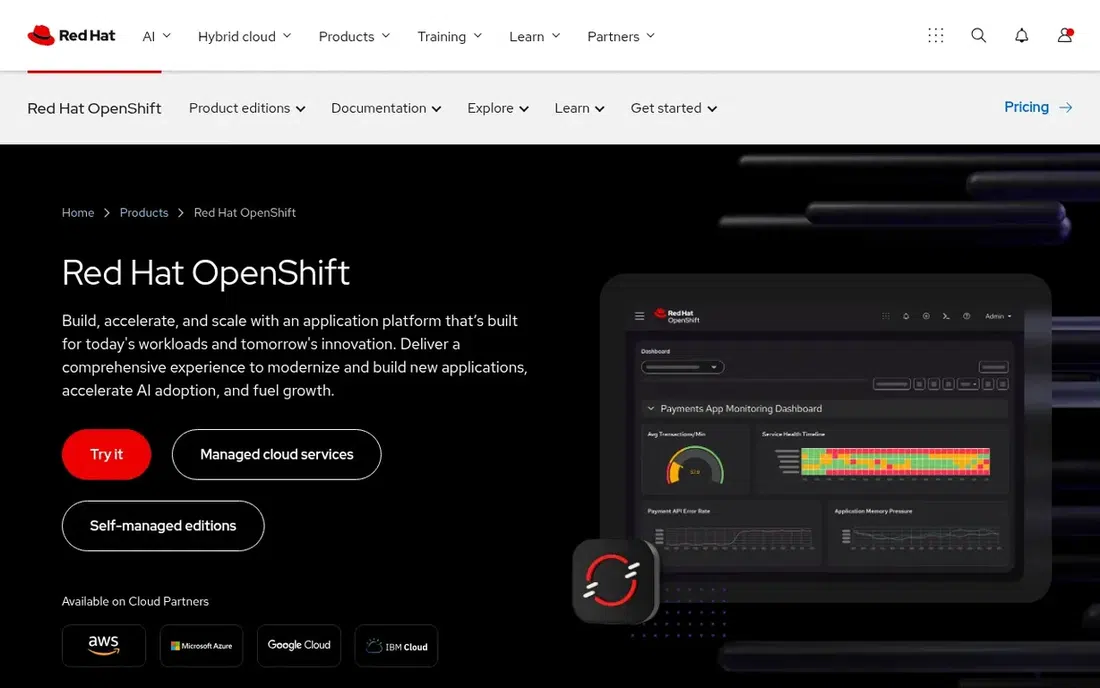
Red Hat OpenShift is aimed squarely at enterprise application modernization. Red Hat OpenShift is an application innovation system that provides tools to enable organizations to modernize and build new applications, accelerate AI adoption, and fuel growth. In practice, OpenShift's breadth can introduce complexity and a steeper ramp-up time, notably for teams without dedicated product engineers.
Best features of Red Hat OpenShift: Supports modernizing existing apps.
Downsides: Needs Kubernetes expertise. Beyond that, choose OpenShift when you need an enterprise-grade system with solid support for application modernization. In daily use, smaller remote teams may find more straightforward managed Kubernetes services simpler to adopt. Check the vendor site for Red Hat OpenShift pricing; none is listed in this comparison. As for free access: Not stated.
- Thorough application system
- Integrated tools for building new applications
- Can be complicated for small teams
Choose Azure Kubernetes Service for managed Kubernetes on Microsoft Azure. Azure Kubernetes Service (AKS) supplies secure, scalable containerized app deployment and management with quick delivery on managed Kubernetes clusters. In daily use, consider AKS if you are committed to Azure, or look at other managed Kubernetes choices for different cloud preferences.
Limits to weigh: Needs Kubernetes skills.
Remote teams using Microsoft Azure will appreciate the tight integration with Azure services and the capacity to focus on applications instead of cluster infrastructure. It also needs Kubernetes knowledge to use effectively. No starting price is listed for Azure Kubernetes Service here; confirm pricing on the vendor site. Trial and free access: Not stated.
- Managed Kubernetes clusters
- Quick delivery of containerized apps
- Azure-specific integration
Docker Desktop
Best for: Developer containerization on any OS
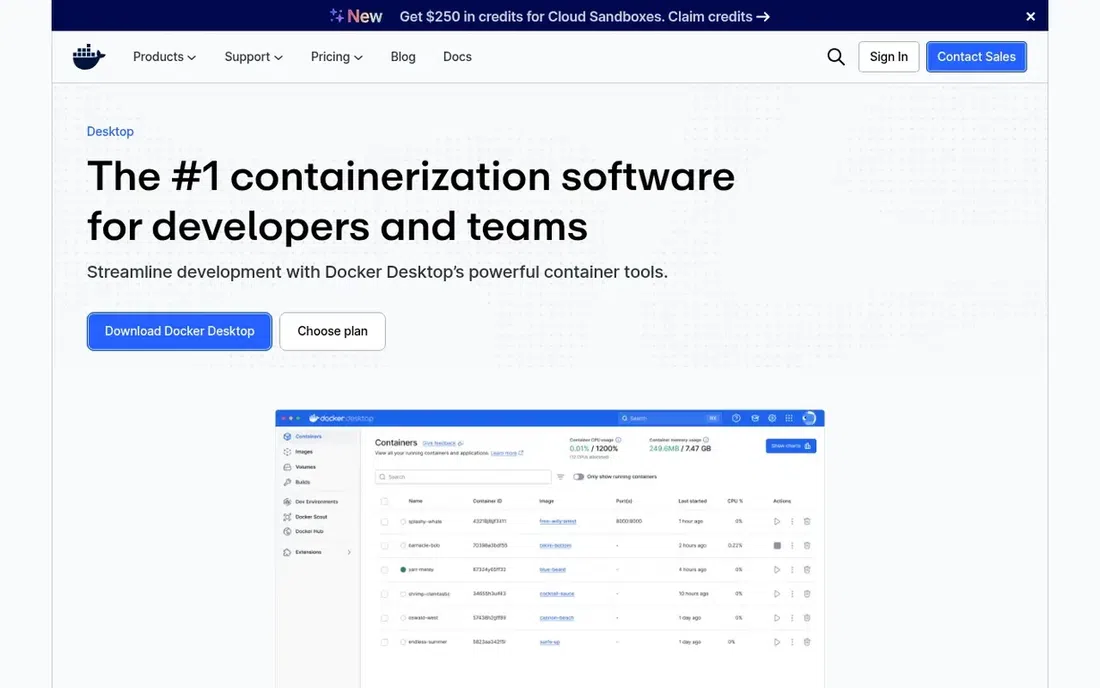
Docker Desktop serves developer containerization on any OS. It is commonly the first step for teams adopting containers.
Where it is weaker: Less suited for production orchestration.
If your remote team needs only local container workflows, Docker Desktop is sufficient; for production, consider a managed Kubernetes service. Docker Desktop shows no starting price here, so confirm the cost on the vendor site. On free options: Not stated.
- Collaborative containerization features
- Runs on Mac, Windows, Linux
- Primarily for individual developer machines
Choose Rancher for multi-cluster Kubernetes management. Rancher is an open-source multi-cluster orchestration product that lets operations teams deploy, handle, and secure enterprise Kubernetes. It is well suited to remote teams that require to run Kubernetes across several clusters and environments from a single interface, notably when avoiding vendor lock-in is a priority.
The main drawbacks: Needs operational expertise.
Choose Rancher when you need adaptable, multi-cluster management and have the skills to operate it. Rancher needs significant Kubernetes and operations expertise to set up and maintain. This comparison lists no price for Rancher; ask the vendor. Trial and free access: Not stated.
- Deploy, handle
- Multi-cluster orchestration
- Self-managed complexity
Kubernetes Engine
Best for: Completely managed Kubernetes on Google Cloud
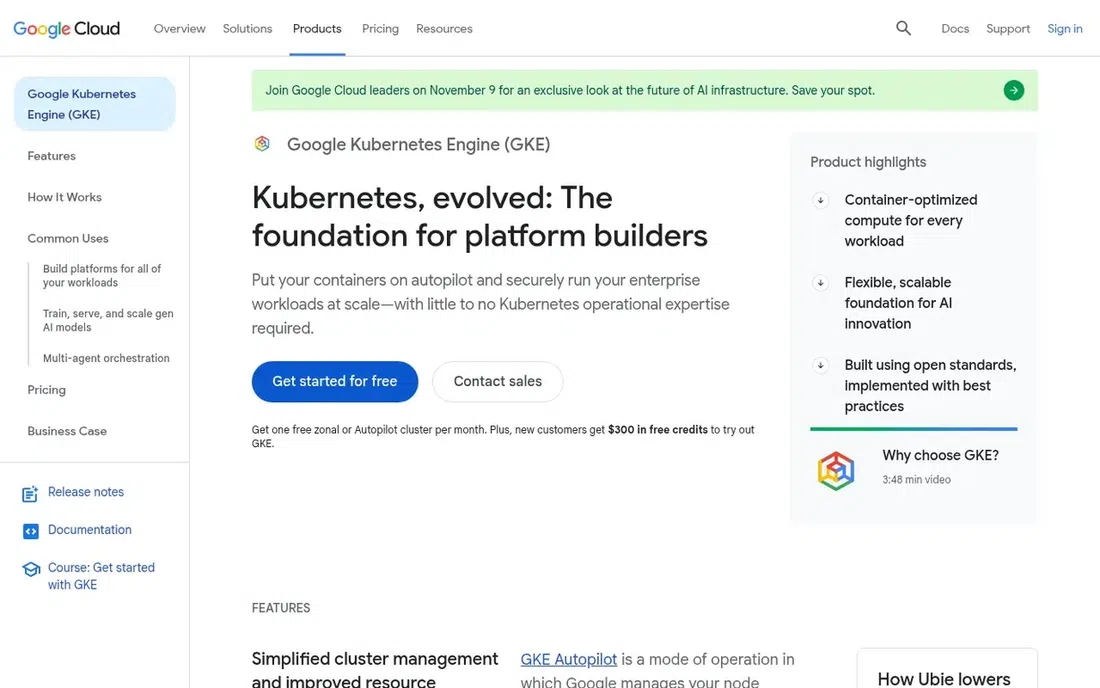
Kubernetes Engine is designed for fully managed Kubernetes on Google Cloud. Remote teams that want to offload control plane management whereas retaining Kubernetes adaptability will find it a good fit, particularly those already using Google Cloud. Worth adding: GKE is specific to Google Cloud, so teams with multi-cloud or on-premises requirements may need extra tools.
The main drawbacks: Tied to Google Cloud.
It also assumes familiarity with Kubernetes concepts. Beyond that, Google Kubernetes Engine (GKE) is a completely managed Kubernetes service with a full Kubernetes API, four-way autoscaling, release channels, and multi-cluster support. Check the vendor site for Kubernetes Engine pricing; none is listed in this comparison. Free access: Not stated.
- Multi-cluster support
- Four-way autoscaling
- Needs Kubernetes knowledge
Mirantis Kubernetes Engine is a good fit for enterprise container management. Mirantis Kubernetes Engine is made for enterprise needs, which can mean more complexity and overhead for smaller teams.
The main drawbacks: May be overkill for small teams.
On top of that, if you need a light start, Docker Desktop may be more appropriate; for large-scale enterprise, consider Mirantis. Mirantis Kubernetes Engine is a managed enterprise container management system with private and managed container orchestration for Kubernetes, Docker, and more. Mirantis Kubernetes Engine shows no starting price here, so confirm the cost on the vendor site. Free access: Not stated.
- Supports Kubernetes and Docker
- Enterprise-focused features
- Needs container expertise
How we compared the tools
A buyer's checklist
- Request quotes from Red Hat OpenShift, Mirantis Kubernetes Engine and the others; the list shows no fixed prices.
- Before choosing Red Hat OpenShift, weigh its main limit: can be complicated for small teams.
- Compare total cost, not headline price: for Docker Desktop, add extra seats, add-ons and any usage-based charges.
- Ask Mirantis Kubernetes Engine which support channels and response times come with the plan you would buy.
- Before you load data into Rancher, check what an export looks like and who can run it.
FAQ
Is Red Hat OpenShift the right pick for everyone comparing containerization software for remote teams?
No single tool suits every team. Red Hat OpenShift comes first because it fits enterprise application modernization, while Azure Kubernetes Service suits managed Kubernetes on Microsoft Azure and Docker Desktop suits developer containerization on any OS. Match the tool to your own size, budget and workflow before deciding.
Do these tools publish their prices?
No. None of the tools, from Red Hat OpenShift to Mirantis Kubernetes Engine, shows a fixed starting price here, so budget time for quotes.
What is containerization software?
Containerization software packages applications and their dependencies into isolated units called containers. This ensures consistency across different environments, which is particularly handy for remote teams working on varied systems.
Can I try these tools before paying?
Not by default. None of the tools, from Red Hat OpenShift to Mirantis Kubernetes Engine, lists a free plan or a free trial here, so ask each vendor for a demo before committing.
Does any tool for containerization software for remote teams here have a free plan?
A permanent free plan is not offered by Red Hat OpenShift, Mirantis Kubernetes Engine or the other tools here. Plan a short evaluation period instead.
Sources
- https://www.redhat.com/en/technologies/cloud-computing/openshift
- https://azure.microsoft.com/en-us/products/kubernetes-service
- https://www.docker.com/products/docker-desktop
- https://www.rancher.com
- https://cloud.google.com/kubernetes-engine
- https://www.mirantis.com/software/mirantis-kubernetes-engine