Top 5 Consumer Video Feedback Software for Remote Teams for 2026 (Prices and Free Plans)
Best consumer video feedback software for remote teams: 5 contenders ranked by fit, with entry costs and free tiers. Pros and cons for every tool. Facts only.
- Editor's choice
 Vimeo
Hosting and sharing finished video
Starts atSee websiteVisit vimeo.comFull review - Great alternative
 Ziflow
Automatic review workflows across file types
Starts at$199 per month billed yearlyVisit ziflow.comFull review - Also considerKrock.io
Frame-accurate video comments and versions
Starts at$10 per user a monthVisit krock.ioFull review
Direct answer
This list puts Vimeo first for hosting and sharing finished video. Listed starting prices: Ziflow from $199 per month billed yearly, Krock.io from $10 per user a month and Wipster from $9.95 per month. If your case is different, Ziflow suits automatic review workflows across file types and Krock.io suits Frame-accurate video comments and versions. The remaining 2 options are covered below with prices and limits.
TL;DR:
- Vimeo is the opening pick, best for hosting and sharing finished video.
- 3 of 5 tools offer a free plan: Vimeo, Ziflow, Krock.io.
- Wipster is the one to check for fast video review and approval.
- Starting prices begin at $9.95 per month with Wipster.
Last checked November 2026. Prices and plan details were read from the vendors' own pages in November 2026; vendors change plans often, so confirm the current price on the vendor site before you buy.
Quick comparison
| Tool | Best for | Starts at | Free plan? | |
|---|---|---|---|---|
| Vimeo | Hosting and sharing finished video | See website | Yes | Visit |
| Ziflow | Automatic review workflows across file types | $199 per month billed yearly | Yes | Visit |
| Krock.io | Frame-accurate video comments and versions | $10 per user a month | Yes | Visit |
 Frame.io | Centralizing files, feedback and people | See website | Not stated | Visit |
 Wipster | Fast video review and approval | $9.95 per month | Free trial | Visit |
5 consumer video feedback software for remote teams in detail
LinkVetted put together this guide to consumer video feedback software for remote teams for readers who want a clear shortlist without reading every vendor page. It compares 5 tools on starting price, free plans, who each one suits and where each one falls short.
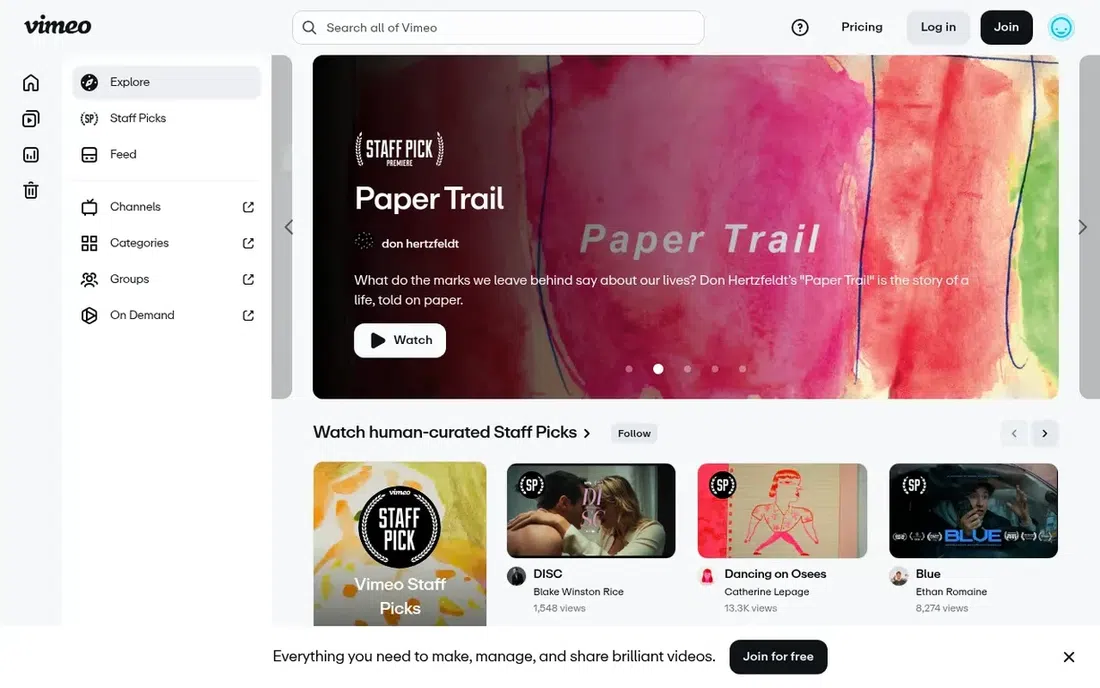
Vimeo is built with hosting and sharing finished video in mind. Vimeo is a video system where people watch and share films, shorts and other content, with streaming in HD and a public library of categories.
Its homepage emphasizes watching and discovering videos, so in-depth review workflows are not the core focus. More specifically, pick Vimeo when publishing and sharing are the central jobs. No starting price is listed for Vimeo here; confirm pricing on the vendor site. Vimeo offers a free plan.
Limits to weigh: Not centered on structured review workflows.
- Video hosting and streaming in HD
- Straightforward way to share finished work
- Feedback features are secondary to hosting
For automatic review workflows across file types, Ziflow is a natural candidate. Ziflow is online proofing software built to accelerate reviews and approvals, with automatic workflows, support for a large number of file types and integrations.
Watch-outs: Workflow setup may take effort to configure.
It fits teams that want repeatable approval steps instead of ad hoc comment threads. Starting cost for Ziflow: $199 per month billed annually. Ziflow includes a free tier.
- Automatic workflows for reviews and approvals
- Supports a very broad range of file types
- Wide scope can overwhelm straightforward review needs
Krock.io
Best for: Frame-accurate video comments and versions
Krock.io works best for Frame-accurate video comments and versions. Krock.io is video review software aimed at creative teams. Its homepage flags frame-accurate comments, version comparisons and approvals in one place, which maps well to remote production and post-production workflows.
In practice, very straightforward review needs might also be met with lighter sharing tools. Teams that require precise feedback on specific frames and a clear record of which version was approved are the clearest audience for this tool. Its focus is video review, so teams that proof documents, designs and video together may prefer a broader product. On cost, Krock.io starts like this: $10 per user per month. Krock.io offers a free plan.
Watch-outs: Teams needing plenty of file types may look elsewhere.
- Approvals handled alongside review
- Frame-accurate comments on video
- Narrower focus than full proofing suites
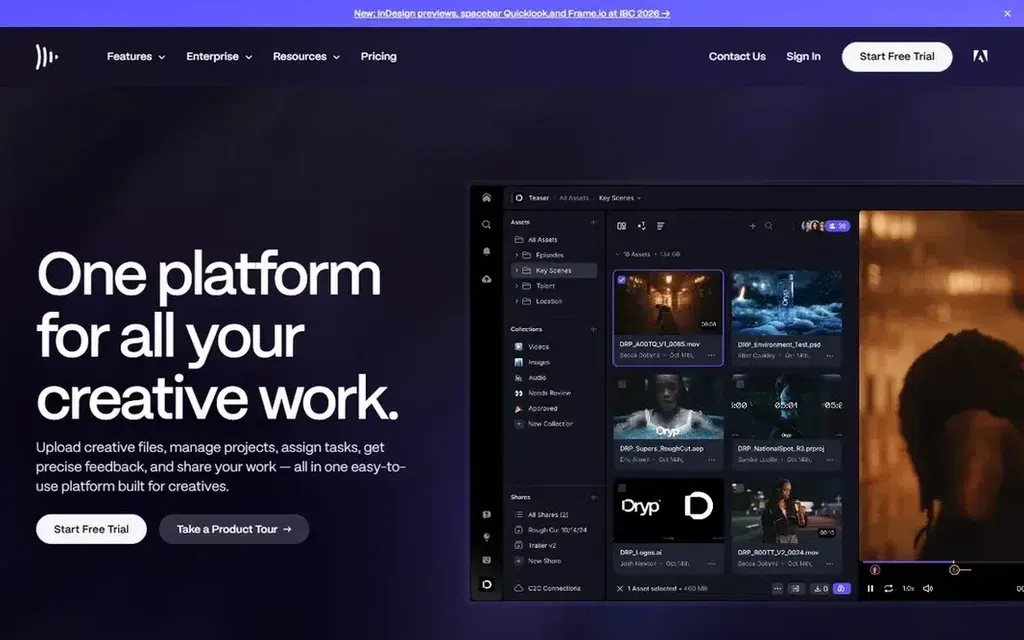
Frame.io works best for Centralizing files, feedback and people. Remote teams handling regular creative review cycles are the clearest fit, particularly when multiple stakeholders have to comment in one shared place. More specifically, choose Frame.io when centralized review and delivery speed matter most.
Trade-offs to know: Best value for teams with steady video volume.
On top of that, Frame.io is a collaboration product that brings files, feedback and people together in one secure workspace. It is aimed at creative teams that review video and other assets across locations and want feedback tied straight to the work. Check the vendor site for Frame.io pricing; none is listed in this comparison. Free plan details: Not stated.
- Fits distributed creative teams
- Targeted at quicker creative delivery
- Wide product may feel heavy for straightforward reviews
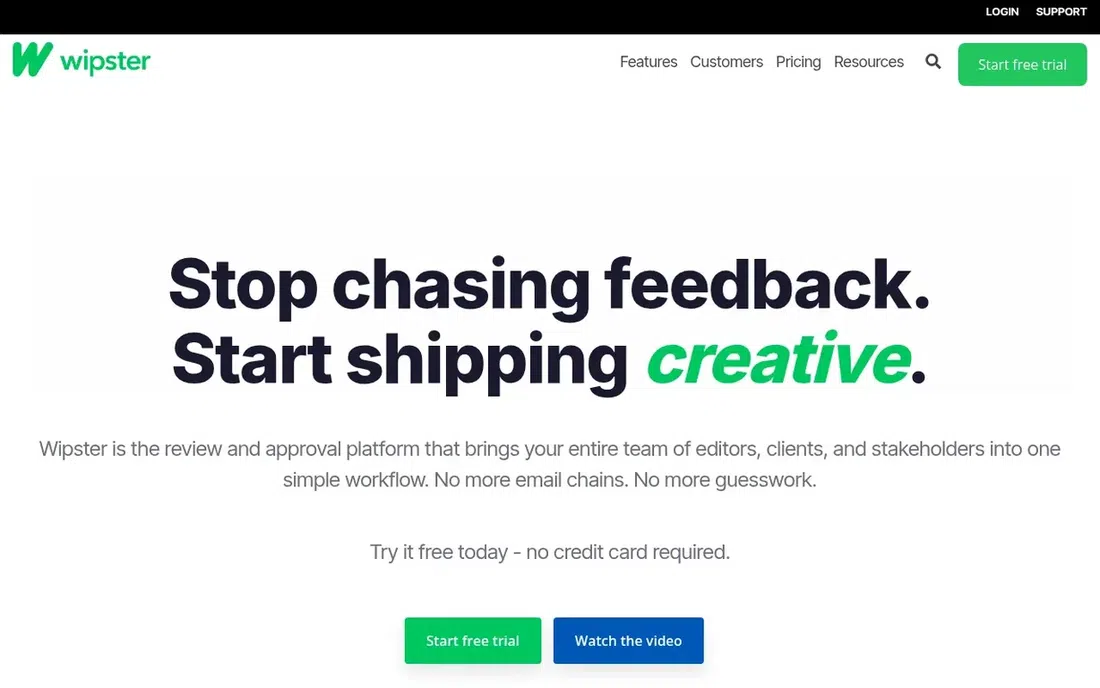
Wipster is built with fast video review and approval in mind. Choose Wipster when video feedback and approval are the central workflow. For everyday use, remote creative and marketing teams that review video repeatedly are the natural audience, especially when comments have to live alongside each version instead of in scattered messages.
For everyday use, Wipster is an online video review, approval and collaboration product. Very small teams with light review volume could also find a more straightforward sharing setup sufficient. The system is oriented around video review, so teams that proof numerous non-video formats may want a broader proofing tool. The starting price for Wipster: $9.95 per month. Free access: Free trial.
Drawbacks to consider: Teams needing heavy proofing across formats may look elsewhere.
- Review management built around video
- Geared toward delivering finished work quicker
- Concentrated on review instead of broader project work
How the list was put together
LinkVetted looked at what each vendor publishes: pricing, plan limits, feature coverage for consumer video feedback software for remote teams and stated drawbacks. No hands-on testing is claimed. Where a vendor does not publish a price, the entry says quote. Where a price depends on seats or billing term, the entry says so. Order on the page follows fit for the typical buyer first, then price transparency and free access. Your own requirements should decide the final pick.
A buyer's checklist
- Get a written quote from Vimeo and Frame.io; the list shows no starting price for them.
- Read the fine print on the free plans from Vimeo, Ziflow and Krock.io; seat, project and feature caps differ.
- Run a trial of Wipster with real work before paying for a year; your own workflow is the best test.
- Read the limits listed for Vimeo first: not centered on structured review workflows.
- A short pilot of Wipster with your real workflow tells you more than a feature table.
- Read the plan comparison for Ziflow carefully; key features often start on a higher tier.
FAQ
How do proofing tools differ from video review tools?
Proofing tools generally manage plenty of file types and automatic approval workflows, whereas video review tools focus on frame-level comments and version comparisons for footage. Choose based on whether video is your primary asset or one of multiple.
Which options for consumer video feedback software for remote teams have a free plan?
On this list, Vimeo, Ziflow and Krock.io include a free plan. Caps on seats, usage or features are common, so test the free plan against your real workload. One other tool offers a trial instead.
How are the tools for consumer video feedback software for remote teams ordered?
The order follows typical fit for consumer video feedback software for remote teams, with Vimeo first and Wipster last, then price clarity and free access. It is editorial judgement, not a score, so another team could rank the tools differently.
What is the cheapest option for consumer video feedback software for remote teams in this list?
On published monthly entry prices, Wipster is the lowest here at $9.95 per month. Entry price is only part of the cost, because seats, add-ons and billing terms can change the total. All 5 picks in this consumer video feedback software for remote teams comparison list a starting price, free plan details and the main limits on their cards above.
Can I try these tools before paying?
Often, yes. Vimeo, Ziflow and Krock.io have a free plan and Wipster offers a free trial. Use your own data and a real task during the test, and check what the free tier or trial limits before you rely on it.