6 Best Construction Takeoff Software for Builders for 2026, Vetted and Compared
Comparing the best construction Takeoff software for builders? 6 contenders, each with entry cost, free tier and best-fit buyer. With pricing notes and limits.
- Editor's choiceCubit
Estimating and takeoff
Starts atSee websiteVisit cubit.comFull review - Great alternative
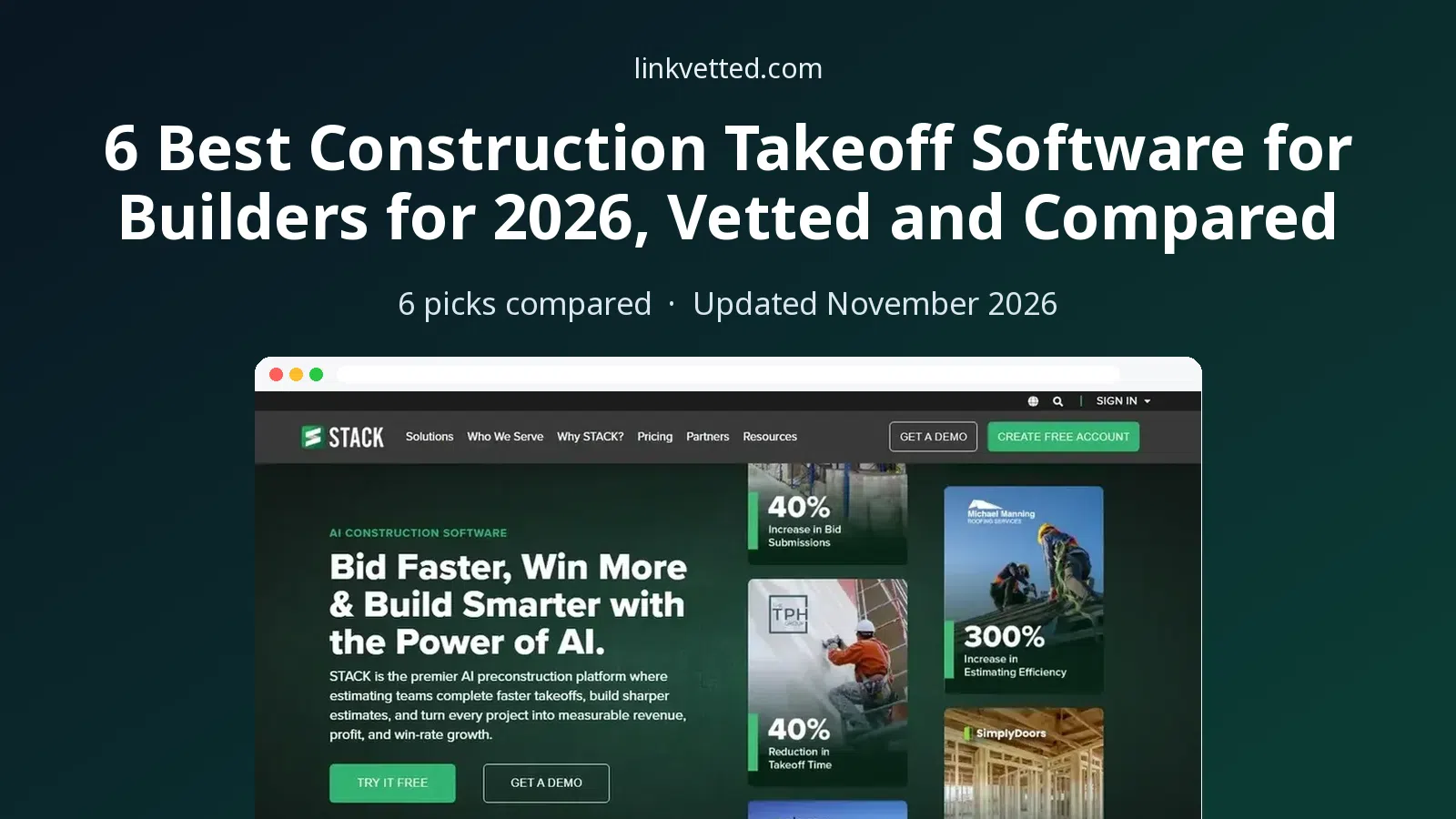
 Stack
Cloud-based collaboration and accuracy
Starts at$49 per user per monthVisit stackct.comFull review - Also consider
 Bluebeam Revu
Collaboration and document management
Starts atSee websiteVisit bluebeam.comFull review
Direct answer
Cubit is the first pick on this list for estimating and takeoff. Listed starting prices: Stack from $49 per user per month and On-Screen Takeoff from $129 a month. Alternatives: Stack for cloud-based collaboration and accuracy, and Bluebeam Revu for collaboration and document management. Prices, free plans and limits for all 6 tools follow.
TL;DR:
- This list starts with Cubit, which is built for estimating and takeoff.
- Starting prices begin at $49 per user per month with Stack.
- Trimble Accubid fits office-to-field options.
- Check the limits for Bluebeam Revu before you commit: may be complicated for straightforward takeoffs.
Last checked November 2026. Prices and plan details were read from the vendors' own pages in November 2026; vendors change plans often, so confirm the current price on the vendor site before you buy.
Quick comparison
| Tool | Best for | Starts at | Free plan? | |
|---|---|---|---|---|
| Cubit | Estimating and takeoff | See website | Not stated | Visit |
| Stack | Cloud-based collaboration and accuracy | $49 per user per month | Free trial | Visit |
| Bluebeam Revu | Collaboration and document management | See website | Free trial | Visit |
 PlanSwift | Quick and accurate estimating | See website | Free trial | Visit |
 On-Screen Takeoff | Finding and winning projects | $129 a month | Free trial | Visit |
 Trimble Accubid | Office-to-field options | See website | Not stated | Visit |
6 construction Takeoff software for builders in detail
If you are comparing construction Takeoff software for builders, this page covers 6 tools in one place: what each is best for, what it costs to start, whether it has a free plan, and the main limit to know about.
Cubit
Best for: Estimating and takeoff
Think of Cubit for estimating and takeoff. Cubit is a construction estimating and takeoff software that helps builders quantify materials and costs from digital plans. Worth adding: if you need deep collaboration or project management features, you may have to look at broader systems like Bluebeam Revu or Stack.
The tool centres on simplifying the takeoff process to save time and cut errors. Specific details about Cubit's latest features and integrations are not provided on its homepage. Cubit shows no starting price here, so confirm the cost on the vendor site. As for free access: Not stated.
The main drawbacks: May lack advanced collaboration features.
- Right for several construction trades
- Approachable interface
- Restricted information available

Think of Stack for cloud-based collaboration and accuracy. Stack supplies cloud-based construction software that saves time, increases accuracy, and boosts collaboration from bid decision to project closeout. It is aimed at teams that require to work together on takeoffs and estimates from anywhere.
Since Stack is cloud-based, it depends on a stable internet connection, which could be a limitation for job sites with poor connectivity. On top of that, some users may need time to adapt to the platform's workflow. Entry price for Stack: $49 per user per month. Free plan details: Free trial.
Points against: May have a ramp-up time for new users.
- Raises accuracy from bid to closeout
- Boosts collaboration
- Needs internet connection
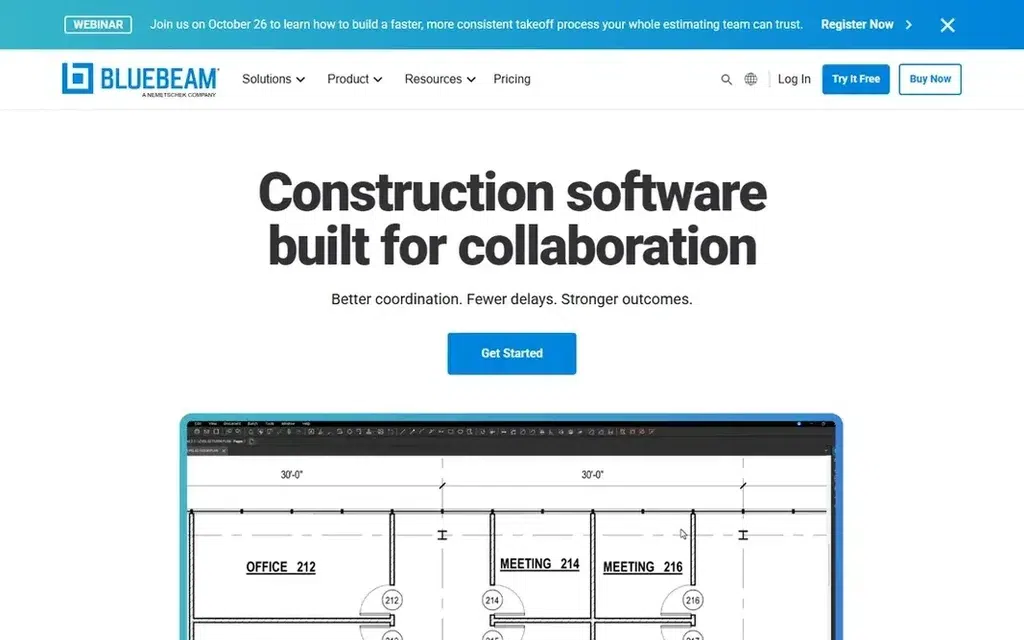
Bluebeam Revu targets collaboration and document management. Bluebeam Revu is a construction collaboration and document management tool that permits teams to work together in live.
What to check first: Needs training for full features.
It supports projects from design through completion, making it right for builders who require to run documents and communicate across teams. Worth adding: Whereas Bluebeam Revu is powerful, it may be overkill for small builders focused solely on takeoff. Bluebeam Revu does not show a starting price in this comparison, so check the vendor site for current pricing. Free options: Free trial.
- Thorough document management
- Supports design to completion
- May be complicated for straightforward takeoffs
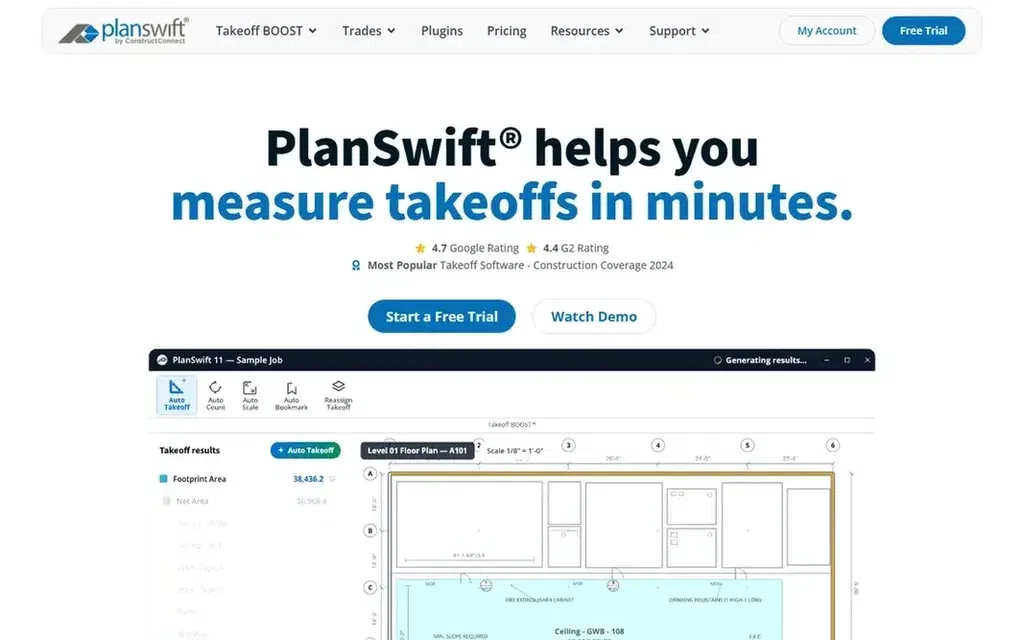
Pick PlanSwift if this describes you: quick and accurate estimating. The tool is concentrated on the takeoff and estimating process, making it a solid fit for estimators who want a dedicated solution without additional project management features. In practice, PlanSwift may lack the broader collaboration and document management capabilities found in systems like Bluebeam Revu.
Also, if your team needs extensive live collaboration or integrated project management, you might have to pair it with other tools or choose a more full system. Even so, for straightforward takeoff and estimating, it remains a capable choice. No starting price is listed for PlanSwift here; confirm pricing on the vendor site. On free options: Free trial.
Where it is weaker: May not connect with all project management tools.
- Boosts estimate accuracy
- Helps win profitable jobs
- Restricted collaboration features
On-Screen Takeoff is a good fit for finding and winning projects. It supports estimating by digitizing plans and performing quantity takeoffs. If you are not interested in the project discovery aspect or prefer a standalone takeoff tool, you might find other choices like PlanSwift or Bluebeam Revu more straightforward.
It also may not offer the same depth of collaboration features as some competitors. On-Screen Takeoff may be most beneficial if you are already using ConstructConnect for project leads, as it is tightly integrated. On-Screen Takeoff starts at: $129 per month. As for free access: Free trial.
Limits to weigh: Concentrated on project discovery and takeoff.
- Takeoff tools for estimating
- Helps find and bid on projects
- Not full project management
Trimble Accubid is aimed squarely at office-to-field options. Trimble Accubid is part of Trimble's software and hardware options that drive productivity across construction, geospatial, and transportation. It gives you office-to-field options, including takeoff and estimating capabilities, integrated with Trimble's positioning hardware.
Where it is weaker: Complicated for straightforward takeoff needs.
This makes it a solid fit for builders who are already using Trimble tools and want a smooth workflow. Beyond that, Trimble Accubid may be most advantageous if you are invested in the Trimble ecosystem, as it connects with their hardware and other software. For everyday use, if you seek a standalone takeoff tool, consider Bluebeam Revu or PlanSwift instead. This comparison lists no price for Trimble Accubid; ask the vendor. Free plan details: Not stated.
- Integrated with Trimble hardware
- Thorough construction options
- May need investment in Trimble ecosystem
How we built this list
LinkVetted used vendor pricing pages and product documentation as the base, then compared plans, free access and documented limits for 6 tools. Figures are shown as the vendors publish them. Billing terms, seat minimums and add-ons can change the real cost. The order reflects how well each tool fits the most common buying scenario for construction Takeoff software for builders, then price clarity, then free plan access. It is a starting point, not a verdict.
Pre-purchase checklist
- Ask Cubit, Bluebeam Revu, PlanSwift and Trimble Accubid for a written quote, since no starting price is shown.
- Use real work to test the free trial from Stack, Bluebeam Revu, PlanSwift and On-Screen Takeoff, rather than a demo project.
- Before choosing Cubit, weigh its main limit: restricted information available.
- Compare total cost, not headline price: for Cubit, add extra seats, add-ons and any usage-based charges.
- Check the support hours and onboarding help PlanSwift offers; smaller vendors vary a lot here.
FAQ
Is Cubit the right pick for everyone comparing construction Takeoff software for builders?
No single tool suits every team. Cubit comes first because it fits estimating and takeoff, while Stack suits cloud-based collaboration and accuracy and Bluebeam Revu suits collaboration and document management. Match the tool to your own size, budget and workflow before deciding.
Does any tool for construction Takeoff software for builders here have a free plan?
A permanent free plan is not offered by Cubit, Trimble Accubid or the other tools here. Stack, Bluebeam Revu, PlanSwift, On-Screen Takeoff offer a trial. Plan a short evaluation period instead.
How do I choose the right takeoff software for my business?
Consider your team's size, project types, and need for collaboration. Evaluate whether you need a standalone takeoff tool or an integrated platform. Also check compatibility with existing systems and the ramp-up time.
Can I try these tools before paying?
Often, yes. Stack, Bluebeam Revu, PlanSwift and On-Screen Takeoff offer a free trial. Use your own data and a real task during the test, and check what the free tier or trial limits before you rely on it.
What is the cheapest option for construction Takeoff software for builders in this list?
On published monthly entry prices, Stack is the lowest here at $49 per user per month. Entry price is only part of the cost, because seats, add-ons and billing terms can change the total. Prices, free plan details and limits for all 6 tools in this construction Takeoff software for builders roundup sit on the individual cards above.
Sources
- https://www.cubit.com
- https://www.stackct.com
- https://www.bluebeam.com
- https://www.planswift.com
- https://www.constructconnect.com
- https://www.trimble.com