Best Construction Site Scheduling Software (2026): 6 Picks Checked on Vendor Pages
Searching for the best construction site scheduling software? Here are 6 options with prices and free plans. Plain-spoken summaries throughout. No filler.

- Editor's choice
 Oracle Primavera P6
Large, complicated project portfolios
Starts atSee websiteVisit oracle.comFull review - Great alternative
 Smartsheet
Enterprise work governance and visibility
Starts at$12 per Member/monthVisit smartsheet.comFull review - Also consider
 Fieldwire
Field-first task and drawing tracking
Starts at$39 per user a monthVisit fieldwire.comFull review
Direct answer
If you need large, complicated project portfolios, Oracle Primavera P6 is the first tool to look at here. Listed starting prices: Smartsheet from $12 per Member/month and Fieldwire from $39 per user a month. If your case is different, Smartsheet suits enterprise work governance and visibility and Fieldwire suits field-first task and drawing tracking. The full list of 6 tools follows, with prices and free plan facts.
TL;DR:
- The list opens with Oracle Primavera P6, aimed at large, complicated project portfolios.
- Procore is the one to check for connecting site and office scheduling.
- Only Fieldwire offers a free plan among these 6 tools.
- One limit worth knowing about Oracle Primavera P6: steep ramp-up time for new users.
Last checked November 2026. Prices and plan details were read from the vendors' own pages in November 2026; vendors change plans often, so confirm the current price on the vendor site before you buy.
Quick comparison
| Tool | Best for | Starts at | Free plan? | |
|---|---|---|---|---|
| Oracle Primavera P6 | Large, complicated project portfolios | See website | Not stated | Visit |
| Smartsheet | Enterprise work governance and visibility | $12 per Member/month | Not stated | Visit |
| Fieldwire | Field-first task and drawing tracking | $39 per user a month | Yes | Visit |
 Microsoft Project | Structured schedule and resource planning | See website | Not stated | Visit |
 Autodesk Construction Cloud | Collaborative project delivery teams | See website | Not stated | Visit |
 Procore | Connecting site and office scheduling | See website | Not stated | Visit |
Construction Site Scheduling Software compared in detail
This LinkVetted guide covers 6 options for construction site scheduling software. Each profile lists a starting price, free plan details, strengths and drawbacks, so you can drop poor fits quickly.
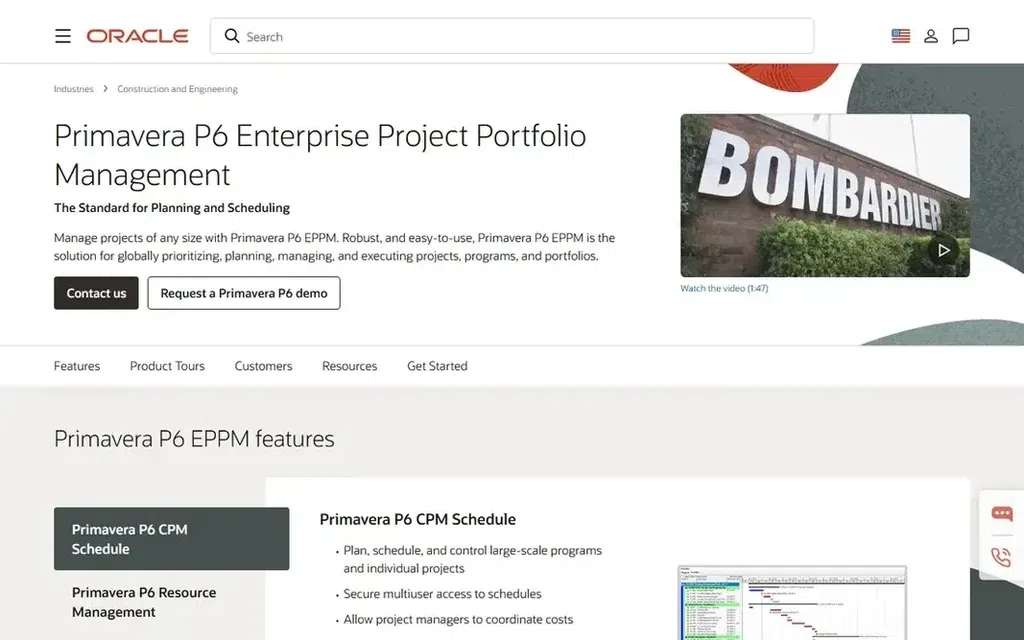
Oracle Primavera P6 is designed for large, complex project portfolios. It fits organizations running complicated, multi-project programs where in-depth sequencing, resource planning and portfolio oversight matter more than fast field adoption.
Pick Primavera P6 when scheduling rigor across plenty of projects is the priority and trained planners are available to run it. Oracle Primavera P6 shows no starting price here, so confirm the cost on the vendor site. Free options: Not stated.
The main drawbacks: Heavier than small jobs need.
- Enterprise portfolio management
- Solid scheduling depth
- Steep learning curve for new users
In short, Smartsheet is for enterprise work governance and visibility. Choose it when enterprise governance and cross-team visibility matter more than deep construction scheduling features.
Honest limits: Not a dedicated construction system.
As for the details, Smartsheet is general-purpose, so construction-specific scheduling needs configuration and may need companion field tools. For everyday use, Smartsheet is described as an execution hub for enterprise work where people and AI get work done together, with the governance and visibility enterprises need. Smartsheet starts at: $12 per Member/month. Trial and free access: Not stated.
- Collaborative work execution
- Adaptable for numerous workflows
- Needs setup for construction specifics
Fieldwire targets field-first task and drawing tracking. Fieldwire by Hilti is live jobsite management software for tracking tasks, updating drawings and reducing expensive rework. It is aimed at owners, general contractors and subcontractors who require the field and office working from the same current information.
Trade-offs to know: Less centred on enterprise portfolio scheduling.
Also, choose it when jobsite task tracking and drawing accuracy are the primary scheduling pain points. Also, Fieldwire leans toward field coordination instead of deep enterprise scheduling, so large program planners may pair it with a heavier tool. The starting price for Fieldwire: $39 per user per month. Fieldwire offers a free plan. Highlights: Task and drawing updates.
- Live jobsite management
- GCs and subs
- Field emphasis may not suit office planners
For structured schedule and resource planning, Microsoft Project is a natural candidate. Microsoft Project is project management software for managing projects, tracking resources and delivering results, with plans compared on the vendor site.
It is not construction-specific, so site coordination, drawings and field updates usually need companion tools. On top of that, pick Microsoft Project when schedule and resource planning are the core need and the team already works in Microsoft tools. Microsoft Project does not show a starting price in this comparison, so check the vendor site for current pricing. On free options: Not stated.
Honest limits: Not construction-specific by default.
- Resource tracking tools
- Familiar Microsoft environment
- Field coordination needs other tools
Autodesk Construction Cloud
Best for: Collaborative project delivery teams
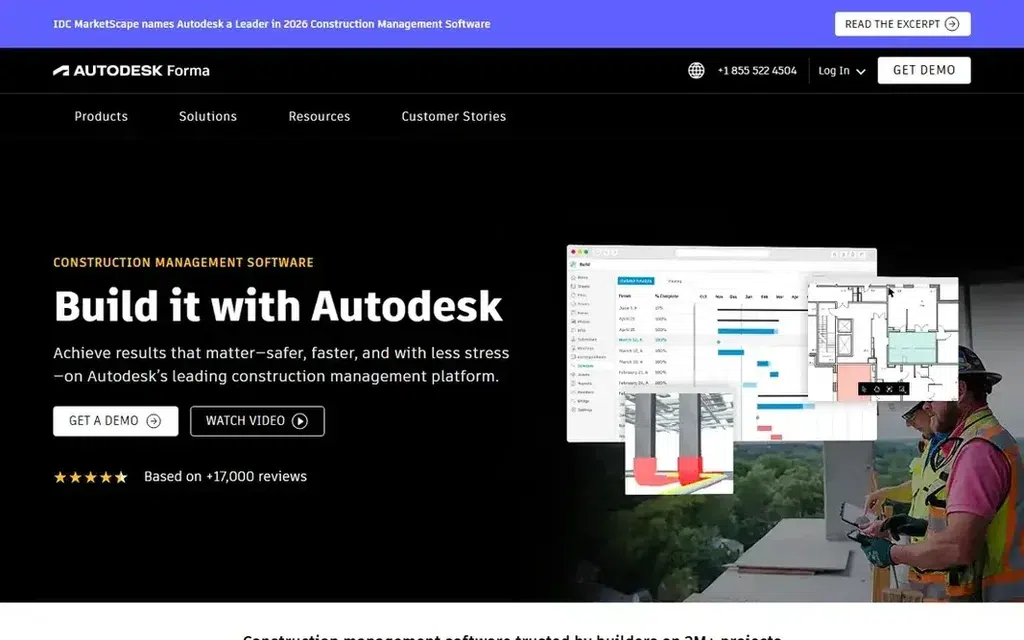
For collaborative project delivery teams, Autodesk Construction Cloud is a natural candidate. Autodesk Construction Cloud, now under Autodesk Forma, lets project teams collaborate securely and quickly so they can deliver projects on time and on budget.
Best features of Autodesk Construction Cloud: Suits design and build workflows.
The system spans plenty of functions, so teams seeking only a schedule may find it wide. It makes most sense for organizations already working within Autodesk workflows and wanting collaboration and scheduling in one place. Check the vendor site for Autodesk Construction Cloud pricing; none is listed in this comparison. Free options: Not stated.
Where it is weaker: Feature breadth can overwhelm new users.
- On-budget delivery
- Secure team collaboration
- Best value when already in Autodesk tools

Think of Procore for connecting site and office scheduling. Procore is a construction management product that links the site and the office, giving teams live visibility to deliver quality projects on time.
It suits general contractors and owners who want scheduling and site coordination in one connected environment instead of separate point tools. Procore does not show a starting price in this comparison, so check the vendor site for current pricing. Trial and free access: Not stated.
Watch-outs: Scheduling is one part of a bigger suite.
- Wide construction management scope
- Links field and office data
- Wide system may feel heavy for small crews
How we chose
Before you commit
- Ask Oracle Primavera P6, Microsoft Project, Autodesk Construction Cloud and Procore for a written quote, since no starting price is shown.
- Look at the free plan from Fieldwire closely: its caps decide whether it is usable for real work.
- Before choosing Oracle Primavera P6, weigh its main limit: steep ramp-up time for new users.
- Compare total cost, not headline price: for Smartsheet, add extra seats, add-ons and any usage-based charges.
- Look at the renewal terms for Fieldwire: auto-renewal, notice periods and price changes can matter more than the first-year price.
FAQ
Is Oracle Primavera P6 the right pick for everyone comparing construction site scheduling software?
No single tool suits every team. Oracle Primavera P6 comes first because it fits large, complex project portfolios, while Smartsheet suits enterprise work governance and visibility and Fieldwire suits field-first task and drawing tracking. Match the tool to your own size, budget and workflow before deciding.
Is a general project tool enough for construction scheduling?
Microsoft Project and Smartsheet offer structured scheduling, resource tracking and governance that can work for construction planning. They are not construction-specific, so site coordination and drawings commonly need extra tools.
What should I check before choosing scheduling software?
Confirm how scheduling links to field updates, drawings and the software you already run, and match depth to your project size. Also review setup and training effort so planners and crews can adopt it rapidly.
Which options for construction site scheduling software have a free plan?
Fieldwire is the only tool in this list with a free plan. Free plans usually cap users, projects or features, so check the limits on the vendor page. Prices, free plan details and limits for all 6 tools in this construction site scheduling software roundup sit on the individual cards above.
Which tool is a good match for complex construction programs?
For most readers this guide would start with Oracle Primavera P6, built for large, complicated project portfolios. Smartsheet is the alternative for enterprise work governance and visibility, and Fieldwire for field-first task and drawing tracking. The right answer depends on budget and workflow.
How are the tools for construction site scheduling software ordered?
The order follows typical fit for construction site scheduling software, with Oracle Primavera P6 first and Procore last, then price clarity and free access. It is editorial judgement, not a score, so another team could rank the tools differently.
Sources
- https://www.oracle.com/construction-engineering/primavera-p6
- https://www.smartsheet.com
- https://www.fieldwire.com
- https://www.microsoft.com/en-us/microsoft-365/project/project-management-software
- https://construction.autodesk.com
- https://www.procore.com