Best Software for Construction Site Surveillance (2026): 5 Picks Checked on Vendor Pages
Weighing the best software for construction site surveillance? We lined up 5 products by cost, free access and fit. Each tool gets a one-line verdict.
- Editor's choice
 Eagle Eye Networks
Cloud video surveillance at scale
Starts atSee websiteVisit eagleeyenetworks.comFull review - Great alternative
 Rhombus
Cloud physical security operations
Starts at$399Visit rhombus.comFull review - Also consider
 Genetec Security Center
Unified physical security software
Starts atSee websiteVisit genetec.comFull review
Direct answer
Start with Eagle Eye Networks if you need cloud video surveillance at scale. Listed starting prices: Rhombus from $399 and Verkada from $799 USD MSRP. Rhombus is the stronger choice for cloud physical security operations, while Genetec Security Center suits unified physical security software. All 5 tools are compared below on price, free plan and limits.
TL;DR:
- Eagle Eye Networks is the opening pick, best for cloud video surveillance at scale.
- No starting price is published for Eagle Eye Networks, Genetec Security Center and Milestone XProtect; expect a quote.
- None of the 5 tools, from Eagle Eye Networks to Verkada, has a free plan, so budget for a subscription or use a trial.
- Verkada fits integrated cloud security for sites.
Last checked November 2026. Prices and plan details were read from the vendors' own pages in November 2026; vendors change plans often, so confirm the current price on the vendor site before you buy.
Quick comparison
| Tool | Best for | Starts at | Free plan? | |
|---|---|---|---|---|
| Eagle Eye Networks | Cloud video surveillance at scale | See website | Not stated | Visit |
| Rhombus | Cloud physical security operations | $399 | Not stated | Visit |
| Genetec Security Center | Unified physical security software | See website | Not stated | Visit |
 Milestone XProtect | Open video management system | See website | Not stated | Visit |
 Verkada | Integrated cloud security for sites | $799 USD MSRP | No | Visit |
The full software for construction site surveillance list
LinkVetted compared 5 tools for software for construction site surveillance. The goal is a practical shortlist: published prices, free plan facts, best-fit use cases and honest limits for every entry.
Eagle Eye Networks is built with cloud video surveillance at scale in mind. Eagle Eye Networks is noted for cloud-based video surveillance that makes it possible for remote monitoring and management.
More specifically, as a cloud-first option, it relies on stable internet at each site. No starting price is listed for Eagle Eye Networks here; confirm pricing on the vendor site. Trial and free access: Not stated.
The main drawbacks: Restricted details on homepage.
- Remote access
- Scalable architecture
- Internet dependency
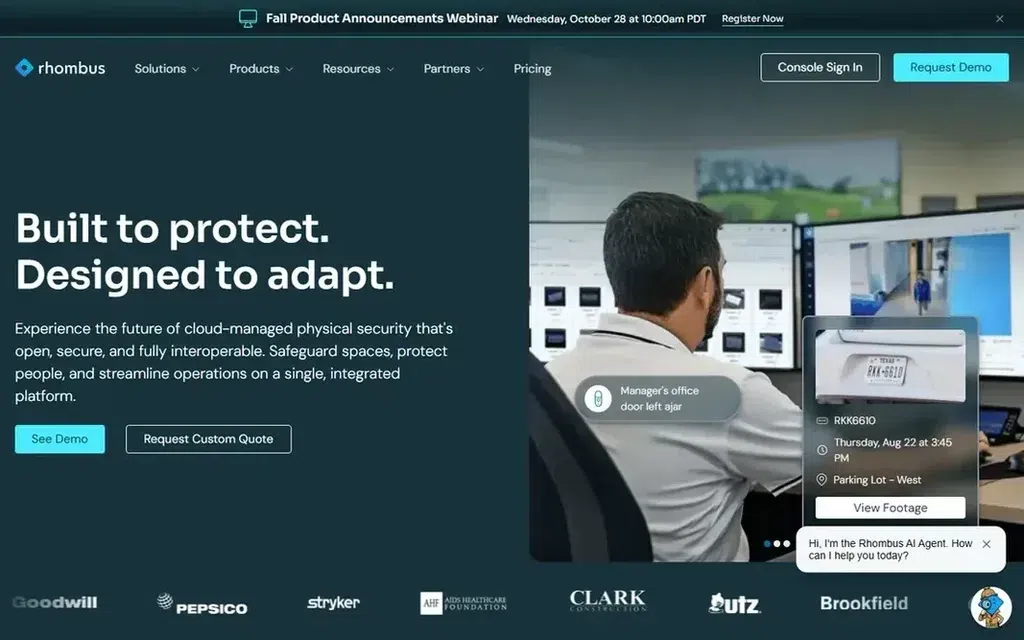
Rhombus serves cloud physical security operations. Rhombus offers a cloud commercial security system meant to deter threats and simplify operations. From a buyer's view, the system emphasizes simplicity and operational efficiency.
Rhombus is cloud-centric, so sites with poor connectivity may need extra planning. It is a solid fit for organizations standardizing on cloud security, while those requiring deep on-premises customization might consider other choices. What you pay to start with Rhombus: $399. Free options: Not stated.
Trade-offs to know: Cloud dependency.
- Cloud commercial security system
- Simplified operations
- Restricted on-premises choices
Genetec Security Center is a good fit for unified physical security software. Genetec's full feature set can mean a steeper ramp-up time and more complicated configuration.
Check the vendor site for Genetec Security Center pricing; none is listed in this comparison. Free options: Not stated.
Where it is weaker: Higher ramp-up time.
- Integrates video and access control
- Unified system
- Complicated configuration
Milestone XProtect is aimed squarely at open video management system. The system is noted for its interoperability. It is a strong match for teams with IT resources and a preference for on-premises control.
Where it falls short: On-premises focus.
Those wanting a fully managed cloud experience may look elsewhere. Beyond that, Milestone XProtect is a leading open video management software that supports a wide range of cameras and integrations. Milestone XProtect shows no starting price here, so confirm the cost on the vendor site. On free options: Not stated.
- Broad device support
- Scalable VMS
- Needs technical expertise
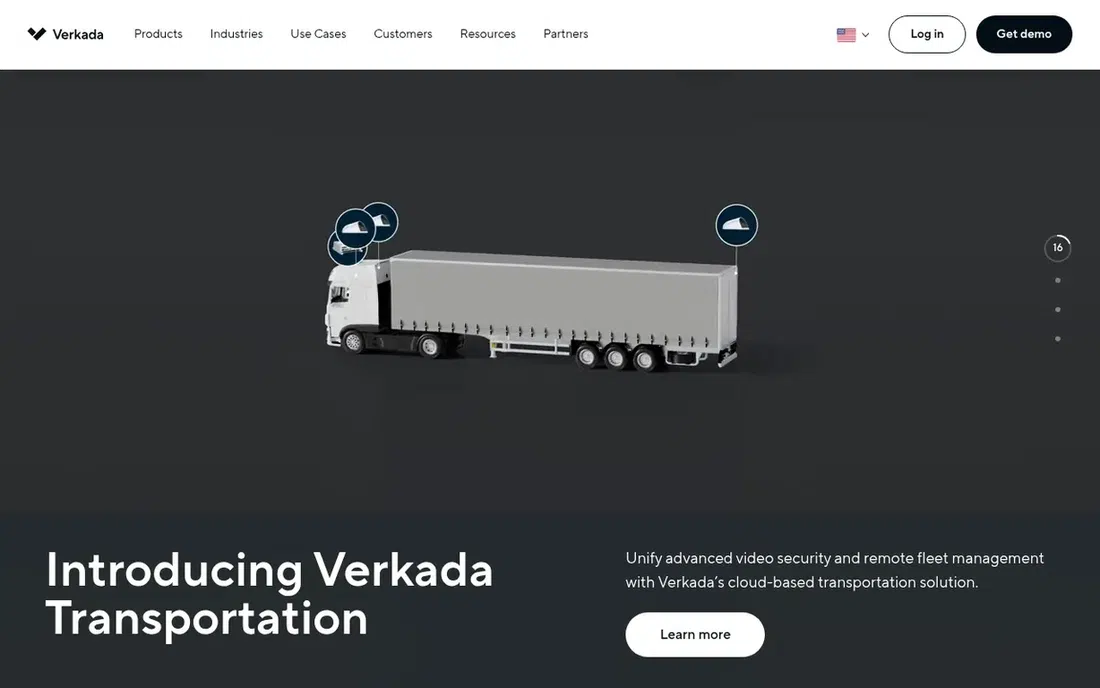
In short, Verkada is for integrated cloud security for sites. In practice, since Verkada depends on cloud connectivity, sites with unreliable internet may face limitations.
Those needing deep external hardware integration may prefer an open VMS. Beyond that, the cloud architecture eases setup and continuing administration across several sites. The starting price for Verkada: $799 USD MSRP. No free plan comes with Verkada.
The main drawbacks: Needs cloud connectivity.
- Cloud-managed cameras and access control
- Single integrated system
- Restricted offline functionality
How the list was put together
We compared the tools on published pricing, free plan or trial availability, feature coverage for software for construction site surveillance, and the limits each vendor documents. Prices and plan limits come from vendor pages and can change, so confirm them on the vendor site before you buy. We ordered the tools by general fit, then by how clearly pricing is shown, then by free access. A buyer with unusual needs may reorder them.
Things to verify first
- Confirm the entry price on the vendor page. For Eagle Eye Networks, Genetec Security Center and Milestone XProtect that means a quote rather than a fixed price.
- Read the limits listed for Eagle Eye Networks first: internet dependency.
- Involve the people who will use Verkada daily; a short pilot beats a long feature checklist.
- Confirm you can export your data from Rhombus, so leaving later does not mean losing records.
- Look at the help docs and support options for Eagle Eye Networks before you commit.
FAQ
Does any tool for software for construction site surveillance here have a free plan?
No tool in this list, Eagle Eye Networks and Verkada included, has a permanent free plan. Trials and quotes are the usual route, so plan a short evaluation period.
Do these tools publish their prices?
Not all of them. Eagle Eye Networks, Genetec Security Center and Milestone XProtect publish no starting price, so expect a quote request for those. The rest, Rhombus included, show a starting price, though seats and billing terms still change the final cost.
Can I try these tools before paying?
Not by default. None of the tools, from Eagle Eye Networks to Verkada, lists a free plan or a free trial here, so ask each vendor for a demo before committing.
How do open VMS systems differ from cloud-managed systems?
Open VMS products like Milestone XProtect support a broad set of external hardware and offer flexibility but need more technical administration. As for the details, cloud-managed systems like Verkada ease setup and remote access but may limit hardware choices.
Is cloud-based surveillance suitable for remote construction sites?
Cloud-based systems can be suitable if sites have stable internet, enabling remote viewing and management. On top of that, evaluate connectivity before choosing.
Is Eagle Eye Networks the right pick for everyone comparing software for construction site surveillance?
No single tool suits every team. Eagle Eye Networks comes first because it fits cloud video surveillance at scale, while Rhombus suits cloud physical security operations and Genetec Security Center suits unified physical security software. Match the tool to your own size, budget and workflow before deciding.
Sources
- https://www.eagleeyenetworks.com
- https://www.rhombus.com
- https://www.genetec.com
- https://www.milestonesys.com
- https://www.verkada.com